
Schedule Podcast Clips to Every Platform at Once


To schedule one batch of clips across every platform at once, build the clips in a single tool, attach a per-platform caption and time, and queue the whole batch in one pass. The catch: most platforms now auto-publish through their official API, but a few, chiefly personal Instagram accounts and any Story, still only support a reminder-push that you tap to send. Plan for both.
That distinction is the whole game. "Schedule to all platforms" sounds like one button, and for six or seven of your destinations it nearly is. For the rest, a scheduler can only buzz your phone at the right minute. Knowing which is which before you build your queue saves you from the worst outcome: thinking a week of posts is live when three of them never went out.
This guide gives you the single-queue workflow, a sourced map of where true API scheduling works in 2026, and a per-audience staggering rule so the same clip lands at the right hour on each network instead of one compromise time everywhere.
Why one queue beats nine tabs
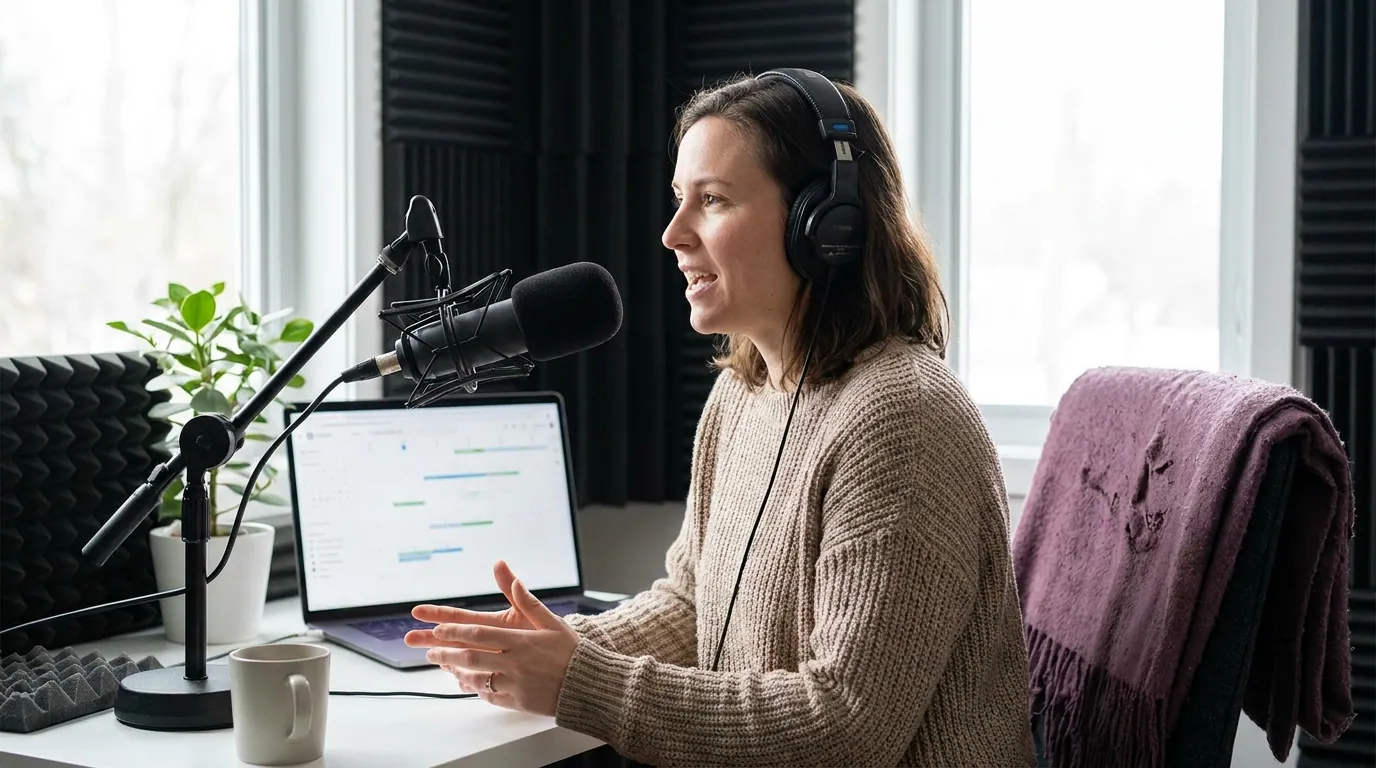
Distribution is where most clipping effort leaks. You can cut ten good clips from an episode and still post two, because posting them one platform at a time, by hand, is the part nobody has the discipline to finish on a Tuesday night. Clips are not a side hobby, 57% of podcast listeners now rely on social media for recommendations, edging past the 54% who rely on friends and family, the first time social media has taken the top spot, a shift the researchers credit to video and clips (InsideRadio, 2026). If the clips don't ship, the discovery doesn't happen.
The single-queue model fixes the leak. You assemble the batch once, set each destination's caption and time once, and approve once. The work that used to be nine separate posting sessions collapses into one. Here is the shape of it.
Which platforms actually support scheduling, and which don't
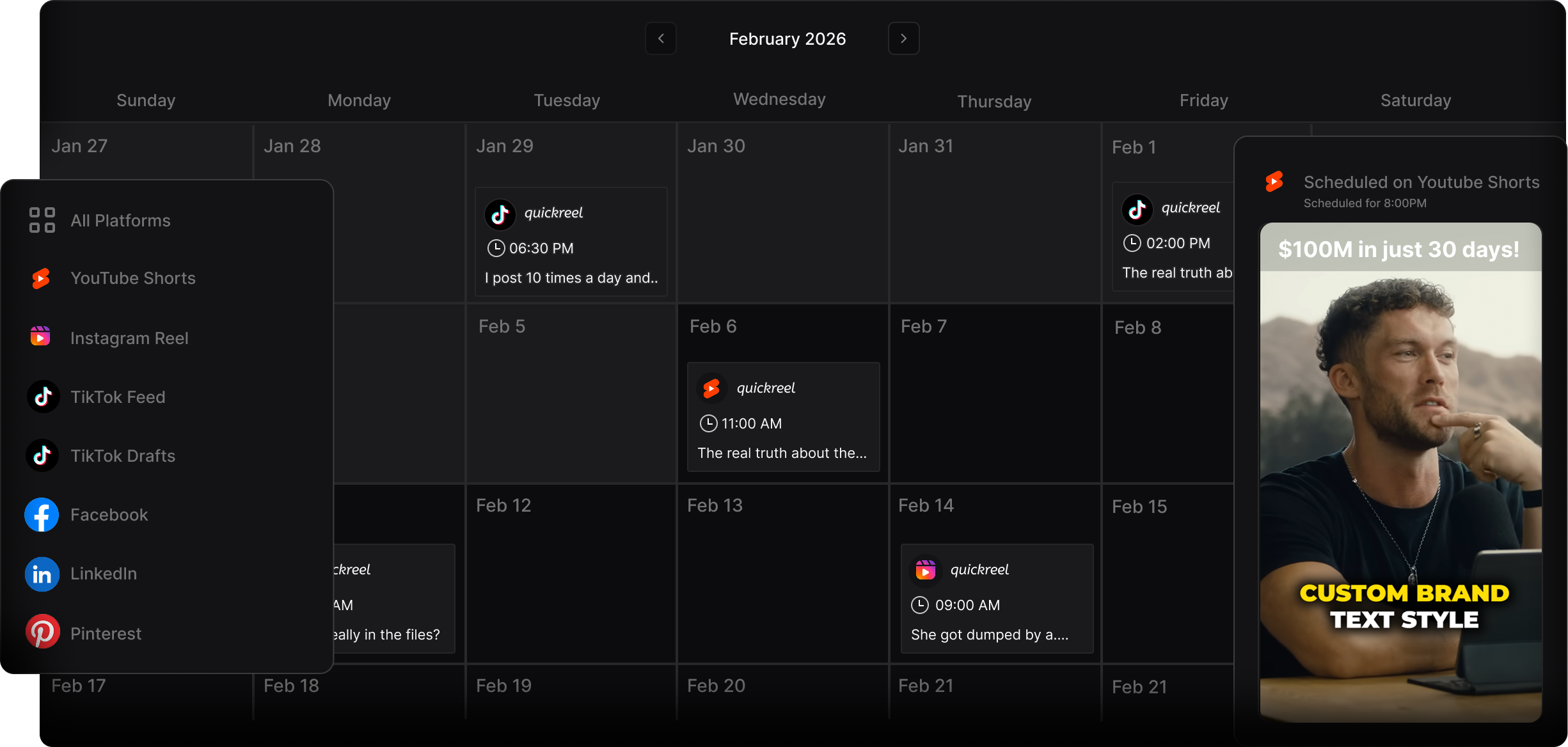
Most destinations auto-publish through their official APIs in 2026: TikTok, YouTube Shorts, Instagram Reels and Facebook on Business/Creator accounts, Threads, Pinterest, and LinkedIn. The reliable exceptions are personal Instagram accounts, Instagram Stories outside Business accounts, and X, which has no general scheduling endpoint. For those three, a scheduler can only send you a reminder to post manually.
Three sources matter here, because the gaps are platform decisions, not tool failures.
Auto-publish, no babysitting. TikTok runs a production-grade Content Posting API with a Direct Post mode, though it requires your tool to pass a content audit first. Pinterest has the cleanest setup, a native publish_at timestamp baked into its API, so a scheduled pin is treated exactly like a manual one (Zernio, 2026). Threads publishes through Meta's official API. YouTube Shorts schedule via the Data API's future publishAt.
The Instagram trap. Instagram's publishing API works only for Business and Creator accounts; a personal account cannot auto-publish a Reel through any third-party tool (Zernio Instagram API, 2026). Converting to a Business account is free and takes under a minute in app settings, do it before anything else. Even on a Business account, Stories with certain interactive elements can drop to reminder mode, where the tool buzzes your phone and you finish the post in the app.
The X problem. The standard X API v2 has no scheduling endpoint at all, POST /2/tweets publishes immediately, and X API access now starts at roughly $100/month, with a pay-per-use model charging about $0.010 per post created (Zernio X API pricing, 2026). For most podcasters, native X scheduling or a reminder is the sane path, not paid API posting.
The single-queue workflow, step by step
Here is the sequence I use to push one episode's batch to nine destinations in a single sitting. It takes ten to fifteen minutes once your accounts are connected.
- Generate the batch from the episode. Drop the full episode in and let the tool surface the eight to twelve strongest moments. Don't over-cut, pick the best AI-suggested clips rather than queuing everything, because a weak clip on six platforms is still a weak clip.
- Connect accounts as Business/Creator where it matters. Instagram, Facebook, and Pinterest all need a professional account for auto-publish. Convert them now; the free switch changes nothing your audience sees.
- Set one caption per destination, not one caption everywhere. LinkedIn wants a one-line context hook; TikTok wants the spoken line as a caption; Shorts want a tight title. Reusing identical copy across all nine reads like a bot.
- Assign post times per platform, not one global time. This is the staggering step, covered in detail below. Your scheduler should let you set a different time for each network in the same queue.
- Mark the reminder-only destinations. Tag personal IG, Stories, and X as push-reminder. You will get a notification at the scheduled minute; budget for the manual tap.
- Approve the whole batch once, then leave it. Review each clip's first frame and caption in the queue view, hit schedule, and close the laptop. The platforms take it from there.
A scheduler that connects to enough destinations is the only hard requirement. QuickReel includes a social media scheduler on every tier, with platform connections scaling from one on Starter up to 30 on Ultimate (QuickReel pricing), enough headroom to route a single batch everywhere it should go, including turning episodes into YouTube Shorts.
How to stagger post times per audience
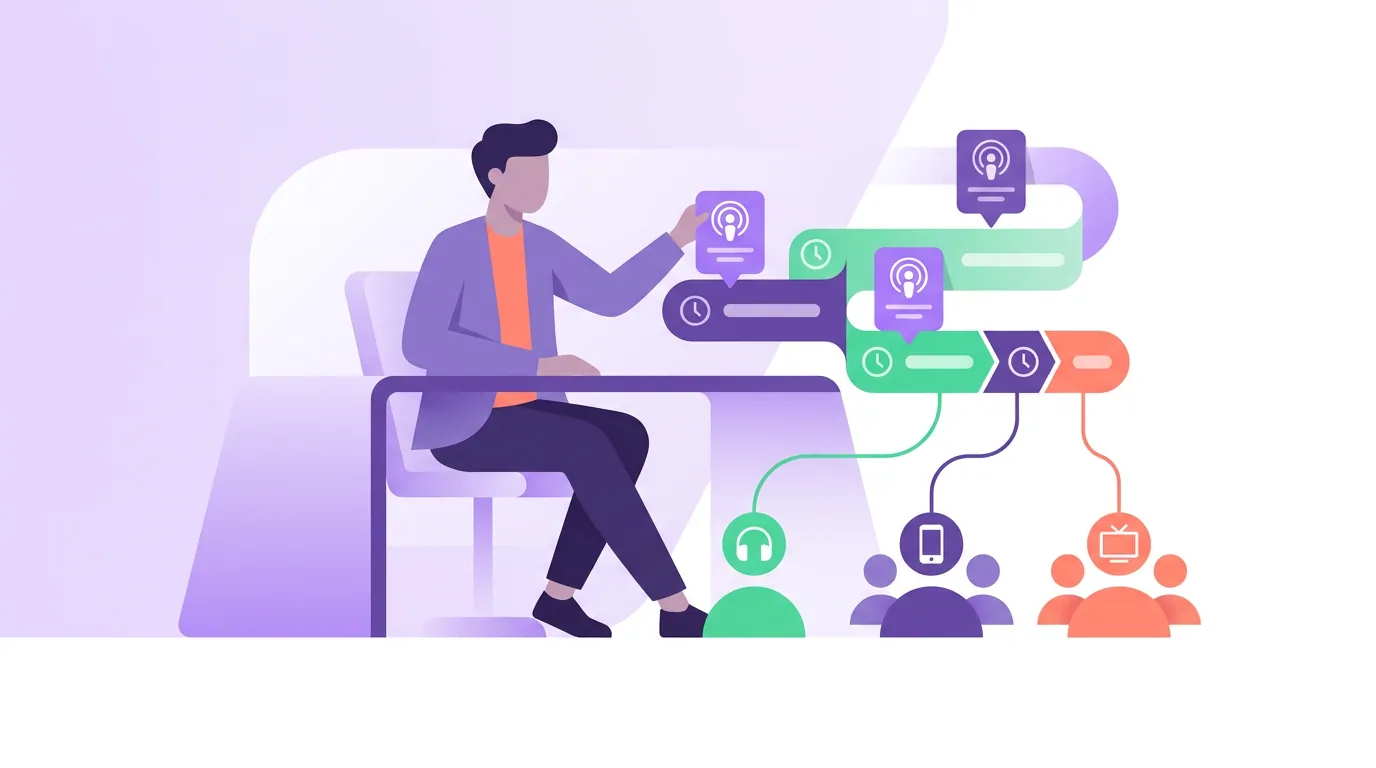
Don't post the same clip to every platform at the same minute. Each network has a different active window, so a single global time optimizes for none of them. The clean rule: morning for Shorts, midday for Reels, business hours on weekdays for LinkedIn, and evening for TikTok. Same clip, four different times, set in one queue.
The staggering logic comes straight from where each audience actually shows up. Instagram users treat the app as a midday break, Sprout Social's 2026 data points to a dense late-morning-through-early-afternoon window, while Metricool's 2026 study flags an 8:00 PM spike too (Sprout Social, 2026; Metricool, 2026). TikTok runs the opposite rhythm: its peak window is the evening, with engagement strongest between 6:00 and 11:00 PM, when people give short-form their sound-on attention (Buffer's 2026 analysis of 7.1M TikTok posts). YouTube Shorts behave like TikTok, not like long-form YouTube, morning micro-breaks on weekdays. LinkedIn is strictly weekday business hours, Tuesday to Thursday; on Fridays and weekends it goes quiet.
One honest caveat: timing nudges reach at the margin; it doesn't rescue a weak clip. The studies don't even agree with each other on the best days for TikTok, Sprout favors Tuesday-to-Thursday afternoons, while Buffer's larger dataset names Sunday at 9 AM as the single best slot and points to Friday evenings (Sprout Social, 2026; Buffer, 2026). That disagreement is the tell: treat these as defaults, then let your own analytics overwrite them after a month. A great clip at a mediocre hour still beats a weak clip at the perfect minute.
Common mistakes that break a multi-platform queue
- Posting from a personal Instagram account. No third-party tool can auto-publish, so the post you thought was scheduled never fires. Convert to Business before you build the batch.
- Trusting "scheduled" to mean "auto-posted." Always check which mode each destination is in. A reminder-push on three of nine platforms means three manual taps you have to actually make. If you're traveling that day, those posts skip.
- Reusing one caption nine ways. Identical copy across networks tanks reach and reads as automated. Write a per-platform line; it takes thirty seconds per clip.
- Cross-posting a TikTok with the watermark still on it. Reels and Shorts suppress reach on videos carrying a rival platform's logo. Export clean files from your editor, not re-downloads. The same rules differ by network, see the per-platform guides for TikTok, Instagram Reels, and LinkedIn.
- Queuing every clip the tool suggests. Volume without selection dilutes the account. Curate down; the way AI clip detection works means it surfaces candidates, not finished decisions.
Frequently asked questions
Can I really post to all platforms with one click? Almost. Six to seven destinations auto-publish from one queue once your accounts are connected as Business/Creator. Personal Instagram, Instagram Stories, and X usually fall back to a reminder-push you tap manually. Plan a batch as "auto-publish set + reminder set," not one universal button.
Do I need a Business account for everything? For auto-publishing to Instagram, Facebook, and Pinterest, yes, their publishing APIs require a professional account (Zernio, 2026). Converting is free, takes under a minute, and is invisible to your audience. YouTube, TikTok, LinkedIn, and Threads don't require it.
Should every platform get the same clip at the same time? No. Stagger the times, morning for Shorts, midday for Reels, weekday business hours for LinkedIn, evening for TikTok (Sprout Social, Buffer, Metricool, 2026). The clip can be the same; the post time should not be.
How many clips should I queue per episode? Eight to twelve strong moments, not everything the tool finds. Quality of selection matters more than raw count, a weak clip multiplied across nine platforms is still nine weak posts.
What about X, is it worth scheduling there? For most podcasters, use X's native scheduler or a reminder. Its API has no general scheduling endpoint and access now starts around $100/month with per-post charges (Zernio X API pricing, 2026), not worth it for organic clip posting.