
Turning Podcast Episodes Into YouTube Shorts

To turn a podcast episode into YouTube Shorts: pull 5–10 self-contained moments, cut each to vertical 1080×1920 (9:16), keep most under 45 seconds, burn in captions, and upload them as their own posts, not as links inside the long video. The trap is treating Shorts like a trailer for your channel. The Shorts feed is a separate surface from your main channel, and the people who find you there behave differently from your existing subscribers.
That difference is the whole game. A Short that wins in the feed is built for someone who has never heard of your show and is swiping at speed. A long-form video is built for someone who already chose to watch. Cut for the wrong one and you get views that never become anything. This guide covers the current specs, how the two feeds actually behave, when a Short should point back to the full episode, and the subscriber lag almost no one warns you about.
Why bother putting podcast clips on Shorts at all
Because the audience moved there. YouTube reported more than 1 billion monthly podcast viewers worldwide in early 2025 (Variety, Feb 2025), and 53% of new US weekly listeners now say they prefer to watch a podcast rather than only listen, up from 30% in April 2022 (Backlinko). The discovery happens before the long watch, 57% of listeners now rely on social media for podcast recommendations, the first time that surpassed friends and family (InsideRadio).
Shorts are where that discovery runs on YouTube. The honest caveat: volume is not value. Views are not subscribers, and subscribers are not listeners. Most of this guide is about closing those gaps deliberately instead of hoping they close themselves.
YouTube Shorts specs for podcast clips (2026)
Vertical or square, three minutes or less, and YouTube classifies it as a Short automatically. As of October 15, 2024, any video uploaded with a square or vertical aspect ratio up to three minutes long is categorized as a Short, no #Shorts tag required (YouTube Help). Export at 1080×1920, 9:16, MP4/H.264, 30fps, and you are inside spec. Anything wider than square (16:9, 4:3) is treated as a normal upload.
| Setting | Use this | Note |
|---|---|---|
| Aspect ratio | 9:16 vertical (1:1 square also counts) | Must be at least as tall as it is wide |
| Resolution | 1080×1920 | YouTube serves Shorts at 1080p max |
| Max length | 3 minutes (180s) | Limit raised from 60s on Oct 15, 2024 |
| Best length for clips | 15–45 seconds | Retention beats runtime; most strong clips land here |
| Format | MP4, H.264, 30fps | Keep text out of the right-side UI zone |
Two specifics that bite podcasters. First: a Short over one minute that picks up an active Content ID claim gets blocked globally until resolved (YouTube Help), so be careful with intro music and licensed tracks in longer clips. Second: the three-minute ceiling is not a target. You can post a two-minute Short; you usually shouldn't. A tight clip people finish out-reaches a long one they swipe away from, because completion rate is what the feed rewards.
How the Shorts feed behaves differently from your main channel
The Shorts feed and the long-form watch page are two different viewing surfaces with two different audiences. People reach the Shorts feed by tapping the Shorts tab and swiping a never-ending vertical stream; they reach a long-form video by choosing it from search, the homepage, or their subscriptions (YouTube Help). The watch page is a deliberate choice. The Shorts feed is ambient, viewers land on your clip without intending to, so the first second has to earn the next.
This is why a clip that performs as a Short is not the same edit as a clip that performs on the watch page. On the Shorts shelf you are competing with the swipe. You front-load the payoff, you caption everything because the viewer arrived mid-thought, and you build for a stranger. On the watch page the viewer already opted in, so context and slow build are fine. Same raw footage, different cut.
The steps: cut a podcast episode into Shorts
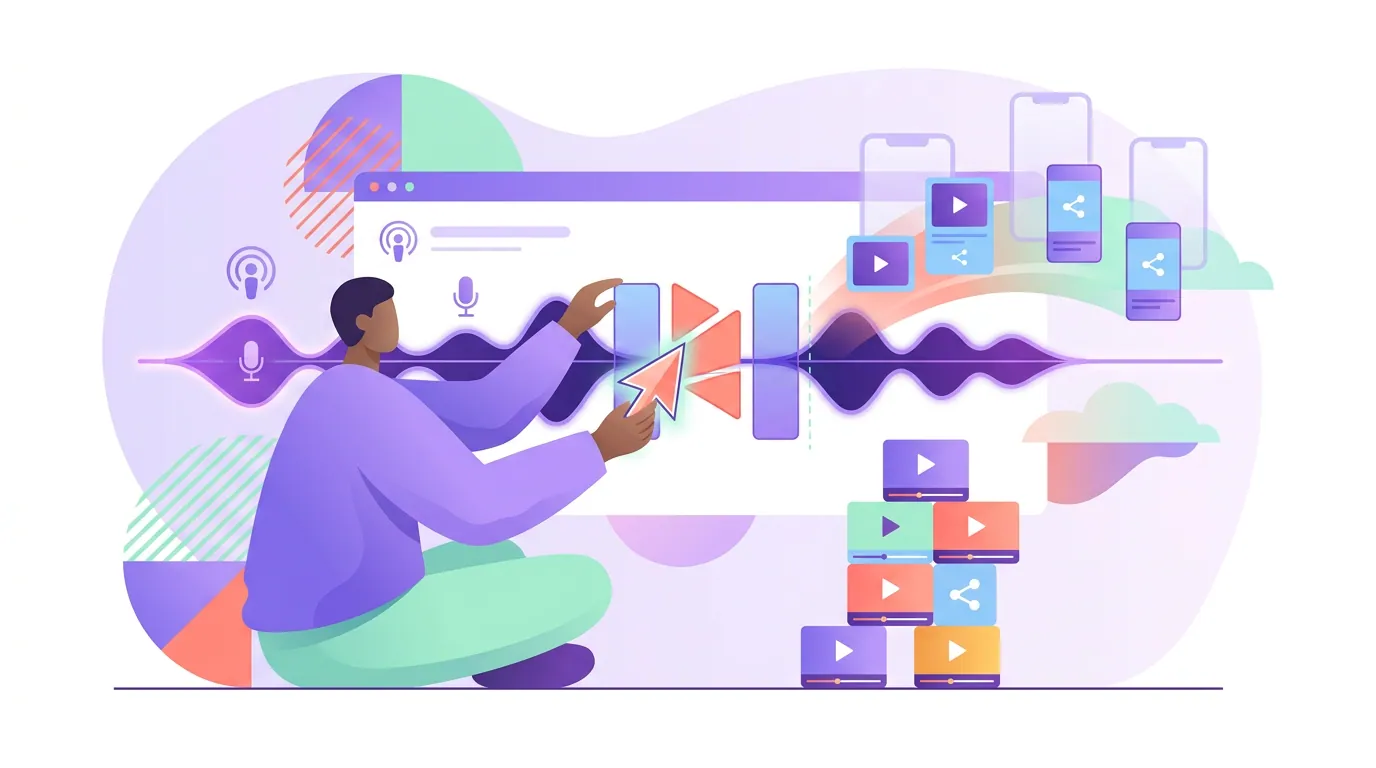
- Find 5–10 self-contained moments. A Short has to make sense to someone who missed everything before it. Look for a complete thought: a sharp answer, a story with a turn, a number that surprises, a disagreement. If a moment needs the previous five minutes to land, it is a watch-page clip, not a Short. (If you use AI suggestions to surface these, sanity-check them, see how to pick the best AI-suggested clips.)
- Cut the dead air at the front. Trim the first 1–1.5 seconds before the speaker actually says the thing. On the Shorts shelf the hook is the opening line, not a logo sting or a "welcome back."
- Reframe to 9:16. Keep the active speaker centered. If two people are talking, cut between them so the face matches the voice rather than fitting both in a tiny strip.
- Burn in captions. Most feed viewing happens on mute or in noisy places, and the viewer arrived mid-conversation, so on-screen words carry the clip. This is non-negotiable for Shorts.
- Write a hook line and a real title. The first caption frame and the title both work as a hook. "The one mistake new investors make" beats "Episode 42 clip."
- Decide the link-back, then upload. Most clips stand alone; some should point to the full episode (the next section is the rule). Upload as individual posts, spaced out, not five at once.
A 20-minute episode usually contains 20–30 cuttable moments, but you do not post all of them. Pick the 5–10 that pass step one. The rest are filler, and filler trains the feed to stop showing you.
When a Short should link back to the full episode (and when it shouldn't)
Point a Short at the full episode only when the clip leaves a real question open and the episode answers it. A clip that ends on a cliffhanger, a "here's the framework, I break down all five steps in the episode," or an unfinished story earns the click. A clip that fully resolves on its own does not, telling those viewers to "watch the full episode" just interrupts a good moment and lowers completion, which is the metric the feed cares about most.
The mechanics: YouTube lets you link a Short to a related video, and you can add a pinned comment or a verbal "full episode on the channel." Use it sparingly. Treat every viral Short as the start of a conversion sequence, not an advertisement, the Short earns the attention, and the long-form video is where that attention turns into something durable. A useful default: link back on roughly one in three Shorts, on the ones that genuinely tease more, and let the rest stand alone.
The subscriber lag no one warns you about
Subscribers you gain from Shorts watch your long-form videos at a lower rate than subscribers you gain from long-form, and the conversion shows up on a delay, not the day the clip goes viral. Most Shorts views come from non-subscribers in the feed, so a Short that hits big can add subscribers who tapped "subscribe" on a 30-second clip without ever developing an interest in your full show. They are passive followers, and passive followers do not reliably watch new uploads.
This is the trap behind "800,000 views, 3,000 subscribers, then a new episode gets 400 views." The fix is patience plus a bridge. AIR Media-Tech's analysis of 274 channels across 13 niches, figures pulled directly from each channel's YouTube Analytics API, found Shorts RPM runs just 3–14% of long-form RPM in almost every niche, and for most channels Shorts make up under 2% of total revenue while eating up to a third of total views (AIR Media-Tech, 2026). Their conclusion: the value of Shorts is not the pennies they pay per view (the commonly reported direct-pay range is roughly $0.03–$0.20 per 1,000 views), it is the long-form sessions Shorts viewers go on to watch, and that payoff compounds over months as Shorts subscribers slowly find your catalog, not in the first week.
So the metric that matters is not views per Short. It is the share of Shorts viewers who become subscribers who then watch long-form, visible in YouTube Studio under "Subscriber source." Track that number, and judge a clipping strategy by it, not by the view counter.
Common mistakes (and the fix)
- Posting the same horizontal clip without reframing. A 16:9 clip is not a Short and will be treated as a normal upload. Reframe to 9:16 every time. Fix: crop to vertical with the speaker centered before you upload.
- No captions. Feed viewers arrive mid-conversation and often on mute. A Short without burned-in captions loses them in the first second. Fix: caption all of them, then proofread names and numbers.
- A logo or "welcome back" intro. That is three wasted seconds on a swipe surface. Fix: start on the first real sentence.
- Forcing "watch the full episode" on every clip. It tanks completion on clips that already resolved. Fix: use the link-back rule above, roughly one in three.
- Judging by views. A clip can get a million views and convert nobody. Fix: watch Subscriber source and long-form watch-time from Shorts traffic, not the view number.
Tools
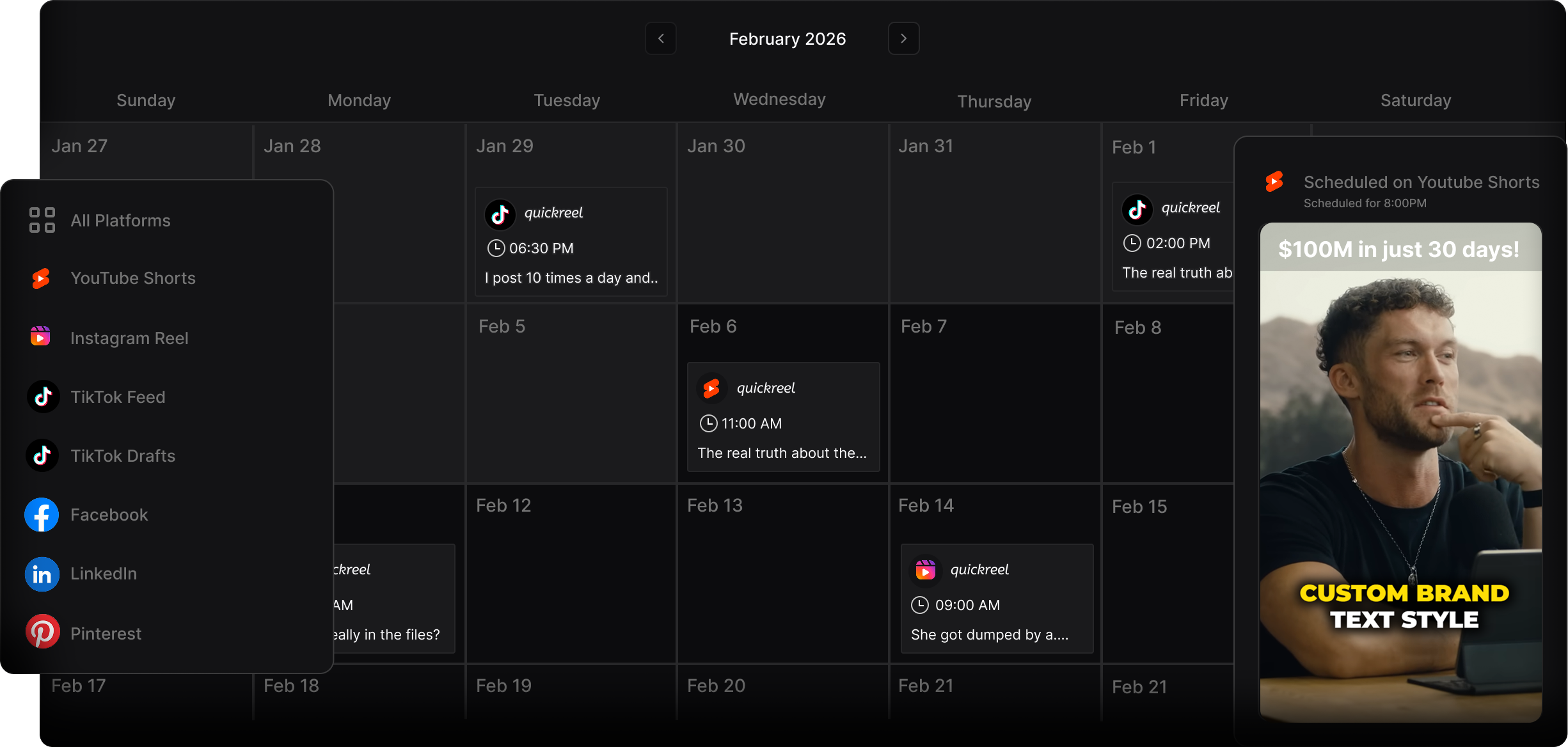
You can cut Shorts by hand in any vertical editor, CapCut and Premiere both reframe to 9:16 and burn captions. That works fine for a few clips a week; it gets slow when you want 5–10 per episode across platforms. AI clippers (QuickReel, Opus Clip, and others) speed the find-and-cut step by surfacing candidate moments and auto-captioning, which is where most of the manual time goes. The honest framing: every AI clipper still needs roughly 20–40% human review, to fix a cut point, a caption typo, or a moment that needs the previous minute to land. Treat the tool as an accelerant, not an editor. QuickReel is freemium ($9 Starter, ~$17.40 Pro at current pricing), does 9:16 reframing, 12+ caption styles, 20+ languages, and scheduling to multiple platforms, which matters if you also post the same clips to TikTok, Instagram Reels, LinkedIn, or X (Twitter).
FAQ
How long should a podcast YouTube Short be? Aim for 15–45 seconds for most clips. The platform allows up to three minutes (YouTube Help), but completion rate drives reach in the Shorts feed, and shorter clips that people finish out-perform longer ones they swipe away from. Use the full three minutes only when a story genuinely needs it.
Do podcast Shorts hurt my main channel? Not if you watch the right metric. The risk is gaining passive Shorts subscribers who never watch long-form, which can soften long-form recommendations. Track Subscriber source and long-form watch-time from Shorts traffic in YouTube Studio, and use link-backs on clips that tease more.
Should every Short link to the full episode? No. Link back only when the clip leaves a real question open, a cliffhanger, an unfinished story, or a teased framework. On clips that fully resolve, a "watch the full episode" CTA interrupts the moment and lowers completion. Roughly one in three is a sane default.
Do I need to add the #Shorts hashtag? No. YouTube classifies any vertical or square video up to three minutes as a Short automatically based on aspect ratio (YouTube Help). The tag can help discovery slightly but is not required for classification.
How many Shorts should I post per episode? Five to ten well-chosen clips per episode, posted on separate days rather than dumped at once. A 20-minute video can yield 20–30 raw pieces, but only post the ones that stand alone and earn the swipe. Filler trains the feed to stop showing you.