
Podcast Clips on LinkedIn That Actually Get Watched

Cut 30 to 60 seconds of one strong idea, burn in captions, and export square (1:1) or 4:5, not full 9:16. LinkedIn autoplays muted in a feed people scroll between meetings, so the captions carry the message and the squarer frame fills more of the screen. Lead with the insight, not a greeting.
LinkedIn is the one platform where the clip's job is not entertainment, it's credibility. The audience is professionals deciding whether your guest is worth following, whether your show is worth a listen, whether you know what you're talking about. That changes which 45 seconds you clip, how you caption it, and which format you publish in.
This guide gives you the exact specs that matter on LinkedIn, the document-carousel-vs-native-video reach tradeoff most podcasters never consider, and a B2B rule for picking the moment to cut.
Why are captions mandatory for LinkedIn podcast clips?
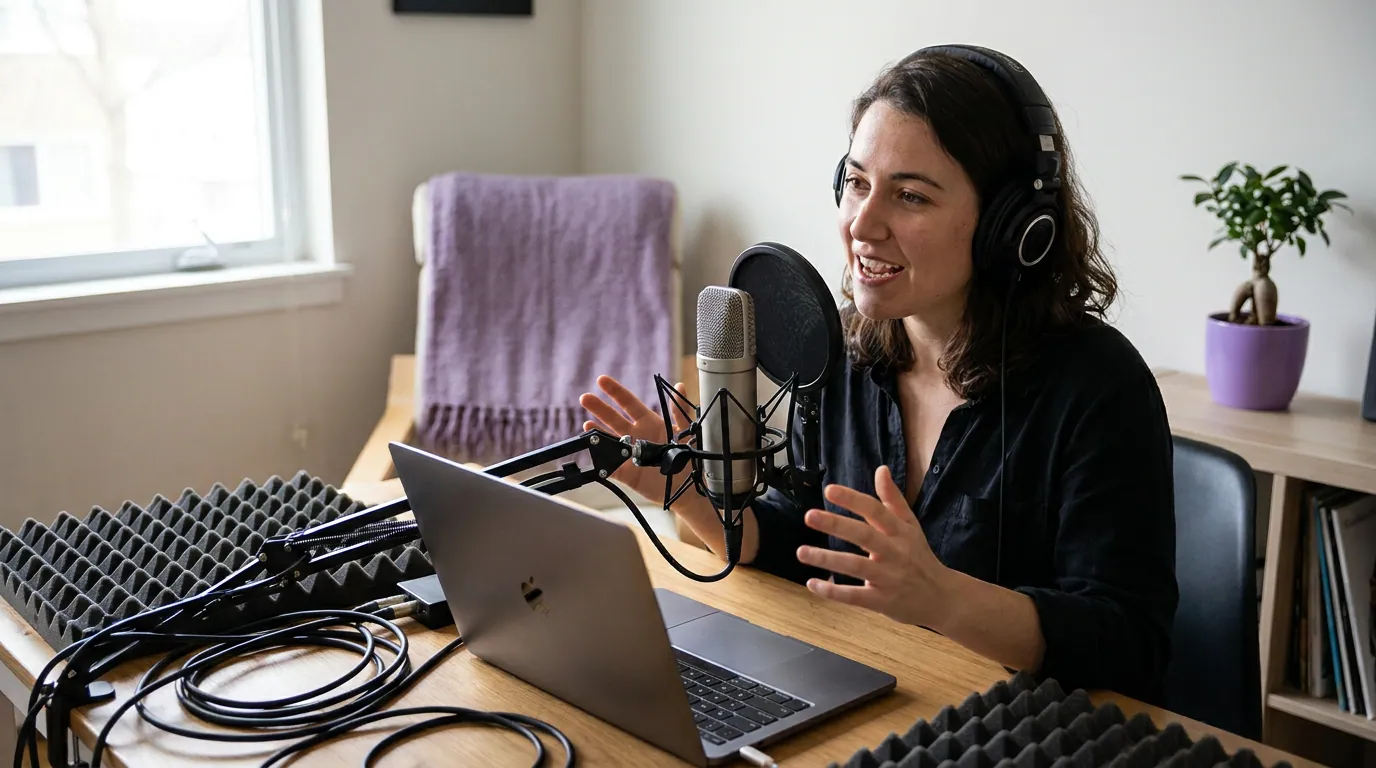
Because LinkedIn autoplays video on mute, silently, in the feed, on both desktop and mobile (LinkedIn Help), and most people never tap to enable sound. If your clip's value lives in the audio, a silent viewer sees a talking head and scrolls past. Burned-in captions make a muted clip legible in the first second, and on this feed the styling stays restrained, which is its own LinkedIn captioning discipline.
The behavior is well documented. Industry compilations of LinkedIn platform data put silent viewing around 80% of LinkedIn video views, with captioned video reported as meaningfully more engaging than uncaptioned (zebracat, LinkedIn video statistics; these are vendor-aggregated, platform-reported figures, treat as directional, not audited). The exact percentage is contested across sources; the direction is not. Plan as if every viewer has the sound off, because most do.
This matters more on LinkedIn than anywhere else for one reason: the cross-platform norm that most social video is watched on mute is commonly cited at 75–85% (Verizon Media/Sharethrough reported ~75%; Digiday reported ~85% of Facebook video muted in 2016, both publisher-reported and directional). On TikTok, sound is part of the culture and many viewers turn it on. On LinkedIn, the muted-by-default feed plus a professional context where people watch in open offices and between calls pushes that number to the high end. Captions are not a nice-to-have here; they are the format.
What aspect ratio should LinkedIn podcast clips use?
Use square (1:1) or 4:5 vertical, not full-screen 9:16. LinkedIn's own ad specs list 1:1, 4:5, 9:16, and 16:9 as supported, all the way up to 1080 × 1920 (LinkedIn video ad specs). The reason to favor the squarer frames isn't a LinkedIn ranking, the spec page doesn't rank them, it's mechanical: square and 4:5 fill the feed column on both mobile and desktop, while a 9:16 vertical clip can show black bars or get cropped on the desktop feed, where a meaningful share of LinkedIn use still happens.
This is where reflexively repurposing your TikTok clip backfires. A 9:16 cut sized for a phone's full screen looks native on TikTok and Reels but renders narrow with padding on a LinkedIn desktop feed, wasting screen space against competitors' square posts. The squarer the frame, the more of the scroll it occupies. Here are the formats that matter, from LinkedIn's documentation:
| Format | Pixels (1080p) | Use it for |
|---|---|---|
| Square (1:1) | 1080 × 1080 | Default, safe on mobile and desktop |
| Vertical (4:5) | 1080 × 1350 | Most mobile screen without desktop cropping |
| Vertical (9:16) | 1080 × 1920 | Mobile-only; bars/crop risk on desktop |
| Landscape (16:9) | 1920 × 1080 | Repurposing a webinar or full episode |
A practical default: export square at 1080 × 1080 with captions in the safe center, and you'll never look wrong on either device. If your show already produces 9:16 clips for TikTok and Instagram Reels, re-export a square or 4:5 version specifically for LinkedIn rather than dropping the tall file in.
The document-vs-video reach tradeoff
LinkedIn rewards two formats unusually well: native video and document carousels (PDF-style swipeable slides). They serve different jobs, and choosing wrong wastes a good moment. Use native video when the value is a person saying something, a contrarian take, a sharp answer, a story. Use a document carousel when the value is a list, a framework, or a set of numbers a reader wants to swipe through and save.
A talking-head clip of your guest delivering one strong line builds the human credibility that makes someone follow them and click to the episode. A carousel of "five things the guest got right about pricing" gets saved and reshared, but it removes the person from the moment. The honest tradeoff: video earns connection and episode clicks; carousels earn saves and broad reach but rarely send anyone to the show.
The strongest LinkedIn play for a podcast is to pair them: post the native video clip of the guest's best line, then post a separate document carousel later in the week summarizing the episode's framework, linking back to the full show. The video earns the credibility; the carousel earns the reach. Most podcasters only ever post one or the other.
The B2B rule: which 45 seconds to clip
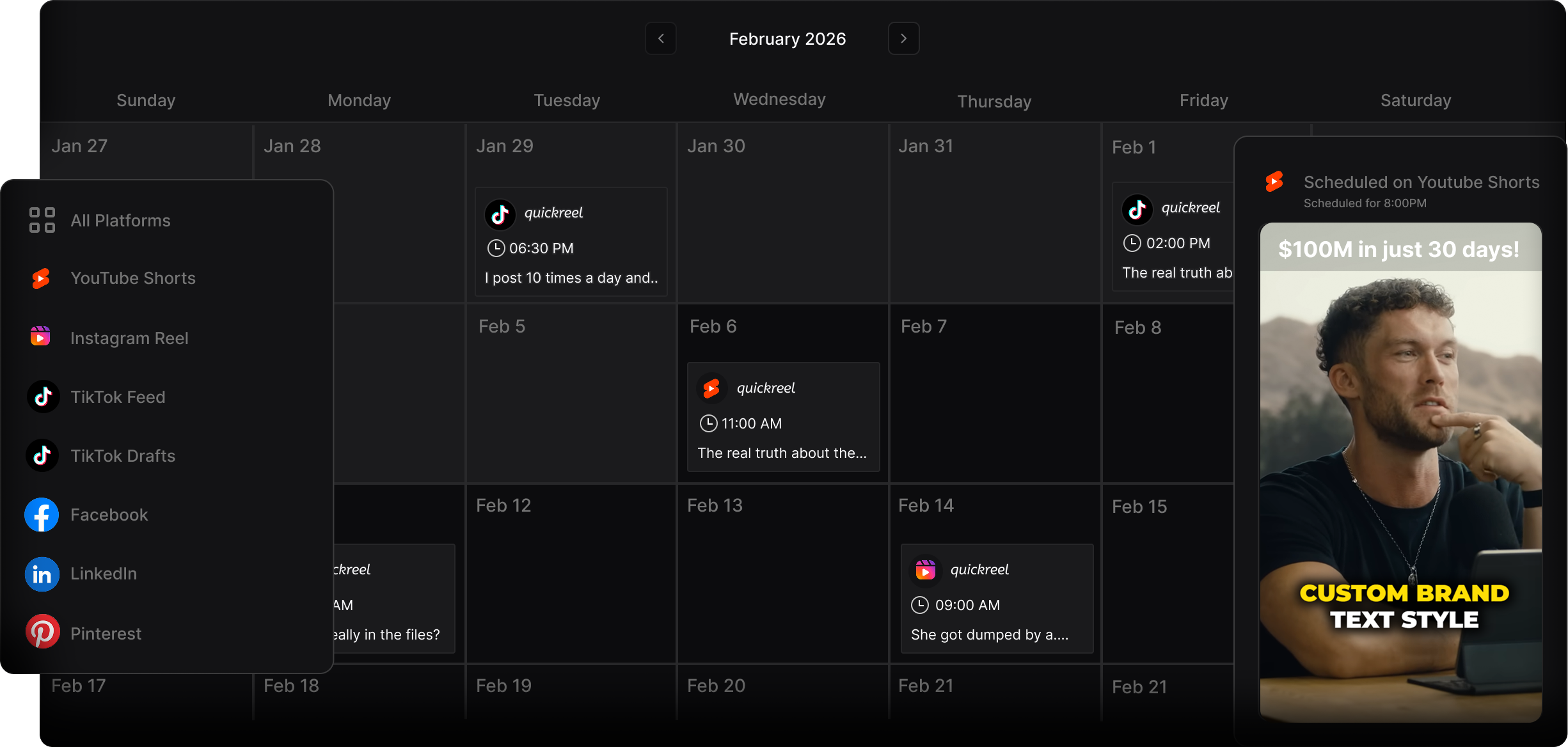
On LinkedIn, clip the moment that makes your guest look like the smartest person in the room, not the funniest, not the most surprising. The platform's audience is evaluating expertise, so the clip-worthy seconds are a specific claim, a contrarian position backed by reasoning, or a concrete how ("here's exactly how we cut churn"). Skip the warm-up, skip the laughs, find the sentence a viewer would screenshot to send their team.
A simple test for the 45 seconds: would a director-level professional reshare this with the comment "good point"? If yes, clip it. If the answer is "this is fun," that clip belongs on TikTok or X (Twitter), not here, and if you're weighing which of the two B2B feeds deserves which cut, LinkedIn vs X for B2B clips breaks down the split. The B2B-guest angle is your sharpest signal, when you interview someone with a senior title, their single most quotable, defensible claim is your LinkedIn clip, and you can even tag them so it surfaces to their network too.
Why this is worth the effort: 57% of listeners now rely on social media for podcast recommendations, the first time that surpassed friends and family (InsideRadio). For a B2B show, the recommendation that matters is one professional resharing your guest's insight to their feed. Short-form clips are estimated to drive 20–40% of new-audience acquisition for video shows (Podcast Studio Glasgow; single-studio figure, directional), on LinkedIn, that new audience arrives pre-qualified.
Common mistakes posting podcast clips on LinkedIn
- No captions, or auto-captions left unchecked. A muted clip with no text is invisible. Burn captions in, then proofread them, names, jargon, and acronyms are exactly what auto-caption gets wrong, and a typo in your guest's company name reads as careless to a professional audience. Fix the caption errors before you post.
- Dropping in the 9:16 TikTok file. It renders narrow with padding on desktop and looks like a cross-post afterthought. Re-export square (1:1) or 4:5 for LinkedIn specifically.
- Opening with a greeting. "Hey everyone, welcome back" wastes the autoplay seconds where you've got attention. Lead with the claim. The first three seconds are associated with a meaningful engagement lift (castmagic; directional, single-source), and on a muted feed those seconds are visual and textual, not spoken.
- Clipping for entertainment, not credibility. The funny moment that kills on TikTok often falls flat here. LinkedIn viewers reward insight they can reshare to look informed. Pick the smart 45 seconds, not the fun ones.
- Posting the link in the post body. LinkedIn has never officially confirmed it, but marketers consistently report that posts with outbound links in the main text get less reach than ones that keep the link out, which is why the link-in-first-comment habit persists. Put the clip and the insight in the post, drop the episode link in the first comment, and you've removed the risk either way.
Tools for making LinkedIn podcast clips
The work that kills a LinkedIn habit is reformatting: a clip needs square reframing, accurate burned-in captions, and a separate export from your TikTok and YouTube versions. One ~20-minute episode yields 20–30 short pieces (industry norm), and squaring and captioning each by hand is where the routine dies.
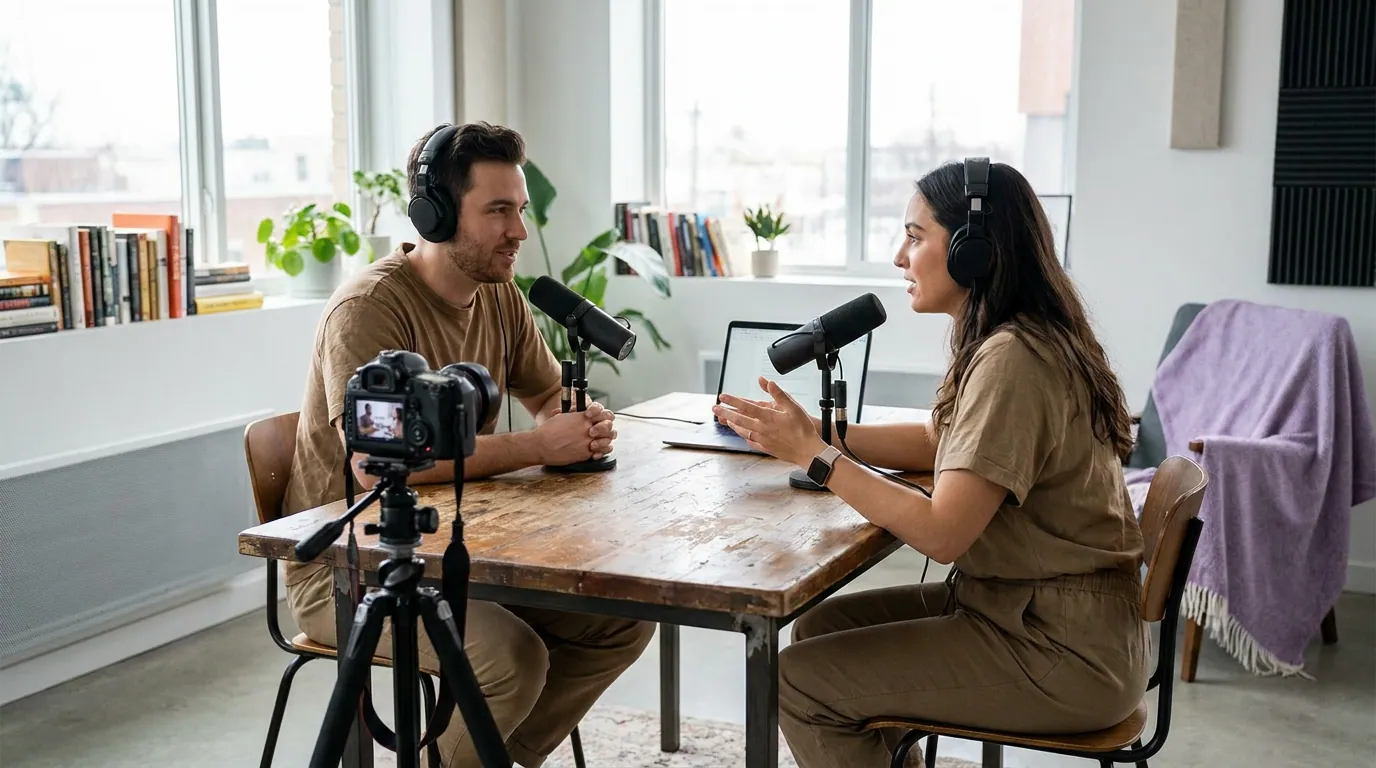
An AI clipper handles the volume, finding moments, auto-captioning, and reframing, so you spend your time on the LinkedIn-specific calls. QuickReel fits this: it auto-captions, reframes with speaker tracking, exports square and vertical formats, supports 20+ languages and 12+ caption styles, and schedules across platforms from one place (current pricing runs from a $9 Starter tier upward). Honest caveat that applies to every AI clipper, not just ours: plan to review roughly 20–40% of what it suggests, and the LinkedIn judgment calls, which 45 seconds reads as credible, video vs carousel, the caption wording, stay human. Competitors like Opus Clip and Vizard are strong on detection too; across all of them, the differentiator is how few clicks sit between a URL and a finished, square, captioned post. When you're choosing among the AI's suggestions, how to pick the best AI-suggested clips walks through scoring candidates for the LinkedIn credibility test before you commit.