
How to Cut Podcast Clips That Work on TikTok

To cut a podcast clip that works on TikTok: open on your strongest sentence so the hook lands inside the first three seconds, export at 1080×1920 (9:16), MP4 / H.264, 30fps, and place captions in the upper-center band, higher than you would on Reels, so TikTok's right-hand button rail and bottom caption bar never cover a word. Keep it clean of any watermark; TikTok demotes reposts that carry another app's logo.
TikTok is harsher than other platforms on two things podcast clippers get wrong: a slow open, and a recycled file. The feed tests your clip on a small audience first and only widens distribution if enough of them stay past the opening seconds. And the September 2025 originality crackdown means a TikTok clip with a CapCut or competitor watermark, or one obviously exported from somewhere else, gets quietly held back (TikTok Creator Academy originality policy).
This is a TikTok-only cut recipe. The hook window the algorithm tests against, the exact caption placement that survives the interface, and a checklist of what TikTok suppresses versus what it rewards for talk content.
What are the correct TikTok specs for a podcast clip?
Export at 1080×1920, 9:16, MP4 with the H.264 video codec and AAC audio, 30fps for talking-head content. Upload through the web uploader for longer clips, keep the file as a clean export from your editor (never a download off another app), and aim for roughly 21–60 seconds, long enough to clear the qualified-view bar, short enough to finish.
The native 1080×1920, 9:16 MP4 is the same vertical frame every short-form platform uses (TrustyPost TikTok video size 2026). The detail that matters: TikTok re-encodes everything you upload, so the cleaner your source, the more quality survives. TikTok recommends H.264 video with AAC audio for exactly this reason, and uploading at 1080×1920 H.264 maximizes what makes it through the compression pipeline (Riverside TikTok video size guide). The 21–60s length is an editorial call, not a hard limit, TikTok's ceiling is far higher, chosen because it is long enough to clear the five-second qualified-view bar and still short enough that people finish it.
| Spec | Value | Why it matters |
|---|---|---|
| Resolution | 1080×1920 | Native vertical; export here so you control quality before TikTok re-encodes |
| Aspect ratio | 9:16 | Fills the screen on the For You feed |
| Format / codec | MP4, H.264 + AAC, 30fps | TikTok re-encodes; clean source = fewer artifacts |
| Length | ~21–60s for clips (cap far higher) | Long enough to clear the qualified-view bar, short enough to finish |
| Upload route | Web uploader for longer/higher-quality files | The app caps files at ~72 MB on Android and ~288 MB on iOS; the web uploader goes far higher |
Sources: TrustyPost (resolution, ratio) and Riverside (codec, re-encoding, file-size caps). One caveat: TikTok changes its app UI several times a year, and file-size caps differ between the iOS app, the Android app, and the web uploader. Verify against TikTok's own help center before a high-stakes upload.
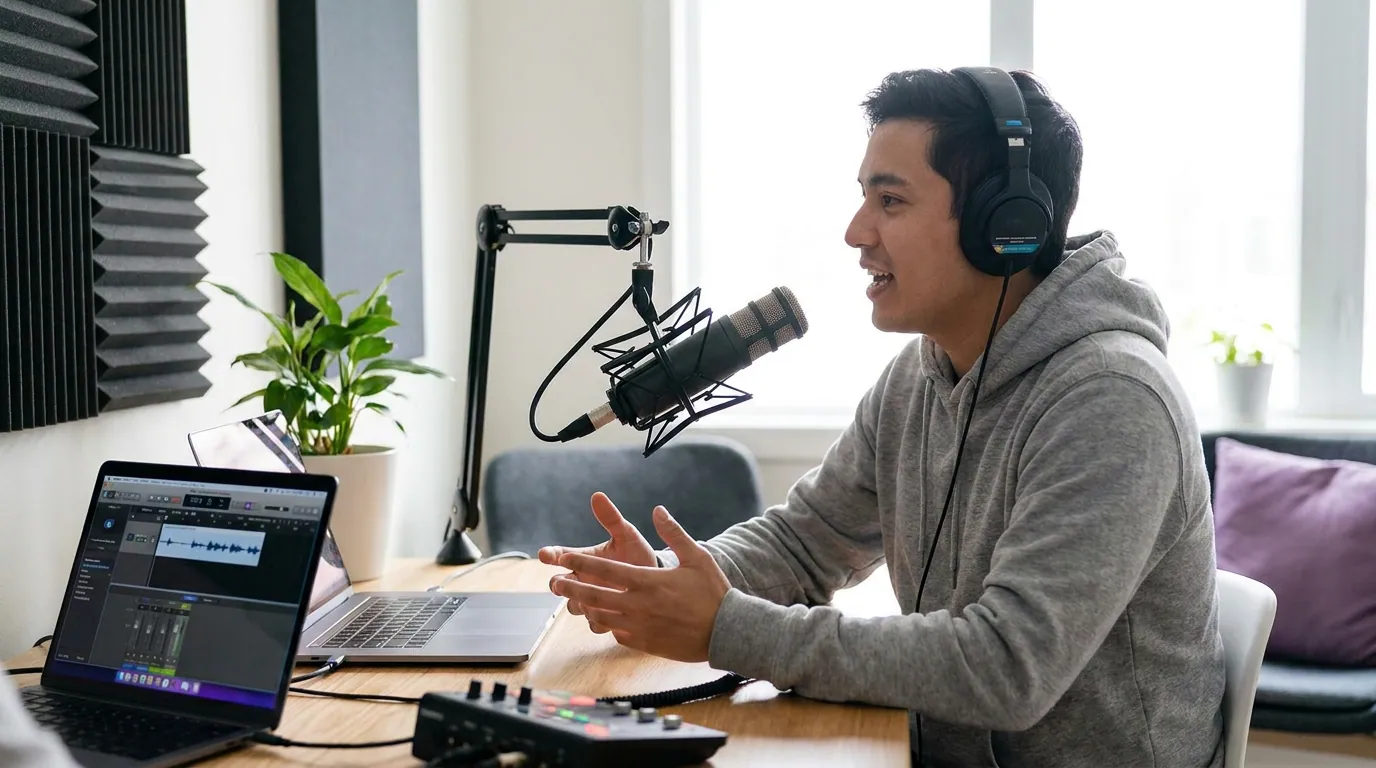
Where do captions go on TikTok so they are not covered?
Place captions in the upper-center band, higher than the dead center you would use on Reels, inside a roughly 900×1400px safe zone within the 1080×1920 frame. Stay clear of the top ~110px (handle and follow prompt), the bottom ~350px (caption text, music ticker, and buttons), and the right ~120px where the like, comment, share, and sound icons stack.
TikTok's interface is heavier than Instagram's or YouTube's, especially down the right edge, and its bottom overlay is taller. That is why caption advice that works on Reels lands wrong here. The reliable rule across the safe-zone guides is to design within a centered band of about 900×1400px and push subtitles into the center-upper third, not the lower third (Kreatli TikTok safe zone 2026). OpusClip puts it the same way: keep captions in the center-to-upper-middle and stay out of the bottom 25% of the frame (OpusClip caption best practices). On Reels you can get away with dead center because the overlay sits lower; on TikTok that same center placement drifts into the taller bottom chrome, which is the adjustment most people miss.
A practical note: TikTok itself says there is no single fixed safe-zone box, the obstructed area changes with caption length and any interactive add-ons, which is why its guidance points creators to downloadable template files rather than one magic number (Kreatli). Treat 900×1400 as a floor and the in-app preview as unreliable. The interface only appears over your frame once the clip is live, so check it on the real post.
What is the 3-second hook window TikTok tests against?
TikTok shows your clip to a small initial audience and only widens distribution if enough of them stay past the opening seconds. The first three seconds are where viewers decide to stay or scroll, so open on your strongest line, the take, the number, the disagreement, not on "so, yeah, anyway." TikTok's "qualified view" then registers at five seconds, so the hook has to land in three and hold to five.
That five-second bar is TikTok's own definition (set for the Creator Rewards Program), and the same early-retention floor is what decides whether a clip advances past its first test batch (Sprout Social on the TikTok algorithm). This is the mechanic that punishes podcast clips most. A long episode rambles toward its good moments; TikTok gives you no runway. The platform tests each video independently of your follower count, even a brand-new account's clip is as likely to be pushed wide as an influencer's, and only advances clips that retain their early audience. A weak open means low intro retention, which stalls the clip in its first test batch, the "view jail" people complain about, regardless of how good the back half is (Sprout Social).
A caveat on the numbers floating around: many "batch testing" breakdowns cite exact view thresholds (200 views, then 1,000, then 10,000) and precise retention percentages. Those specific batch sizes come from marketing and agency blogs, not from TikTok, so treat them as informed estimates. Two things are firmer: the five-second qualified-view threshold is TikTok's own definition (set for the Creator Rewards Program), and the rollout principle, clips are tested on a small audience independent of follower count, then widened only if early retention holds, is what Sprout Social documents. Don't anchor your editing to a made-up "200-view jail" number; anchor it to landing the hook by three seconds and holding to five.
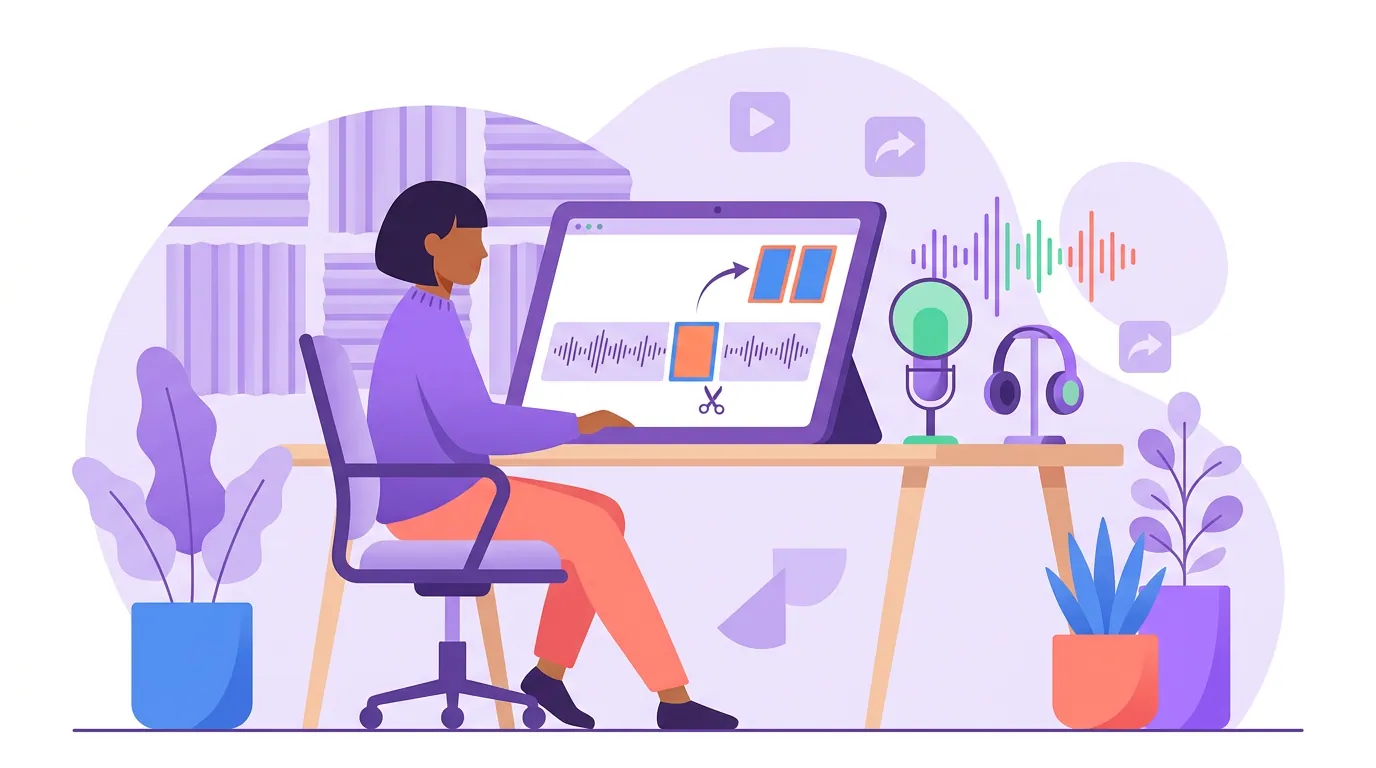
How to cut a TikTok podcast clip, step by step
The fastest reliable path is the same whether you cut by hand or with AI: pick a standalone moment, front-load the hook, reframe to vertical, caption high, and post clean. Here is the order that wastes the least time.
- Pick a moment that stands alone. A clip needs a beginning, a tension, and a payoff inside 30–60 seconds, a hot take, a specific story, a surprising number, a real disagreement. If a viewer needs three minutes of setup to get it, it is not a clip.
- Front-load the hook into the first three seconds. Cut the dead air before the good line. Open on "the thing nobody tells you about X is…", and if your editor lets you, add a short on-screen text hook in the first frame too, since TikTok indexes on-screen text for search.
- Reframe 16:9 to 9:16 with the speaker centered. Your podcast camera shot is horizontal; TikTok is vertical. Keep the active speaker's face in the center band, away from the right edge where the button rail clips it.
- Caption in the upper-center band. Burn in captions higher than you would on Reels, with high-contrast white text and a dark outline so they read on any background. More than 30% of TikTok users watch on mute (Hootsuite), and TikTok's algorithm reads the on-screen text in your captions to understand and surface your clip in search (OpusClip), so they pull double duty.
- Keep your own audio as the primary sound. Talk content travels on the words, not a trending song. Use original audio as the base; only layer a low trending sound underneath if it genuinely fits, and post early in the trend if you do.
- Export clean and upload the file, not a download. 1080×1920, MP4/H.264, 30fps, no watermark from any other app. Write a caption with one clear line and a couple of relevant, specific tags. Say your keyword out loud in the clip too, TikTok transcribes and indexes speech.
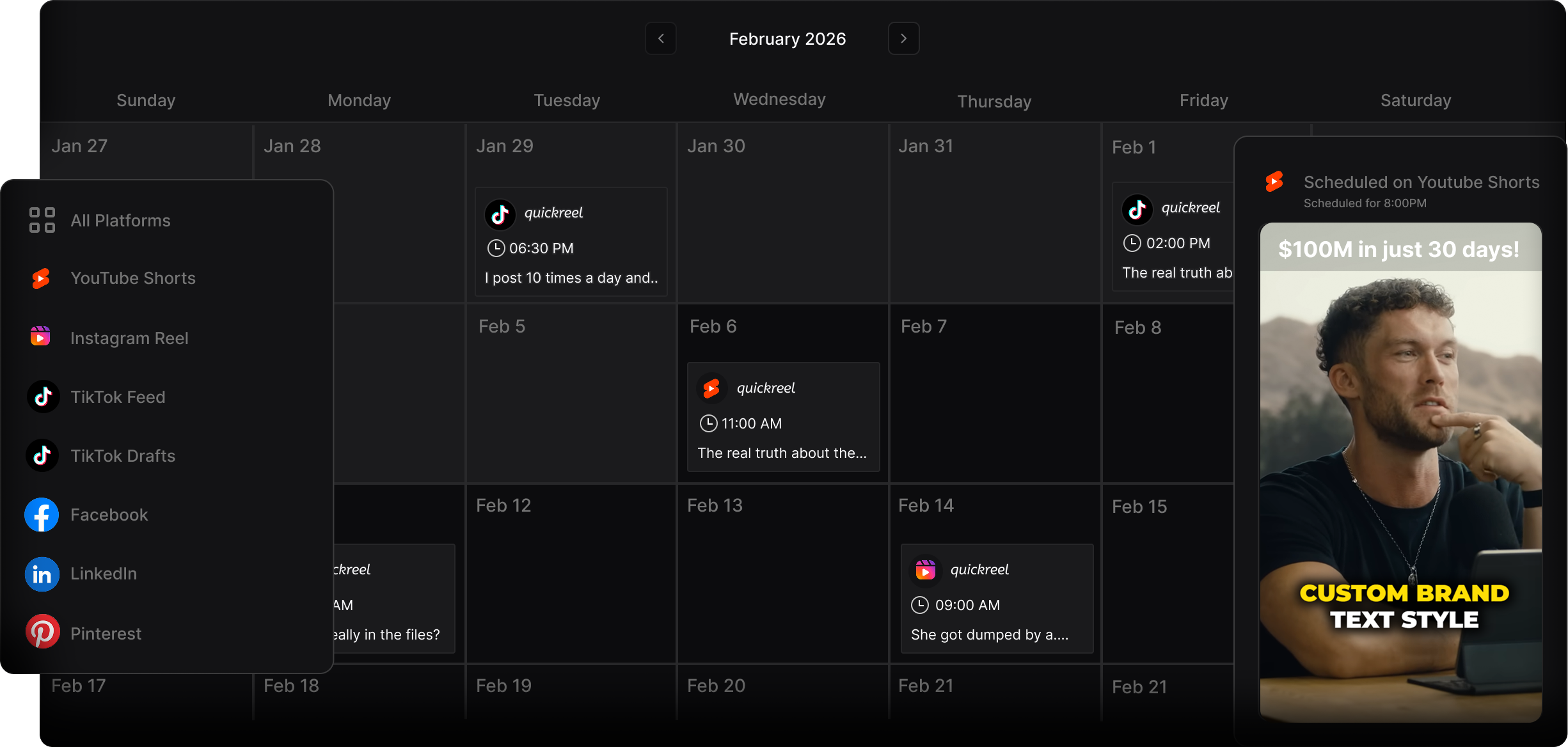
What TikTok suppresses versus boosts for talk content
TikTok suppresses clips that carry another app's watermark, that look recycled or minimally changed from a repost, and that lean only on a borrowed trending sound with nothing original added. It rewards clips built on your own audio, captioned for both accessibility and search, that hold the viewer past the qualified-view checkpoint and read as native rather than cross-posted.
The suppression side is not a rumor anymore. TikTok's originality policy states plainly that content carrying someone else's visible watermark or superimposed logo, in most cases, does not count as original, and unoriginal content may be removed from the For You feed (TikTok Creator Academy). The September 15, 2025 enforcement update added teeth: reposts and recycled material with only superficial edits can draw violation points and reduced reach in recommendations and search (reporting on TikTok's unoriginal-content update).
The boost side is mostly within your control. Captions are no longer just an accessibility feature on TikTok, the algorithm reads the on-screen text in your captions to understand your clip, and that feeds search discovery, which has become a real long-tail channel (OpusClip). For talk content specifically, leaning on your own audio works with the grain of the originality policy rather than against it: a clip built on borrowed sound with nothing added is exactly the "unoriginal" pattern TikTok says it can hold back, while your voice is the original work the policy is written to protect (TikTok Creator Academy). One honest line worth keeping in mind: views are not the same as listeners. A clip can clear every checkpoint here and still send nobody to your show if the clip never names it.
Common mistakes that quietly cap your TikTok reach
Most podcast clips do not fail because the moment was weak. They fail on the open, the format, or the file. These are the five I see most.
- Re-uploading a TikTok or CapCut export with the watermark still on it. This is the single most common own-goal. TikTok counts a visible logo from another app as a sign the clip is not original and reduces its reach. Export clean from your editor, no watermark. Our guide on cross-posting clips without watermarks covers the clean-export workflow per platform.
- Captions in the lower third, where they work on Reels. TikTok's bottom overlay and right rail are taller and heavier. Move captions to the upper-center band so the music ticker, caption text, and buttons never sit on a word.
- A slow open. Leading with "hey guys, so on today's episode…" burns the hook window. Cut to the strongest line and let the context come after the viewer is already in.
- Leaning on a trending song over a great spoken moment. For talk content, your audio is the asset. A borrowed sound with nothing original added is exactly the pattern TikTok's originality update targets.
- Posting and forgetting the link. TikTok is a discovery surface, not a destination. Put the show name in the spoken clip, the caption, and your bio so the people who finish the clip can find the full episode. The same discipline applies whether you are posting to TikTok, YouTube Shorts, or Instagram Reels.
What tools make TikTok clips faster?
You can cut TikTok clips in CapCut, in TikTok's own editor, or in an AI clipping tool, the right pick depends on how many you ship a week. For one or two clips a week, CapCut is fine and free. For a steady cadence from every episode, an AI tool that finds moments, captions them, and reframes to 9:16 removes the most clicks. Be honest about the ceiling: in my own clip-quality benchmarks, a meaningful share of any AI clipper's output still needs a human pass, mostly to fix cut points and caption errors, so budget review time rather than trusting the export blind.
Where QuickReel fits: it takes a YouTube link or an upload, surfaces clip-worthy moments, auto-captions in 20+ languages with 12+ caption styles, reframes to vertical with speaker tracking, and schedules to your platforms. Paid plans run from $9 Starter to about $17.40 Pro and up to $89 Ultimate, and you can start free and export a real clip before paying anything (QuickReel pricing, verified June 2026). The one thing no tool does for you on TikTok is the safe-zone and hook check, always preview on a real phone and watch the retention graph on your first few posts. For how moment-finding works under the hood, see how AI clip detection actually works.
Whichever tool you use, the reason to bother is discovery: 57% of listeners now rely on social media for podcast recommendations, the first time it has surpassed friends and family (InsideRadio), and 53% of new US weekly listeners now prefer to watch a podcast rather than only listen (Backlinko). TikTok is where a large share of that discovery happens, if your clips read as native to it. The specs and habits differ on every surface, which is why we keep platform-by-platform guides for LinkedIn and X (Twitter) too.
Frequently asked questions
What size should podcast clips be for TikTok? 1080×1920 pixels at a 9:16 aspect ratio, MP4 with H.264 video and AAC audio at 30fps. Keep clips roughly 21–60 seconds for the best balance of reach and completion, and upload through the web uploader for longer or higher-quality files since the mobile app caps file size lower.
Where should captions go on a TikTok podcast clip? In the upper-center band, higher than you would place them on Instagram Reels. Keep them clear of the top ~110px (handle and follow prompt), the bottom ~350px (caption text, music ticker, and buttons), and the right ~120px where the like/comment/share/sound icons stack. Use white text with a dark outline.
Does TikTok penalize podcast clips with a watermark? Yes. TikTok's originality policy says content carrying another app's visible watermark or logo, in most cases, does not count as original, and unoriginal content may be removed from the For You feed. The September 2025 update added violation points and reduced reach for reposts and recycled clips. Always export clean, with no watermark.
How long do I have to hook a TikTok viewer? About three seconds to land the hook, and you now need to hold viewers to roughly five seconds for the view to count as a "qualified view." Open on your strongest line, cut the dead air before it, and add a short on-screen text hook in the first frame.
Should I use trending sounds or my own audio for podcast clips? For talk content, lead with your own audio, your voice is the original work TikTok's originality policy is built to protect, while a clip that rides only a borrowed sound with nothing added is the "unoriginal" pattern TikTok says it can hold back. Use a trending sound only when it genuinely fits, kept low under your voice, and post early in the trend cycle.