
Repurpose One Podcast Clip for Every Platform


Cut one clean clip, then change exactly one thing per destination, never re-edit nine times. Keep the footage, framing, and captions as a master; per platform, adjust only the element that platform punishes: caption position, length trim, cover frame, or hashtags. That one change makes the post read as native without nine separate edits.
The trap most people fall into is the opposite of laziness. They cut a great clip, post it to TikTok, then re-cut a slightly different version for Reels, then another for Shorts, and by the fourth platform they've quietly stopped. Distribution dies from re-editing fatigue, not from a lack of clips. The fix is to treat the clip as the source of truth and the platform as a thin adaptation layer on top of it. Below is the workflow, then the nine-destination table that tells you the single change each one needs.
How do you repurpose one podcast clip for every platform?
Export one master clip, vertical, captioned, hook in the first three seconds, then adapt one element per platform: caption position on apps that crowd a different edge, length where the cap or norm differs, the cover frame where a feed shows a thumbnail, and hashtags or copy to match each audience. Same clip, nine native posts.
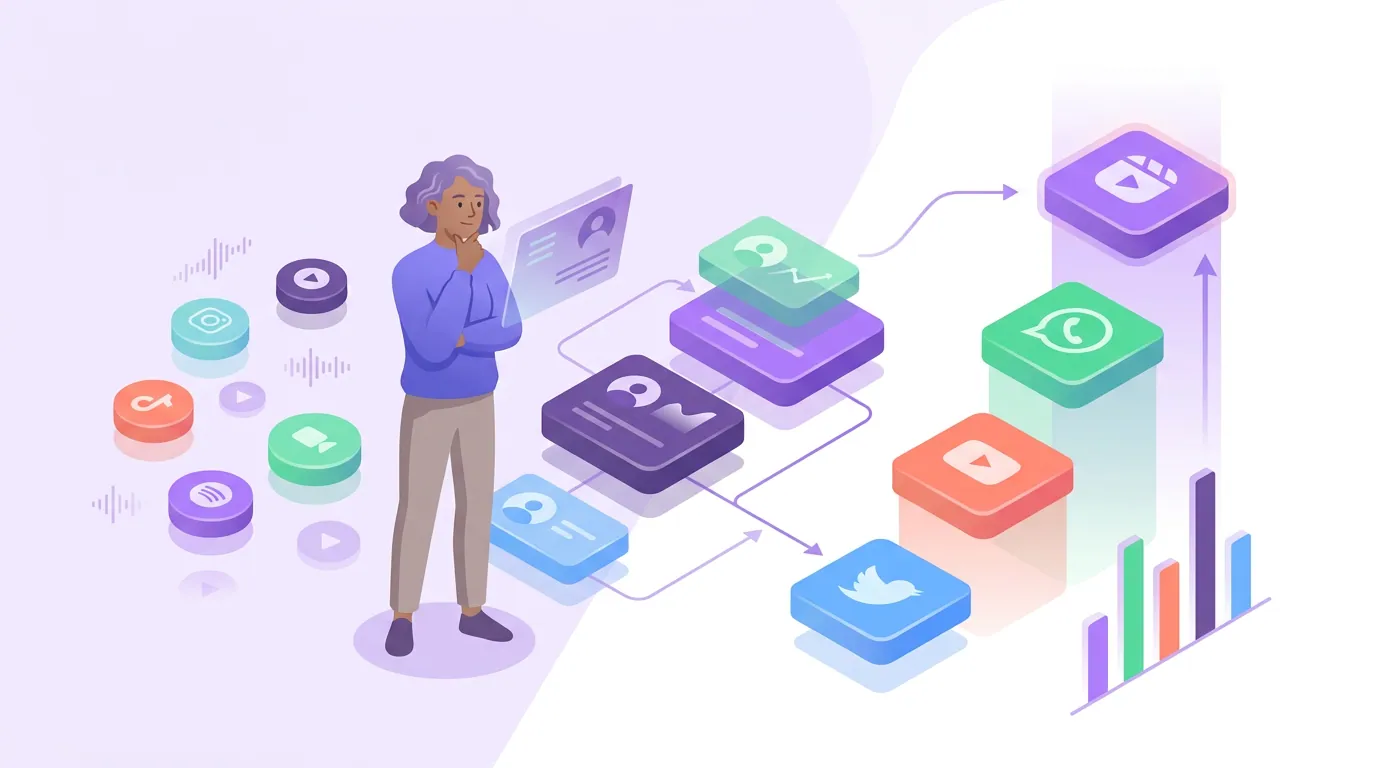
The reason this works is that the platforms are far more alike than the "you must customize everything" advice implies. A vertical 9:16 video with burned-in captions and a strong opening line is the correct format on TikTok, Reels, Shorts, Facebook Reels, Pinterest, and a vertical LinkedIn post. The differences that actually matter are a short list of edge cases, not a full re-edit per app. Get the master right once and the per-platform work drops to seconds.

Step 1: Cut one master clip that earns the work
Before you think about any platform, make the source clip right. A repurposed clip can only be as good as the master, so this is where the quality lives. Three things define a master worth distributing:
- Vertical 9:16, captioned, one idea. Build the master as a 9:16 vertical with burned-in captions. Most social video is watched on mute, Sharethrough's survey found ~75% of people keep their phone muted while a video plays, and Digiday cited publishers reporting up to 85% of Facebook video as muted back in 2016 (both publisher/survey-reported and directional, but the direction has only held), so captions are the difference between a watched clip and a scrolled-past one.
- A hook in the first three seconds. The opening line has to state the stakes or the surprise before the viewer decides to leave. If your AI clipper hands you a clip that opens with "so, anyway, the thing about that is," re-trim the in-point. (How AI clip detection works explains why suggestions often start a beat too early.)
- A clean 60–90 second ceiling. Cut the master at or under 90 seconds. From there you can only trim down per platform, never re-extend, so the longest version is your starting point, not the shortest.
A single episode holds more clippable moments than you will ever post, the usable 30–90 second segments (castmagic) stack up faster than you can distribute them. So raw material is never the constraint; finishing the distribution is, which is exactly what the single-source approach protects.
Step 2: The per-platform adaptation table
Here is the core of the method. Each row is a destination; the "Change this one thing" column is the only edit that separates a native post from the master. Everything not named in that column stays identical to the source.
| Platform | Change this one thing | Leave as-is |
|---|---|---|
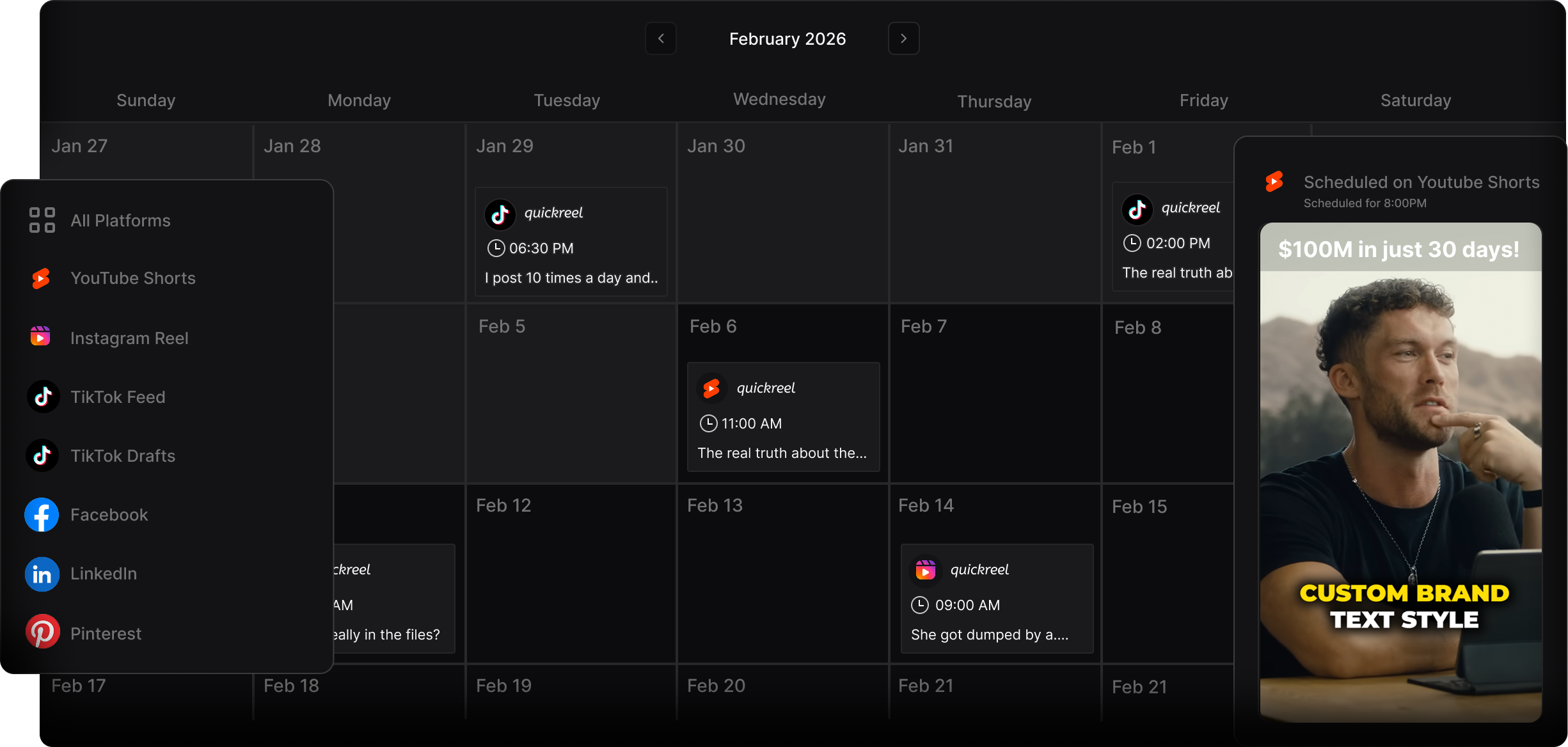
| TikTok | Caption to mid-screen, away from the right-edge UI; on-trend audio in copy | Footage, length, hook |
| Instagram Reels | Move captions up, the bottom is buried under the caption bar and CTAs | Footage, hook, hashtags-light |
| YouTube Shorts | Title text overlay + a real title (Shorts surface by search/title) | Footage, captions, length |
| Facebook Reels | Slightly larger caption font for an older, mixed-device audience | Footage, length, hook |
| Rewrite the post copy to a professional framing; lead with the takeaway | Footage, captions, length | |
| X (Twitter) | Trim to ~30–45s and lead the tweet text with the quote | Footage, captions, hook |
| Pick a strong cover frame with a text overlay (it's a thumbnail-first feed) | Footage, length, captions | |
| Threads | Pair with a short text take; conversational copy, no hashtags stuffing | Footage, captions, length |
| Snapchat Spotlight | Confirm captions sit clear of top/bottom UI; punchy copy | Footage, length, hook |
Read the table as a permission structure: it tells you what you are allowed not to do. You do not re-cut the footage for any of the nine. The two changes that recur most are caption position (because TikTok crowds the right edge and Reels buries the bottom) and copy/length (because LinkedIn and X want a different register and a tighter cut). Everything else carries over untouched.
Step 3: Order your destinations by where listeners actually are
You will not post to all nine every time, and you shouldn't pretend to. Order matters because some platforms drive disproportionate discovery. YouTube is the #1 US podcast platform at 42% of monthly listeners, ahead of Spotify at 15% and Apple at 7% (Backlinko, Oct 2025). So a Short with a real searchable title often earns its slot before a sixth and seventh micro-platform does.
A sane default order: Shorts and TikTok first (largest reach and best search surface), then Reels and Facebook Reels, then LinkedIn if your topic is professional, then the rest as bandwidth allows. The point of distribution is discovery, 57% of listeners now rely on social media for podcast recommendations, the first time that surpassed friends and family (InsideRadio). Three native posts on the platforms that matter beats nine half-adapted posts nobody finds.
Common mistakes when repurposing one clip
- Re-editing the footage per platform. The whole method breaks the moment you re-cut the source. Adapt the wrapper, caption position, copy, cover frame, never the footage. If you're tempted to re-cut, the master was wrong; fix the master once.
- Posting the identical caption position everywhere. This is the single most common native-look failure. TikTok's right rail and Reels' bottom bar bury captions in different places, so the one position that's safe on TikTok is half-hidden on Reels.
- Skipping the cover frame on thumbnail-first feeds. Pinterest, and increasingly the Reels and Shorts grids, show a still before anyone hits play. A clip with a mid-blink frozen frame loses the click it earned. Pick the cover deliberately.
- Treating LinkedIn like TikTok. Same clip, but the copy has to lead with the takeaway in a professional register. Dropping a TikTok caption with trend slang onto LinkedIn reads as imported, not native, see posting podcast clips on LinkedIn that get watched.
- Believing the AI nailed it the first time. Whatever tool cut your master, roughly 20–40% of a clip's final quality comes from the human pass, trimming the in-point, fixing a caption typo, choosing the cover. Treat the export as a draft, not a finished post. (Picking the best AI-suggested clips covers which suggestions are worth this effort.)
Where the per-platform guides go further
This page is the single-source overview; each destination has its own specifics worth reading before you scale a habit around it. The cut points and trends differ enough on the big three that they each earn a dedicated guide:
- Cutting podcast clips that work on TikTok, caption placement and audio norms in detail.
- Instagram Reels specs and format for podcast clips, the safe zones and the bottom-bar problem.
- Turning podcast episodes into YouTube Shorts, titles, search surface, and the 3-minute Short ceiling (Google, YouTube Help).
For video shows, one production studio puts clips at 20–40% of new audience and a 2–5× reach lift (Podcast Studio Glasgow), treat that as directional from a single house, not a platform-wide audit. The upside is real either way, and it's only available to the clips you actually finish distributing. The single-source method exists to make sure you finish.