
Podcast Clips on Pinterest: Does It Actually Work?


Pinterest works for some podcasts and wastes time for others. If your show covers wellness, money, parenting, home, food, DIY, or self-improvement, it sends slow, evergreen traffic for months, because people search those topics there with planning intent. If your show is comedy, news, gaming, or hot takes, skip it.
The reason Pinterest is different from TikTok or Reels is simple: it is a search engine wearing a feed's clothes. Pinterest hit a record 631 million monthly active users in Q1 2026 (Pinterest Q1 2026 results), and the defining fact for a creator is that 96% of top searches on Pinterest are unbranded, people type what they want, not who makes it (Sprout Social, 2026). A clip titled for a real query keeps surfacing long after you post it. That is the opposite of a feed, where a clip lives for 48 hours and dies.
This guide gives you the honest fit verdict by niche, the keyword-in-title behavior that makes pins evergreen, the current video pin specs, and the exact workflow to turn an episode into a pin that earns search traffic.
Does Pinterest work for podcast clips?
It works as a slow, search-driven traffic source for the right niches, not as a viral discovery engine. Pinterest does not push your clip to strangers the way TikTok's For You feed does, people find a pin by searching, save it, and click through weeks later. For wellness, money, parenting, and DIY shows, that compounds; for comedy or news, almost no one searches that way.
Two things separate Pinterest from every other platform you might clip to. First, it is a high-intent search and planning surface. 85% of weekly Pinterest users have made a purchase based on a pin (Sprout Social, 2026), and saves are one of the strongest forward-looking signals in social, a save usually means someone is planning a project, a purchase, or a change. Second, the half-life of a pin is measured in months, not hours. A clip that ranks for "morning routine for anxiety" can pull clicks all year.
The cost side matters too. Short-form clips are a real acquisition channel, with one production studio attributing 20-40% of new audience for video shows to clips (Podcast Studio Glasgow, a single-source estimate, so directional), but most of that lift comes from the feed platforms. Treat Pinterest as a long-tail compounding channel that runs in the background, not your primary. If you only have bandwidth for one platform, YouTube Shorts or Instagram Reels will almost always return faster.

Which podcast niches actually pull traffic on Pinterest?
The niches that win match Pinterest's core search behavior, planning, self-improvement, and lifestyle, and its audience, roughly 70% women globally with Gen Z growing fastest (Sprout Social, 2026). If your episodes answer "how do I..." questions in those areas, there is built-in search demand to rank against. If they cover the news cycle or comedy, that demand does not exist.
Worth it. Health and wellness, money and budgeting, parenting, home and DIY, food, beauty, and mindset shows map directly onto the most-searched Pinterest categories. People plan these areas of their life on Pinterest, and a clip that delivers a concrete tip, a five-minute budgeting rule, a toddler-sleep fix, a one-pan dinner, answers a search they are already running. A wellness or self-improvement clip that does fine on Reels can outlast it on Pinterest by a year.
Maybe. Self-improvement, faith, relationships, career, travel, and education sit in the middle. There is search demand, but it is broader and more competitive, so results depend on whether your clip answers a specific question rather than offering general inspiration. Test 10 pins over six weeks before deciding.
Skip it. Comedy, news and politics, gaming, sports, and tech or startup shows have effectively no Pinterest search demand. Nobody opens Pinterest to find out what happened in the news or to watch a gaming reaction, that behavior lives on TikTok and YouTube. Posting there is not harmful, but it is unpaid labor with no return. Put that hour into LinkedIn for a B2B or tech show instead.
What are the Pinterest video pin specs?
Pinterest accepts MP4, MOV, or M4V files (H.264 or H.265 encoding) up to 2 GB, from a 4-second minimum to a 15-minute maximum, with a recommended length of 6–15 seconds for engagement (Pinterest Business help, 2026). Vertical wins: shoot for 2:3 (1000 × 1500) or 9:16 (1080 × 1920), because taller pins take up more grid space and get more visibility.
Two details that trip people up. Pinterest video pins autoplay on mute in the feed, so captions are mandatory, a meaningful share of social video is consumed silently (publisher-reported figures put muted Facebook viewing as high as ~85%, directional). And you can set a custom cover frame, which functions like a thumbnail: pick a frame with a face or a clear visual, not a blurry mid-sentence freeze.

How to turn a podcast episode into a Pinterest pin
The workflow is the same as any clip until the title. On Pinterest, the title is the whole game, because that text is what the search engine indexes and ranks. Write it as the query someone would actually type.
- Cut a tip-shaped clip, not a personality moment. Pinterest rewards a clip that delivers one concrete, savable takeaway, a step, a rule, a recipe, a fix. Reaction clips and inside jokes die here. Keep it 15–60 seconds and front-load the payoff.
- Export vertical with burned-in captions. Use 9:16 or 2:3 and make sure text is readable on mute. How AI clip detection actually works covers finding the tip-shaped moments; the caption layer is what makes the silent pin land.
- Write the title as a search query. "Budget your money in 5 minutes (zero-based budgeting)" beats "Ep 42: Money Talk." Put the keyword first. This single habit is what makes a pin evergreen instead of invisible.
- Add a description and a link to the full episode. Pinterest is one of the few platforms that lets a pin carry a clickable destination URL. Send it to the episode page or your show's landing page, that link is why Pinterest can drive listeners, not just views.
- Pin to a relevant board and reuse, don't spam. One strong pin per clip on a tightly themed board beats blasting the same pin everywhere. Pinterest's own guidance favors fresh pins over re-pinning the same image repeatedly.
Common mistakes posting podcast clips on Pinterest
- Posting personality clips instead of tip clips. A funny or reaction-driven moment that does well on TikTok flops on Pinterest because nobody searches for it. Cut clips that answer a how-to or planning question, or do not post.
- Writing clever titles instead of search queries. The title is the ranking signal. "You won't believe this" indexes against nothing. Lead with the keyword someone would type, then make it readable.
- Forgetting captions. Pinterest video pins autoplay muted in the grid. A clip with no on-screen text is a silent mystery box, and viewers scroll past. Burn in captions every time.
- Skipping the destination link. Pinterest lets pins carry a clickable URL, one of its real advantages over the feed platforms. Leaving it blank wastes the only mechanism that turns a viewer into a listener.
- Expecting feed-speed results. Pinterest compounds over months, not days. Judge it at 60–90 days on click-through and saves, not on day-one views. If you want fast feedback, that is a Reels or Shorts job.
Tools for repurposing clips to Pinterest
The bottleneck is volume. One ~20-minute video typically yields 20–30 short pieces, and for many shows clips have become a primary distribution channel rather than just promotion for the episode. Hand-cutting and captioning each piece for a slow-burn channel like Pinterest is exactly the work that gets dropped first.
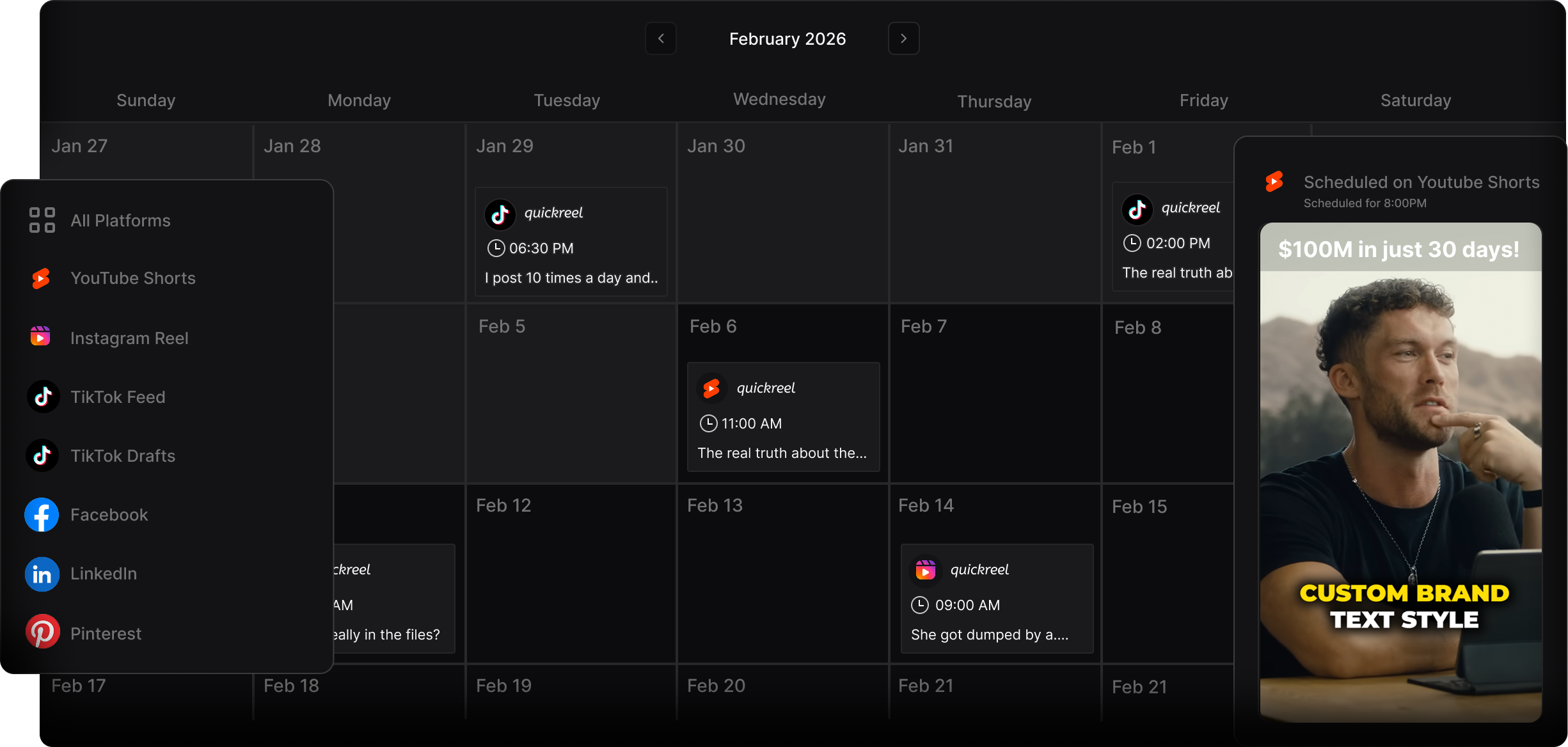
An AI clipper earns its place by handling the cut, the 9:16 reframe, and the captions, so the only manual step left is the part that matters on Pinterest, the keyword title. QuickReel auto-captions, reframes to vertical with speaker tracking, supports 20+ languages and 12+ caption styles, and exports a standard 9:16 file that drops straight into a pin. The honest caveat that applies to every AI clipper, not just ours: plan to review roughly 20–40% of what it suggests, and a tool cannot decide whether your niche belongs on Pinterest at all, that judgment is yours. For pure scheduling across many platforms, Later and Tailwind specialize in Pinterest in ways a clip tool does not; pair them if Pinterest becomes a serious channel. When you are choosing which AI suggestion to even title for search, how to pick the best AI-suggested clips walks through scoring candidates first.