
Hashtag Strategy by Platform for Podcast Clips


Use three to five specific hashtags on TikTok, Instagram Reels, YouTube Shorts, and LinkedIn; one or two on X; and two to five on Pinterest where they barely matter. The bigger shift for 2026: hashtags stopped being a reach lever on every major app. They now act as a topic tag, so your real discovery comes from keywords in the caption, the spoken audio, and the on-screen text.
That changes how you tag a podcast clip. The same line you wrote for TikTok will get you flagged as spam on X and ignored on Pinterest. This guide gives the exact count per platform, what each app's tags actually do under the hood, the caption structure that carries the real signal, and a copy-paste tag block for each destination you can adapt per clip.
How many hashtags should you use per platform?
Three to five on TikTok, Instagram Reels, YouTube Shorts, and LinkedIn. One or two on X. Two to five on Pinterest, where they add only minor keyword value. Across every platform in 2026 the guidance converged on the same idea: a few precise tags beat a long list, and stuffing now risks a spam flag instead of more reach.
The old playbook, 30 tags on Instagram, a wall of #fyp on TikTok, is actively counterproductive now. On TikTok, Sprout Social reports three to five is the working range, with niche tags outperforming broad ones. On X, the platform's own owner asked people to stop: in December 2024, Elon Musk posted "Please stop using hashtags. The system doesn't need them anymore and they look ugly," a message that drew over 56 million views (Fox 5 DC, Dec 2024).

Why hashtags stopped driving reach
Every major platform moved from keyword-matching to reading your content directly, the audio, the on-screen text, and the caption, so a tag adds little the algorithm can't already infer. This is the through-line behind all six platforms below. The discovery signal moved from the tag block into the clip itself, and that is genuinely good news for podcasters, because your guest already said the keyword out loud.
The numbers back this up where it counts for shows. InsideRadio, citing Coleman Insights and Amplifi Media, reports that 57% of listeners now rely on social media for podcast recommendations, edging out friends and family (54%) for the first time. And clip volume keeps climbing, with paid clippers flooding TikTok, Instagram, X, and YouTube with podcast cuts. In a feed that crowded, precise topic signals matter more, not less, which is exactly the job hashtags still do.
The platform-by-platform breakdown
Each row of the table below names what the tag actually does on that app, where to put it, and how hard the algorithm reads it. Then the sections add the detail that matters for a podcast clip specifically.
| Platform | Tags & where | What hashtags actually do |
|---|---|---|
| TikTok | 3–5 in caption | Topic tag; niche beats broad; caption keywords + spoken audio do the real work |
| Instagram Reels | 3–5 in caption | Categorization signal; Mosseri says they don't drive reach; keywords matter more |
| YouTube Shorts | 3–5 in description | Categorizes + aids search; first 3 show above the title; watch time drives reach |
| 3–5 at the end | Topic signal/tiebreaker; hashtag feed killed in 2024; early comments drive reach | |
| 0–5, optional | Minor keyword value; Pinterest officially doesn't recommend them | |
| X (Twitter) | 1–2, in-text | Near-dead; 3+ risks a spam flag; Grok reads the post directly |
TikTok: treat hashtags as keywords, not decoration
Use three to five niche hashtags in the caption, and spend most of your effort on the caption text and what your guest actually says. TikTok now works like a search engine, and it reads keywords from your caption, your on-screen text, and your spoken audio through automatic transcription. According to Sprout Social, the era of 30-tag stuffing is over; three to five specific tags categorize the clip without sending mixed signals.
For a podcast clip this is the easy win. Your hook line is already a keyword, put the topic phrase in the first 150 characters of the caption, because TikTok truncates it on the feed after that. A clip where the host says "the biggest mistake first-time founders make" should have that phrase in the caption and ideally on screen. For the actual cut that earns the watch time, see how to cut podcast clips that work on TikTok.
Instagram Reels: hashtags categorize, captions rank
Use three to five specific hashtags, in the caption and not the first comment. Instagram's head Adam Mosseri has said plainly that hashtags do not drive reach; they tell the system what your post is about so it reaches the right people. Across 2026 guidance the recommended count converged on three to five, with multiple sources warning that long lists can read as low-intent. The platform indexes keywords in your caption, on-screen text, and spoken audio, so the searchable signal is the words, not the tags.
Two Reels-specific rules. First, put tags in the caption, comment hashtags carry far less weight. Second, rotate your set; reusing the exact same five tags on every clip looks repetitive to the algorithm. Mix one broader tag for context with two to four niche ones tied to the episode. The format details live in Instagram Reels specs and format for podcast clips.
YouTube Shorts: tags go in the description, watch time wins
Use three to five hashtags in the description, including one like #Shorts, and keep your title a clean keyword hook. The first three description hashtags render as clickable links above your title, so you get the visibility without crowding your 100-character title limit (Hashtag Tools, 2026). Stay well under YouTube's 15-tag ceiling, exceed it and YouTube ignores every hashtag on the video.
The honest framing: on Shorts, hashtags are a categorization and search signal, not a reach engine. Completion rate, likes, and shares decide distribution. So tag for accuracy, what the clip is genuinely about, and put your energy into the first two seconds and a searchable title. More on turning episodes into YouTube Shorts that get found.
LinkedIn: three to five, but content carries reach
Use three to five relevant hashtags at the end of the post. LinkedIn removed hashtag following in 2024 and killed the standalone hashtag feed, so tags no longer pull a browsing audience the way they did. They now signal topic to a keyword-based algorithm, per Sprout Social. What actually drives reach is the opening line and early engagement, comments in the first 60 to 90 minutes are weighted heavily.
For a B2B or business-show clip, that means your first one or two lines must carry the idea, with tags as a finishing tag rather than the engine. Avoid the broad aspirational tags (#Success, #Motivation) that give the algorithm nothing to work with. Pick three to five specific ones and rotate them across posts. See posting podcast clips on LinkedIn that get watched.
Pinterest: keywords yes, hashtags barely
You can skip hashtags on Pinterest, or use two to five niche ones at the end of the description, they add minor keyword value and little else. Pinterest's own guidance moved away from recommending them; the platform has stated hashtags were abused by spammers and have not proven to be a valuable tool (Levee Road Studio, 2026). Pinterest is a visual search engine, so the title, description, and board name do the ranking.
If you repurpose a clip to Pinterest as a video pin or audiogram, write a keyword-rich description first, the phrase a listener would actually type, and treat any hashtags as a small reinforcement. Independent testing found pins with two to five tags perform about the same as pins with none.
X (Twitter): one or two, or none
Use one or two hashtags at most, worked into the sentence, or skip them. In January 2026, X replaced its legacy system with a Grok-powered model that reads the post text directly, so a hashtag adds no topical understanding the model lacks. Stacking three or more can trip the spam classifier and cut your reach. This is the platform where the owner explicitly told users to stop (Fox 5 DC, Dec 2024).
For a clip on X, write a strong text hook that names the topic and the guest, drop the clip natively, and add at most one niche tag if there's a genuine live conversation around it. The replies are the growth mechanic, not the tags.
Copy-paste tag blocks per platform
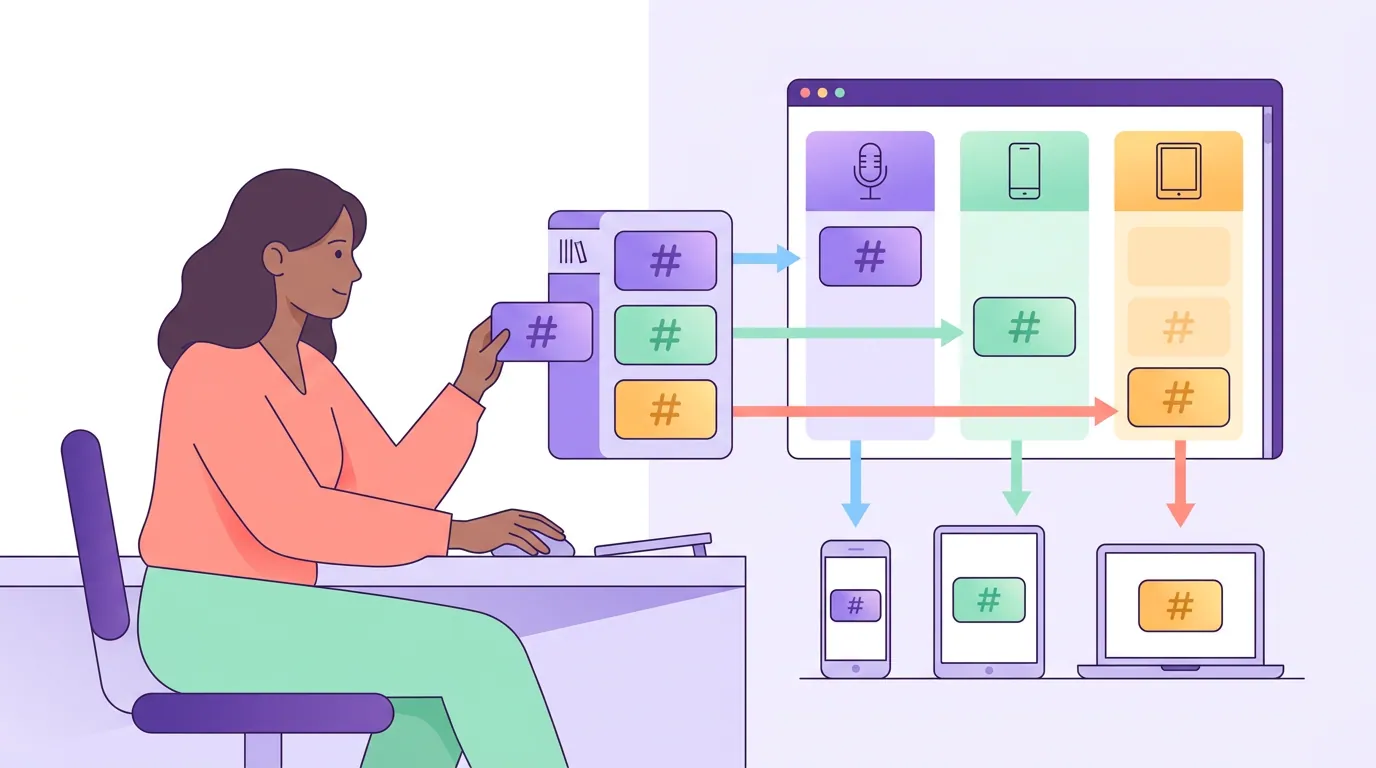
Adapt these per clip, swap the bracketed pieces for your show name, niche, and the specific topic of the cut. The structure stays; the words change every post so you are not reusing one identical block.
- TikTok (in caption):
[exact topic phrase from the hook]. #[niche]podcast #[topic] #[micro-niche] - Instagram Reels (in caption):
[topic phrase]. #[showname] #[niche]podcast #[topic] #[micro-niche] - YouTube Shorts (in description, after a one-line summary):
#Shorts #[niche]podcast #[topic] #[guest-or-micro-niche] - LinkedIn (at the end of the post):
#[industry] #[niche]podcast #[topic-specific] #[role-or-audience] - Pinterest (end of a keyword-rich description, optional):
#[niche] #[specific-topic] - X (in the sentence, max two):
... on this week's episode. #[one-niche-tag]
The one rule under all six: write the caption keyword first, the tag block last. The caption, and what your guest said out loud, is what gets the clip found.
Common mistakes
These are the five errors that show up most often when a creator copies one tag strategy across every app.
- Reusing one identical block everywhere. A TikTok-style five-tag block gets you flagged on X and ignored on Pinterest. Tailor the count and the words per platform.
- Stuffing for reach. More tags no longer means more reach on any major app, and on X and Instagram a long list can read as spam and suppress the post.
- Tagging instead of writing keywords. The hashtag is a backup signal. The caption text, the on-screen text, and what the guest says are what actually rank the clip. If you skip those, no tag block saves it.
- Pasting hashtags in the first comment. On Instagram and LinkedIn, the algorithm reads tags in the post body, not in comments. The comment trick is dead.
- Broad over niche. #podcast and #fyp give the algorithm almost nothing. A specific tag tied to the episode topic does the categorizing job a generic one can't.
A note on the numbers: most of the percentage claims floating around hashtag blogs (a "40% penalty," a "21% lift") come from marketing SaaS companies analyzing their own data and are not independently verifiable, treat them as directional, not law. The count ranges and the platform behavior, though, are consistent across enough independent sources to act on.
FAQ
How many hashtags should I use on podcast clips overall? Three to five for TikTok, Instagram Reels, YouTube Shorts, and LinkedIn; one or two for X; and zero to five for Pinterest, where they barely move anything. The count matters less than picking specific, niche tags over broad ones and writing a keyword-rich caption.
Do hashtags still help reach in 2026? Marginally, and mostly as a topic signal rather than a reach driver. Every major platform now reads your caption, audio, and on-screen text directly, so the words in the clip carry discovery. Hashtags categorize; keywords rank.
Where do hashtags go on YouTube Shorts, title or description? The description. The first three description hashtags appear as clickable links above your title automatically, so you get the visibility without spending your title's character limit. Keep the title a clean keyword hook and stay under 15 tags total.
Should I put hashtags in the caption or the first comment on Instagram? The caption. Instagram processes caption hashtags at the moment of posting; tags added in a comment afterward carry far less weight. The same applies on LinkedIn, put them in the post body.
Is it true you shouldn't use hashtags on X anymore? Largely, yes. X's owner publicly asked users to stop in December 2024, and the 2026 Grok-based algorithm reads post text directly. One or two niche tags are safe; three or more can trigger spam detection and cut your reach.
Hashtags are now a finishing step, not a strategy. Match the count to the platform, lead the caption with the keyword your guest already said, and rotate a small set of niche tags per clip. The work that earns the view is the cut and the hook, the right way to pick those is in how to choose the best AI-suggested clips, and the reasoning behind which moments travel is in how AI clip detection actually works.