
AI Clipping Standard Operating Procedure for a VA

A clipping SOP that actually works has four parts: a fixed workflow the assistant runs end to end, a single approval gate where you say yes or no, a short list of brand rules that never change, and a decision table that tells the assistant what they may change on their own and what they must escalate to you. Get those four right and you can hand off clipping without watching every cut. The document below is copy-paste ready, fill the brackets and send it.
The trap most hosts fall into is delegating the task without delegating the judgment. You tell a VA "make clips from the new episode," they post something off-brand or factually wrong, and you decide it's faster to do it yourself. It isn't faster. It's that you handed over a job without handing over the rules the job runs on. An SOP is those rules, written down once.
This works because AI does most of the heavy lifting, which means the assistant is mostly a reviewer and a brand-checker, not an editor building clips from scratch. Across every modern AI clipper, including ours, roughly 20–40% of each clip still needs a human pass before it ships, and that pass is a teachable checklist, not a craft. The host's job shrinks to one gate. The assistant's job is the document.
Why an SOP, not a quick Loom video
A Loom shows your VA how you did it once. An SOP tells them what to do every time, including the cases you didn't happen to hit in the video. The difference shows up the first time the AI mishears a guest's name or suggests a clip that's technically fine but contradicts your show's position, the moments where you need a rule, not a memory of a screen recording.
Written SOPs also survive handoff. The VA who learns your show leaves; the document onboards the next one in an afternoon. And they make the approval gate honest: when the rules are explicit, "rejected" is a checklist item the assistant can fix, not a vibe you have to re-explain.
Clips are worth the rigor. Roughly 42% of podcast listeners say they discover new shows through social media (Castmagic), and one production studio estimates clips drive 20–40% of new-audience acquisition for video shows and can raise discovery reach 2–5× (Podcast Studio Glasgow; single-studio figures, treat as directional). That upside only lands if the clips that go out are on-brand and accurate, which is exactly what the SOP protects when you're not the one clicking publish.
The copy-paste AI clipping SOP
Paste this into a shared doc, fill every bracket, and link it from wherever your VA works. It assumes the assistant has access to your clipping tool, your brand kit, and your scheduler. Keep it to one page, an SOP nobody finishes reading is decoration.
SOP: Turning a podcast episode into posted clips Owner: [your name] · Runner: [VA/team member] · Tool: [QuickReel / your clipper] · Cadence: [e.g. every new episode, within 48 hours] 1. Intake. When a new episode is published, [the VA / I] uploads or pastes the episode link into [tool]. Wait for the clip batch to generate. Target output: [e.g. 5–8 candidate clips per episode]. 2. Shortlist. From the candidates, pick the [3–5] strongest. Use the selection rule: a clip must make one clear point, open on a moment that creates a question or tension, and stand alone without the rest of the episode. Discard anything that needs context to make sense. 3. Review each shortlisted clip (the 5-point pass, in order): a. Read the captions end to end. Fix names, brand names, numbers, and jargon. These are what strangers screenshot. b. Fix the cut-in. Start on the first real word. Delete leading "so, um, yeah." c. Mute-test the hook. Watch the first 2 seconds with sound off. If the opening line doesn't pull you in, re-cut or add a caption hook. d. Check framing. Speaker's face in the upper-middle, captions inside the centre 80% (clear of platform buttons). e. Trim the ending. End on the last line worth keeping, not a beat past it. 4. Apply brand rules (see fixed list below). Same caption style, fonts, colours, logo, and intro/outro on every clip. 5. Submit for approval. Post the [3–5] reviewed clips to [approval channel: Slack / Notion / shared folder] in the format: clip + proposed caption + proposed platform(s) + proposed post time. 6. Approval gate. [Host] replies Approve or Reject + one-line reason within [24 hours]. The VA does not publish anything that isn't approved. 7. Schedule. Once approved, schedule the clips to [platforms] at [posting times] using [scheduler]. Log them in [tracking sheet]. 8. Done. [Tracking sheet] holds: episode, clips made, clips approved, post dates, and any escalation notes.
The review pass in step 3 is the part the assistant will get fastest at. It's the same five checks every time, in the same order, and the full pass runs in one to two minutes per clip once it's habit. The human review step every AI clip needs breaks down each check in detail, link it from the SOP so the VA has the long version one click away.
For the shortlist in step 2, the standard you set matters more than the count. How to pick the best AI-suggested clips gives a selection rubric you can paste straight into the SOP's step 2 so "strongest" isn't left to taste.
The fixed brand rules (never change without the owner)
These are the constants. The whole point of writing them down is that the VA applies them identically on clip one and clip five hundred, so the feed looks like one show. Fill this list once and treat changes to it as a host-only decision.
- Caption style: [exact template name in your tool, e.g. "Bold Yellow Karaoke"]. Same on every clip.
- Fonts and colours: [hex codes / brand kit reference]. Captions never use a colour outside this set.
- Logo / watermark: [position, e.g. top-right, 80% opacity] on every clip, or none, pick one and hold it.
- Intro / outro: [1-second branded bumper / none]. Consistent across the batch.
- Aspect ratio: [9:16 vertical] for Shorts/Reels/TikTok; [1:1 or 16:9] only for [named platforms].
- Caption casing and profanity: [e.g. sentence case; bleep or cut explicit language] per platform rules.
- Hashtags / handle / link: [the standard caption footer] on every post.
Keeping these in a saved brand template inside the tool, rather than in the VA's head, is what makes them survive a handoff. The assistant selects one template; the rules apply themselves. That's the difference between a brand rule and a brand hope.
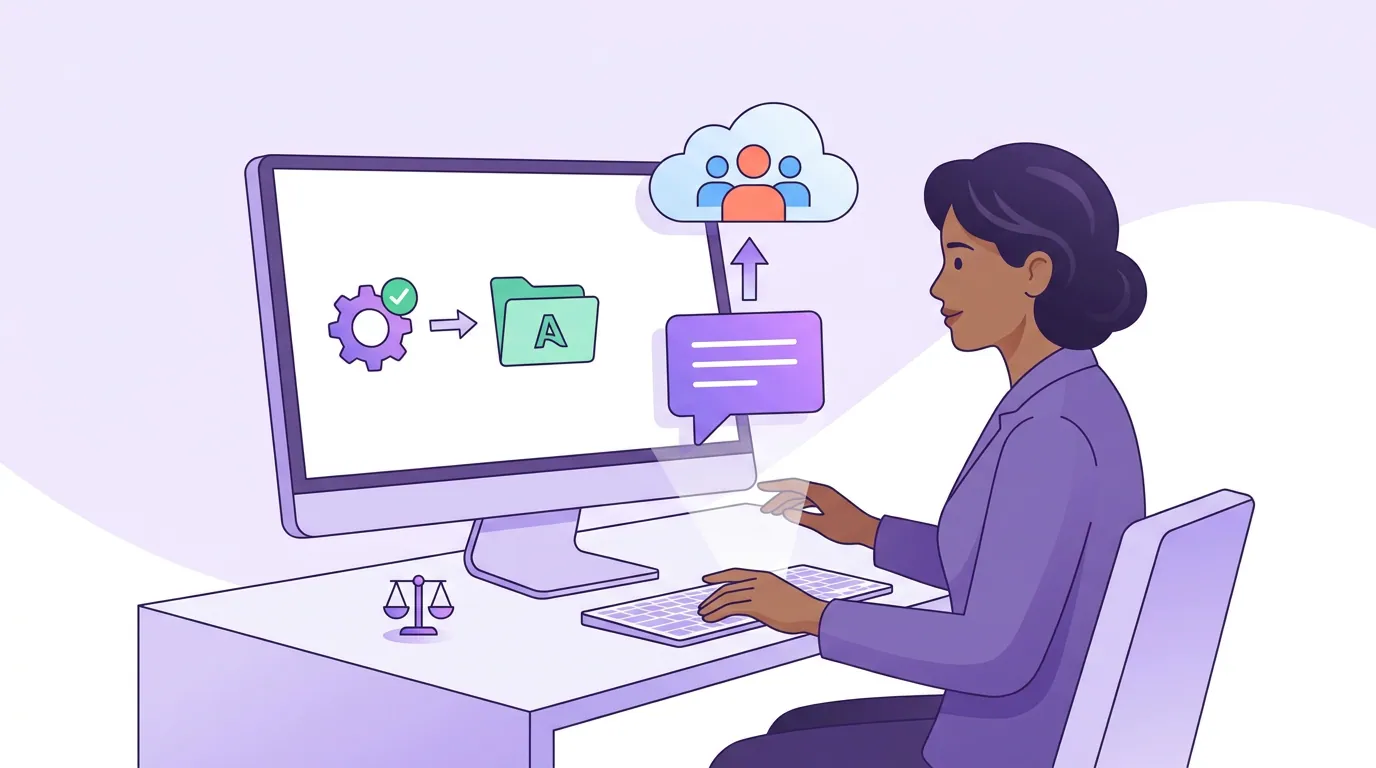
The decision rule: what a VA may change vs must escalate
This is the heart of the document and the part most SOPs skip. Delegation fails when the assistant either asks about everything (slow, and you've gained nothing) or decides everything (fast, and off the rails). The fix is one table: a clear line between the calls a VA makes alone and the calls that come back to you.
The principle underneath the table is simple enough to state in one line: the VA owns craft and consistency; the host owns meaning, accuracy, and risk. Fixing a misheard name is craft, the VA's call. Deciding whether a clip makes the guest look bad is meaning, yours. When a new case doesn't fit the list, that line is the tiebreaker.
Build the escalation channel into the SOP, not your DMs. A single thread, Slack, Notion, a shared doc, where the VA drops "escalating: clip 3, guest's stat sounds wrong, can you confirm?" and you reply once. That keeps escalations fast enough that the VA actually uses them instead of guessing.
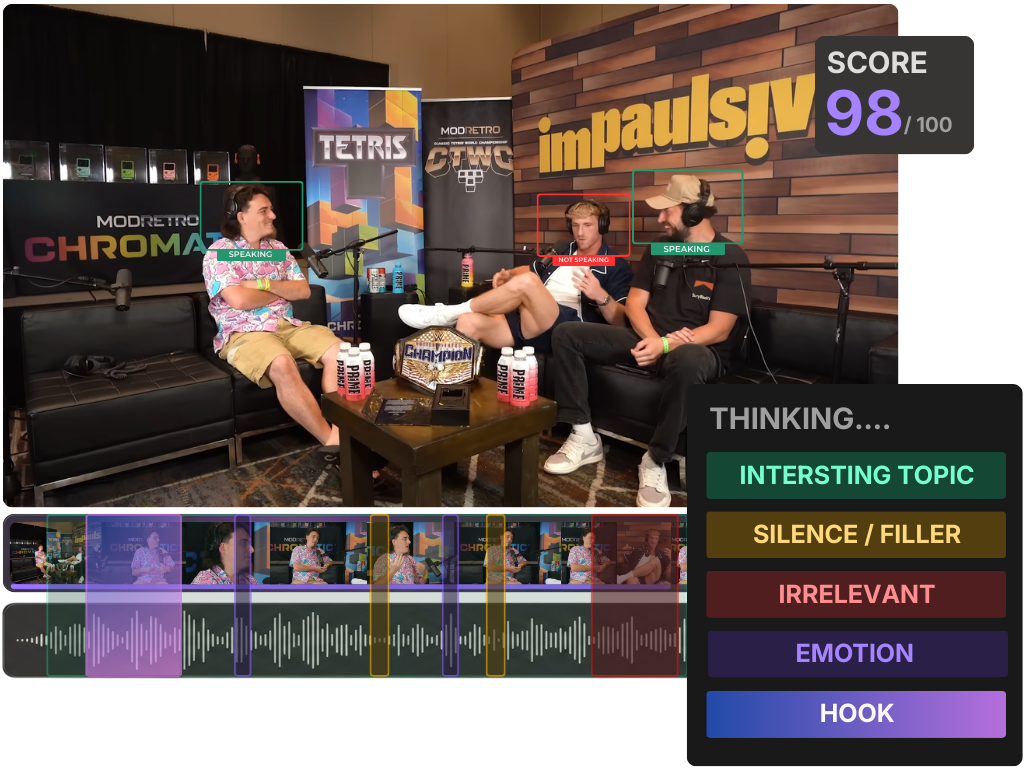
One thing to put in the may-change column deliberately: re-running a weak batch. If the first generation comes back thin, the VA should regenerate before escalating, regenerating a weak AI clip batch is a routine fix, not a host decision. Same with the AI's confidence scores; teach the VA that an AI virality score is a rough sort order, not a verdict, so they don't over-trust or over-escalate on it.
Common mistakes when you delegate clipping
- No approval gate, or a gate you never close. If clips wait three days for your yes, the VA either stalls or publishes without you. Commit to a turnaround time in the SOP and hold it. The gate is worthless if it's a bottleneck.
- Brand rules in your head, not in a saved template. "Make it look like our usual clips" is not a rule. Name the template, lock the colours, and let the tool enforce it so consistency doesn't depend on the VA's memory.
- An escalation list that's all escalations. If everything comes back to you, you haven't delegated, you've added a step. Push craft decisions down. Keep only meaning, accuracy, and risk.
- Skipping the mute test because the VA "watched it." Watching with sound on hides a weak hook. Most social video is viewed on mute, Digiday reported publishers seeing ~85% of Facebook video watched without sound, and Verizon Media put it around 69% (both publisher-reported and directional, but the direction is clear). The SOP has to say "sound off" explicitly.
- No tracking sheet. Without a log of what shipped, you can't see which clips worked, and your VA can't learn your show. The sheet is how the SOP gets better over time.
Tools: running the SOP without tool-hopping
The SOP runs in any clipper, but it runs fastest when generation, editable captions, framing, brand templates, and scheduling live in one place, because every tool the VA has to switch between is a step where the brand rule or the approval gate can slip. QuickReel keeps the whole batch-to-schedule flow in a single tool, which means the VA selects one brand template, runs the five-point review, and schedules approved clips without exporting to a separate app. If you're running this across several episodes at once, batch-clipping a whole episode in one pass keeps the VA's per-episode time low at volume. Opus Clip, Vizard, and Klap can run the same SOP; the steps, the gate, and the decision table apply to their output unchanged.
To help the VA understand why the AI cuts where it does, and therefore what to check hardest, how AI clip detection actually works is a useful onboarding read alongside the SOP.