
Clipping Non-English Podcasts With AI

AI clipping works on a non-English podcast, but how well depends almost entirely on your language. Clip detection, finding the good moments, barely changes, because it reads energy, pauses, and topic shifts that are language-agnostic. What changes is the captions. Speech recognition is strong on high-resource languages like Spanish, German, and French, and weaker on low-resource ones, so plan a heavier review pass the further your language sits from the training data.
The single mistake to avoid is treating an English workflow as if it ports unchanged. It mostly does, except for the one step that decides whether a muted viewer understands your clip: the caption. This guide gives you a three-tier framework for what accuracy to expect by language, how to handle code-switching and crosstalk, and a verification pass for translated or transliterated captions.
Does AI clipping actually work in other languages?
Yes, for the part that matters most. Detection finds your strongest moments using signals that do not care what language you speak, vocal energy, pauses, sentiment swings, and topic breaks. Those fire the same in Portuguese as in English. The accuracy gap shows up in transcription and captions, and it widens as your language gets rarer in the model's training data.
Here is the mechanism. Most clip tools transcribe with a multilingual speech model, OpenAI's Whisper is the common backbone, and Whisper was trained on roughly 680,000 hours of audio, of which only about 117,000 hours (~17%) were non-English, spread across 96 languages (Whisper, Wikipedia)). That imbalance is the whole story: the model's own documentation states plainly that "Whisper's performance varies widely depending on the language" (openai/whisper README). More training hours in a language means lower error rates; fewer hours means more wrong words in your captions.
If you want the full breakdown of the five detection signals before going further, how AI clip detection actually works covers each one. This article assumes that base and focuses on what is different when the audio is not in English.
The three-tier language framework
Sort your language into one of three tiers before you clip anything. The tier tells you how light or heavy your caption review needs to be, which is the only step that meaningfully changes across languages. Captions are not optional decoration here, with social video largely watched on mute (Digiday reported ~85% of Facebook video played silently in 2016, publisher-reported and directional (Digiday)), a clip with garbled captions in any language is dead on arrival.
Tier 1, high-resource. Spanish, German, French, Italian, Portuguese, Dutch, Japanese, and a handful of others sit close to English in accuracy. Independent benchmarking by Deepgram found Whisper does "roughly equally well on all but Hindi" across its European test set, with Spanish and German slightly behind French and Turkish mainly because of accent variety (Deepgram). If you record one of these in clean audio, your clip workflow is nearly identical to an English one, a light pass for proper nouns and numbers and you are done.
Tier 2, mid-resource. Hindi, Arabic, Turkish, Polish, Vietnamese, Korean, Indonesian, and similar languages produce usable transcripts with noticeably more errors. Captions are good enough to ship, but only after you read every line cold, not skim it. Deepgram singled out Hindi as the clear underperformer in its set even while the rest held up (Deepgram), so your mileage inside this tier varies by language and recording quality.
Tier 3, low-resource and non-Latin-script. Many African, South Asian, and Southeast Asian languages, plus rare dialects, fall here. One per-language WER roundup puts its bottom tier, low-resource languages like Welsh, at 30%+ word error rate, against near-English parity for major Western European languages (Whisper accuracy benchmarks, VexaScribe). Even at a 25% error rate, roughly one word in four is wrong, too high to publish without a careful human pass or a native speaker checking the output. Note also that for languages with ambiguous word boundaries, such as Chinese, Japanese, and Korean, accuracy is reported as character error rate (CER) rather than word error rate, which Whisper's own evaluation shows in italics alongside WER (openai/whisper README), so cross-language comparisons of a single percentage are rougher than they look.
How to clip a non-English podcast: the steps
- Set the language before you generate, do not rely on auto-detect. Most tools can guess the language, but the guess is the weakest link, language identification is exactly where multilingual models stumble, especially on mixed audio. If your tool lets you specify the language explicitly, do it. Telling the model "this is Hindi" produces a measurably better transcript than letting it infer.
- Generate clips and judge detection first, captions second. Look at what moments the AI surfaced before you read a single caption. Detection quality is language-independent, so this step works the same as it would in English, apply the same rubric from how to pick the best AI-suggested clips. Keep or kill on the strength of the moment, then fix captions only on the clips you are keeping.
- Read every caption cold, with the audio muted. This is the load-bearing step and it scales with your tier. For Tier 1, you are scanning for names and numbers. For Tier 2 and 3, you are proofreading line by line as a viewer who cannot hear the audio. You wrote and recorded the words, so they sound right to you, mute yourself and read what the stranger reads.
- Fix proper nouns, numbers, and jargon by hand, every time. These break in every language because they are rare tokens. A guest's name, a city, a product, a price, the model has the least training signal for exactly the words your clip hinges on. Build a short find-and-replace list for recurring terms on your show and run it on every batch. General caption-repair tactics that apply across languages are in fix AI caption errors on your clips.
- Decide on translation deliberately, then verify it as a separate pass. If you want English subtitles on a non-English clip to reach a wider feed, that is a translation step on top of transcription, two chances for error stacked. Treat the translated track as its own artifact to check, not a freebie. The verification pass below is for exactly this.
Code-switching: the hardest case to get right
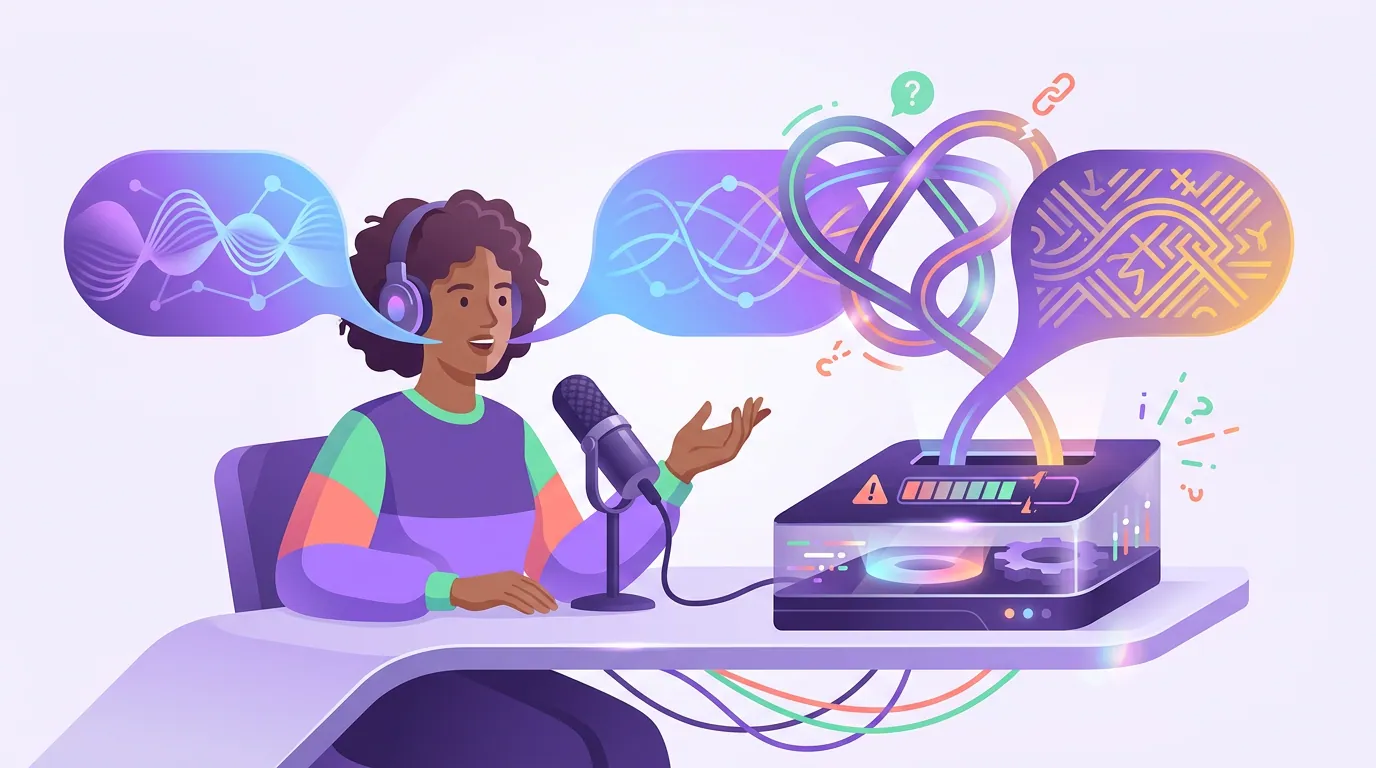
If your hosts mix languages mid-sentence, Hinglish, Spanglish, Arabic-French, Tagalog-English, expect the captions to degrade noticeably at the switch points. ASR systems run a 30–50% higher word error rate on code-switched speech than on monolingual speech, driven by irregular grammar, informal vocabulary, and non-standard pronunciation (HiACC code-switched corpus study, PMC). Whisper in particular was built for one language at a time, so at the moment you flip languages it tends to "hallucinate", producing a phonetically plausible word in its dominant language instead of the foreign word actually spoken, or defaulting to translating into English (Adapting Whisper for Code-Switching, arXiv).
You cannot fully fix this in a clip tool, but you can manage it.
- Prefer clips that stay in one language. When you scan the AI's suggestions, favor the moments where a host makes a complete point without switching. A clean monolingual 30 seconds captions far better than a bilingual scramble, and it is also easier for a stranger to follow.
- Set the language to the dominant one of the clip, not the episode. If a specific clip is 90% Hindi with a few English words, label that clip Hindi. The base language prompt has an outsized effect on accuracy, and matching it to the clip's majority language gives you the best transcript.
- Hand-fix the switch points. Read for the spots where the speaker changed languages, that is where the wrong word will be. The errors are predictable and concentrated, not random, which makes them fast to catch once you know to look.
The caption verification pass for translated or transliterated captions
Translation and transliteration each add a failure mode on top of transcription, so verify them as a deliberate checklist, not by eye. Transliteration, writing one language's sounds in another's script, like romanizing Hindi or Arabic, is where many tools quietly mangle output, and a viewer who reads that script will spot a wrong rendering instantly.
Run this five-point pass on any clip with translated or transliterated captions before you post:
- Numbers and dates survived. Translation engines drop or convert these more than you would expect. Check every figure against what was actually said.
- Proper nouns are not translated. Names of people, brands, and places should carry through untouched. "Apple the company" must not become "apple the fruit" in the target language.
- The translated meaning matches, not just the words. Read the target-language caption as a native reader would. Idioms and slang are where machine translation reverses or flattens the meaning.
- Transliteration is consistent. If you romanize a recurring term, romanize it the same way every time. Mixed spellings of the same word read as sloppy.
- Reading speed is humane. Translated text often runs longer than the original. If the caption now needs more characters than the clip's seconds allow, trim the line or extend the clip, a caption nobody can finish reading is worse than no caption.
Common mistakes when clipping non-English podcasts
Trusting auto-detected language on mixed audio. Language identification is the weakest step in the pipeline, and it fails most on the bilingual shows that most need it right. Set the language explicitly on every batch instead of letting the tool guess.
Skimming captions because you understand the audio. This is the universal clipping error, and it bites twice as hard in another language because you are also the only quality check the captions get. Mute the playback and read every line as a stranger would.
Publishing Tier 3 captions at Tier 1 effort. A light scan is fine for Spanish. On a low-resource language running 25%+ error, a light scan ships a clip where one word in four is wrong. Match your review depth to your tier, or get a native speaker to glance at the output.
Treating translation as free. Adding English subtitles to a non-English clip stacks a translation model's errors on top of a transcription model's. It is worth doing for reach, but only with the verification pass above, never as an unchecked toggle.
Forcing solo monologues in a hard language. Low-resource plus a single even-toned voice is the worst combination: weak detection signals and weak transcription at once. Build in structure as you record, and feed the AI more material, see batch-clip a whole episode in one pass.
Which tools handle non-English best?
The honest answer: most modern clippers use the same family of multilingual speech models, so raw detection and transcription quality are closer than the marketing suggests. The real difference is how fast the tool lets you fix what the model got wrong in your language, editable transcript-driven captions, an explicit language setting, and a quick path to correct proper nouns and switch points.
QuickReel supports 20+ languages and gives you transcript-based captions you can edit line by line, plus 12+ caption styles to keep your clips on-brand across languages (QuickReel pricing). It is an accelerant, not a replacement for a careful review pass, which is the honest framing for every AI clipper, in any language. The model finds the moment and drafts the caption; your verification pass is what makes a non-English clip actually publishable. Whatever the AI's confidence number says, the caption is the real gatekeeper, see what an AI virality score really tells you for why that number is a sorting hint, not a verdict.
FAQ
Can AI clip a podcast that isn't in English? Yes. Clip detection works the same in any language because it reads energy, pauses, and topic shifts rather than meaning. The part that varies is caption accuracy, which is strong for high-resource languages like Spanish and German and weaker for low-resource ones, where you need a heavier review pass before posting.
Which languages get the most accurate AI captions? High-resource languages with the most training data, Spanish, German, French, Italian, Portuguese, Dutch, and Japanese, caption close to English quality. Hindi, Arabic, Turkish, and similar mid-resource languages are usable with more review. Low-resource and rare-dialect languages can run 25-30%+ word error rate (Whisper benchmarks, VexaScribe) and need careful checking.
How do I handle a bilingual or Hinglish podcast? Favor clips that stay in one language, set each clip's language to its dominant one rather than the whole episode's, and hand-fix the switch points. Code-switched speech runs 30–50% higher word error rate than single-language speech (HiACC corpus study, PMC), and the errors cluster exactly where the speaker changes languages.
Should I add English subtitles to a non-English clip? It can widen your reach, but treat it as a separate translation step with its own check. Verify numbers, proper nouns, idiomatic meaning, transliteration consistency, and reading speed before posting, translation stacks a second model's errors on top of transcription's.
Why are the names and numbers always wrong in my captions? Proper nouns, numbers, and jargon are rare tokens the model has the least training data for, so they break in every language. Keep a find-and-replace list of your show's recurring names and terms, and fix them on every batch, this single habit removes most of the embarrassing caption errors.