
How to Fix AI Caption Errors in Your Clips

To fix AI caption errors fast, scan for the five things auto-captions reliably get wrong, proper nouns, brand names, numbers, crosstalk, and strong accents, fix each one in the caption editor, then add the recurring ones to a custom dictionary so the next episode transcribes them correctly. The dictionary is the part most people skip, and it is the part that stops you re-fixing "QuickReel" as "quick reel" forty times across a season.
Auto-captioning is roughly 90–95% accurate on clean audio. That sounds great until you remember a viewer reads every word, and the 5% that's wrong is almost always the word that carries the meaning, a guest's name, your product, a price. Here is exactly what breaks, why it breaks, and how to stop it from breaking again.
Why a wrong caption costs more than a wrong word
Captions are not an accessibility checkbox on a clip. They are the clip. A widely cited estimate puts around 85% of social video views with the sound off (Digiday, from publisher-reported data), treat that as directional, since it traces to 2016 publisher anecdotes and individual studies range from roughly 69% to 85%. The number isn't the point; the direction is settled. Most people who scroll past your clip will read it, not hear it.
So a captioning mistake isn't a typo a few people catch. On a muted clip it is the spoken word, for the majority of your audience. When the model writes "Sequoia" as "secoya" or turns "$40K MRR" into "forty kay m-r-r," the stranger who has never heard your voice reads exactly that. They don't know it's wrong. They just decide the clip looks sloppy and keep scrolling.
That matters more here than almost anywhere, because clips carry a disproportionate share of discovery. One studio's client data puts clips at 20–40% of new audience, with reach lifts of 2–5× for video shows (Podcast Studio Glasgow), a directional range from one source, not a platform-wide audit, but the thrust is right: clips are often the front door. A wrong caption is a smudge on the front door.
The five caption errors that actually recur
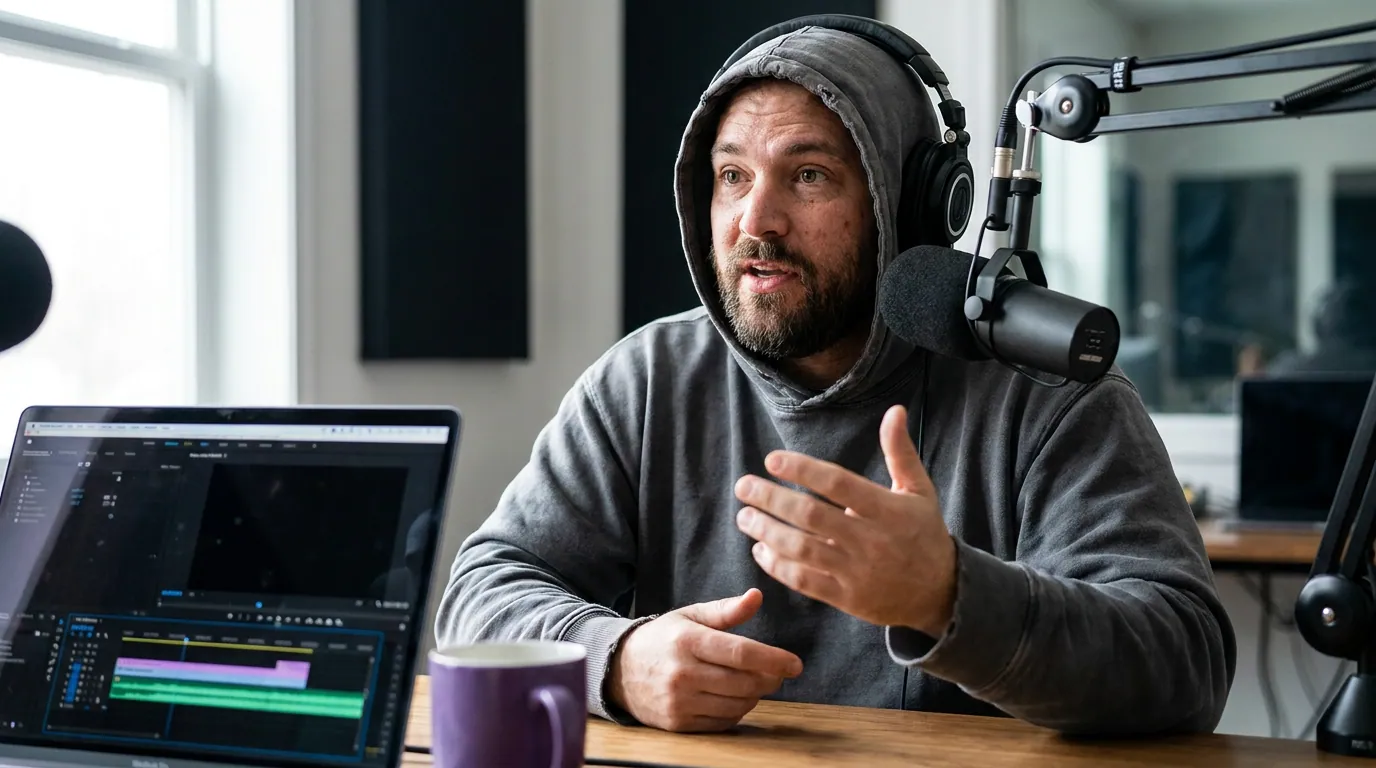
Across a show's back catalog, caption errors are not random. The same five categories repeat episode after episode, because they come from the same root causes, words the model has weak priors for, and audio it can't cleanly separate. Fix your captioning workflow around these five and you've handled the large majority of what goes wrong.
1. Proper nouns: names and places
This is the most frequent and the most damaging, because a misspelled guest name reads as disrespect. The model has no reliable prior for "Aoife" or "Nguyen" or "Worcestershire," so it writes the closest common word it knows. The fix: correct it once in the caption editor, then add the spelling to your custom dictionary so it sticks. For a guest you're hosting, paste their name and company into the dictionary before you transcribe, five seconds upfront beats hunting for "Eva" that should have been "Aoife" across nine clips.
2. Brand names and niche jargon
Your own product, the tools you discuss, the acronyms your field lives on. "Kubernetes" becomes "cooper netties." "QuickReel" becomes "quick reel." "GA4" becomes "g a four." These are the words your core audience knows best, so a mangled one signals "outsider" louder than any other error. The fix: every recurring brand and term goes in the dictionary permanently. This is the single most valuable entry you'll make, because you say your own product name in nearly every episode.
3. Numbers, units, and money
Captioners are inconsistent here in a way that quietly erodes trust. "$40K" might render as "forty thousand dollars," "40 K," or "forty kay." A year becomes a phone number; "two to three percent" becomes "223 percent." For a clip whose whole hook is a number, a price, a growth stat, a date, a wrong figure breaks the payoff entirely. The fix: this one is mostly manual, because it's formatting, not vocabulary. Read every number in the caption against what was actually said, and standardize the style (decide whether you write "$40K" or "$40,000" and keep it consistent across the show). If a clip's hook is the number, this is the one line you check twice, a targeted per-clip review pass catches the formatting drift a dictionary never will.
4. Crosstalk and interruptions
When two people talk at once, the exact overlapping, laughing, "no but wait" moments that make the best clips, the model has to attribute a single line to a single speaker and usually drops or scrambles the second voice. The fix: there's no dictionary trick here. Watch the segment, retype what was actually said, and if your tool supports it, split the line by speaker. A surprising number of high-energy clips fail purely because the funniest interjection got swallowed. If you're cutting for narrative tension, this is doubly true, see where to end a true crime clip for max suspense, where a single dropped reaction line can flatten the whole ending.
5. Strong accents, fast talkers, and mumbling
Heavily accented, very fast, or under-projected speech degrades accuracy across the board. This isn't the model being biased so much as it being trained on cleaner, slower audio than real conversation. The fix: this starts at the source. Better mic technique and cleaner audio do more for accent accuracy than any post-fix, the captioner can only transcribe what it can clearly hear. After that, it's a manual review pass on the affected speaker's lines.
The custom dictionary: fix it once, not every episode
Here is the workflow that separates people who re-fix the same errors forever from people who fix them once. Categories 1 through 3 above, proper nouns, brands and jargon, recurring numbers and units, are vocabulary problems. Vocabulary problems are exactly what a custom dictionary (sometimes called a word list, glossary, or custom vocabulary) is built to solve.
The workflow, in five steps:
- Build a starter list before you ever hit transcribe. Add your show name, your hosts' names, your product, and the five-to-ten terms or acronyms you say most. This alone prevents most brand-name and jargon errors on episode one.
- Add each guest's name and company per episode. Thirty seconds of prep, grab the spelling from their LinkedIn, and the model stops guessing. This is the highest-respect, lowest-effort fix you can make.
- Capture every new recurring error as you review. When you correct a term you know you'll say again, add it to the list immediately. The list compounds: by episode ten it catches almost everything category 1–3.
- Use phonetic hints where the tool allows them. Some captioners let you map a sound-alike ("cooper netties" → "Kubernetes"). When available, this catches the error even when the model badly mishears the term.
- Re-run, don't re-type. Once the dictionary is loaded, new episodes inherit it. You're now only doing manual work on categories 4 and 5, the audio problems a dictionary can't touch.
The honest limit: a dictionary fixes vocabulary, not audio. It will not rescue crosstalk or a mumbled, accented line, because the model still has to hear the word before it can match it to your list. Those stay manual. But moving the top three categories off your plate permanently is most of the work, and it's the difference between caption review taking 90 seconds and taking ten minutes.
Common mistakes when fixing captions
Fixing errors clip by clip instead of in the transcript. Correct the word once in the source transcript and every clip drawn from that section inherits the fix. Editing the same line across five exported clips is wasted motion, and the batch-clipping workflow only pays off if you fix upstream first.
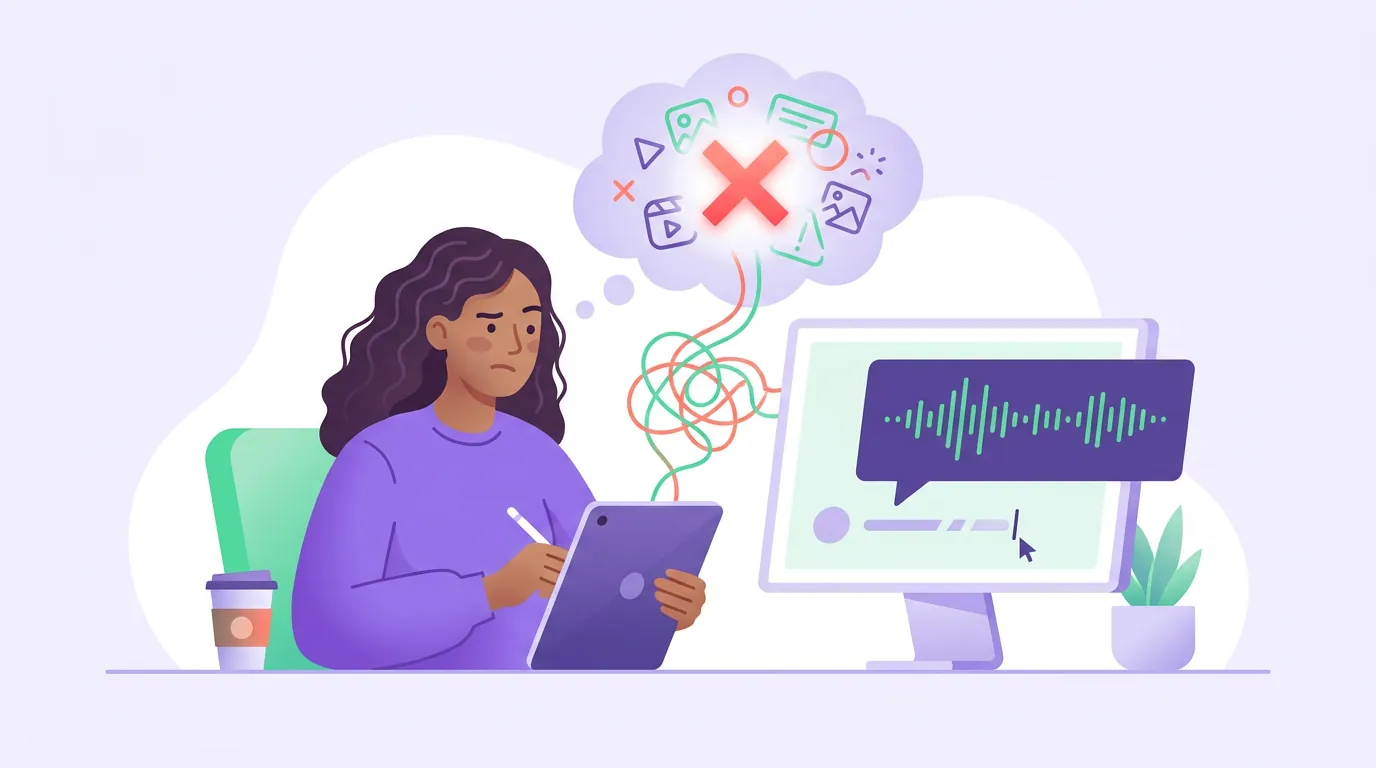
Reading captions with the sound on. You know what was said, so your brain auto-corrects the caption as you read. Mute your own playback and read it cold, the way the muted stranger will. Errors you glossed over jump out instantly.
Trusting the accuracy percentage. "95% accurate" sounds safe until you realize the wrong 5% clusters on names, brands, and numbers, the load-bearing words. Accuracy averaged across "the," "and," and "you" is not the accuracy that matters on a clip.
Over-editing into a script. Captions should match the spoken words, including the natural "yeah" and "you know." Polishing them into clean prose desyncs the text from the audio and reads as inauthentic to anyone who has the sound on. Fix errors; don't rewrite speech.
Skipping the dictionary because "it's just one episode." It's never one episode. The same terms recur for the life of the show. Five minutes building the list now saves an hour across a season, this is the same compounding logic behind picking the best AI-suggested clips with a repeatable rubric instead of fresh judgment each time.
Which tools handle this well
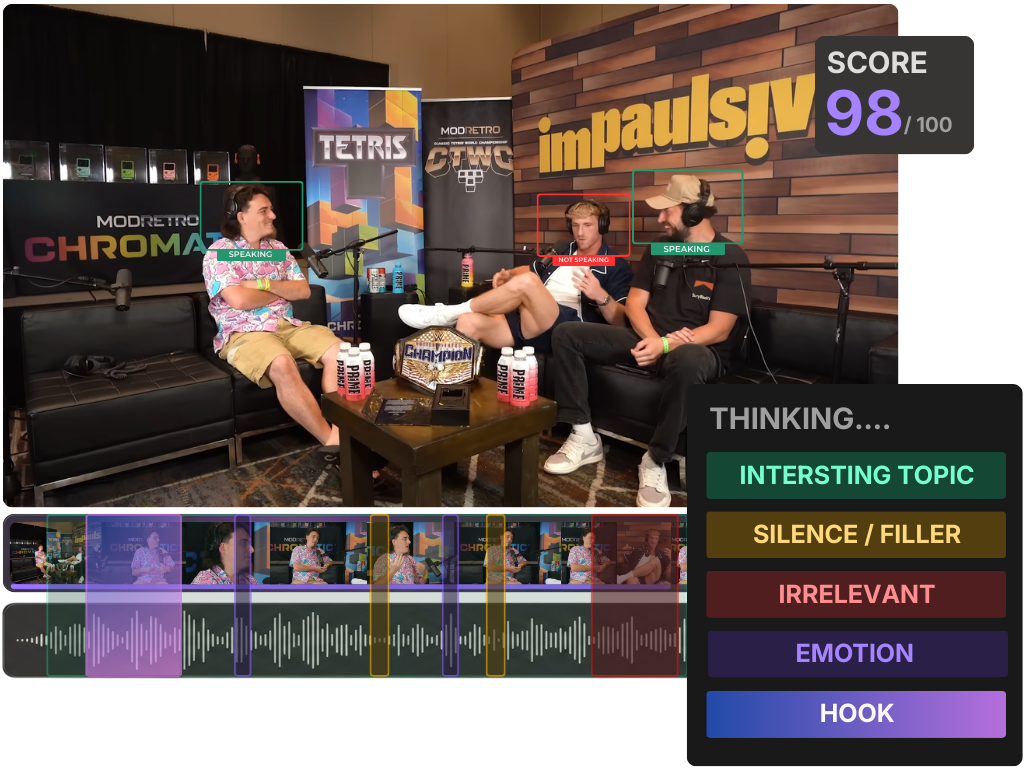
Most AI captioners are close on raw accuracy on clean audio, the gap is in how easily you can fix what's wrong and stop it recurring. The features that actually matter: an inline caption editor (not a separate file you export and re-import), a custom dictionary or word list, and the ability to push a transcript fix down to every clip at once. Whisper-based tools tend to be strong on raw accuracy out of the box, but raw Whisper has no custom-vocabulary slot at all, you can only nudge it with an initial prompt, so a tool that wraps it with a real word list is doing work the underlying model won't. That editing surface is the whole differentiator, which mirrors how AI clip detection tools mostly converge on the same moments and compete on workflow.
QuickReel transcribes the episode, lets you correct captions inline, and applies the fix across clips drawn from that episode, with a dictionary for the terms you repeat. Like every AI captioner, it gets you most of the way and still needs a human review pass on numbers and crosstalk, that last 10% is your taste, not the model's, and pretending otherwise is how sloppy clips ship. Treat the tool as the accelerant and yourself as the editor of record.
FAQ
How accurate are AI captions, really? On clean, single-speaker audio, modern captioners land around 90–95% word accuracy. The catch is that the errors aren't spread evenly, they cluster on proper nouns, brand names, numbers, crosstalk, and accents, which are usually the most important words in the clip. Plan your review around those five rather than reading every line equally.
Why does the AI keep spelling my guest's name wrong? Because it has no reliable prior for an uncommon name and defaults to the nearest common word. The permanent fix is a custom dictionary: add the spelling before you transcribe, and the model stops guessing. For one-off guests, paste their name and company from LinkedIn into the word list as a 30-second prep step.
Can a custom dictionary fix every caption error? No, and it's important to know the limit. A dictionary fixes vocabulary, names, brands, jargon, recurring terms. It can't fix audio problems like two people talking over each other or a heavily accented, mumbled line, because the model still has to hear the word clearly before matching it. Those stay a manual review.
Should I fix captions in each clip or in the full episode? In the full episode transcript, every time you can. A fix in the source propagates to every clip cut from that section. Editing the same error separately in each exported clip is duplicated work and a common reason caption cleanup feels endless.
Do captions actually change how a clip performs? They strongly influence whether a muted viewer understands the clip at all, and most social video is watched muted (~85%, Digiday, directional). A clean, correct caption won't make a weak moment go viral, but a wrong one on a strong moment will quietly cost you the viewers who couldn't tell it was a typo.