
Fixing Caption Accuracy on Podcast Clips

To fix caption accuracy on podcast clips, stop reading every line and review by error class. Modern auto-transcription is good on clean, single-speaker audio, well into the 90s on word accuracy in vendors' own benchmarks, but the slice it misses is not random. It lands on five things: crosstalk, names, jargon, numbers, and filler. Search-and-fix those five in the source transcript and you correct the words that matter in minutes.
The mistake almost everyone makes is treating caption review as proofreading. They scroll the whole transcript line by line, eyes glazing over, and still miss the guest's surname spelled three different ways. A podcast is a hard input for any transcriber, two or three people talking over each other, industry jargon, rattled-off statistics, mumbled names. The errors are predictable. Once you know the five classes and where each one hides, you fix captions with a checklist instead of a slog.
Why caption errors cost more on a clip than in a full episode
A wrong word in the middle of a 45-minute episode is forgivable; the same wrong word in a 30-second clip is the whole first impression. Clips are often where someone meets your show, and most of them are watching on mute, a widely repeated estimate puts around 85% of social video viewed with the sound off (Digiday, 2016 publisher-reported data; treat it as directional, since individual studies range from roughly 69% to 85% and the figure is a decade old). On a muted clip, the captions are the audio. An error isn't a typo, it's the only version of that sentence the viewer ever gets.
That stings more because clips do real recruiting work. One studio's client data puts clips at 20–40% of new audience, with reach lifts of 2–5× for video shows (Podcast Studio Glasgow), one source's directional range, not a platform-wide audit, but the thrust holds. A caption that mangles your guest's name in the first three seconds is a botched introduction to everyone meeting the show through that clip.
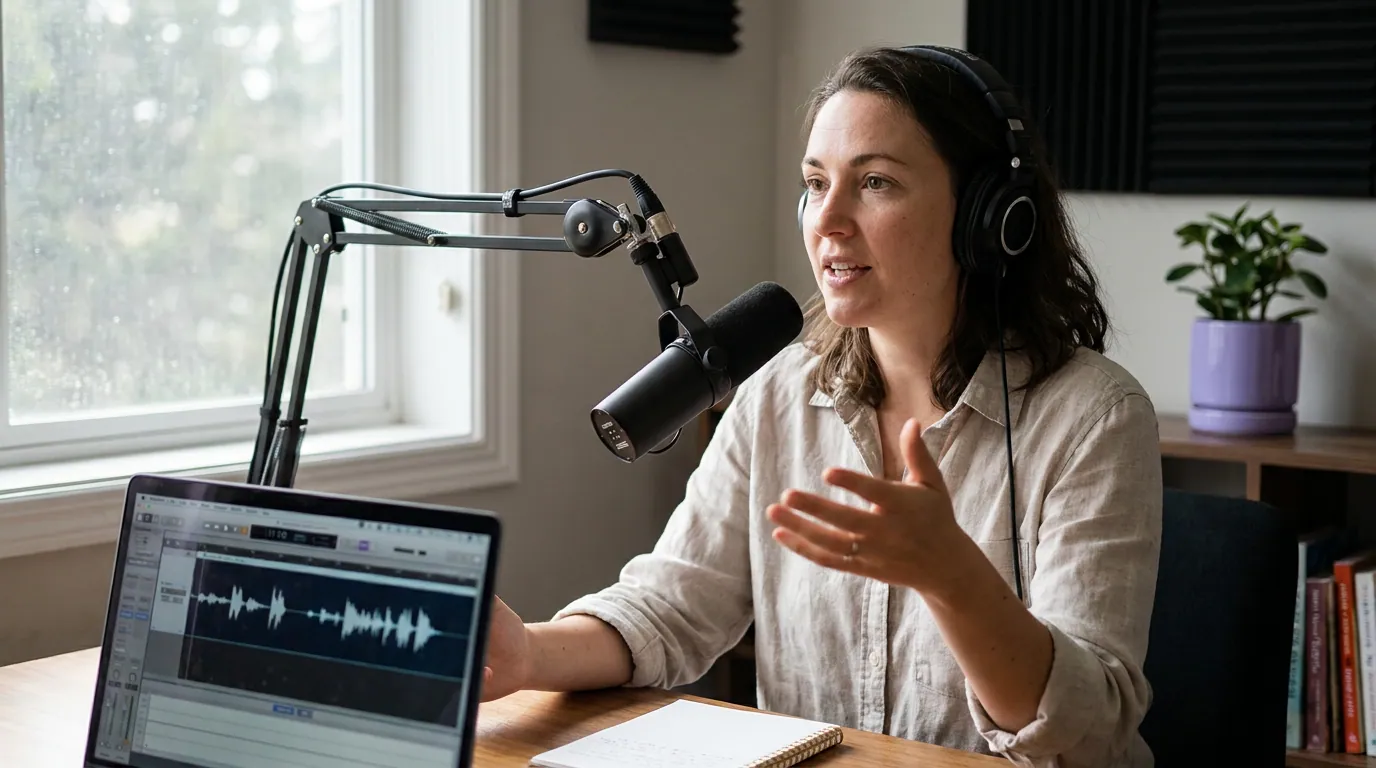
The five error classes (and why they cluster there)
Auto-transcription is strong on common conversational English and weak everywhere a podcast deviates from it. After reviewing captions across thousands of episodes, the same five categories absorb nearly all the corrections. Knowing the shape of the problem is what lets you fix it fast.
Names and proper nouns. The single biggest source of error and the most damaging. A transcriber has never heard your guest's name and will guess the nearest common word, "Siobhan" becomes "Shavonne," a co-host's surname mutates per appearance. Company, product, and place names land here too.
Jargon and brand terms. Field-specific vocabulary the model wasn't trained on. "Kubernetes," "VO2 max," "amortization," a supplement brand, these come out as plausible-sounding nonsense. The more niche your show, the more of these per clip.
Numbers and units. Spoken numbers are ambiguous to a transcriber. "Fifteen hundred" becomes "1500" or "15, 100"; "twenty-twenty-four" splits or merges; percentages, dollar amounts, and dates drift. In a clip built around a statistic, the number is the payload.
Crosstalk and overlap. When two people talk at once, the transcriber picks one voice and drops or scrambles the other. This is the hardest class to fix because the source itself is muddy, sometimes the right answer is to trim the overlap, not retype it.
Filler and false starts. "Um," "you know," repeated words, and abandoned sentences. Transcribers either keep all of them or invent connective words to smooth the gap. This class is low-stakes for accuracy but high-stakes for readability, and it's the one place you should edit for clarity, not just correctness.
The two-pass review: skim, then search by class
Here is the method, and it is faster than line-by-line every time: do one quick skim for obvious nonsense, then run a targeted pass on each of the five classes. Fix everything in the source transcript, not the individual clip, so corrections propagate to every clip drawn from that section.
The checklist, class by class:
- Names, build a dictionary first. Before you even review, add your recurring co-hosts, the guest's name, and your show and brand names to the tool's custom dictionary or word list. Most AI captioners have one. That alone removes the most frequent error before it happens. For one-off names, use find-and-replace across the transcript so you fix every instance at once, not one at a time.
- Jargon, paste in your field's terms. Same dictionary, different entries. If you run a tech, finance, fitness, or medical show, load the 15–30 terms that recur. Spend the five minutes once per season and you stop re-correcting "Kubernetes" forever.
- Numbers, read every figure out loud against the audio. Numbers are the one class where you should listen, not just look. Jump to each statistic in the clip and confirm the digits match what's spoken. A clip that exists to deliver "$1,500" cannot ship saying "$15,100."
- Crosstalk, decide: retype or trim. Play the overlap twice. If you can make out both lines on the second pass, retype them. If you still can't, that's a signal the moment doesn't clip well, trim to the clean speaker or pick a different segment. My rule: if a line needs three listens to transcribe, the audience will never parse it on mute, so cut it. Don't ship a caption that's guessing.
- Filler, cut for readability, keep the voice. Remove the "um"s and false starts that clutter the line, but keep the natural "yeah" and "you know" that make it sound like a person. Over-cleaning speech into tidy prose desyncs the captions from the audio and reads as fake to anyone listening.
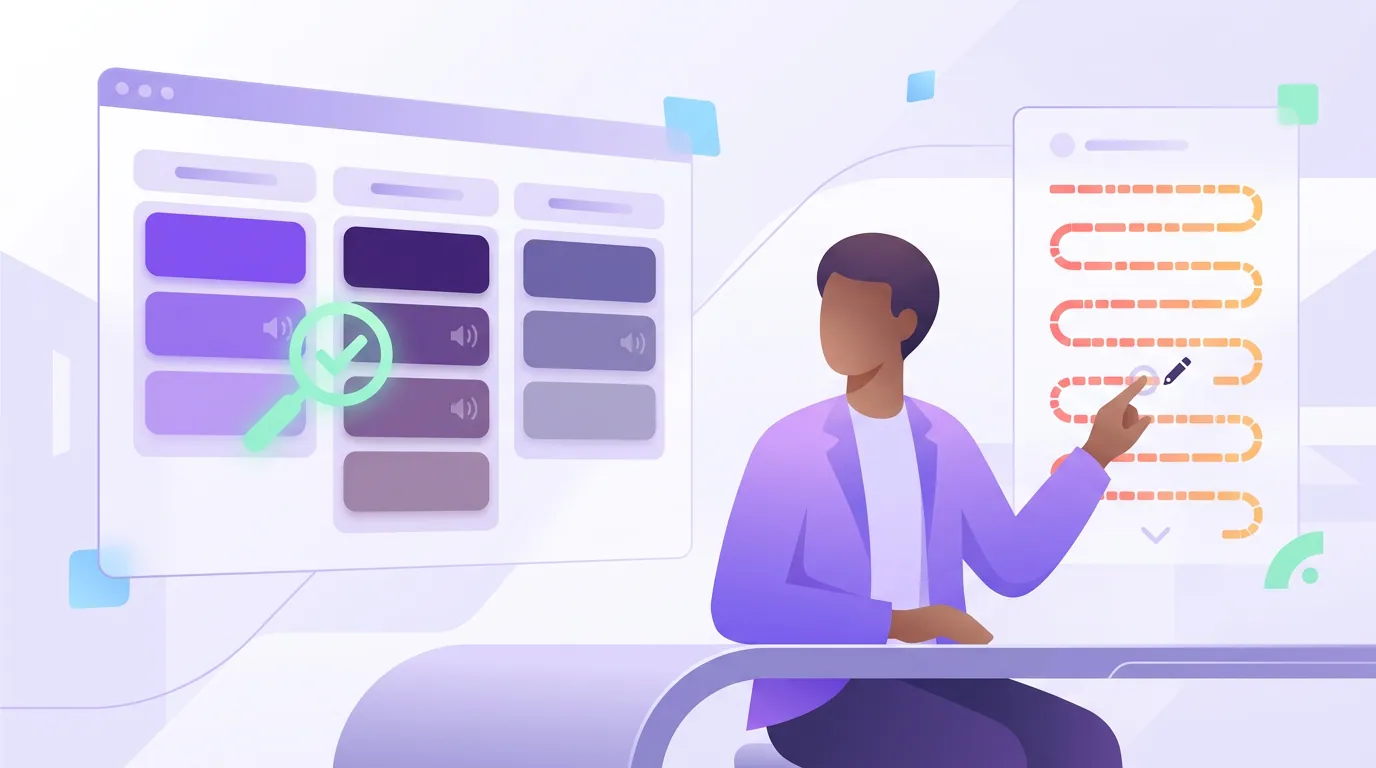
Review by class versus reading every line
The reason the class-based pass wins is not just speed, it's that line-by-line reading systematically misses the errors that matter. Your brain auto-corrects familiar text, so you glide past the wrong name. A deliberate search for names forces you to look at each one.
This is the same logic behind doing the work once at the episode level. Build the dictionary, fix the transcript, and the corrections carry into every clip you cut, instead of re-fixing the same surname across a dozen exports. If you haven't set up captions at all yet, start with the full workflow in how to add captions to podcast clips, then come back here for the accuracy pass.
Common mistakes when fixing caption accuracy
Fixing the clip instead of the transcript. Correct the source transcript so every clip from that section inherits the fix. Editing each exported clip means re-doing the same correction over and over.
Skipping the custom dictionary. Names and jargon are the two largest error classes, and a dictionary kills both before review even starts. Not using one is choosing to retype the same words all season.
Reviewing with the sound on. You know what was said, so your ear papers over the on-screen error. Mute the playback and read the captions cold, the way the silent majority will.
Trusting the average accuracy number. "95% accurate" sounds safe, but the wrong 5% is concentrated on the most important words in the clip. Average accuracy is the wrong lens; class coverage is the right one.
Over-polishing speech into prose. Cleaning out filler is good; rewriting natural speech into formal sentences is not. It desyncs caption from audio and reads as inauthentic. Edit for readability, not for an essay.
FAQ
How accurate are auto-captions on a podcast? High on clean, single-speaker audio, vendors quote word accuracy in the 90s, and noticeably lower with crosstalk, accents, or heavy jargon. The key point is that the errors aren't spread evenly: they cluster on names, jargon, numbers, crosstalk, and filler. Review those five classes rather than trusting the headline accuracy figure.
What's the fastest way to correct auto captions? Build a custom dictionary of recurring names and field terms first, then run a targeted search for each error class instead of reading line by line. Fix everything in the source transcript so corrections apply to every clip cut from that section. The whole pass takes minutes, not an evening.
Why does auto-transcription keep getting names wrong? Transcribers are trained on common English, so an unfamiliar proper noun gets mapped to the nearest real word. The fix is a custom dictionary plus find-and-replace for one-off names, which corrects every instance at once instead of one line at a time.
Should I fix captions before or after cutting clips? Before. Caption and correct the full episode once, then cut clips from the captioned source so each one inherits clean captions. The broader case for auto-first with a review pass is in auto vs manual captions: which is worth it.
Do caption errors actually hurt clip performance? On a muted clip the captions are the only version of the audio the viewer gets, and a widely cited estimate puts most social video watched without sound (Digiday, directional). A wrong name or number in the first seconds is a botched first impression to the new audience clips are meant to recruit.
Two more decisions affect whether a fixed caption reads cleanly: the typeface, covered in the best caption fonts for podcast clips, and whether you burn captions in or keep them as a toggleable track, weighed in burned-in vs soft captions. Accuracy also starts upstream, picking segments with clean audio. See how to pick the best AI-suggested clips and how AI clip detection actually works for choosing moments that caption well in the first place.