
What to Look for in a Podcast Clip Tool


Check five things, in order: speaker tracking on multi-person shots, caption editability after the AI writes them, moment selection plus your ability to override it, reframe control, and how well export and scheduling fit how you post. Skip detection quality, every modern tool is roughly tied there. The time-eaters hide in those five.
That ordering is deliberate, and it goes against most "best clip tool" reviews, which rank on the wrong axis. Run the same episode through Opus Clip, Vizard, and QuickReel and the moment lists overlap heavily, the models are trained on similar signals (laughter, questions, sentiment spikes), so they converge on the same hooks. The real difference is workflow, not which clip the model finds. So the buying question is never "which finds better clips." It is "which one needs the fewest clicks and the least cleanup between a raw episode and a finished, posted clip." This guide gives you the five-feature scorecard and a 15-minute trial test for each, so you can prove a tool before you pay, not after.
What features make or break a podcast clip tool?
Five features decide it: speaker tracking (does the frame follow the right person in a multi-guest shot), caption editability (can you fix a word, restyle, and move text off a face), moment-selection logic and override, reframe control, and export-and-scheduling fit. Detection quality is near-identical across tools, so it ranks last.
The trap in most reviews is that they grade tools on the one thing that is nearly identical across all of them, how good the AI is at finding a clip, and skip the four things that differ wildly and consume your evenings. A clip tool does three jobs: it finds the moment, it frames it vertically, and it finishes it with captions and a publish step. Detection is the find. The frame and the finish are where you lose hours, and where the make-or-break features live.
The five-feature make-or-break scorecard
Score each tool 0–2 per line during a trial. A tool you'll rely on weekly should clear 7/10. Anything below 5 will quietly cost you an hour an episode.
- Speaker tracking (0–2). On a two-person clip, does the vertical frame follow whoever is talking, or does it lock on one face and crop the other out? Score 0 if it cuts a speaker off mid-answer, 1 if it picks a static safe crop, 2 if it switches cleanly between active speakers.
- Caption editability (0–2). After the AI transcribes, can you fix a wrong word in two clicks, change the style, and drag the caption off the speaker's mouth? Score 0 for locked/baked captions you can't touch, 1 for text edits only, 2 for full edit + restyle + reposition.
- Moment-selection logic + override (0–2). Can you see why it chose a clip (a hook score, a topic tag) and, more importantly, clip a moment it missed by hand? Score 0 if you're stuck with its picks, 2 if you can both understand and override them.
- Reframe control (0–2). When the auto 9:16 crop is wrong, faces half out of frame, a whiteboard cut off, can you nudge it, or are you stuck re-exporting? Score 0 for take-it-or-leave-it, 2 for manual keyframe/position control.
- Export + scheduling fit (0–2). Does it export at the spec your platforms want, watermark-free on the plan you'd buy, and post to the platforms you actually use? Score 0 if you'll need a second tool to publish, 2 if URL-in-to-posted lives in one place.
This is the lens the rest of the article applies. It is also the part a solo-creator clip tool setup and an agency buying guide build on, same features, different weighting by who's using them.
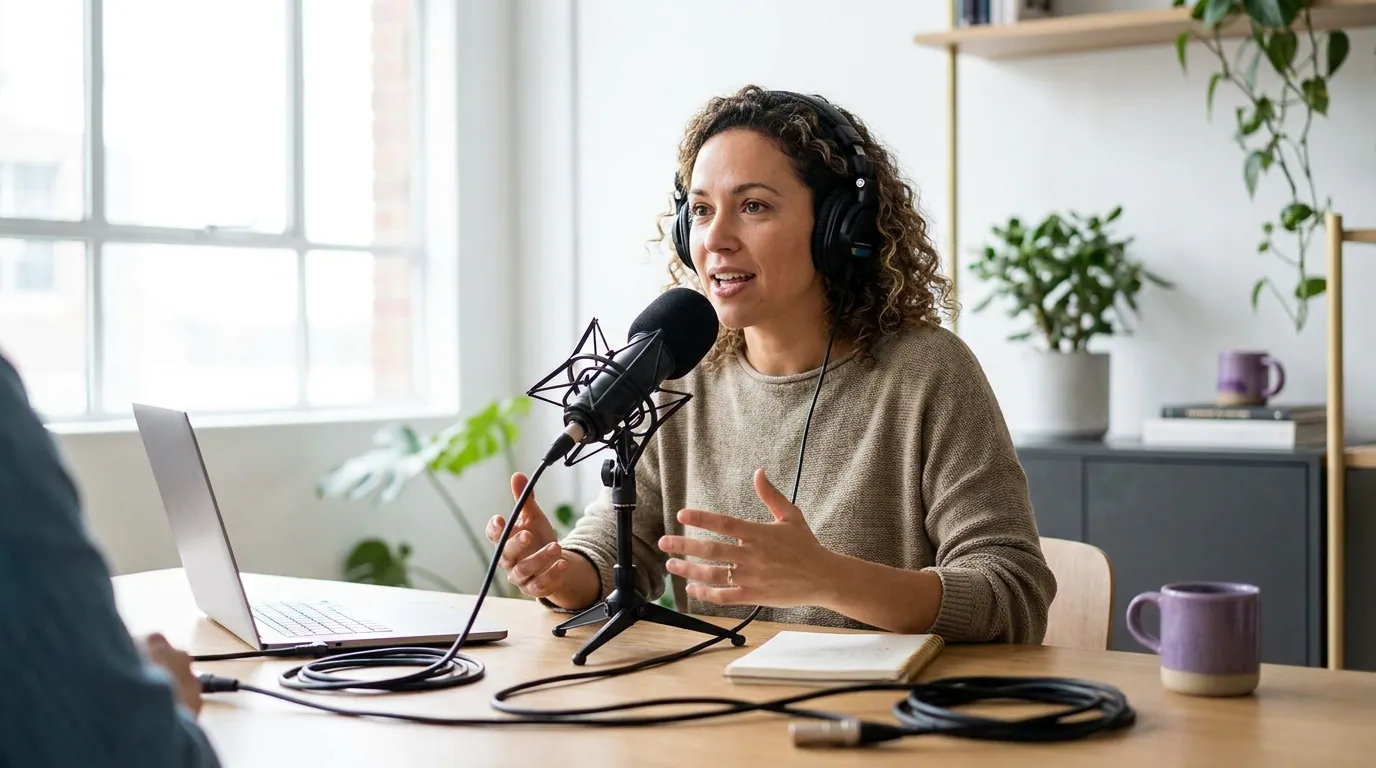
Why speaker tracking and caption editability matter more than detection
Because they are where the time goes. A clip tool that finds a great moment but crops your co-host out of a two-person answer, or burns in a caption you can't fix, hands you a clip you have to redo by hand, which defeats the point of buying the tool. Detection saves you minutes of searching; bad tracking and locked captions cost you minutes per clip, every clip, forever.
Speaker tracking is the single most under-tested feature, and the one that fails most often on real podcast footage. A solo talking-head clip is easy, there's one face to follow. The moment you have a guest, a panel, or a two-shot, the model has to decide who to frame as the audio moves between people. Tools that get this wrong either lock onto one person (so the other becomes a disembodied voice) or jump-cut between faces in a way that feels nauseating. On interview and panel shows, most of the podcast market, this is the difference between a usable clip and a re-edit.
Caption editability is the other quiet killer, because most social video is watched on mute, commonly cited at 75–85% across publisher-reported studies (Sharethrough put it at ~75%; Digiday reported ~85% of Facebook video watched without sound in 2016, both publisher-reported and directional, not gospel). If most viewers read your clip rather than hear it, the caption is the clip. A tool that transcribes "Sequoia" as "secret" and won't let you fix it, or stacks the caption right over the speaker's mouth with no way to move it, has broken the one thing that carries the message. Test the caption editor harder than anything else.
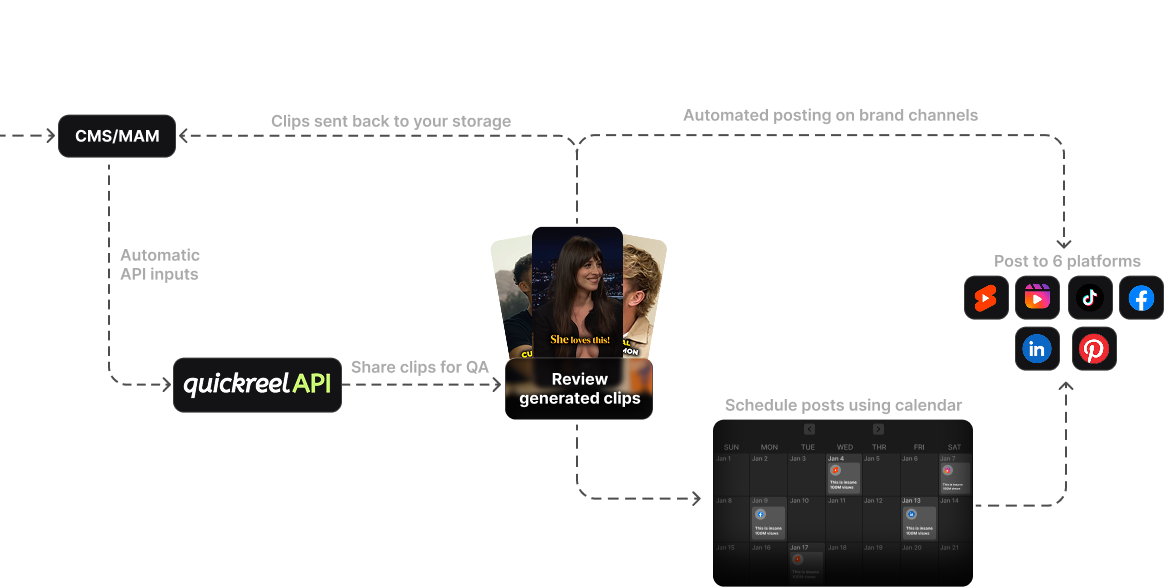
The 15-minute trial test: prove each feature before you pay
You don't need a week to evaluate a clip tool. You need one real episode and 15 minutes. Run this protocol on your actual footage, not the vendor's demo reel, which is curated to hide exactly the failure modes below. Each step targets one make-or-break feature and tells you what a pass looks like.
| Minutes | What to test | A pass looks like |
|---|---|---|
| 0–4 | Speaker tracking, generate clips from a two-person segment | The frame follows whoever's talking; no one is cropped out mid-answer |
| 4–8 | Caption editability, fix a misheard word, restyle, drag captions off the mouth | All three work in a few clicks; no re-export needed |
| 8–11 | Moment override, clip a moment the AI missed, by hand | You can set in/out points yourself, not just accept its picks |
| 11–14 | Reframe control, find a bad 9:16 crop and correct it | You can reposition the subject without starting over |
| 14–15 | Export fit, export and check watermark, spec, and post target | Clean export at the right spec, posts where you actually post |
Use the same episode across every tool you trial. Same footage, same segment, same caption fix, that's the only way to compare fairly, because a tool that aces a clean solo monologue can fall apart on a cross-talk panel. Time the round trip, too. The tool that gets you from URL to a finished, posted clip in the fewest clicks wins, because that gap, not detection, is what you pay for week after week.
One honest caveat to set expectations: in our hands-on testing across tools, every AI clipper still needs a meaningful pass of human review, typically a fifth to two-fifths of each clip gets a fix (a caption word, a crop nudge, a trim). None of these tools is hands-off, and any vendor claiming otherwise is overselling. So the right question in your trial isn't "is it perfect", it's "how much does it leave me to fix, and how fast can I fix it." That's what the caption-edit and reframe-control steps measure.
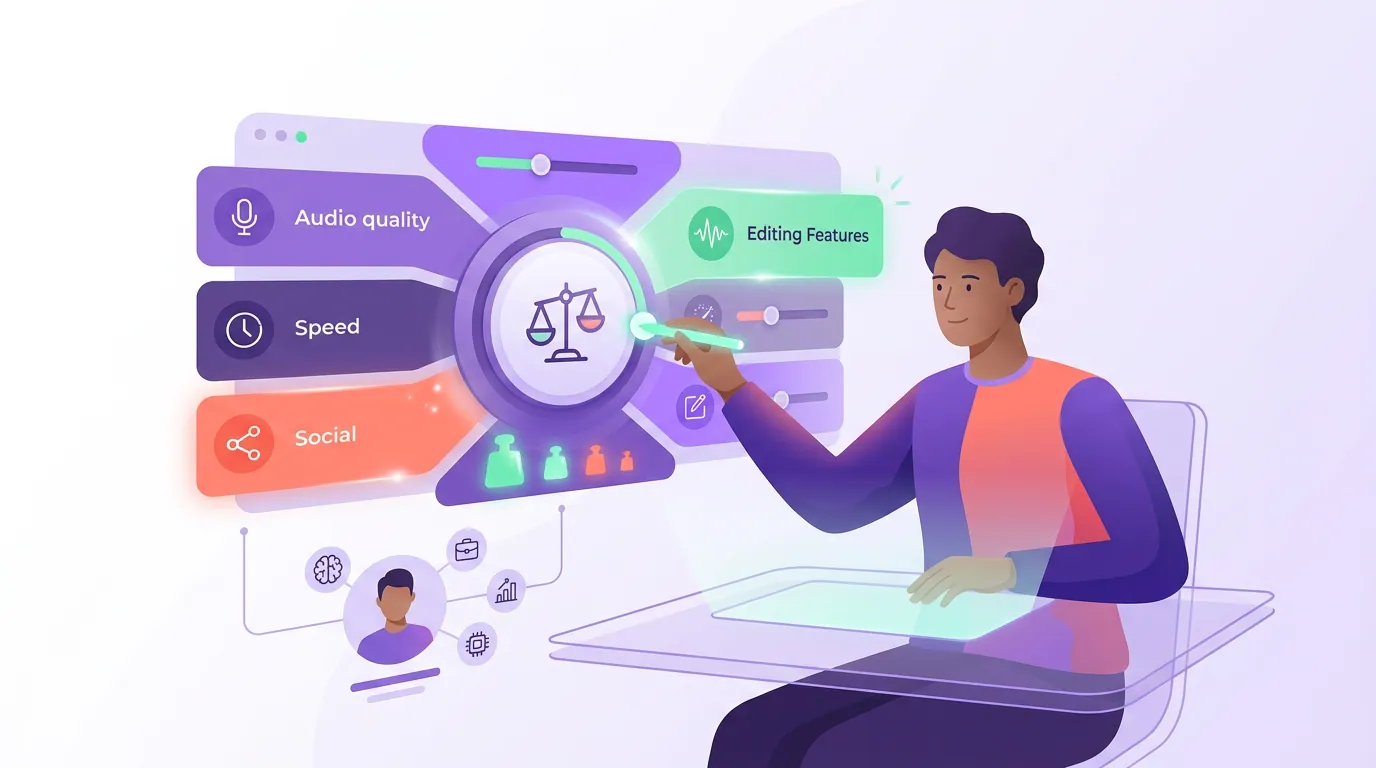
How to weight the scorecard for who you are
The five features matter to everyone, but the weighting shifts by use case. A solo host clipping a monologue show barely touches speaker tracking; an interview show lives or dies on it.
- Solo creator, mostly talking-head. Weight caption editability and export/scheduling fit highest, those eat most of your time. Speaker tracking matters less when there's one face. See the solo-creator setup for the lean version.
- Interview or panel show. Weight speaker tracking first, hard. A tool that can't follow two people will cost you a re-edit on most clips. Test it on your worst cross-talk segment, not your cleanest.
- Agency or multi-client. Add client isolation, white-label, and cost-per-clip on top of these five, covered in the agency buying guide and the multi-seat team comparison.
- In-house brand team. Weight brand-template control and on-spec export; see picking a clip tool for brand teams.
Where QuickReel fits honestly: it scores well on caption editability (full edit, restyle, and reposition across 12+ caption styles), speaker-aware reframing for multi-guest clips, and export-plus-scheduling fit, its top plan posts to up to 30 destinations, it exports clips watermark-free at 1080p, and it captions 20+ languages (QuickReel pricing, checked June 2026). Where it doesn't lead: if you need a deep timeline editor for heavy manual fix-ups, a full editor like Descript will give you more knobs than an auto-clipper does. The scorecard, not the brand, should decide it, run the 15-minute test on your own episode and let the numbers settle it. For broader options, the best AI podcast clip generators, tested and the best Opus Clip alternatives cover the field.
FAQ
What is the most important feature in a podcast clip tool? For most shows, caption editability and speaker tracking matter more than detection quality. Modern tools converge on nearly the same moments from a given episode, and most social video is watched on mute (Sharethrough put it at ~75%), so the caption is the message and the frame has to follow the right speaker. Detection is table stakes; those two are where tools actually differ.
Do I need a clip tool with speaker tracking? Only if you record more than one person on camera, interviews, panels, two-host shows. For those, yes, it's the highest-stakes feature, because a tool that crops out the wrong speaker hands you a clip you have to re-edit. For a solo talking-head show with one face, speaker tracking matters far less and you can weight caption and export features higher.
How do I test a clip tool before paying? Run one real episode through it on the free tier and time a 15-minute test: generate clips from a two-person segment (tracking), fix a misheard caption word and move the caption off the face (editability), clip a moment by hand (override), correct a bad crop (reframe), and export (fit). Use the same episode across every tool so the comparison is fair.
Are expensive clip tools better than cheap ones? Not necessarily. Detection is near-parity across price points, so a pricier tool isn't finding better moments. You're paying for workflow, editability, tracking, scheduling, seats, so the right price is the one whose features match your real use case. A $9 plan that nails captions and export can beat a $50 plan you'll fight. Map price to the scorecard, not to the brand.
Can AI clip tools fully replace a video editor? No. In our hands-on testing, every AI clipper still needs a real review pass, roughly a fifth to two-fifths of each clip gets a fix: a caption word, a crop nudge, a dead-air trim. The honest framing is that a clip tool is an accelerant, not a replacement editor. The best ones minimize how much you have to fix and how long the fix takes, which is exactly what the caption-edit and reframe steps of the trial test measure.
Related reading: the best AI podcast clip generators, tested, the best Opus Clip alternatives in 2026, the solo podcaster clip setup, and choosing a clip tool for an agency.