
The Best Clip Tool Setup for Solo Podcasters

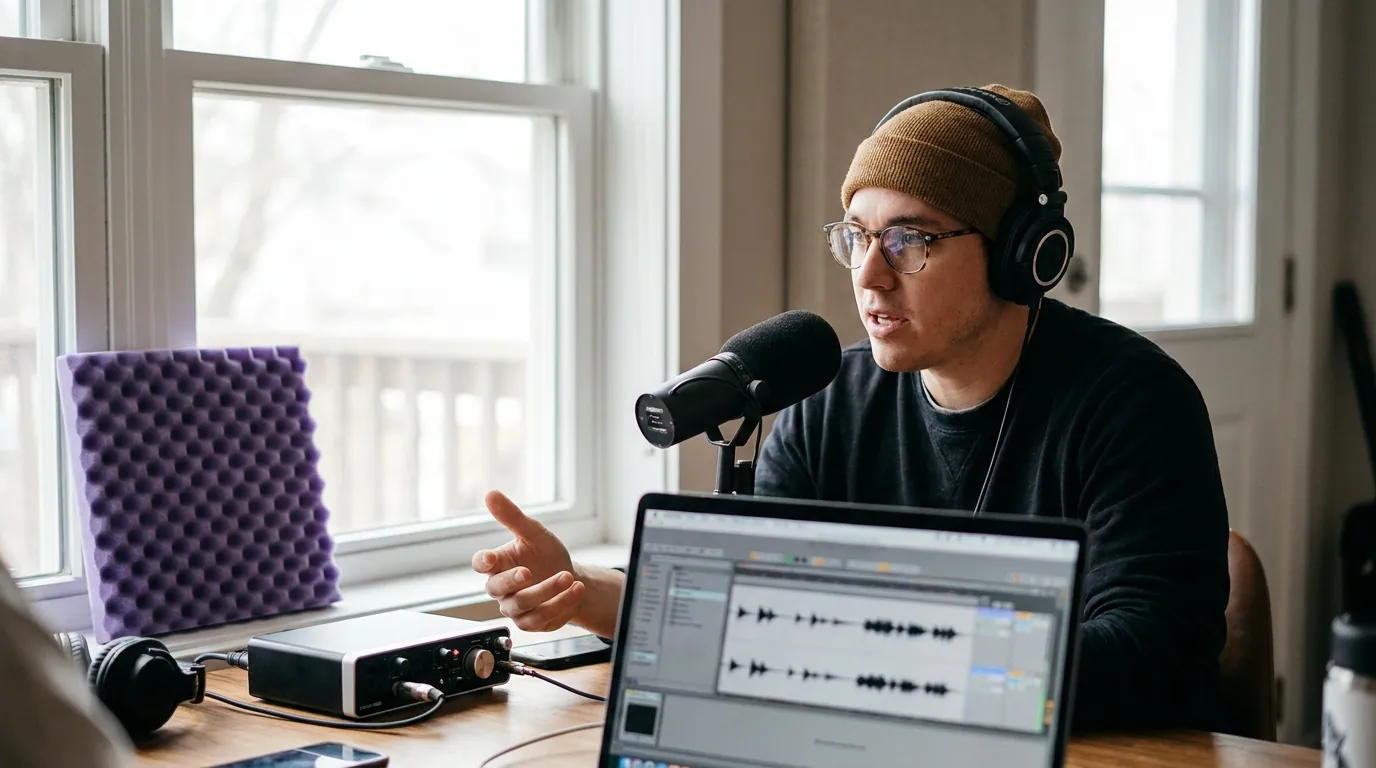
For a solo creator, the best clip tool is the one that needs the fewest manual touches per episode, not the cheapest one and not the one with the most features. You are the editor, the host, and the marketer. The metric that matters is how many separate hands-on steps stand between your raw episode and a posted clip. On that test, QuickReel, Opus Clip, and Vizard finish ahead of the pack, and which of the three fits you comes down to budget and whether you want to schedule inside the tool.
This is a different question than "which tool makes the best clips." In our testing, detection quality across the major AI clippers has largely converged, point the top tools at the same episode and they surface mostly the same standout moments. What still varies wildly is the number of clicks between a URL and a finished, posted clip. That gap is where your weekend goes. So we ranked by it.
What "fewest manual touches" actually means
A "touch" is one discrete thing you have to do by hand: paste a URL, pick which clips to keep, fix a caption typo, nudge an auto-reframe that cut off a face, pick a thumbnail frame, schedule each post. Each one is small. Six of them per clip, across five clips a week, is where podfade starts, the data is blunt on this: nearly half of all podcasts never make it past their first three episodes, and a regular publishing cadence is what separates the active shows from the quitters Amplifi Media. A one-person show quits when the per-episode workload outweighs the payoff, not when the clips are mediocre.
Counting touches is more honest than counting features. A tool can advertise twelve caption styles and an AI editor and still cost you more hands-on minutes than a simpler one, because every extra surface is another decision you personally have to make. For a solo creator, a feature you have to operate is a tax, not a gift.
The verdict: who should pick what
Three tools clear the bar for a one-person show. Here is the short version before the detail.
- Pick QuickReel if you want the fewest touches and want to schedule and post without leaving the tool, and you want the lowest entry price.
- Pick Opus Clip if virality scoring is how you decide what to post, and you are fine doing your editing in a separate step.
- Pick Vizard if you clip in several languages or want a generous free tier to test before paying.
All three need the same honest caveat: every AI clipper still needs a human review pass before clips go out, to fix caption errors, trim a soft start, and catch a reframe that cut off a face. None of them is a fully hands-off button. "Fewest touches" means fewer, not zero.
Side-by-side: touch count, price, and what you get
Prices verified live on 27 June 2026; SaaS pricing changes, so re-check each vendor's page before you buy.
| Tool | Entry paid price | Touches & free tier |
|---|---|---|
| QuickReel | $9/mo Starter (100 credits) | ~5 touches; clip + caption + schedule in one place; free signup to test |
| Opus Clip | $15/mo Starter (150 min) | ~6 touches; editor is Pro-gated ($29/mo); free tier watermarked, 9:16 only |
| Vizard | ~$14.50/mo annual Creator | ~7 touches; full editor on free tier; 60 free credits/mo, 720p + watermark |
| 2Short | $9.90/mo Lite | ~9 touches; YouTube-URL focused; free tier limits exports |
| Klap | $29/mo Starter | ~6–7 touches; pricing is per-upload (10 videos/mo), not per-minute; 1 free video |
Sources: QuickReel pricing, Opus Clip pricing and plans/credits, Vizard pricing, 2Short, Klap pricing.
One number on that table deserves a flag. Klap meters by uploads, not minutes, its Starter is 10 videos a month, not a credit pool (Klap pricing). For a weekly solo show that is plenty; for anyone clipping a back catalogue it caps faster than the price suggests. Opus Clip, Vizard, and QuickReel all meter by source minutes (1 credit ≈ 1 minute in), so a long episode eats credits fast on the smallest plans.

The honest section on each tool
QuickReel, fewest touches, lowest entry price
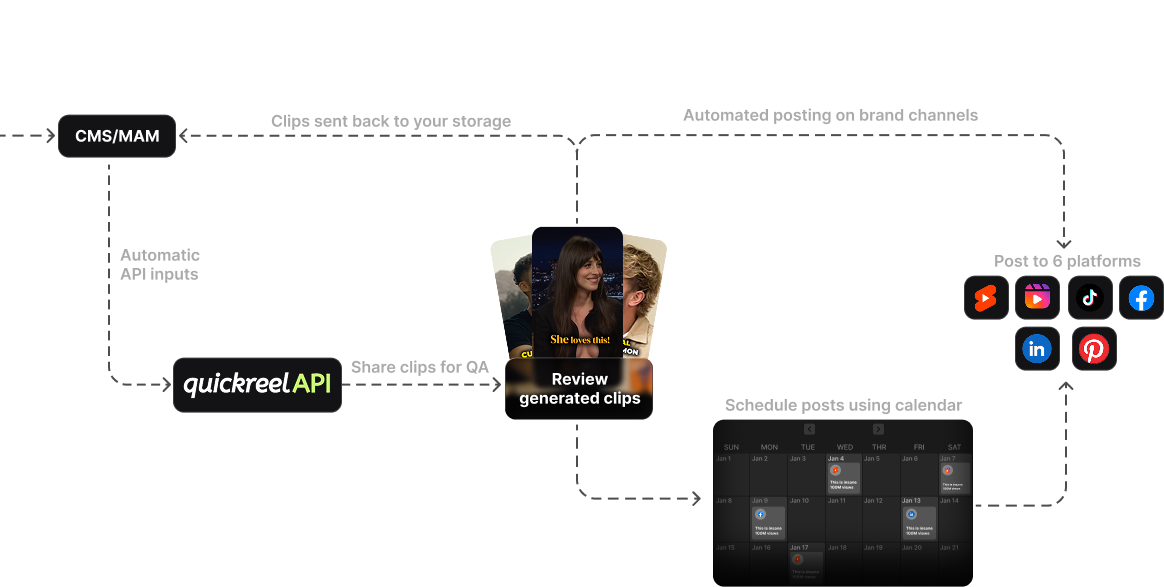
QuickReel pastes a YouTube link, returns captioned vertical clips, and lets you schedule them to your platforms without exporting and re-uploading elsewhere. That last part removes the touches most solo workflows leak: the per-platform upload, the per-platform caption, the manual scheduling. Starter is $9/mo for 100 credits, with paid tiers at Pro $17.40 and Pro+ $29.40 (2 seats), up to Ultimate $89 (10 seats, 30 platforms) (QuickReel pricing). It does 20+ languages and 12+ caption styles.
What it is not: a deep timeline editor. If you want frame-accurate manual cutting and multitrack audio repair, a dedicated editor still beats it. And QuickReel's clips, like every AI tool's, need a review pass before they go out. The honest pitch is that it removes the most steps between a URL and a posted clip for the least money, not that it replaces an editor.
Opus Clip, best if a virality score is your filter
Opus Clip's strength for a solo creator is its virality scoring: it ranks the clips it finds so you spend your decision time on the top three instead of scrubbing all fifteen. That genuinely cuts the "which clips do I keep" touch. The catch for a one-person budget is structural, the editor, AI hook, and B-roll are Pro-gated at $29/mo; the $15 Starter removes the watermark and gives 150 minutes but still won't let you edit a clip inside the tool (Opus Clip pricing, eesel AI). The free tier is a real permanent tier but is watermarked, 9:16 only, and clips expire after three days. Opus is the most polished clip-finder here; it is also the one most likely to push a solo creator to its $29 plan to get a hands-on workflow.
Vizard, best free tier and multilingual reach
Vizard is the value play if you want to try before paying or you clip in more than one language. Its free plan includes 60 credits a month and, unusually, full access to the video editor, where Opus gates editing behind Pro (Vizard pricing, EzUGC). The free tier caps you at 720p with a watermark and 3-day storage, so it is a trial, not a home. Paid Creator lands around $14.50/mo on annual billing (the page advertises "Yearly 50% OFF"; review sites report higher monthly figures, so verify on the page). For a solo creator who wants to kick the tires properly before spending, Vizard's free tier is the most generous of the three.
2Short and Klap, narrower fits
2Short is built tightly around the YouTube-URL-to-Shorts path and starts at $9.90/mo Lite with unlimited 1080p exports on paid plans and free facial tracking (2Short). Its free Starter restricts exporting, and it leans on existing captions, which adds touches when the auto-captions need correcting. Klap makes clean clips but prices by uploads and starts at $29/mo, the highest entry point here for a single person (Klap pricing). Both are competent; neither wins the touch-count test for a budget-constrained solo show.
The time budget: where 30 minutes per episode goes
Here is the part the price pages never show you. Even on a fast tool, a solo creator spends real minutes per episode, and they cluster in predictable phases. This is the breakdown for shipping five clips from one ~45-minute episode on a low-touch tool like QuickReel, Opus, or Vizard, your mileage varies, but the shape holds.
The lesson in that chart: the review-and-caption phase is the floor. No tool deletes it, because all of them produce clips you have to check before posting. What a low-touch tool removes is everything around it, the re-uploading, the per-platform captioning, the manual scheduling. So when you compare tools, weight the steps that are avoidable, and accept the review phase as fixed.
When to choose each, the decision rule
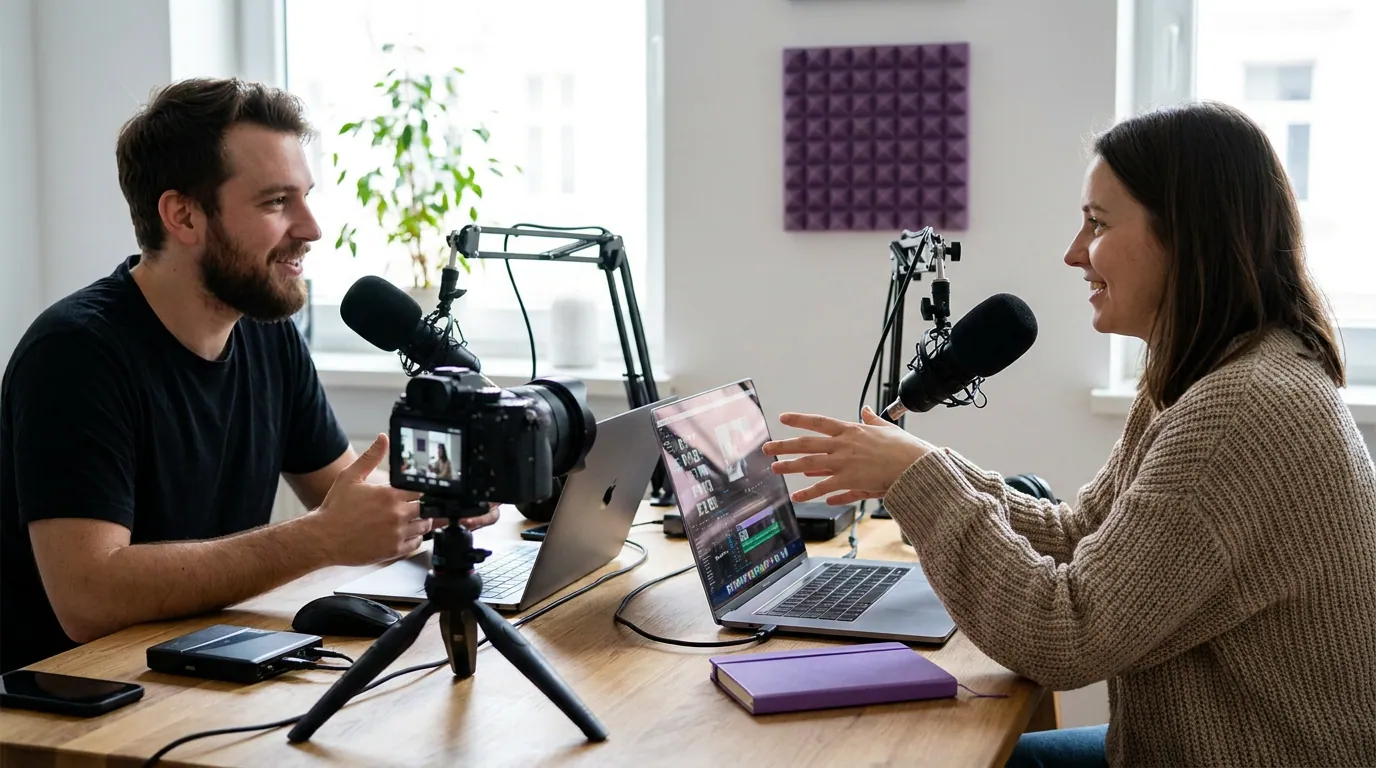
If you run a weekly show and your real goal is to keep publishing without losing a Sunday, optimize for the green path: lowest entry price plus scheduling in one place. If your editing instinct is strong and you want a score to tell you what to cut, Opus earns its $29 tier. If you are not ready to pay at all, start on Vizard's free tier and move when it caps you.
One more honest note for the budget-first reader: a genuinely free tool with a watermark can be the right call for the first month, we cover that tradeoff in the real tradeoffs between free and paid clip tools. A watermark costs you reach, but $0 buys you the habit, and the habit is what keeps a solo show alive.
FAQ
What is the cheapest clip tool for a solo creator? 2Short's Lite at $9.90/mo and QuickReel's Starter at $9/mo are the lowest paid entry points among the major AI clippers (2Short, QuickReel pricing, verified 27 Jun 2026). For $0, Vizard's free tier is the most generous, though it watermarks exports and caps at 720p.
Do solo creators need the AI editor or just the auto-clipper? For most one-person shows, the auto-clipper plus a quick caption review is enough; a full timeline editor is the touch you can usually skip. Reach for an editor only when a clip needs real cutting, most clips need a caption fix and a trim, not surgery. That is why a tool gating its editor behind a higher tier matters less than it looks.
How long should one episode take to clip as a solo creator? Budget about 30 minutes of hands-on time to ship five clips from a 45-minute episode on a low-touch tool, with the review-and-caption pass being the largest chunk. The number that varies between tools is the avoidable steps around that pass, uploading, per-platform captioning, scheduling, not the review itself.
Is a free clip tool good enough for a solo podcaster? For your first month, often yes, a watermarked free tier buys you the publishing habit before you spend. It costs you reach, since a watermark signals "reposted" to the algorithms and to viewers. Move to a paid plan once clipping is a routine you keep, not a thing you are testing.
Which tools do clips in languages other than English? QuickReel supports 20+ languages, and Vizard is built around multilingual clipping with a free tier to test it (QuickReel pricing, Vizard pricing). If you publish in more than one language, those two are the safer starting points among the tools here.
What this means for a one-person show
Rank by touches, not features, and not price alone. The tools that win for a solo creator are the ones that collapse the steps between a URL and a posted clip, and accept that the human-review pass is fixed for all of them. On that test, QuickReel, Opus Clip, and Vizard lead, with QuickReel cheapest and most consolidated, Opus best for score-driven selection, and Vizard best for a free trial run and multilingual reach. Clips drive real discovery, they can raise a show's reach 2–5× (Podcast Studio Glasgow), but only if you keep making them, which is exactly why the touch count is the number that counts.
For team and multi-person buyers, the math flips toward seats and review workflows, see choosing a podcast clip tool for an agency and what teams should compare in multi-seat clip tools. If you want the full tested ranking of the AI clippers, start with the best AI podcast clip generators and the best Opus Clip alternatives. And for a time-and-cost angle on the same one-person question, our companion piece ranks the best clip tools for solo podcasters by hands-on minutes per week.