
Handling Speaker Detection in Multi-Guest Clips

On a multi-guest episode, speaker detection (diarization) produces two outputs that fail independently: it picks whose face the vertical clip frames, and whose name lands on each caption line. To keep clips clean, record each guest on a separate mic, verify the speaker labels before you trust a suggestion, and fix framing and attribution as two passes.
That last point is what most clipping guides miss. They treat "the AI got the speaker wrong" as one bug. It is two, and you fix them in two different places.
How speaker detection actually drives a multi-guest clip
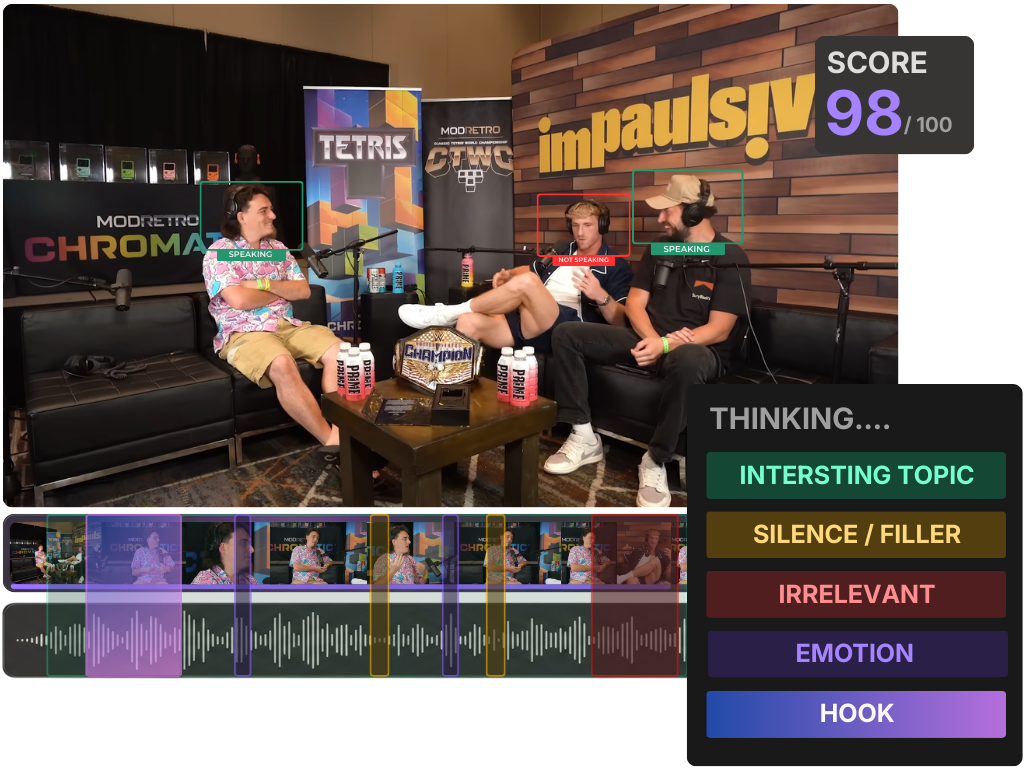
Diarization, the "who spoke when" step, drives a multi-guest clip through two separate channels: active-speaker detection reads its labels to choose whose face fills the frame, and the caption engine reads the same labels to choose whose name prints on each line. One wrong label can break the framing, the attribution, or both, and each is a different fix.
On a two-person show the model has an easy job, two voices, mostly taking turns. Add a third and fourth guest and the same model is now drawing boundaries between voices that overlap, interrupt, and sometimes sound alike. For the full mechanics of the five detection signals, how AI clip detection actually works covers the pipeline; this article is about the part that breaks on a crowded table.
Here is the framing I use when reviewing multi-guest batches: diarization is one input feeding two pipes.
- Pipe one is framing. Active-speaker detection reads the diarization labels (plus the video) to decide which person fills the vertical frame at each moment. Wrong label, wrong face on screen.
- Pipe two is attribution. The caption engine reads the same labels to decide which name to print over each line. Wrong label, wrong name on the caption.
A clip can have correct framing and wrong attribution, or correct attribution and wrong framing. They are not the same fix.
Why this matters more than it used to
Clips carry a large share of a video show's growth, and a multi-guest clip that frames the wrong person or misattributes the best line burns that reach. One production house attributes 20–40% of new audience and a 2–5× reach lift to clips (Podcast Studio Glasgow), read that as a directional range from one studio's clients, not a platform-wide audit. Either way, attribution errors on a multi-guest clip do real damage: tag a quote to the wrong guest and you have published a factually wrong post under a real person's name.
The feed is also more crowded. Short clips have become the default way new viewers meet a podcast, so a four-person clip is competing against everything else in the scroll. A muted viewer scrolling past it has no patience for working out who is talking, the framing and the name have to do that instantly.
The three ways diarization breaks on a multi-guest table
There are really only three failure modes, and naming them makes them faster to catch. Each one produces a different wrong-clip symptom.
Similar voices merged. Two guests in the same vocal register, two men with similar pitch, two co-hosts who finish each other's sentences, get collapsed into a single label. The clip then swaps their lines: guest A's quote is attributed to guest B, and the framing cuts to the wrong face when the labels flip.
Crosstalk mislabeled. When two people talk over each other, diarization has to choose one owner for the overlapping span. It usually picks whoever is louder in that moment, which is frequently the wrong person, the interrupter, not the one making the point. The result is a line attributed to the person who was reacting, not speaking.
A voice that never registered. A quiet guest, a late joiner, or someone on a worse mic can get folded into a neighboring speaker entirely. The model never creates a distinct label for them, so their best line shows up under someone else's name with no way to "re-assign" to a speaker that does not exist in the labels.
Step-by-step: keep the right face and the right name
Work the clip in this order. Doing it out of order, captioning before you have verified labels, means re-doing the captions.
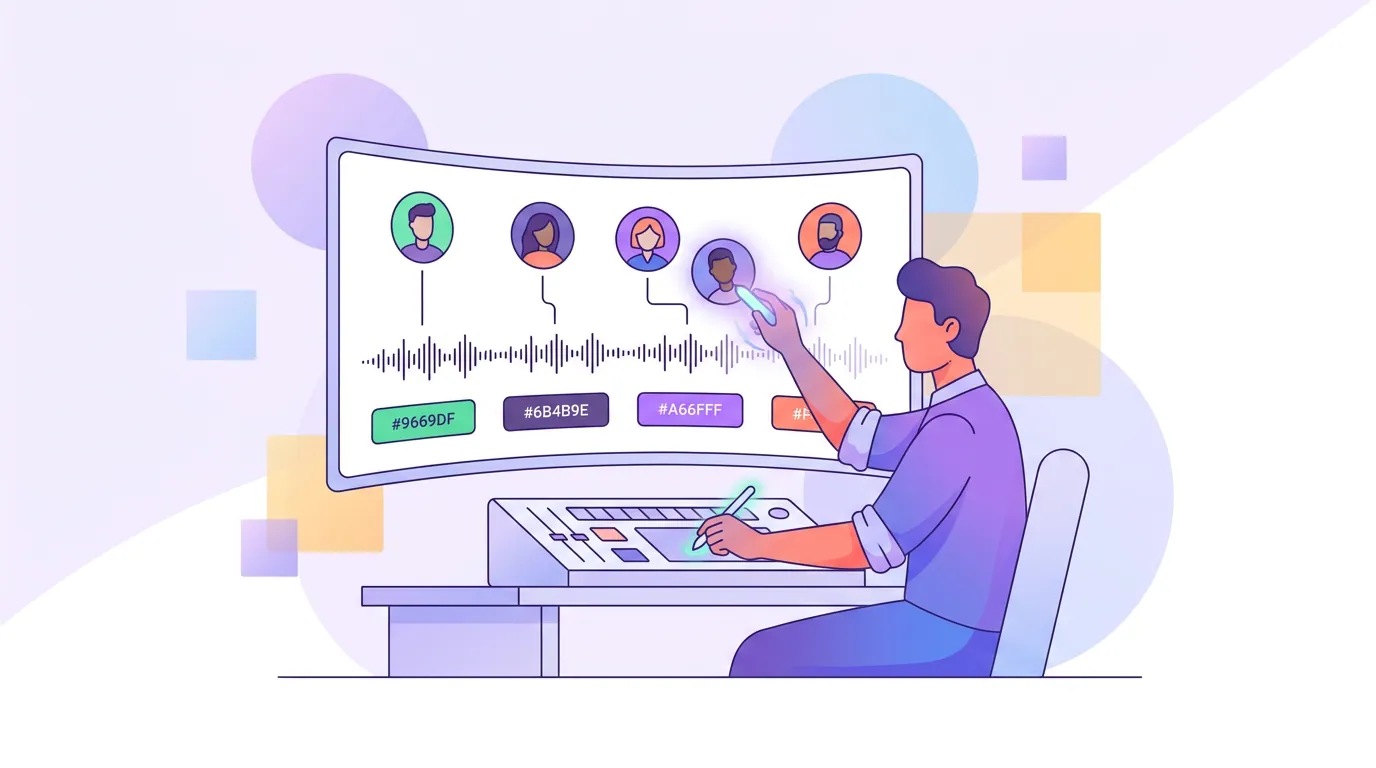
- Verify diarization in the transcript first, before judging any suggestion. Open the transcript and read it as the labels, not the words. Does each line sit under the right speaker? On a multi-guest episode, assume at least one mislabel and look for it. This single habit catches most attribution errors before they reach a caption.
- Re-assign merged or wrong labels at the source. If two voices are collapsed or a line is tagged to the wrong guest, fix it in the speaker labels, not in the finished caption. Both pipes read from the labels, so correcting the label fixes the name and nudges the framing in one move. A tool that lets you re-assign a speaker across a whole episode beats one where you edit caption text line by line.
- Then check framing as its own pass. Mute the clip and watch it. Active-speaker reframing can still cut to the wrong face during overlaps even when the labels are right, it is reading the video too, and a guest who nods or laughs on camera can pull the frame. Pin the frame to the person who is actually talking through the key line.
- Caption the clip and read it cold. Turn the audio off and read the captions as a stranger would. With a directional ~85% of social video watched with the sound off (Digiday, publisher-reported and dated to 2016, treat as directional, with studies ranging roughly 69–85%), the muted read is the real test. If the wrong name is on the line, or you cannot tell who is speaking, the clip is not done.
- Cut to a single-speaker payoff where you can. The cleanest multi-guest clip is usually one person making one complete point, with a short crosstalk moment as the hook. A four-way scramble that felt electric in the room rarely survives the muted scroll, the stranger cannot track it. Use the rubric in how to pick the best AI-suggested clips to choose payoffs over noise.
The biggest accuracy lever is upstream: individual mics
Most "the AI keeps mislabeling my guests" complaints trace back to one cause, everyone on a single room mic. When voices share a channel, the model has only acoustic differences to separate them, and similar voices in shared audio are the hardest case there is. Give each guest their own mic and diarization improves before you touch a setting, because the tool can lean on per-channel separation instead of guessing from one blended signal.
If separate mics are not possible, the next-best moves are seating guests far enough apart that the room mic captures distinct positions, and asking guests to not talk over each other in the segments you most want to clip. You cannot fix shared-mic crosstalk in software after the fact; you can only reduce how often it happens.
A failure-to-fix lookup table
The whole article in one place. Match the symptom you see in the clip to the fix.
| Symptom in the clip | Likely failure mode | The fix |
|---|---|---|
| Right face, wrong name on a caption line | Crosstalk or merged label in attribution | Re-assign the speaker label in the transcript, then re-caption |
| Wrong face during a guest's key line | Active-speaker framing pulled to a reactor | Pin the frame to the actual speaker; check after labels are fixed |
| One guest's quotes keep appearing under another's name | Two similar voices merged into one label | Split/re-assign the labels; for next time, individual mics |
| A guest's best line missing or under nobody | A voice that never registered | Manually add the line to that speaker; fix the recording next time |
When you trust the AI's confidence number to sort suggestions, remember it ranks likely virality, not labeling accuracy, see what an AI virality score really tells you. A high-scoring multi-guest clip can still have the wrong name on it.
Common mistakes on multi-guest clips
Fixing the caption text instead of the label. Editing the printed name on one line patches that line and nothing else, the framing still follows the wrong label, and the next clip from the same episode repeats the error. Fix it at the source.
Reviewing with the audio on. You know who said what, so it sounds right to you. Mute it and read the captions cold; that is the only way to catch a misattributed line the way a stranger will.
Posting the four-way scramble. Crosstalk reads as energy in the room and as noise on a phone. Build the clip around one complete point and the detection problems mostly disappear with it.
Squeezing one episode dry. A guest-heavy episode produces plenty of candidates, feed the model the whole thing in one pass (batch-clip a whole episode) and keep the clips where the labels are clean, rather than salvaging a great moment buried under crosstalk. For narrative-driven genres, where you end still matters most, see where to end a true crime clip for max suspense.
Which tool handles multi-guest best
The honest answer is whichever tool lets you correct a speaker label once and have both the captions and the framing update from it, instead of editing caption text line by line and re-exporting. Detection quality across modern clippers is closer than the marketing suggests; the difference is how few clicks it takes to fix a mislabel.
QuickReel runs diarization, transcript-driven captions you can re-attribute by speaker, and active-speaker reframing off the same labels, so a label fix flows to both pipes. It is an accelerant, not a replacement for your eyes on a crowded table, which is the honest framing for every AI clipper on the market.
FAQ
What is speaker detection in podcast clipping? Speaker detection, or diarization, is the step where the AI segments audio into "who spoke when." In multi-guest clips it drives two things: active-speaker framing (whose face fills the vertical frame) and caption attribution (whose name prints on each line). Both read the same labels, so a labeling error can break either or both.
Why does AI attribute a quote to the wrong guest? Usually one of three reasons: two guests have similar voices and got merged into one label, two people talked over each other and the line went to whoever was louder, or a quiet guest never got a distinct label at all. All three are diarization errors, and all three are fixed in the transcript labels, not the caption text.
How do I fix the wrong face appearing in a multi-guest clip? First fix the speaker labels, since framing reads from them. Then watch the clip muted, active-speaker reframing also reads the video, so it can still cut to a guest who laughs or nods on camera. Pin the frame to whoever is actually speaking through the key line.
Do I need separate mics for multi-guest AI clips? Not strictly, but individual mics are the biggest accuracy lever you have. Shared-mic audio forces the model to separate similar voices from one blended signal, which is the hardest case. Separate mics let it lean on per-channel separation and mislabel far less.
Can AI clipping handle four or more speakers? Yes, but accuracy drops with each added voice and crosstalk gets more frequent, so plan on more correction. Build clips around one speaker's complete point rather than a four-way exchange, verify the labels before captioning, and the failure modes mostly fall away.