
Snapchat Spotlight for Podcast Clips: A Realistic Guide


Snapchat Spotlight is worth a test for podcast clips, but only as a secondary platform and only if your show skews young. Post a 15–30 second clip in clean 9:16, no other-platform watermark, with the payoff in the first two seconds. Skip it if your audience is over 35 or your content needs context to land, Spotlight is an entertainment feed, and a talk clip competes against memes there.
That is the honest version most "post everywhere" advice leaves out. Spotlight is real reach, Snapchat sits at roughly 956 million monthly active users (Sprout Social, 2026), but it is the platform podcasters most often ignore, and for defensible reasons: the creator fund that made it famous is gone, the audience is the youngest of any major short-form feed, and the algorithm punishes the exact thing a podcast clip usually is (slow, conversational, made for somewhere else).
This guide gives you the current specs, the payout reality nobody updated their blog post about, the one contradiction that traps most creators, and a clear rule for whether to bother at all.
Should podcasters post clips on Snapchat Spotlight?
Test it if your show's audience is under 30 and your clips are fast, self-contained, and visually engaging, comedy, reaction, gaming, dating-story content. Skip it if your audience skews older or your best moments need setup to make sense. Spotlight rewards completion rate above almost everything, and a talk clip that demands patience rarely gets it from a feed full of entertainment.
Two facts decide it. First, the audience is young in a way no other platform matches: per Sprout Social's Snapchat statistics (2026), users 18–24 are 35.4% of the base and under-18s another 18.3%, so the under-25 cohort is over half of all users, while 25–34 makes up 25.2%. If your podcast is about retirement planning or B2B SaaS, your listeners are not here.
Second, Spotlight is an entertainment-first feed by design. When Snap launched it in November 2020, the pitch was that "anyone's content can take center stage" with no following required (Variety, Nov 2020), and the content that won was meme, comedy, and lifestyle, not long-form talk. A podcast clip can absolutely work there, but it is competing against native entertainment, not against other podcasts.
What happened to the Snapchat Spotlight creator fund?
The famous $1 million-a-day Spotlight fund is gone. Snap launched it in November 2020 to seed the feed, paid out over $250 million to more than 12,000 creators in its first year (Social Media Today, Dec 2021), cut the daily pool to "millions per month" by mid-2021, and ended the Spotlight Rewards Program entirely on January 31, 2025. It was replaced by an invite-only ad-revenue-share program, not a per-view bounty.
This matters because most "make money on Spotlight" content still describes the 2021 gold rush. Back then, top creators reported earning over $1.6 million from Spotlight payouts (CNBC, Mar 2021), and within months CNBC was documenting the same creators leaving as those payments dried up. The flat per-view fund was a growth subsidy, and once Spotlight had a steady content stream, Snap turned it off.
What replaced it, as of February 1, 2025, is the unified Snapchat Monetization Program covering both Spotlight and Stories (Snap Newsroom). It is an ad-share model with a real bar to clear. Per Snap's own announcement, to be considered for an invite you need at least 50,000 followers, must post at least 25 times per month, and must hit one of: 10 million Snap views, 1 million Spotlight views, or 12,000 hours of view time in the last 28 days. Tubefilter's coverage framed the shift bluntly, the new program makes it harder for creators to start earning than the old open fund did.
The takeaway for a podcaster: do not post to Spotlight for direct payouts. Treat it the way you treat YouTube Shorts before you monetize, a free distribution channel to reach an audience you can pull toward your full show. The money, if it ever comes, is a long way out and gated behind numbers most podcast clips will not hit on Snapchat alone.
Snapchat Spotlight specs for podcast clips
Spotlight is vertical-only and completion-obsessed, so the specs are simple but unforgiving. Cut to 9:16, keep it short, ship a clean file with no other-platform watermark, and front-load the moment. Here are the current numbers, with the one that actually changes how you cut bolded.
| Spec | Requirement | Why it matters for a clip |
|---|---|---|
| Resolution / ratio | 1080×1920, 9:16 vertical | Anything else gets cropped or letterboxed |
| Length range | 5–60 seconds | The hard ceiling for non-monetized Spotlight |
| Best-performing length | 15–30 seconds | The algorithm rewards completion; shorter finishes |
| Audio | Plays with sound on | Captions still help, but sound is on by default |
| Watermarks | Avoid TikTok/IG logos | Reportedly demoted by the algorithm |
Specs per Moda's Snapchat Spotlight size guide (2026) and the Opus Clip Spotlight length analysis; confirm against Snapchat's own Business Help Center before a strict upload limit, since a few API references list slightly different ceilings.
Two specs deserve emphasis. Unlike most feeds where video auto-plays muted, Spotlight plays with sound on, so your audio quality is exposed, though captions still earn you the viewers who watch without volume. And the watermark rule is stricter than elsewhere: a clip with a visible TikTok or Instagram logo is reportedly deprioritized, so re-export a clean version rather than reposting the same file. Knowing how AI clip detection actually works helps here, the model surfaces the moment, but you still control the clean export the feed wants.

The Spotlight contradiction: the length that performs isn't the length that pays
Here is the trap, and it is specific to Spotlight. The length that performs, 15–30 seconds, for completion rate, is shorter than the 60-second floor required to earn ad revenue under the current program. You cannot optimize for both at once. A clip cut to win the feed is too short to monetize; a clip stretched past 60 seconds to qualify for payouts will usually tank its completion rate and get less reach.
The decision rule that resolves it: pick reach, not payouts. For a podcaster on Spotlight, the realistic goal is discovery, new young viewers finding your show, not ad-share income you are unlikely to qualify for anyway. So cut for the 15–30 second window, accept that the clip will not monetize, and treat any Spotlight earnings as a bonus you stumble into much later. Stretching clips to 60+ seconds to chase a fund you cannot reach is the most common mistake here.
How to post a podcast clip to Spotlight, step by step
You still post everywhere, you just cut Spotlight clips on Spotlight's terms instead of dumping a TikTok export there. The workflow is short.
- Pick a self-contained moment. Spotlight viewers have no context for your show. Choose a clip that lands without needing the previous five minutes, a clean reaction, a sharp one-liner, a surprising fact. Setups die here. When you're scoring candidates, how to pick the best AI-suggested clips covers the criteria.
- Cut to 15–30 seconds with the payoff in the first two. Spotlight measures how far people watch before swiping, so the hook cannot wait. Capturing attention in the first three seconds is associated with a meaningful engagement lift (castmagic; directional, single-source), on Spotlight, make it the first two.
- Export clean 9:16, no watermark. Reframe to 1080×1920 and remove any TikTok or Instagram logo from the corner. A clip that looks recycled from another app is reportedly demoted.
- Add captions even though sound is on. Audio plays by default, but captions still earn the viewers who keep volume down and lift completion. Match the style to a young, fast feed, punchy and large, not a corporate lower-third.
- Post natively from the Snapchat app and watch completion. Upload through Spotlight, not a scheduler that reposts a stale file. Check your watch-through in Insights; if completion is low, your clip is too long or your hook is too slow.
Common mistakes posting podcast clips to Spotlight
- Posting because it's "another platform" without checking the audience. If your listeners are over 35, Spotlight's under-25 base (Sprout Social, 2026) is the wrong room. More reach to the wrong people is not growth.
- Reposting the exact TikTok export. The watermark and pacing scream "made for somewhere else," and Spotlight reportedly demotes both. Re-export a clean native cut.
- Stretching clips to 60+ seconds to chase the fund. The fund is invite-only and gated behind 50K followers and a million Spotlight views (Snap Newsroom). Optimize for reach, not a payout you won't hit.
- Choosing clips that need context. A nuanced debate point that requires the prior exchange falls flat in a feed designed for instant entertainment. Save those for YouTube Shorts, which funnels to the full episode.
- Treating Spotlight as a primary platform. For nearly every podcast it is, at best, a secondary discovery channel. Put your effort where your audience already is, usually TikTok, Reels, or YouTube, and test Spotlight on the margin.
Tools for clipping to Spotlight
The work is the reframe and the trim, repeated per platform. One ~20-minute episode yields 20–30 short pieces (industry norm), and cutting each to a clean, watermark-free 9:16 by hand for yet another platform is what kills the habit. An AI clipper handles the find-and-reframe step fast, then you trim to Spotlight's 15–30 second window and review.
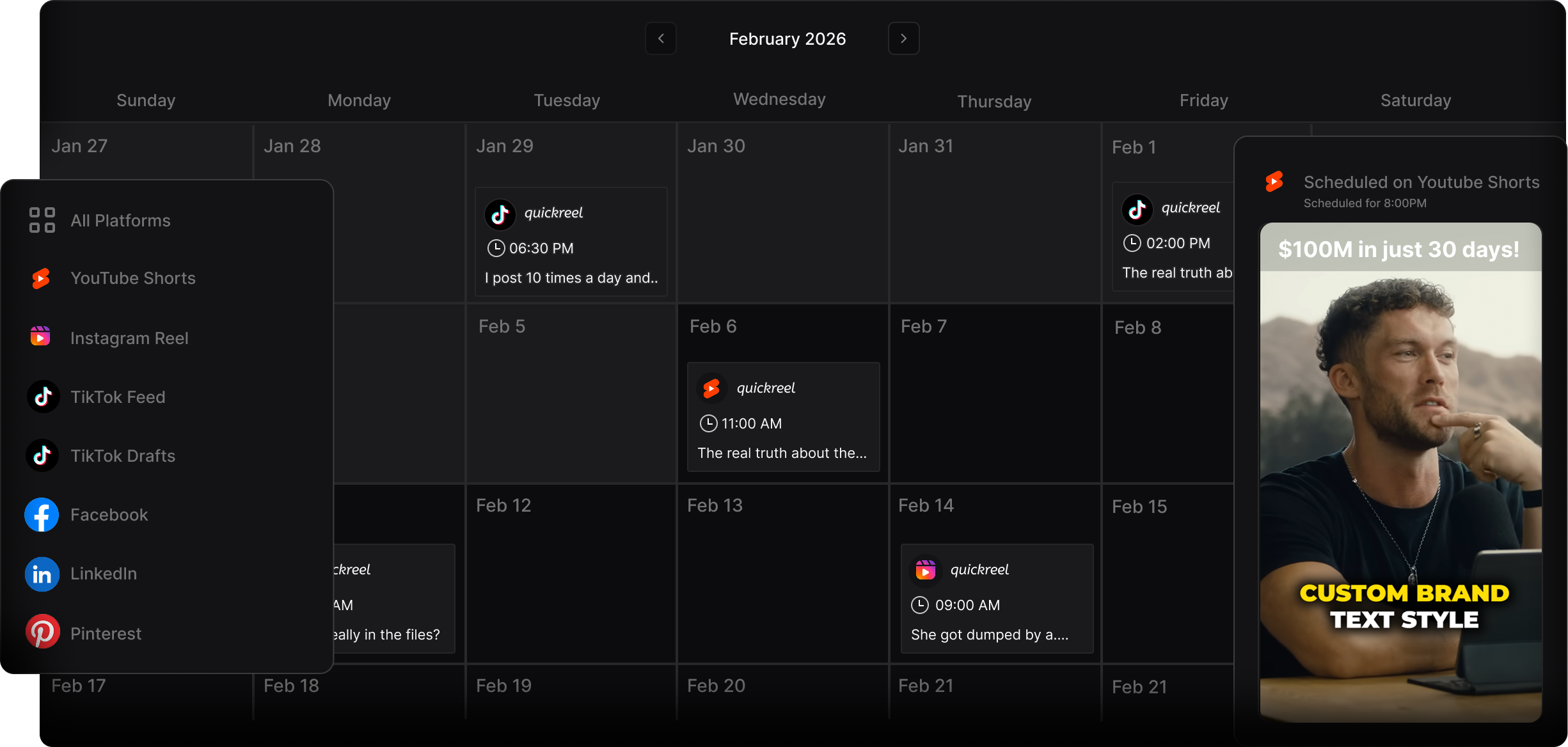
QuickReel fits a secondary-platform workflow: it auto-captions, reframes to 9:16 with speaker tracking, supports 20+ languages and 12+ caption styles, and exports clean files you can post natively to Spotlight (current pricing starts at $9). The honest caveat that applies to every AI clipper, not just ours: plan to review roughly 20–40% of what it suggests, and the Spotlight-specific calls, which moment is self-contained enough, how short to trim, stay a human decision. Opus Clip and Vizard reframe well too; across all of them the real differentiator is how few clicks sit between a URL and a clean, watermark-free vertical file. Snapchat does not currently support clip scheduling through most third-party tools, so plan to upload Spotlight posts manually from the app.