
DIY Clipping vs a Dedicated Clip Tool


Cutting clips by hand in Premiere Pro or CapCut gives you total control and costs nothing extra if you already own the software, but you pay in minutes, and the two jobs that quietly defeat manual editors are captions and vertical reframing. A dedicated clip tool spends credits to do the find-and-rough-cut pass in minutes, auto-captions, and tracks speakers when it reframes. If you make one or two clips a week and like editing, DIY wins. Past five to ten clips an episode, the time math flips hard.
I run clip-quality benchmarks for a living, and I've cut both ways. Below is the honest version: what DIY genuinely does better, where manual captions and reframing hit a skill ceiling most people don't see coming, the real cost in minutes per clip, and a decision rule keyed to your volume, not to which route sounds smarter. Prices were checked on 27 June 2026; SaaS pricing moves, so re-verify before you pay.
DIY clipping vs a dedicated clip tool: the short answer
DIY clipping means editing in a general tool you control end to end, Adobe Premiere Pro, DaVinci Resolve, or CapCut's free manual timeline. You scrub the episode, pick the moment, trim both ends, type or fix captions, crop to vertical, and export. A dedicated clip tool, QuickReel, Opus Clip, and the rest of that category, is built for one job: it scans the whole episode, scores and shortlists moments, captions them, reframes to vertical with speaker tracking, then hands back a batch to review.
The trade is control versus time. DIY gives you every frame; a clip tool gives you back the hours. Neither is "better" in the abstract. The right answer is set by how many clips you ship per week, how much frame-level control you actually need, and whether captioning and reframing are skills you want to build or buy.
What DIY clipping genuinely does better
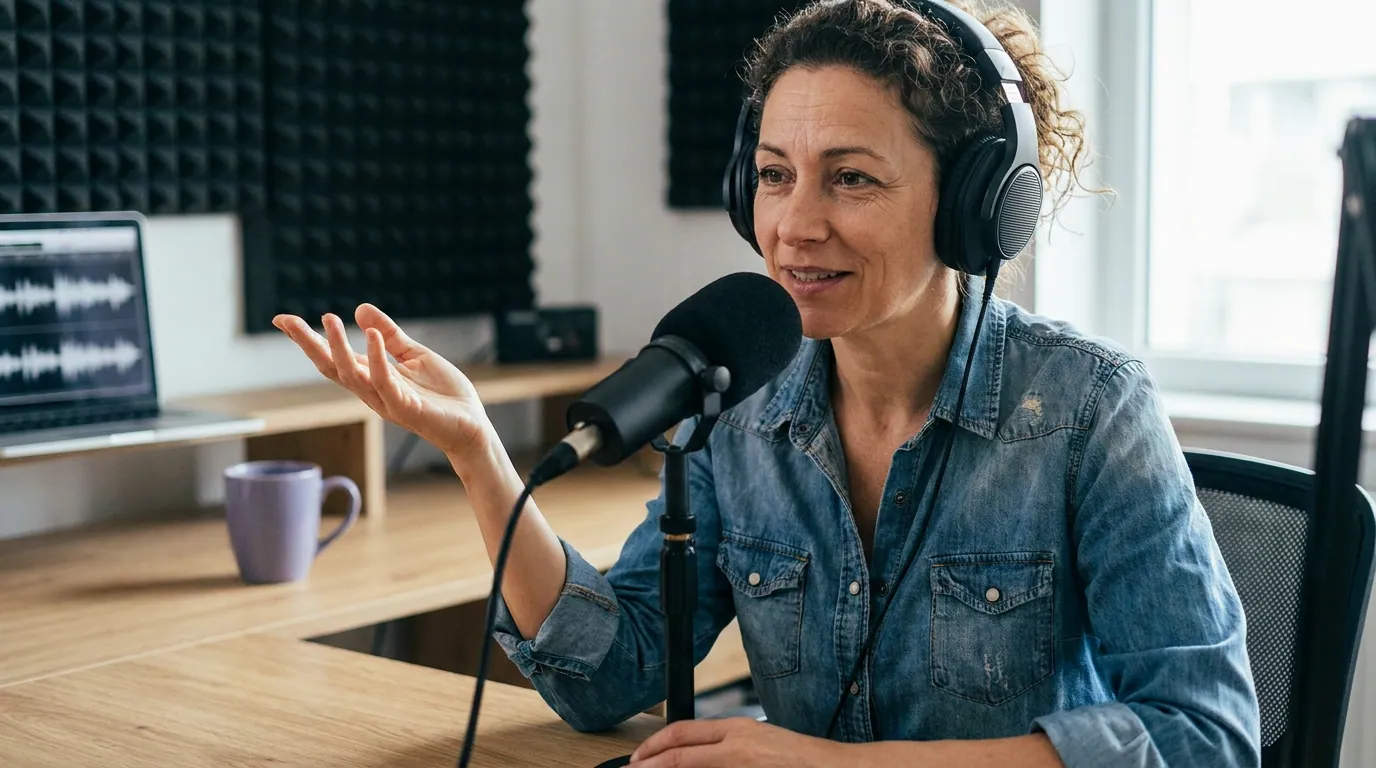
I won't soften this, because DIY is the right call for a real set of people. Three things manual editing in Premiere or CapCut does better than any clip tool:
Frame-level creative control. Keyframe animation, speed ramps, custom transitions on a specific beat, multi-track layering, color grading, a meme-format edit timed to the millisecond, you can build all of it. Premiere and Resolve are professional finishing suites; CapCut's free timeline carries a deep effects and template library. A clip tool trades that granularity for speed and won't match a hand-built creative piece.
No per-clip cost. If you already own Premiere through Creative Cloud, or you use CapCut's free editor, the marginal cost of one more clip is zero dollars. For a creator making a handful of clips who enjoys the craft, that's a genuine bargain, the cost is entirely your time.
The final 5%. When a clip really matters, a launch trailer, a sizzle reel, a client deliverable, the last bit of polish a skilled editor adds by hand is hard to automate. Clip tools get you to 90% fast; the top 5% is still a human in a timeline. The honest caveat that applies to clip tools cuts the other way too: in my own benchmarking, an AI clipper's suggestions still want roughly 20–40% hands-on review (a trimmed entry, a tighter end, a weak clip dropped), so neither route is fully hands-off.
The skill ceiling: captions and reframing
Here's the part DIY advocates skip. Two specific jobs quietly defeat manual editors, and they're the two that decide whether a clip performs: captions and vertical reframing.
Captions are a craft, not a checkbox. Most social video is watched on mute, Sharethrough's research, via Digiday, put it at 75% of mobile video, and Digiday reported 85% of Facebook video muted back in 2016 (both publisher-reported and the older figure is dated, but the direction has held, and social clips have become a real discovery channel for video shows). So captions aren't decoration; they carry the clip. Doing them well by hand means accurate transcription, then word-level timing, then reading speed under roughly two lines, then safe-zone placement so the platform UI doesn't bury them, then a style that holds attention without blocking the speaker's face. In Premiere or CapCut you can do every step, but each is a learned skill, and a sloppy auto-caption you didn't fix word by word reads worse than no caption. Most DIY clips fail here, not on the cut.
Vertical reframing breaks on two speakers. A 16:9 podcast cropped to 9:16 loses two-thirds of the frame. With one person centered, a static crop is fine. With two guests trading lines, a fixed crop either chops faces or parks on the silent person while someone else talks. Doing it right by hand means keyframing the crop to follow whoever's speaking, a tedious, frame-by-frame job that's easy to do badly. Dedicated clip tools automate exactly this with speaker tracking, which is why reframing is the clearest skill-ceiling win for the tool side.
The takeaway isn't that you can't do captions and reframing by hand. It's that doing them well by hand is a real skill that takes time to build and time to execute, and these are the two jobs where the gap between a clip tool's first pass and a rushed manual job shows up most in the numbers.

What "free" actually costs: minutes per clip
This is the figure the dollar comparison hides. DIY costs no subscription, but each clip costs time, and time caps your volume. From my own clip-production timing, a fully hand-edited clip (scrubbing the source for the beat, trimming both ends, fixing captions word by word, keyframing the vertical crop, exporting) runs about 15–30 minutes once you include the hunt for the right moment. A dedicated tool collapses the find-and-rough-cut step to minutes for the whole batch, leaving you the review.
I'm labelling those as a directional editorial estimate, not a controlled benchmark, your editing speed, source quality, and how fussy you are about captions all move them. The shape holds at any reasonable values: DIY is cheap when you make a couple of clips and expensive when you make many. And volume is the part that compounds. Clips drive an estimated 20–40% of new audience for video shows (Podcast Studio Glasgow), so the number of clips you can sustainably ship is the growth lever, and minutes per clip is what caps it. If you're a one-person show weighing this trade, the best clip tool setup for solo podcasters walks through a low-volume workflow specifically.
There's a money angle too, for anyone running this as a business. Mid-roll host-read podcast CPMs sat around $15–30 in 2025, reaching $40+ in premium niches (Podscan). If clips bring measurable new audience, hours you reclaim from manual editing are hours you can spend on the show that actually pays, or you can hand a clip tool to a junior team member, which is what the agency clip-tool guide and the multi-seat team comparison get into.
Where a dedicated clip tool earns its cost
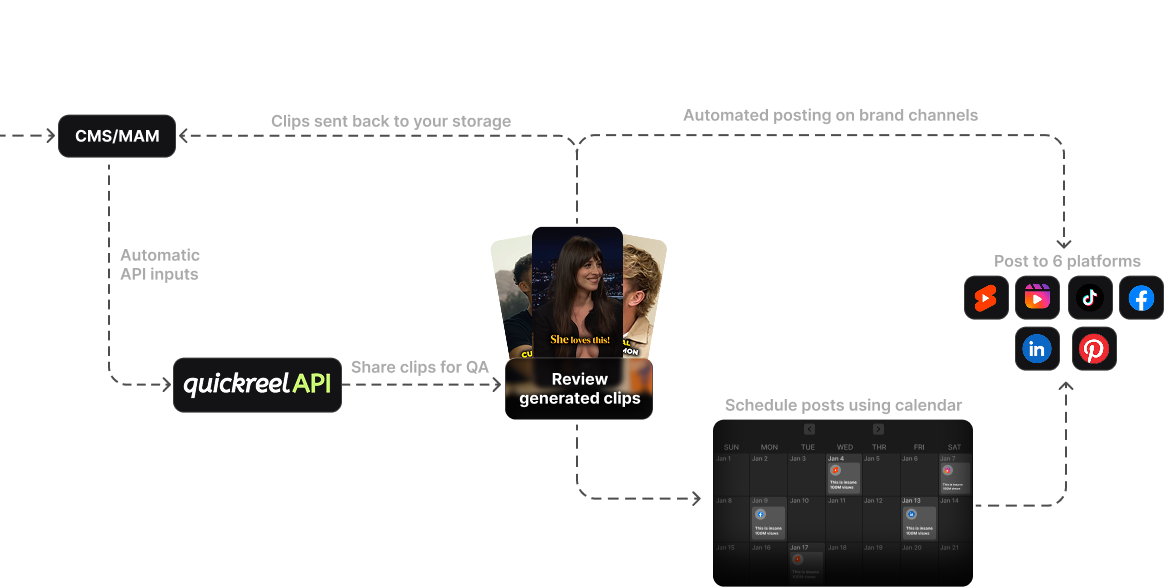
Two honest points, not marketing. First, it's one workflow for the whole clipping job: detect the moments, caption in animated styles, reframe with speaker tracking, then schedule out, without bouncing between a separate AI tool and a manual editor. QuickReel, for instance, schedules to up to 30 connected accounts on its Ultimate tier, covers 20+ caption languages, and bills on outputs rather than per-platform exports (quickreel.io/pricing). Second, it flattens the skill ceiling: the captioning and reframing jobs that take real editing skill by hand are the tool's defaults.
The honest limits: a clip tool won't out-edit Premiere's timeline for a hand-crafted creative piece, its caption styles are templates rather than infinite, and, again, it needs that human review pass. If your shortlist already includes specific AI clippers rather than DIY, the best AI podcast clip generators, tested and the best Opus Clip alternatives in 2026 compare the field head to head.
What it costs in dollars, verified live: QuickReel's Starter runs $9/month for 100 credits, Pro is $17.40/month (off a $29 list) for 250 credits and 6 platforms, and Ultimate is $89/month for 1,000 credits and 30 platforms (quickreel.io/pricing, checked 27 Jun 2026). Across the category, most tools land between roughly $9 and $50/month. The right question isn't the sticker price; it's whether the minutes you reclaim are worth more than the subscription.
When to choose each
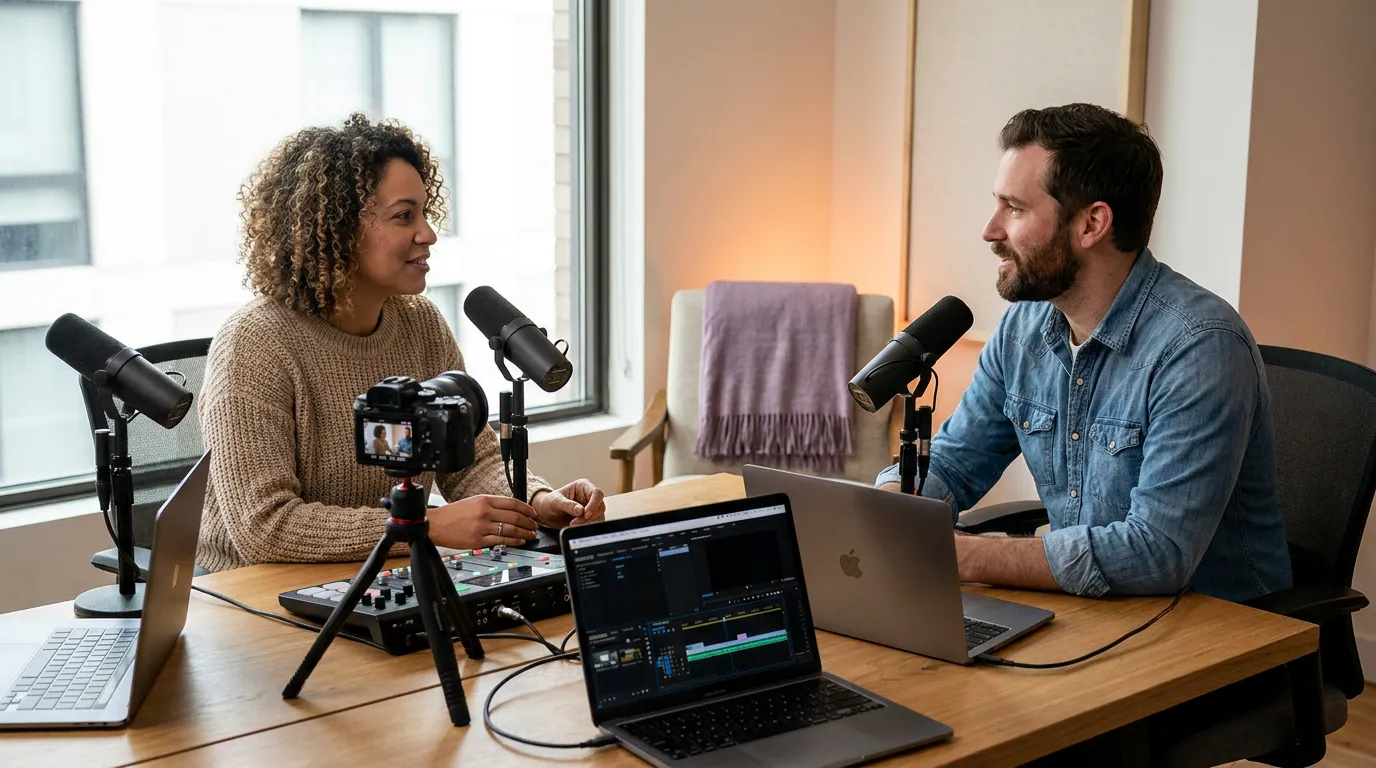
A plain decision rule, keyed to volume and control rather than to which route sounds smarter.
- Choose DIY if you ship a handful of clips, want frame-level creative control, already own Premiere or use CapCut's free editor, and you're willing to build the captioning and reframing skills the format rewards.
- Choose a dedicated clip tool if you turn each episode into five-plus clips, want detection plus captions plus speaker reframing plus scheduling in one pass, and would rather buy the captioning and reframing skill than build it. Teams and in-house brand functions weighing this at scale should read the picking a clip tool for in-house brand teams breakdown.
- Do both if you run volume but have the occasional hero clip: let the tool do the batch first pass, then pull the one that matters into Premiere to finish by hand. This is how most pro operations I've seen actually work.
FAQ
Is it cheaper to clip podcasts myself than to pay for a clip tool? In dollars, yes, if you already own the editing software, DIY has no per-clip fee. In total cost, it depends on volume. A clip tool runs roughly $9–50/month; DIY runs roughly 15–30 minutes per finished clip from my own timing. Below a few clips a week, DIY is cheaper overall. Above five to ten, the reclaimed time usually outweighs the subscription.
Can CapCut or Premiere match a dedicated clip tool's captions and reframing? On capability, yes, both can do animated captions and keyframed vertical crops. On effort, no. Doing captions and speaker-tracked reframing well by hand is a learned skill that takes real time per clip, and these are exactly the two jobs where rushed manual work shows up most. A clip tool makes them defaults rather than tasks.
Do I still have to edit clips after a tool picks them? Yes, on every clip tool. From my own benchmarking, budget roughly 20–40% hands-on review on the suggestions, tighter trims, caption fixes, dropping a weak pick. Detection gives you a fast shortlist, not finished posts. The tool removes the find-and-rough-cut grind; it doesn't remove your judgment.
Which is better for a two-guest interview podcast? A dedicated clip tool, usually. Two-speaker vertical reframing is the single hardest thing to do by hand, keyframing a crop to follow whoever's talking is tedious and easy to botch. Speaker-tracking automation is the clearest reason to use a tool for interview formats, even if you'd otherwise edit DIY.
What if I only care about one perfect clip? Edit it DIY, or run a tool first pass and finish in Premiere. For a single hero clip, a launch trailer, a client deliverable, the last 5% of hand polish is worth the time. The DIY-vs-tool trade is really about repeatable volume, not the one-off showpiece.