
Your Podcast Clips Are Boring: 9 Fixes That Add Movement

Your clips are boring because nothing on screen changes. A talking-head clip that holds one static frame for 40 seconds gives a scrolling viewer no reason to stay. The fix is movement, a cut or visual change every three to five seconds, plus a punch-in zoom, motion captions, and B-roll on the lines that earn it. None of it requires a second camera.
"Boring" feels like a vague creative verdict, which is why most advice about it is useless ("make it more engaging" tells you nothing). Treat it instead as a checklist of missing edit decisions. A clip is boring for specific, fixable reasons: the frame never moves, the pacing is flat, the first second is dead, the captions just sit there, or you picked a moment that was never interesting to begin with. Below are the nine fixes, each tied to the symptom it solves and the exact before/after decision on the timeline.
Why a static talking-head clip stalls
A single locked frame of one person talking has no visual rhythm, and short-form viewers decide whether to keep watching in the first few seconds. Most of them are also watching on mute, so if nothing moves and nothing is written on screen, there's nothing to hold the thumb. Movement is what buys you the watch-time the algorithm rewards.
The stakes are real because clips are often your front door. One studio's client data puts short clips at 20–40% of new audience and reach lifts of 2–5× for video shows (Podcast Studio Glasgow), a directional range from one source, not a platform-wide audit, but the direction is right. And the muted-viewing problem is well documented: a commonly cited figure puts roughly 85% of social video watched without sound (Digiday, directional, it traces to 2016 publisher data and later studies range from about 69% to 85%). A static, silent, caption-less clip asks a muted scroller to do all the work. They won't.
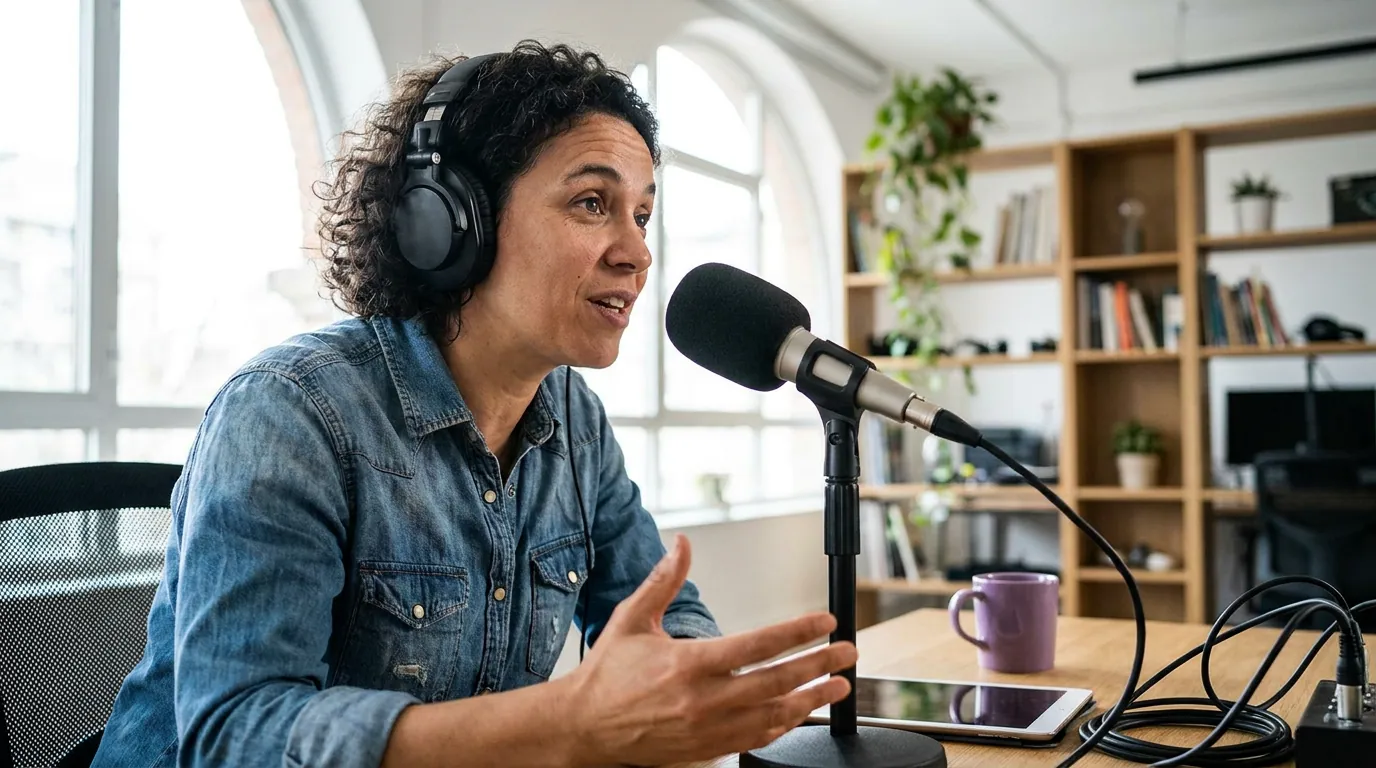
The 9 fixes that add movement
Work them in order. The first three do most of the work; the rest sharpen what's left.
1. Cut or move the frame every 3–5 seconds
This is the single change that moves the needle most. A clip that holds one shot reads as static; a clip where something shifts every few seconds reads as alive. The change doesn't have to be a hard cut, a slow push-in, a jump to a tighter crop, a cutaway to caption-only, or a switch between camera angles all count. Before: one locked frame for the full 40 seconds. After: a visible change roughly every three to five seconds, faster on energetic lines, slower on a serious point.
2. Add a punch-in on every emphasis line
The punch-in is a free zoom: you cut from a wider framing to a tighter one (roughly 110–125% scale) right as the speaker lands a key point, then cut back. It mimics a camera operator leaning in, and it costs nothing but a keyframe. Use it on the line that carries the clip, the surprising number, the hot take, the punchline. Before: the whole clip sits at one zoom level. After: two or three punch-ins land exactly on the strong lines, and the viewer's eye snaps to the speaker's face at the moment that matters.
3. Turn on word-by-word motion captions
Static block captions that appear all at once are better than no captions, but they don't add movement. Word-by-word (or phrase-by-phrase) captions that animate in as the speaker talks give the muted viewer a moving target to track, line by line. They also pull the eye through the clip. Before: a full sentence sits on screen for five seconds. After: each word or short phrase pops in on beat, with the key term highlighted in your brand color. For the exact reading-speed and highlight settings, see word-by-word animated captions.
4. Trim to a 1.5-second cold open
A clip that opens with "So, um, the thing I was going to say is…" loses people before the point arrives. Cut straight to the strongest line or the most surprising phrase, and aim for something to grab attention inside the first 1.5 seconds. Castmagic calls the opening three seconds "absolutely critical for social media success" (castmagic), a qualitative read, not a measured number, but it matches what every clipper sees in the retention curve. Before: four seconds of throat-clearing before the hook. After: the clip opens on the payoff line, and the setup, if you need it, comes second. More on this in the first three seconds.
5. Cut the filler and dead air between lines
Flat pacing is often just gaps. The breaths, the "you knows," the half-second of silence between sentences, each one is dead air a scroller reads as nothing happening. Tighten the spacing between lines so the conversation moves. Before: natural pauses left intact, clip runs 48 seconds. After: filler trimmed, clip runs 34 seconds and feels twice as energetic. The clip got shorter and better at the same time.
6. Add B-roll or text on the lines that need it
When the speaker references a thing, a product, a place, a stat, a person, show it. A two-second cutaway to a relevant image, a chart, or a line of on-screen text gives the eye somewhere new to go and reinforces the point for the muted viewer. Don't carpet the clip with B-roll; use it on the two or three lines that genuinely benefit. Before: the host says "downloads tripled" over a static face. After: a simple animated number or bar appears on that line.
7. Match the cut rhythm to the energy
Not every clip wants the same pace. A rapid-fire comedy bit can take a cut every two seconds; a vulnerable, serious story wants room to breathe with slower changes. Forcing fast cuts onto a slow emotional moment makes it feel frantic, not engaging. Before: one pacing applied to every clip from the episode. After: pacing tuned per clip, fast where the talk is fast, patient where it's heavy.
8. End on a clean beat, not a fade-out
A clip that trails off into "…anyway, that's kind of how it goes" deflates. End on the last strong line, or loop back to the opening hook so the clip can replay without a visible seam, replays count as watch-time. Before: the clip dribbles to a stop on a weak sentence. After: it lands on the punchline or a question and cuts hard, leaving the viewer with the strong note.
9. Pick a better moment if no edit helps
The fix editing can't make: a clip that was never interesting. If you've added movement, captions, and a tight open and it's still flat, the underlying moment is the problem, it's a setup with no payoff, an inside reference, or a point that only lands with the full context the clip can't carry. Drop it and pick a stronger moment. How to pick the best AI-suggested clips and fixing bad clip cut points both help you start from a moment worth editing.
Common mistakes when fixing a boring clip
Adding movement everywhere instead of where it helps. A punch-in on every single line, B-roll over the whole clip, captions flashing in three colors, that's not energy, it's noise. Movement works because it's deliberate. Reserve the big moves for the lines that carry weight.
Fixing the edit on a weak moment. No amount of motion saves a clip that has nothing to say. Diagnose the moment first; if it's flat at the core, fix #9 is the only fix. Polishing it is wasted time.
Treating captions as the whole answer. Captions are essential for muted viewing, but a captioned static frame is still a static frame. Captions plus movement, not captions instead of movement.
Ignoring the vertical safe zone. Adding a punch-in that pushes the face too low, or B-roll text that lands under the platform UI, undoes the work. Keep the face in the upper-middle third, see reframing to vertical without losing the speaker.
Assuming "boring" means low quality. Plenty of boring clips are high-resolution, well-lit, and clearly recorded. Production polish and on-screen movement are different problems. A crisp static frame is still a static frame.

Which tools help add movement
Most of these fixes are timeline decisions you can make in any editor. The difference an AI clipping tool makes is doing the first pass, auto-cutting, auto-captioning, and auto-reframing, so you spend your time on the punch-ins and B-roll instead of the grunt work. The features that matter for fighting boring: auto word-by-word captions with keyword highlighting, easy punch-in/zoom keyframes, a cut-detection pass that already varies the framing, and B-roll or text overlays you can drop on a line.
QuickReel auto-captions with animated word-by-word styles, reframes to vertical, and lets you add zoom and overlays on the clips it generates, so the static first draft becomes a moving one in a few decisions rather than a from-scratch edit. Like every AI clipper, it gets the easy 70–80% right and still wants your eye on the emphasis lines and the moment selection; the judgment about which line deserves the punch-in is yours, not the model's. If the clips still feel flat after all nine fixes, the problem may be upstream of the edit entirely, work through why your clips get no views before you blame the editing.
FAQ
Why are my podcast clips boring even though the audio is good? Because nothing on screen changes. Great audio doesn't help a muted scroller, and most social video is watched without sound. A clip needs visual movement, a cut or framing change every three to five seconds, motion captions, and a punch-in on the key line, to hold attention. Good audio is necessary, not sufficient.
How do I make a talking-head clip more engaging without a second camera? Use the punch-in: cut from a wider framing to a tighter one (about 115–125% zoom) on the emphasis line, then back. It simulates a camera move with one keyframe. Pair it with word-by-word captions, a 1.5-second cold open, and a cut or visual change every few seconds.
How often should something change on screen in a clip? Roughly every three to five seconds, faster on high-energy or comedic lines, slower on serious or emotional ones. The change can be a hard cut, a push-in, a cutaway to caption-only, or an angle switch. The point is that the frame never sits perfectly still for long.
Will captions alone fix a boring clip? No. Captions are essential because most viewers watch on mute, but a captioned static frame is still static. Captions give the eye text to read; movement gives it a reason to stay. You need both, animated captions plus a changing frame.
What if my clip is still boring after editing it? Then you picked a weak moment, and no edit saves it. If a clip is flat after movement, captions, and a tight open, the underlying point was a setup with no payoff, an inside reference, or something that only lands with full context. Drop it and clip a stronger moment.