
Word-by-Word Animated Captions Explained

Word-by-word captions reveal text one word at a time, synced to the moment each word is spoken, so the line builds across the screen instead of appearing all at once. They're the bouncing, highlighting "karaoke" captions you see on most viral clips. Done right, they pull the eye through the sentence at speaking pace; done wrong, the motion fights the words and the viewer stops reading.
The part almost no guide explains is the timing mechanic underneath the look, whether each word fires on its own timestamp (per-word) or appears in small grouped chunks (per-phrase), and how that choice changes retention. This breaks down both models, gives you a decision rule for which fits a given clip, and names the four settings that decide whether the animation earns its place or just adds noise.
What are word-by-word animated captions?
Word-by-word captions are subtitles where each word appears or gets highlighted exactly as it's spoken, instead of the whole line showing at once. The text is timestamped to the audio, so the viewer reads at speaking pace. The animation is the highlight or pop on the active word, often called karaoke captions, since the effect mirrors a lyric track.
Two things drive their popularity. First, most social video is watched on mute, around 75% (Verizon Media / Sharethrough, 2017), with an older publisher estimate as high as 85% (Digiday, 2016; publisher-reported, directional), so treat it as a range rather than a hard law. Either way, the caption is the audio for most viewers. Second, the feed is more clip-saturated than ever: short cuts of podcasts and interviews now flood every platform, so a clip has to win attention against a wall of other clips. Motion on the text is one way a clip earns a half-second more attention before the thumb keeps scrolling. The catch is that the same motion, overdone, costs you that attention instead.
Per-word vs per-phrase: the timing mechanic
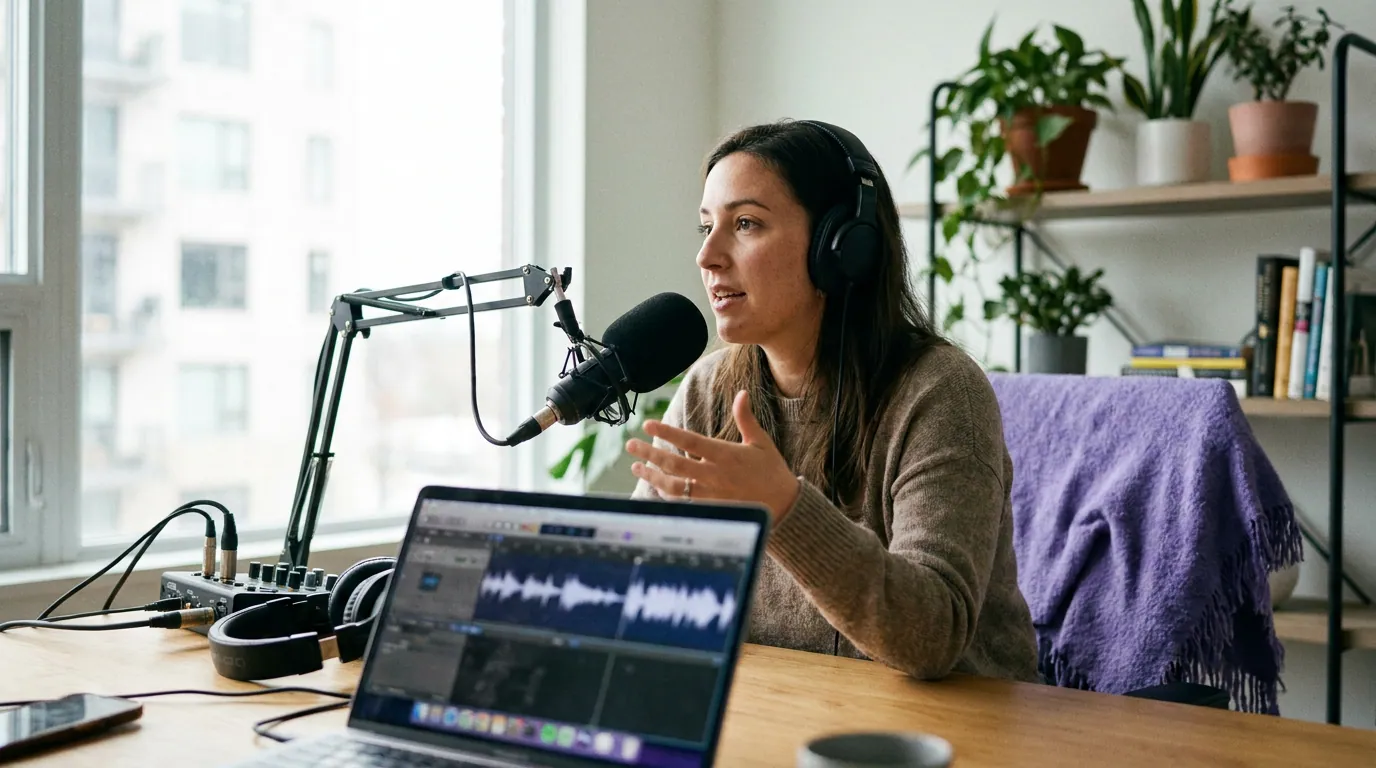
The difference is how many words land on screen per timing event. Per-word reveal fires one word at a time on its own timestamp, maximum motion, one word in focus at any moment. Per-phrase reveal groups two to four words and reveals the chunk on the lead word's timestamp, then highlights words inside the group as they're spoken. Same underlying timestamps, different granularity of motion.
Both are driven by the transcript's word-level timing data, the per-word timestamps an automatic captioner produces. Per-word uses every timestamp as a trigger; per-phrase uses the first timestamp of each chunk as the trigger and treats the rest as a highlight pass. That single setting changes how the clip feels far more than font or color does.
When word-by-word helps retention, and when it's noise
Per-word reveal helps when the speech is fast, punchy, or list-like and you want the eye locked to one beat at a time, a comedian's setup-punchline, a rapid hot take, a numbered rattle of points. It hurts when the speaker is slow and explanatory, because a single word floating on screen strips the context a viewer needs to follow a complex idea, and the constant motion competes with the speaker's face for attention.
Here's the decision rule we use on QuickReel's caption A/B tests, stated plainly so you can apply it to any clip:
- Per-word for fast, emotional, or punchline-driven speech where each word is a beat.
- Per-phrase for explanatory, technical, or story-driven speech where context across a few words matters.
- Static (whole-line) captions when the visual is already doing the work, a product on screen, an on-screen demo, a chart, and extra text motion would split attention.
The honest version of "animation boosts retention": the first three seconds are where it pays off most, the window that decides whether a viewer keeps watching or scrolls. After the hook, motion has diminishing returns. If every word bounces for 60 straight seconds, the effect stops reading as energy and starts reading as visual static the brain tunes out.
The four parameters that separate "good" from "noise"
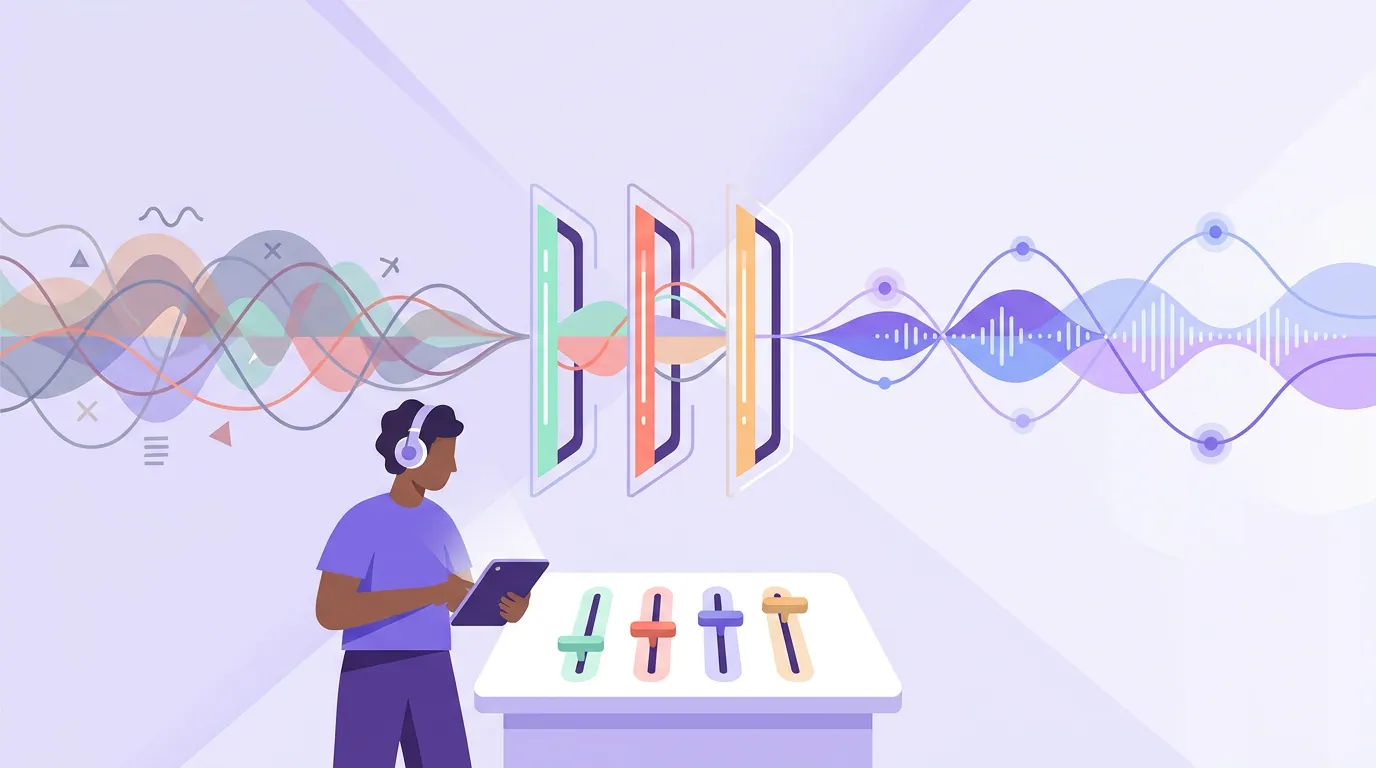
Word-by-word captions live or die on four settings. Most "why do my animated captions look cheap" problems trace to one of these being wrong, not to the font or color. These come straight from editing QuickReel's caption benchmarks, tune them in this order.
- Reveal trigger, per-word or per-phrase, decided by the rule above. Set this first; it changes everything downstream.
- Highlight style, color swap, a small scale-up, or a filled box behind the active word. Pick one. Stacking a color change plus a bounce plus a box is the single most common way captions read as amateur.
- Words on screen, one to three words at a time for per-word, one short line for per-phrase. A four-line block defeats the entire point.
- Timing offset, the active word must light on the syllable, not a beat late. Auto-captioners are usually close, but emphasis words and fast speech drift; a word that highlights after it's spoken reads as broken even when everything else is perfect.
Common mistakes (and the fix)
- Per-word on a slow, explanatory speaker. One floating word strips the context the idea needs. Fix: switch that clip to per-phrase so two to four words hold together.
- Stacked highlight effects. Color + scale + box + shadow all at once turns motion into chaos. Fix: one highlight treatment, full stop.
- Trusting the auto-timestamps blind. Automatic captions mishear names, jargon, and homophones, and emphasis words drift off the beat. No auto-captioner is reliable enough to post unread. Fix: scan the words and the timing once before export, the clip-detection step and the captioning step are separate jobs, and the captions are where a rushed export shows. (More on this in auto vs manual captions.)
- Animating the whole clip uniformly. Sixty seconds of identical bounce becomes wallpaper the brain ignores. Fix: concentrate the energy in the hook, ease off after.
- Captions that fight the font. A heavy animated reveal on a thin, low-contrast font is unreadable on mute. Fix: start from a legible, high-contrast caption base, see caption fonts for podcast clips, then add motion. The reveal style and the burned-in vs soft caption choice are separate decisions; don't conflate them.
FAQ
What's the difference between word-by-word and karaoke captions?
They're the same thing described two ways. "Karaoke captions" names the look, a highlight sweeping across words as they're spoken, like a karaoke lyric track. "Word-by-word" names the mechanic, text revealed or highlighted on each word's timestamp. Both rely on the same word-level timing data from the transcript.
Do animated captions actually improve retention?
They help most in the first three seconds, the window that decides whether a viewer stays. After the hook, the gains taper. Motion that runs uniformly for a full minute stops registering as energy. Use it to win the open, then let it settle.
Per-word or per-phrase, which should I use?
Per-word for fast, punchy, emotional speech where each word is a beat; per-phrase for explanatory, technical, or story-driven speech where context across a few words matters. Many shows use both across different clips from the same episode. The speech pace and the clip's purpose decide it, not the trend.
Are word-by-word captions bad for accessibility?
They're fine for sighted viewers reading on mute, but a fast per-word reveal is hard for some to follow, and burned-in animation isn't a screen-reader track. The accessible move: burn in your styled captions and, on platforms that index them, upload a clean static caption file as a readable, toggleable track underneath.
Will animated captions look the same on every platform?
The animation renders identically because it's burned into the video, but placement differs, each app covers a different part of the frame with its own UI. Keep the animated text centered and clear of the bottom and right-side button zones so the reveal isn't hidden behind app buttons on the live feed.
For the full setup beyond timing, see the complete walkthrough on adding captions to podcast clips, and once your style is dialed in, the same review discipline that makes captions land also helps you pick the best AI-suggested clips in the first place.