
Auto-Reframe Not Tracking Correctly? Fix the Wrong Crop

When auto-reframe tracks the wrong person, it isn't malfunctioning, it picked the wrong signal. The tracker reads mouth motion, the live audio channel, and face position, then crops to that face. A gesture, crosstalk, off-screen audio, or a big reaction can outscore the real speaker. Find which signal got fooled, then pin the correct face with a keyframe.
A reframer that holds the talker on a clean monologue but lurches onto the silent guest the instant someone laughs is not random. It's the model resolving a tie between two faces and choosing the louder-looking one. Once you know the three inputs it weighs and the four everyday things that spoof them, you stop re-watching whole clips and start scrubbing straight to the two or three frames where the crop jumped, and correcting them in seconds.
Why does auto-reframe keep cutting to the wrong person?
Auto-reframe cuts to the wrong person when a non-speaking face produces a stronger "I'm the speaker" signal than the talker. The tracker scores each face on mouth movement, live audio channel, and how centered it is, then crops to the highest. A nod, a gesture, mic bleed, or a laugh can win that score and steal the crop.
That scoring model is the whole story. A reframer doesn't "understand" a conversation, it runs a per-frame contest between faces and crops to the winner. On a single-speaker stretch there's no contest, so it looks flawless. The errors cluster wherever two faces compete for the same signal, which on a multi-person podcast is most of the interesting moments. This is the same active-speaker logic that decides who gets framed in a multi-guest clip; reframing just turns that decision into a moving crop instead of a static cut.
This is worth fixing because the reframed vertical is usually the first thing a new viewer sees, and clips carry an outsized share of discovery. One studio's client data puts them at 20–40% of new audience with reach lifts of 2–5× for video shows (Podcast Studio Glasgow). That's a directional range from a single source, not a platform-wide audit. But the point stands: a crop sitting on the wrong, silent face during your best line is a self-inflicted wound on the version most people will judge.
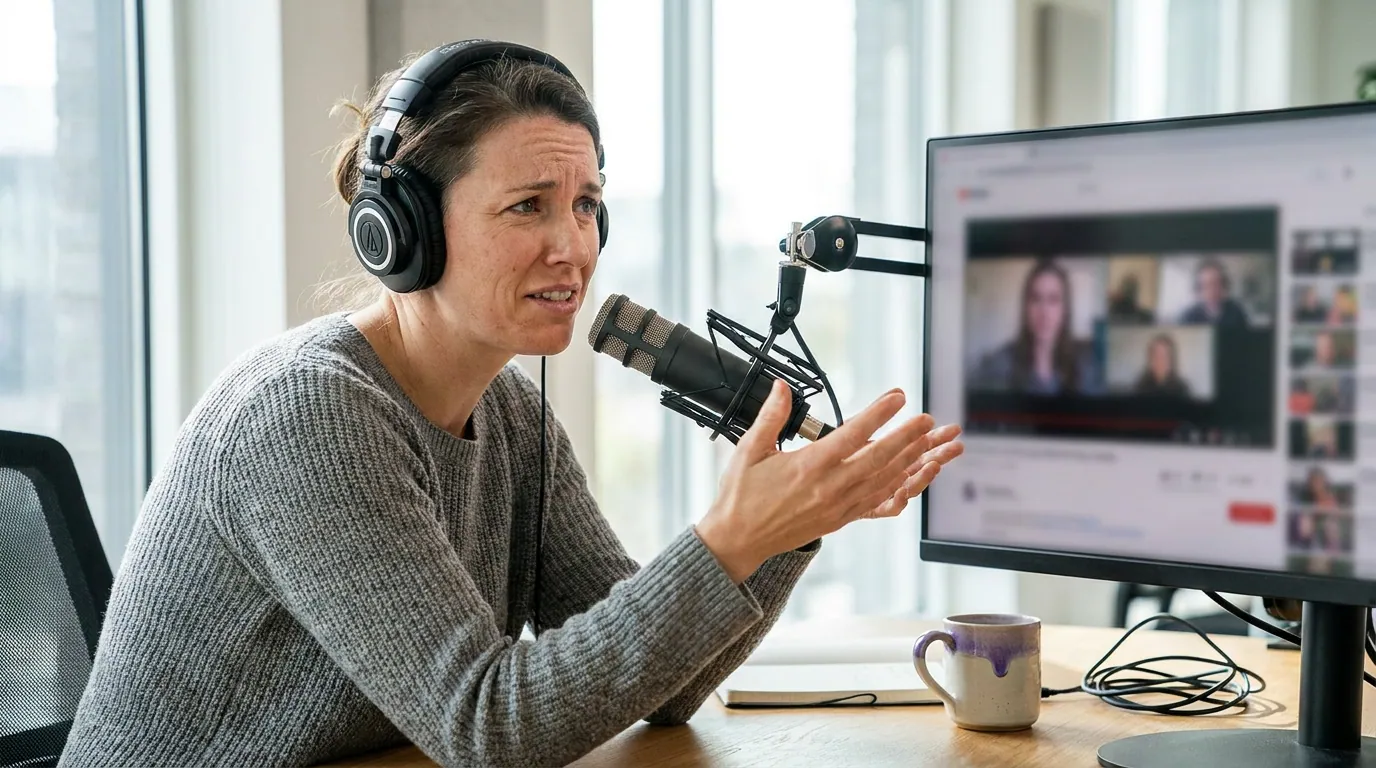
The four false triggers that put the crop on the wrong face
Four situations reliably make a non-speaker outscore the talker. Each maps to one of the three signals above, which is the useful part: once you can name the trigger, you know which fix to reach for instead of fighting the whole clip.
1. Hand gestures near the face
The most common false trigger. A guest who talks with their hands, taps their chin, or pushes their glasses up creates motion the tracker can mistake for mouth movement, especially when the real speaker is off to the side and quieter on camera. The hand spikes the mouth-motion score on the wrong face and the crop slides over. Which signal it fooled: mouth motion. The fix is a pin (below), not a setting change, because the gesture is intermittent.
2. Crosstalk and laughter
When two people laugh or talk over each other, both faces show speech-like motion and both mics carry sound. The contest is a genuine tie, and the tracker breaks it arbitrarily, often landing on the person who laughed hardest rather than the one delivering the line. Overlapping moments are usually your best clips, so this is the trigger worth the most care. Which signal it fooled: mouth motion and audio channel at once. For a sustained exchange, a split layout beats any single crop; for a one-second bump, pin the talker.
3. Off-screen audio
Someone speaks while off camera, a host asking a question from behind the rig, a guest who leaned out of frame, and the tracker has audio but no matching face. It defaults to whoever is most centered and visible, which is the wrong, silent person. This is also where a single shared mic hurts: with no per-speaker channel, the audio signal can't tell the tracker anything. Which signal it fooled: audio channel with no face to match. The fix is to crop wider through that beat or hold the last correct face until the speaker returns on camera.
4. Big reaction shots
A perfectly framed, dramatically reacting listener, eyes wide, mouth open in a gasp, can score higher than the calm person actually making the point. The tracker rewards the more "active-looking" face, and a strong reaction reads as activity. Sometimes the reaction is the moment and you want it; often it steals the line. Which signal it fooled: mouth motion plus face position. Decide whether the reaction earns the frame, then pin accordingly.
The keyframe fix: pin the correct face through the bad moment
You don't correct a wrong crop by re-running detection and hoping. You correct it the way an editor does: pin the right face with keyframes through the exact window where the tracker got fooled, then let it resume. Three steps, repeatable on every clip.
- Pin the correct face one beat before the trigger. Scrub to just ahead of the laugh or gesture and set a manual crop keyframe locked on the person who is actually speaking. Starting early matters, if you pin at the moment the crop already drifted, you've baked in a half-second of the wrong face.
- Hold the crop through the bad window. Keep that locked position across the entire trigger, the full laugh, the whole gesture, the off-screen line. Don't let the tracker re-decide inside the window; that's exactly where it fails.
- Release at the real speaker change. At the genuine turn, drop the manual pin and let auto-tracking resume. On clean stretches the tool is reliable, so you only override the contested moments, not the whole clip.
Most wrong-face errors take two keyframes and under thirty seconds. If a clip needs more than three or four corrections, the problem isn't the tracker, it's a sustained crosstalk section, and a vertical split that keeps both faces on screen will beat any amount of pinning.

A five-second override rule for multi-person podcasts
When the crop is wrong, don't deliberate, run one check. Ask whether the off-frame person is adding to the moment or stealing it.
- If the wrong face is reacting and the reaction sells the line (a genuine laugh, a stunned look that lands the point), let it ride or use a split so you keep both. Reactions are some of the most-shared moments; killing them on principle makes clips flatter, which is one root of clips that feel boring.
- If the wrong face is silent or just gesturing while someone else carries the line, pin the speaker. No exceptions, a viewer watching muted needs the talking face matched to the captions, or the clip reads as broken.
- If you can't tell within five seconds, default to the speaker. The talker is the safe choice; you can always cut to a reaction deliberately, but an accidental hold on a silent face never helps.
This rule matters because most social video plays without sound, muted viewing is commonly cited around 85% (Digiday), a directional figure that traces to 2016 publisher data, with study estimates ranging roughly 69–85%. When the audio is off, the crop and the captions are the only cues for who's talking. A crop on the wrong face contradicts the captions, and the scroller's brain flags the mismatch before the words register.
Common mistakes when the crop tracks the wrong person
Re-running detection instead of pinning. Re-detecting rolls the dice again on the same fooling input and often lands wrong a second time. The deterministic fix is a manual keyframe, not another auto pass.
Fixing the symptom at the source-record stage too late. Some triggers are preventable: separate mics per speaker give the audio signal something real to read, and centered, well-lit faces stop the position signal from drifting. You can't re-record a shot episode, but set the rig up right and next week's clips need far fewer pins.
Pinning the whole clip. Locking a manual crop end to end throws away the tracker's accuracy on the easy stretches and triples your work. Override only the contested windows; let auto-tracking handle the clean ones.
Treating reaction-steals as always wrong. Sometimes the reaction is the clip. The job isn't to keep the crop on the talker at all costs, it's to keep it on whatever carries the moment, which is a judgment call the model can't make for you.
Cropping before you've locked the moment. Reframing is the last step. Pin the right faces only after you've chosen a clip worth shipping, see picking the best AI-suggested clips so you're not keyframing a clip that shouldn't go out. If the crop fights you on every line, that's also a clue worth diagnosing about the underlying footage.
FAQ
Why does auto-reframe keep cutting to the wrong speaker? Because a non-speaking face produced a stronger "active speaker" signal than the real talker. The tracker scores faces on mouth motion, the live audio channel, and face position, then crops to the highest. A gesture, a laugh, mic bleed, or a big reaction can outscore the person actually speaking, so the crop lands on the wrong face.
How do I stop the crop cutting off a face? A clipped ear or forehead usually means the face sits too near the frame edge for the crop to leave margin. Nudge the crop's horizontal position so the face has breathing room, and aim it at the upper-middle third so platform UI and captions don't crowd it. If it keeps clipping, center your subjects better when you record.
Can I fix the wrong-speaker crop without re-recording? Yes. Pin the correct face with a keyframe one beat before the false trigger, hold it through the laugh or gesture, then release at the real speaker change. Most errors need two keyframes and under thirty seconds. Re-recording only helps prevent future errors, not fix existing clips.
Does a single shared microphone make tracking worse? Yes. With one shared mic there's no per-speaker audio channel, so the tracker leans almost entirely on mouth motion and face position, the two easiest signals to fool. Separate mics per speaker give it a real audio cue and noticeably cut wrong-face errors on crosstalk.
Should I just keep both faces on screen instead? For sustained crosstalk, yes, a vertical split with both faces beats any single roaming crop and skips the pinning entirely. Reserve the single-face crop for stretches where one person clearly holds the floor, and use keyframes only for short, isolated wrong-face moments.