
AI Clipping: Interview Podcast, Solo, and Panel Shows

An AI clipper reads the same five signals on every show, topic shifts, question-answer pairs, sentiment, energy, and pauses, but those signals fire very differently depending on your format. Interviews hand the model clean hook-and-payoff units. Solo monologues starve it of structure. Panels overload it with speaker switches. So you tune the same tool three different ways: isolate the guest's answer for interviews, mark your own segments for solo, and force clean speaker separation for panels.
This is the part most clipping guides flatten into one generic workflow. The skill is recognizing which problem your format creates and changing the two or three settings that fix it, not posting whatever the model ranked first.
Why your format changes everything
Clips are the discovery engine for a video show, and the format you record in decides how much of that engine the AI can run on its own. One studio's client data attributes 20–40% of new audience and a 2–5× reach lift to clips (Podcast Studio Glasgow), read that as a directional range from one production house, not a platform-wide audit. The point stands either way: if clips carry that much of your growth, the format-specific failures below are costing you real reach.
There is a volume reason too. Short-form clipping has become its own channel, with creators and paid clippers chopping long interviews and shows into vertical posts at scale. The feed is that much more crowded, so a clip that starts mid-sentence or cuts to the wrong face dies faster than it did two years ago.
If you want the mechanics behind those five signals first, how AI clip detection actually works breaks down each one. This article assumes them and goes straight to what changes per format.
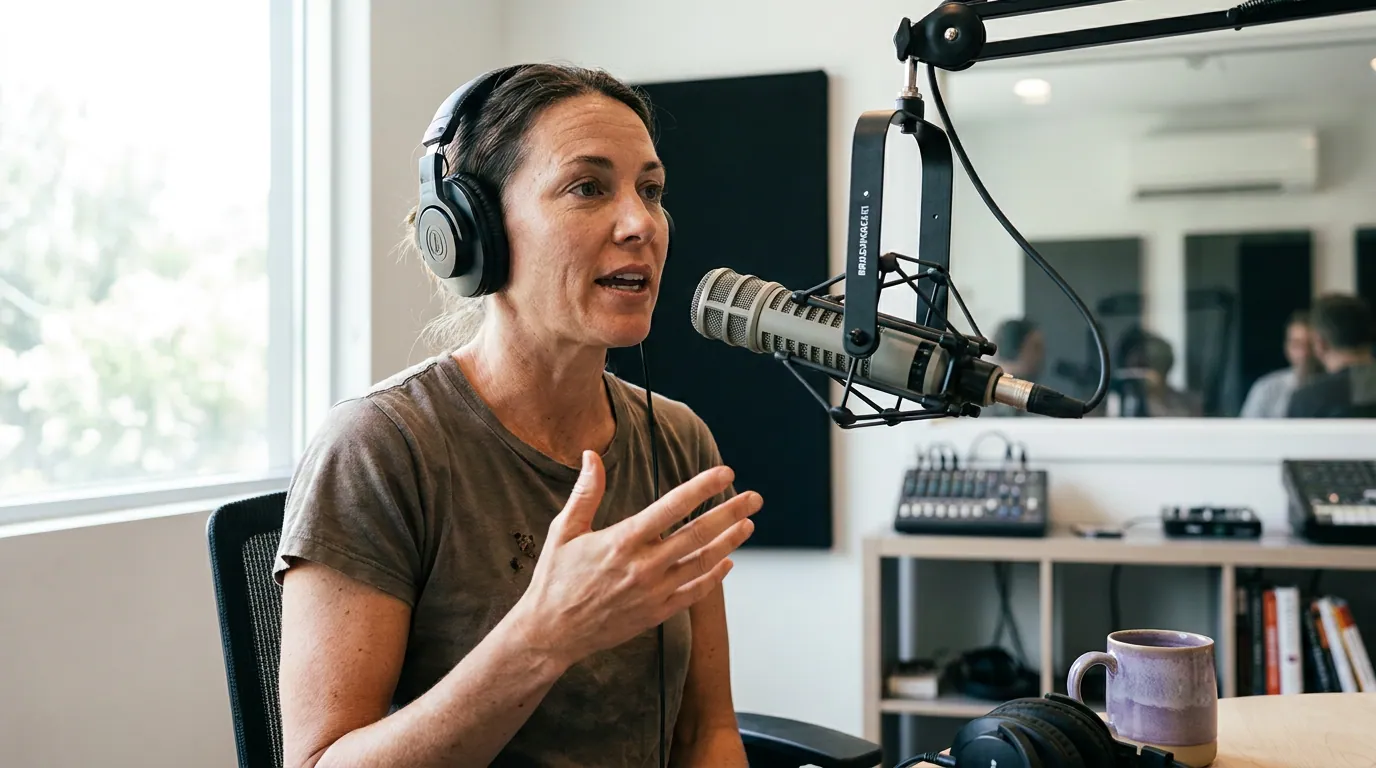
Interview shows: isolate the guest's answer
For interview shows, the fix is almost always the same: keep the host's question as the hook, let the guest's full answer run as the payoff, and trim the cross-talk and follow-ups that bleed in around it. The AI nails the region because question-answer pairs are its strongest signal, but it routinely clips off the last sentence of the answer or includes the host's next interruption.
Interviews are the easiest format to clip, and it is not close. The question-answer structure hands the model a built-in hook and payoff on every exchange, so a 45-minute interview reliably produces more usable suggestions than any other format of the same length. Your job is cleanup, not hunting.
Tune these three things:
- Set the cut to start on the host's question, not the answer. The question is the hook. A clip that opens "...so I sold the company for a dollar" with no setup confuses the muted viewer; "Why did you sell the company for a dollar?" followed by the answer reads instantly. Most tools let you nudge the in-point, pull it back to the question.
- Extend the out-point to the end of the thought. Detection tends to end on the highest-energy line, which is often not the line that resolves the idea. Read the caption cold: if the last sentence is a setup rather than a landing, push the cut two to four seconds later to capture the resolution.
- Cut the host's reaction and the next question. "Wow, that's wild, okay, so moving on..." adds length and kills the ending. End on the guest's last clean sentence. The clip should feel like the guest dropped the mic, not like the conversation kept going.
One caveat: when host and guest talk over each other, even good detection mislabels who said what. If your suggestions attribute the guest's best line to the host, that is a diarization problem, record host and guest on separate mics if you can, which makes speaker labels far more reliable and cuts cleaner.
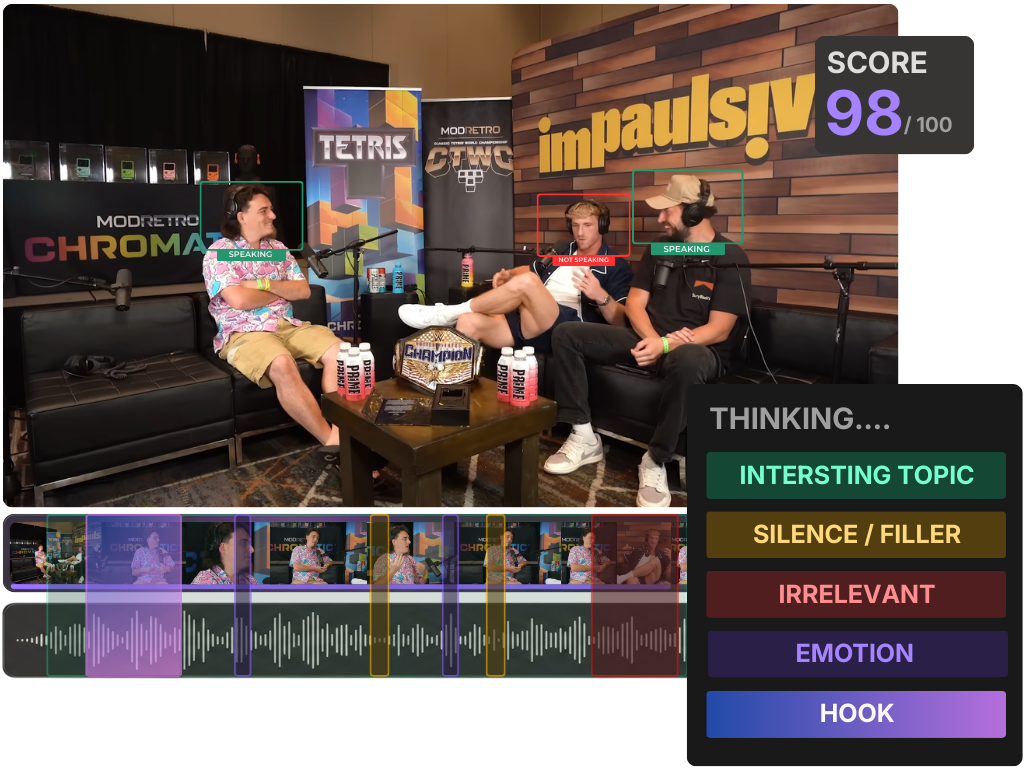
Solo shows: give the model something to detect
For solo monologues, the fix is to manufacture the structure the AI is missing. A single calm voice on one topic gives detection almost nothing, no speaker switches, weak topic shifts, no Q&A pairs, so you build those signals in on purpose: ask a question aloud before you answer it, chapter your script into distinct segments, and vary your delivery so energy spikes have somewhere to register.
Solo is the hardest format for AI detection, and the reason is structural, not technical. Three of the five signals lean on having more than one speaker or a clear topic change, and a smooth monologue suppresses all of them. The model will still surface your loudest or most emphatic moments, but it misses the quiet, well-argued insight because there is no measurable boundary around it.
Tune these three things:
- Pose the question out loud, then answer it. "Here's the question I get most: should you niche down or stay broad?", then answer. You have just created a Q&A pair the model can detect, with a built-in hook for the clip. This single habit does more for solo clip quality than any setting.
- Add segment markers the model can find. A two-beat pause and a hard topic switch ("That's mindset. Now let's talk tactics.") gives detection a clean edge to cut on. If your tool supports manual chapters or markers, set them at each segment boundary so the AI segments where you want, not where the audio happens to dip.
- Vary your delivery deliberately. Energy is a real signal, and a perfectly even monologue flattens it. Lean in on the line you most want clipped, slow down, drop your volume, then land it. The model reads the contrast, and so does the viewer.
Honesty check: even tuned, solo shows yield fewer usable clips per episode than interviews. That is the format, not a failing of the tool. The fix is to feed the AI more raw material, see batch-clip a whole episode in one pass, and accept a lower keep rate per suggestion.
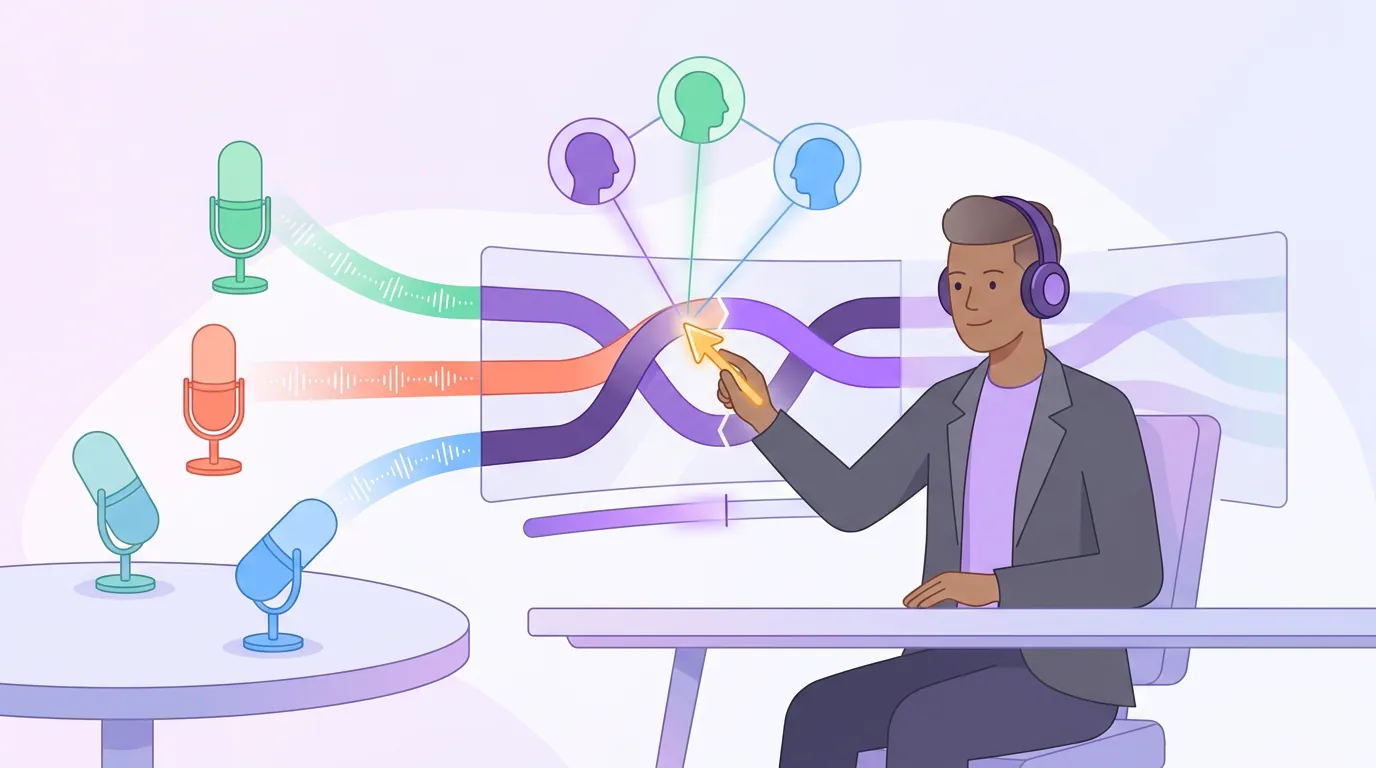
Panel shows: fix the speaker switches first
For panel shows with three or more voices, the dominant problem is diarization, the AI mislabeling who said which line, so fix that before you judge a single suggestion. Verify the speaker labels, prefer episodes recorded on individual mics, and pick clips built around one person's complete point rather than a four-way scramble the muted viewer cannot follow.
Panels are deceptively hard. They generate plenty of high-energy moments, so the model finds candidates easily, but it struggles to attribute lines correctly and to find clips that make sense out of context. A great panel clip is usually one person making one point with a clean reaction, not the crosstalk that felt electric in the room.
Tune these three things:
- Check diarization before anything else. Open the transcript and confirm each line is tagged to the right person. On panels, overlapping speech and similar voices cause mislabels, and a clip captioned with the wrong name on the best line is unusable. Fix labels in the transcript and the captions follow.
- Favor single-speaker payoffs over four-way exchanges. A clip where one panelist makes a sharp, complete argument travels. A 30-second scramble where four people interrupt each other rarely does, the stranger cannot track it. Use the rapid exchange as a 3-second hook, then let one voice carry the point.
- Demand individual mics and stable framing. Separate mics per panelist make diarization dramatically more accurate. On the visual side, active-speaker reframing has to decide whose face to show, and it needs clean per-speaker audio to get it right. Muddy single-mic-in-the-room audio is the root cause of most bad panel clips.
The muted-viewer rule bites hardest here. With a directional ~85% of social video watched with the sound off (Digiday, publisher-reported and dated to 2016, treat as directional, with studies ranging roughly 69–85%), a panel clip lives or dies on whether the captions, correctly attributed, tell a coherent story on their own.
A side-by-side of the three playbooks
Same five signals, three problems, three fixes. This is the article in one table.
| Format | What the AI struggles with | The one setting to change |
|---|---|---|
| Interview | Cutting off the answer; including the host's next question | Isolate the guest's full answer; start on the host's question |
| Solo | No speaker switches or topic breaks to detect | Add segment markers; pose questions aloud |
| Panel | Mislabeling who said what (diarization) | Verify speaker labels; build clips around one voice |
Whatever your format, the suggestions are a shortlist, not a verdict. Run each one through the rubric in how to pick the best AI-suggested clips, and treat the model's confidence number for what it is, a sorting hint, explained in what an AI virality score really tells you.
Common mistakes across all three formats
Posting the model's exact cut points. Detection finds the region; it rarely nails the frame on any format. Trim the lead-in, extend to the resolution, and for narrative genres remember that where you end is everything, see where to end a true crime clip for max suspense.
Judging the clip with the audio on. You know what was said, so it sounds complete to you. Mute your own playback and read the captions cold, that is what the stranger sees. This catches the cut-off interview answer and the mislabeled panel line every time.
Blaming the AI for an audio problem. Most "the AI clips badly" complaints on panels and interviews trace back to shared-mic audio that wrecks diarization. The model can only label voices it can separate. Fix the recording and the suggestions improve before you change a single setting.
Expecting solo to clip like an interview. It will not, and tuning only narrows the gap. Build structure in as you record, accept a lower keep rate, and feed the model more episodes rather than squeezing one dry.
So which tool handles all three?
The practical answer is whichever tool lets you fix the format-specific problem fastest, editable cut points for interviews, manual markers for solo, and visible, correctable speaker labels for panels. Detection quality across modern clippers is closer than the marketing suggests; the difference is how few clicks it takes to correct what the model got wrong.
QuickReel runs the same signal family on every format, then hands you an editable timeline, transcript-driven captions you can re-attribute, and active-speaker reframing for multi-voice shows, so the fix-and-post loop is fast instead of a re-export cycle. It is an accelerant, not a replacement for your judgment, which is the honest framing for every AI clipper on the market.
FAQ
Which podcast format gets the best AI clips? Interview shows, by a clear margin. Question-answer pairs are the strongest detection signal, so they hand the model a built-in hook and payoff on every exchange. Solo monologues are the hardest because they suppress most signals, and panels sit in between, high energy, but messy speaker labels.
How do I get more clips from a solo podcast? Manufacture structure as you record: pose a question aloud before answering it, mark hard topic switches with a pause and a transition line, and vary your delivery so emphasis registers as an energy spike. These give the AI the boundaries and Q&A pairs a monologue otherwise lacks.
Why does my panel clipper attribute lines to the wrong person? That is a diarization error, and it is common when multiple voices share a mic or talk over each other. Record each panelist on a separate mic, then verify the speaker labels in the transcript before posting, the captions inherit whatever the labels say.
Do I need separate mics for AI clipping to work? Not strictly, but separate mics dramatically improve speaker labeling on interviews and panels, which is where most clip quality is won or lost. A single room mic still produces clips; it just produces more mislabeled and harder-to-cut ones.
Can one tool handle interview, solo, and panel shows? Yes, if it lets you edit cut points, add markers, and correct speaker labels. The format does not change the underlying detection, it changes which correction you make most. Pick the tool with the fastest path from a wrong suggestion to a fixed, posted clip.