
YouTube End Screens for Podcasts: The Last-20-Seconds Template


For an hour-long podcast, set your YouTube end screen to two elements in the last 15–20 seconds: a related episode as the dominant tile and a subscribe button as the secondary one. Put the related episode first because the viewer who reached your outro already loves you, your job is to keep them watching, not to ask for a subscribe they'll ignore. Use a card mid-video for your best clip; save the end screen for the next watch.
End screens are the clickable overlays YouTube lets you place in the final 5–20 seconds of a video, up to four elements linking to another video, a playlist, your subscribe button, or an approved link (YouTube Help: add end screens). Cards are the small teaser prompts you can drop anywhere in the timeline. Most podcasters set these once, badly, and never touch them again. For a show where people watch for forty or ninety minutes, the end screen is the single most undervalued growth lever you already own, and the standard "always push subscribe" advice is wrong for your audience.
Why end screens matter more for a long-watch show
End screens matter because they convert a finished watch into a second watch, and watch time is what YouTube rewards. YouTube says its discovery system uses absolute and relative watch time as engagement signals, with absolute watch time mattering more for longer videos like full episodes (YouTube Help: search and discovery). When someone finishes your episode and immediately starts another of yours, you bank that next view's watch time against your channel, and you teach the algorithm your content holds people.
For a podcast, the stakes are higher than for a short video. A viewer who sat through 50 minutes has shown you the strongest possible signal of intent. Letting them hit the end screen and bounce to a stranger's video is the most expensive miss on the platform. The whole point of the last 20 seconds is to catch a warm viewer at the exact moment they're deciding what to do next.
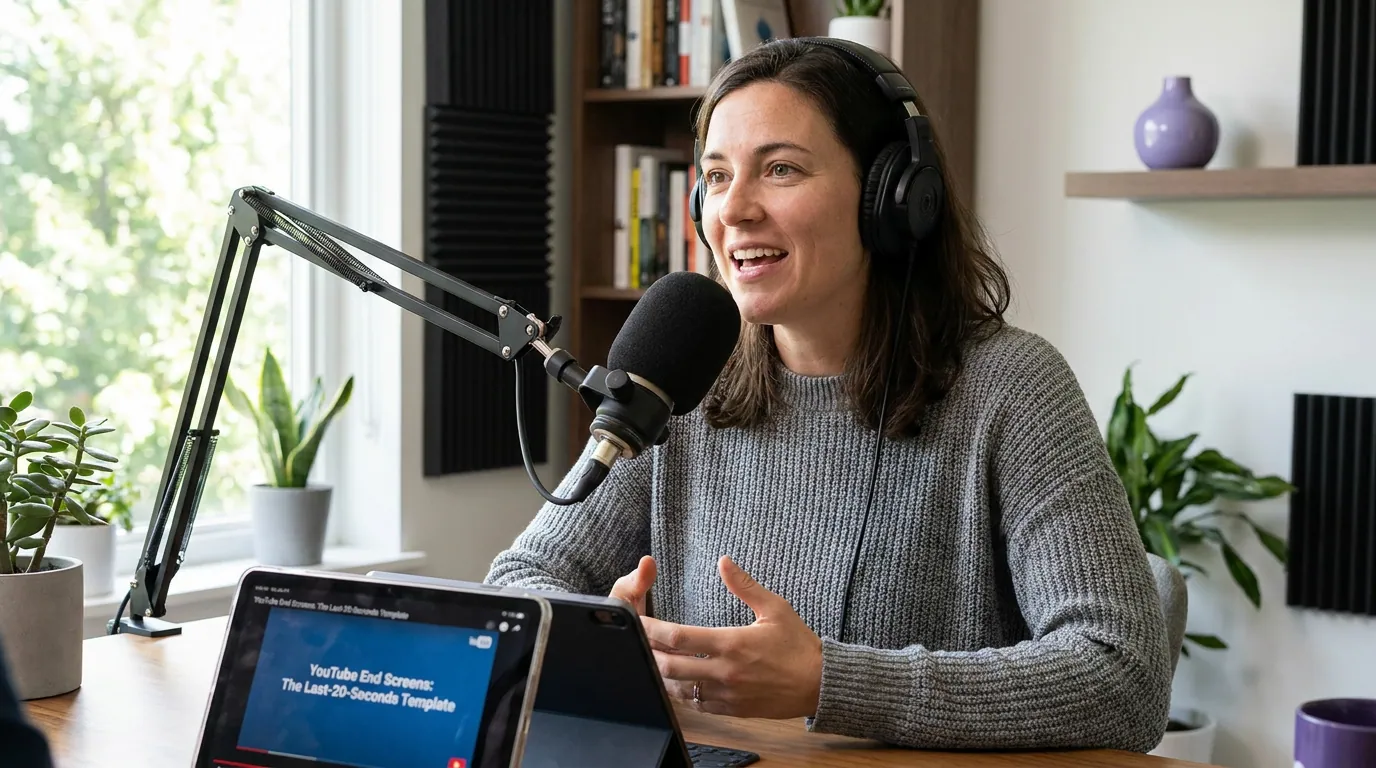
What goes in the last 20 seconds: the template
Here is the template I use for hour-long episodes. End screens can hold up to four elements, but for a podcast you want two, occasionally three. More than that turns the outro into a cluttered menu nobody reads. The slots, in priority order:
Slot 1, Next episode (the dominant tile). A related episode or a series playlist, placed largest and on the side the eye lands on. This is the highest-value action because a returning viewer who starts a second episode is worth far more in watch time than a subscribe click. Choose it by topic relevance, not recency, the episode closest to what they just watched, not your newest.
Slot 2, Subscribe (the secondary element). The subscribe button, smaller, set off to one side. It's still worth placing, but it is not the primary ask at the outro. Someone who watched the whole thing will subscribe when they're ready; pushing it as the main call-to-action wastes your best slot on your weakest conversion.
Slot 3 (optional), Best clip or a second related episode. If you run a longer outro, add one more related video, your strongest-performing clip or a second relevant full episode. Skip this if it crowds the frame. Two clean tiles beat three cramped ones.
The reason this order inverts the usual "subscribe, subscribe, subscribe" advice is the audience. End-screen best practice written for short, top-of-funnel videos assumes most viewers are strangers you need to capture. Your fifty-minute viewer is not a stranger. They're a fan who hasn't run out of road yet, so hand them the next road.
The decision rule: new viewer vs returning viewer
The order above holds for most podcasts most of the time, but there's a real fork. The right slot-one choice depends on whether the viewer who reaches your outro is more likely new or returning, and you can read that from your own analytics.
Here's the rule. Open YouTube Studio, find the episode's traffic sources, and check the "new vs returning viewers" split for that video. Then:
- Mostly returning viewers (a loyal-subscriber channel): keep next-episode first. They already subscribe, so the subscribe slot does little; their highest-value next action is another watch.
- Mostly new viewers (an episode getting discovery from search, suggested, or clips): bump subscribe up to co-equal with the next episode, and make slot one a standalone episode rather than mid-series, so a newcomer isn't dropped into part four of a story.
Most podcast channels skew returning on their back catalogue and new on breakout episodes. So you don't need one template, you need the default (next episode first) plus a switch you flip on the episodes that are pulling strangers in. Discovery-heavy episodes are usually the ones fed by short-form clips, which is exactly why your clip strategy and your end-screen strategy are the same conversation. More on that in the clips-to-channel funnel for YouTube podcasts.
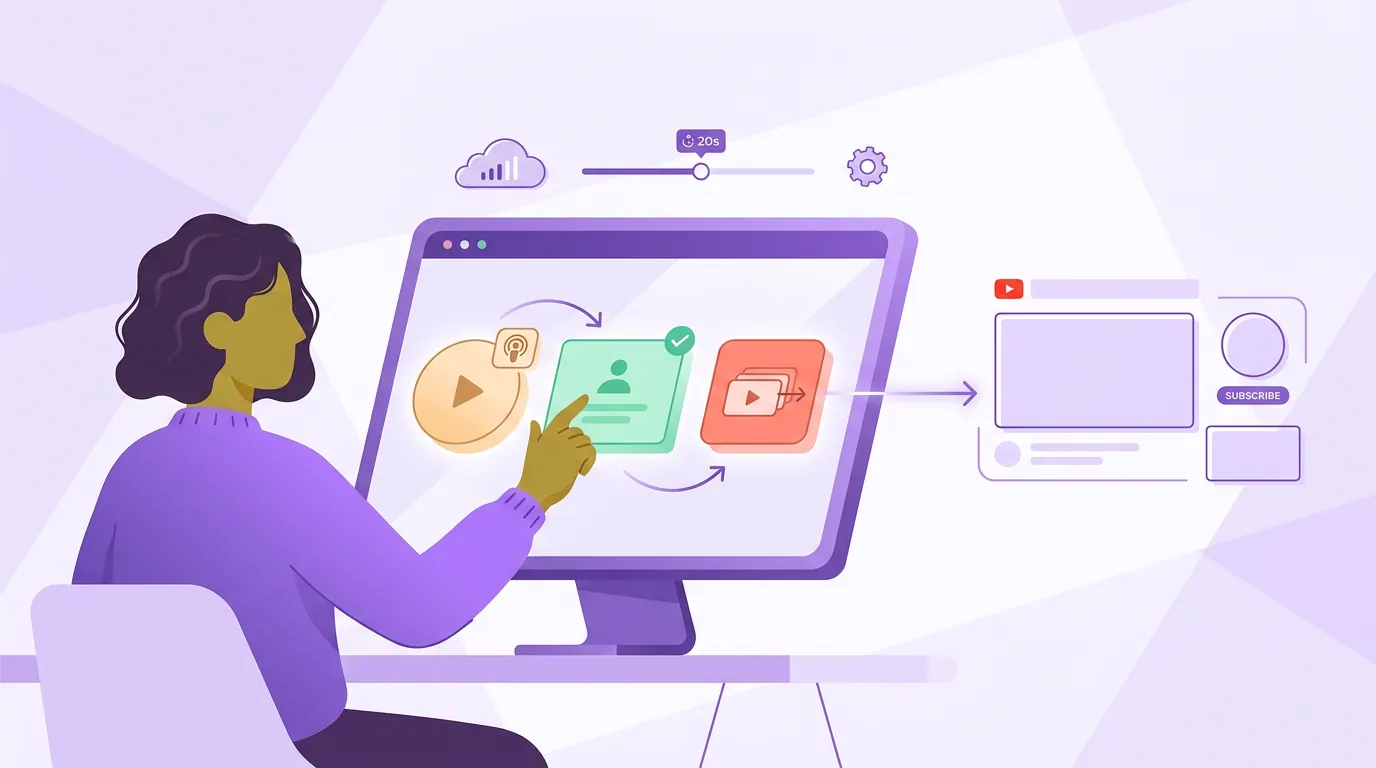
How to set end screens up, step by step
- Add an outro buffer when you film. Leave 15–20 seconds at the end where you say "if you liked this, here's the one to watch next" over a calm hold shot. End screens sit on top of video, a hard cut to black leaves nothing for them to overlay. Plan the room.
- Upload and open the editor. In YouTube Studio, open the video, go to Editor, then End screen (YouTube Help).
- Place the next-episode element first. Add a Video element, set it to a specific related episode (or "Best for viewer" if you want YouTube to pick, though a hand-picked relevant episode usually beats it), and size it as the dominant tile.
- Add the subscribe element second, smaller, on the opposite side. Keep the two from overlapping; YouTube warns you if they do.
- Set the timing. Have both elements appear together for the last 15–20 seconds, not staggered. A warm viewer makes one glance; give them the full menu at once.
- Add one mid-video card for your best clip. Cards are separate from end screens, drop a card at the moment you reference a related episode or topic, pointing to your strongest clip or related full episode.
- Apply across the catalogue with a template. YouTube lets you import end-screen elements from a previous video, so set the pattern once and reuse it. Just re-pick the specific next episode each time, relevance is the whole game.
Common end-screen mistakes podcasters make
- No outro buffer, so end screens cover the speaker's face. If your episode hard-cuts at the end, the elements land over your final words. Film the hold shot.
- Pointing slot one at your newest episode every time. Recency isn't relevance. The most-related episode keeps the session alive; a random new one often doesn't.
- Making subscribe the dominant element. On a long-watch show this wastes your best real estate. The next watch is worth more than the subscribe at the outro.
- Four cluttered elements. Two clean tiles outperform a wall of choices. Restraint is the optimization.
- Treating cards and end screens as the same tool. Cards are for mid-video moments; end screens are for the final 20 seconds. Use the clip in a card, the next episode on the end screen.
- Setting it once and never auditing. Check which end-screen videos actually earn clicks in Studio every month or two, and swap the dead ones.
Where this fits in your YouTube growth plan
End screens are the retention end of a loop that starts with discovery. Short-form clips bring strangers in, clips drive 20–40% of new audience for video shows and can raise reach 2–5× (Podcast Studio Glasgow). Your packaging earns the click (the thumbnail-and-title work in YouTube podcast SEO), the episode holds the watch, and the end screen passes that warm viewer to the next episode instead of losing them.
Done together, this is how a channel compounds: clips feed new viewers, end screens turn watches into sessions, and sessions teach YouTube to recommend you. For the surrounding pieces, see turning Shorts viewers into long-episode watchers, a Shorts strategy built for podcast channels, and getting your first 1,000 subscribers as a podcaster. Then capture the ones who stick with a welcome sequence for new subscribers.
FAQ
Should a podcast end screen push subscribe or the next episode? The next episode, for most podcasts. A viewer who finished an hour-long episode is your warmest audience, and their highest-value next action is another watch, which banks more watch time, an engagement signal YouTube's discovery system uses (YouTube Help). Keep subscribe as the secondary element, not the dominant one.
How long should a YouTube end screen be for a podcast? The last 15–20 seconds, within YouTube's allowed 5–20-second window (YouTube Help). Film a calm hold shot or outro of that length so the clickable elements have something to overlay instead of covering your final words or a hard cut to black.
What's the difference between cards and end screens? Cards are small teaser prompts you place anywhere in the timeline; end screens are the clickable tiles in the final 5–20 seconds. For a podcast, use a mid-video card to surface your best clip when you reference its topic, and reserve the end screen for the next episode and subscribe.
Which episode should I link on the end screen? The most topically related one to what the viewer just watched, not your newest. Relevance keeps the session going; recency alone often doesn't. For episodes pulling lots of new viewers, link a standalone episode rather than mid-series so a newcomer isn't dropped into part four.
Do end screens actually help SEO? Indirectly, yes. They don't touch your title, description, or tags, so they have no direct metadata effect. But they extend total watch time by sending finished viewers to another of your videos, and watch time is a documented engagement signal in YouTube's discovery system (YouTube Help).