
YouTube Podcast SEO: Ranking Episodes as Video


To rank a podcast episode on YouTube, treat it as a video, not an audio file: win the click with the thumbnail-and-title pair, put your keyword in the first two lines of the description, add timestamped chapters, and end every episode with end screens that send the viewer to the next one. YouTube ranks on click-through rate and watch time first, signals audio directories like Apple and Spotify don't even have. Optimize for the click and the watch, and your metadata does the rest.
YouTube is the second-largest podcast search engine after Google itself, and it's now the #1 US podcast platform at 42% of monthly listeners, ahead of Spotify at 15% and Apple at 7% (Backlinko, Oct 2025). If you publish your episode as a video there and run an audio-SEO playbook on it, you leave most of the ranking power on the table. This guide covers the five video signals that audio-only SEO never touches, with a field-by-field checklist weighted by how much each one moves YouTube search.
How does YouTube rank a podcast episode?
YouTube ranks search results on relevance and on engagement, and engagement is where it diverges from audio directories. Apple and Spotify match your typed query against metadata and then rerank on plays and follows. YouTube does the metadata match too, but its core levers are click-through rate (did people click your thumbnail when it appeared) and watch time and retention (did they keep watching once they did), which YouTube describes as central to how it surfaces and recommends video (YouTube Help: search and discovery).
That difference rewrites the whole playbook. On Spotify, your job is to write four text fields well; the audio is invisible to search. On YouTube, your packaging, the thumbnail and title a viewer sees in results, decides whether you even get the click, and the video itself decides whether you hold the watch time that pushes you up. Metadata gets you eligible; the click and the watch decide the rank. Two episodes with identical titles and tags will rank completely differently if one has a thumbnail that earns twice the clicks.
So YouTube podcast SEO is really two jobs stacked on the audio-SEO basics: write metadata a query can match, then engineer the click and the watch. The five signals below are the video-specific half, the part you skip if you copy your Apple show notes into the description box and call it done.
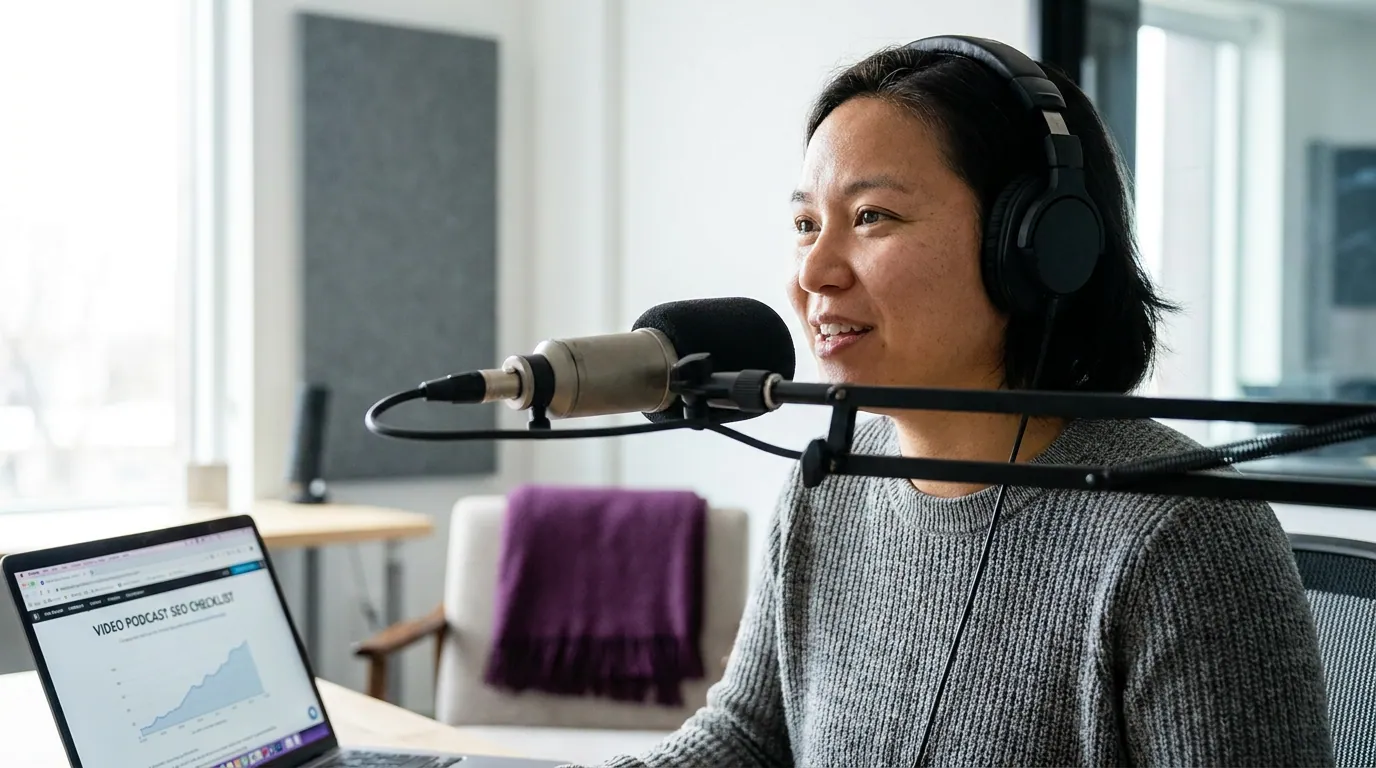
Why your episode now competes as a video
For a fast-growing share of your audience, "listening" already means watching. The share of new US weekly listeners who prefer to watch a podcast climbed from 30% in April 2022 to 53% as of October 2025 (Backlinko), and YouTube is the most-used platform for 42% of US weekly podcast listeners (Backlinko). YouTube itself passed one billion monthly podcast viewers worldwide, announced February 2025 (Variety, Feb 2025).
The practical consequence: if you film the episode at all, the video competes in the largest podcast search surface there is, on visual, video-native signals. Audio-only SEO has no thumbnail, no click-through rate, no retention curve. Skipping those isn't a small miss, it's skipping the signals YouTube weights most.
The five video signals, in order of impact
1. The thumbnail (the field that moves the most on YouTube)
Your thumbnail decides whether your perfectly written title is ever read. YouTube surfaces your episode in search and suggested feeds, but it only ranks if people click, click-through rate is a core discovery signal (YouTube Help). A great transcript and tags cannot save a thumbnail nobody clicks.
For a two-host or interview podcast, the thumbnails that earn clicks tend to share three traits: one or two expressive faces taking up most of the frame, three to five large words of text that say something the title doesn't, and high contrast that survives a phone-sized result. Use a real frame from the most charged moment, not a posed studio shot. Test variants, even a swapped facial expression can move click-through enough to change your rank for the same query.
2. The title, and how it pairs with the thumbnail
The title is your metadata match and half of your click decision, so it pulls double duty. Lead with the topic keyword for searchers (this is the same discipline as audio SEO, see writing podcast episode titles that get found), but the YouTube-specific rule is that the title and thumbnail must not say the same thing twice. If the thumbnail text reads "I quit my $400k job," the title shouldn't repeat it, it should add the stakes or the name: "Why this ex-Google PM walked away (and what he does now)."
Keep the front-loaded keyword inside roughly the first 60 characters, because YouTube truncates long titles in many surfaces. For interviews, the guest's name belongs in the title, guest searches are some of your highest-intent traffic.
3. The first two description lines
YouTube shows only the first two or three lines of your description before the "...more" fold, and those lines feed both the search match and the click decision. Treat them like the 120-character window on Spotify, front-load the keyword, the hook, and the guest's name. The rest of the box is still useful for chapters, links, and context, but the lines above the fold do the ranking and converting work.
Put your strongest searchable phrasing there, not "In this episode we sit down with..." Below the fold, paste full show notes, they double as a transcript-adjacent text block that helps Google index the page. The same show-notes structure that ranks on Google carries straight over; I lay it out in show notes that rank on Google.
4. Chapters
Timestamped chapters turn one 90-minute episode into a dozen separately discoverable segments. Add lines like 0:00 Intro, 8:42 The hiring mistake everyone makes, 34:10 How to fix it to your description, starting at 0:00, and YouTube renders a chapter track on the scrubber. Each chapter title is keyword real estate, and chapters can surface a specific moment in search and in "key moments" results, so a viewer searching a narrow question can land on the exact segment that answers it.
Chapters also lift retention, because a viewer who can jump to what they want is a viewer who stays instead of bouncing, and retention is a ranking signal. Write chapter titles as searchable phrases, not inside jokes.
5. End screens and cards
End screens are the last 5–20 seconds of the video where you place clickable elements, typically your most-related episode and a subscribe button. They exist for one reason that matters to SEO: turning a single watch into a session. When a viewer finishes your episode and immediately starts another of yours, you bank more session watch time, which YouTube rewards (YouTube Help).
Point each end screen at a topically related episode, not just your newest one, relevance keeps the session going. Use cards mid-video sparingly to reference a related episode when you mention its topic. Neither is glamorous, but together they compound your watch time across the catalog.

The field-by-field YouTube checklist
Weight your effort by impact. The top three fields decide most of your search outcome.
| Field | What to do | Why it matters on YouTube |
|---|---|---|
| Thumbnail | Expressive face(s), 3–5 big words that the title doesn't repeat, high contrast at phone size; test variants | Decides click-through, YouTube's biggest discovery lever (YouTube Help) |
| Title | Keyword in the first ~60 chars + guest name; pair with, don't echo, the thumbnail | Search match and half the click decision |
| First 2 description lines | Keyword, hook, and guest name above the "...more" fold | The only description text shown before the fold |
| Chapters | Timestamped, keyword-rich segment titles starting at 0:00 | Makes each segment searchable; lifts retention |
| End screens + cards | Link a related episode and subscribe in the last 5–20s | Turns one watch into a session = more watch time |
| Full show notes + tags | Paste structured notes below the fold; add a few accurate tags | Helps Google index the page; tags are a minor signal |
One honest caveat: tags carry far less weight than creators assume. YouTube has said tags play a "minimal role" in discovery and mostly help with common misspellings of your title. Spend two minutes on tags and two hours on the thumbnail.
Common YouTube podcast SEO mistakes
- Reusing your audio show notes verbatim. A wall of text with no keyword in the first two lines wastes the only description real estate that ranks and converts.
- A thumbnail that repeats the title. You've spent two slots saying one thing. Make the thumbnail add information the title doesn't.
- No chapters on a 90-minute episode. You're hiding a dozen searchable segments inside one undifferentiated block.
- Pointing every end screen at your newest video. Relevance keeps the session alive; a random newest-episode link often doesn't.
- Treating tags as the lever. They're a minor signal. The click and the watch are the levers.
- Uploading the full episode and nothing else. YouTube's feed rewards frequency and clips; a long episode alone rarely earns the impressions that search ranking compounds from.
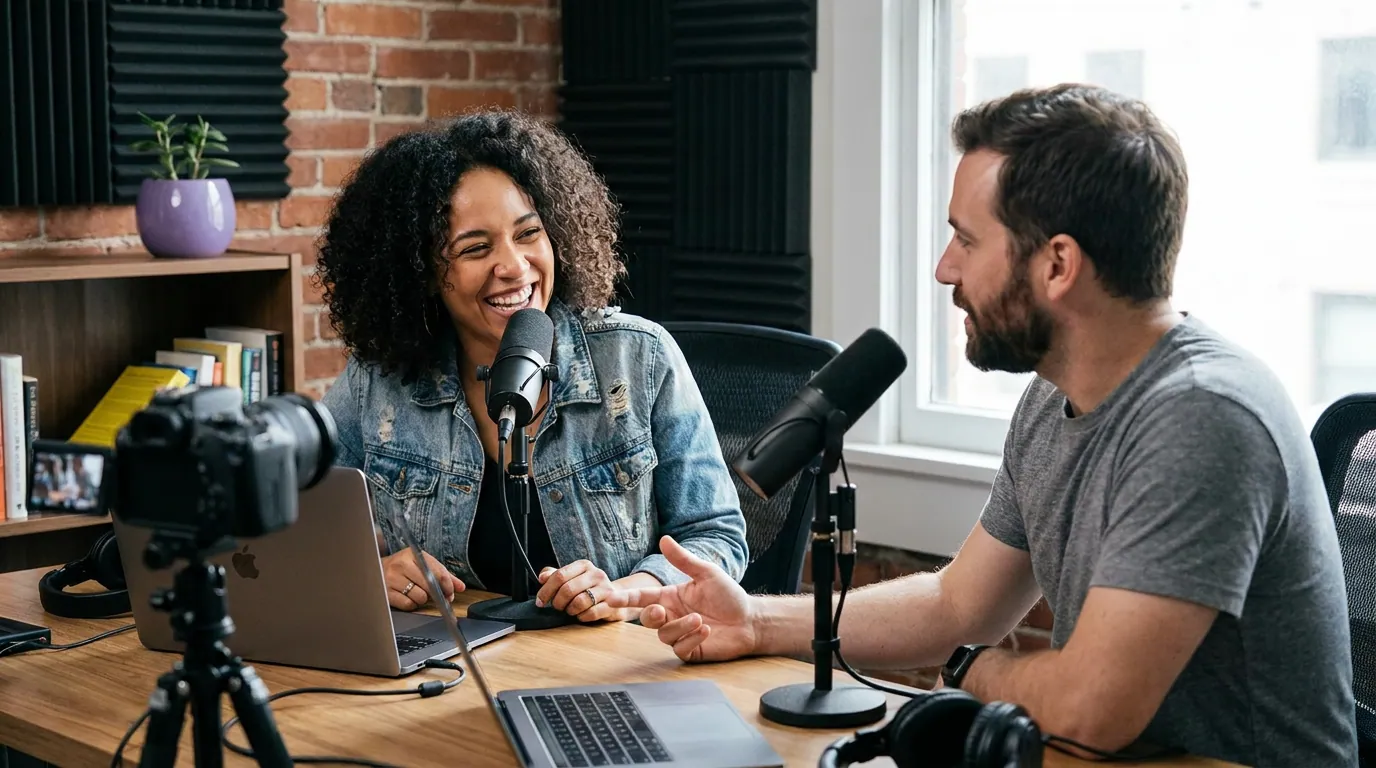
Where YouTube SEO fits in your growth plan
Metadata and packaging get you the impression and the click; watch time decides where you land and whether YouTube recommends you beyond search. So YouTube SEO is necessary but not sufficient, you still need a steady reason for strangers to discover the channel. The biggest feeder is short-form: clips drive 20–40% of new audience for video shows and can raise reach 2–5x (Podcast Studio Glasgow). Shorts pull viewers into the channel; the full episode, optimized as above, holds them.
Run the same discipline on the audio directories, where the field weighting is different, see getting found in Spotify search and how Apple Podcasts search ranking actually works. Then capture the viewers YouTube sends you: start a podcast email list from zero and put a welcome sequence for new subscribers behind it, so a one-time viewer becomes an audience you actually own.
FAQ
Is YouTube a search engine for podcasts? Yes, it's the second-largest search engine after Google and the #1 US podcast platform at 42% of monthly listeners (Backlinko, Oct 2025). It ranks episodes as videos, weighting click-through rate and watch time on top of the usual title-and-description match (YouTube Help).
What's the single most important YouTube podcast SEO factor? The thumbnail-and-title pair, because it decides your click-through rate, and nothing ranks if no one clicks. YouTube treats click-through and watch time as central discovery signals (YouTube Help), so win the click first, then hold the watch.
Do YouTube tags help podcast episodes rank? Barely. YouTube has said tags play a minimal role in discovery and mostly help with misspellings of your title. Put a handful of accurate tags in, then spend your real time on the thumbnail, title, first two description lines, and chapters.
How long should a YouTube podcast description be? Front-load the first two lines with the keyword, hook, and guest name, since that's all that shows before "...more." Below the fold, paste full structured show notes and your chapter timestamps, they help Google index the page even though they sit out of immediate view.
Do chapters actually help SEO? Yes, two ways. Each chapter title is searchable keyword text, and a specific chapter can surface in search and key-moments results. Chapters also lift retention by letting viewers jump to what they want, and retention is a ranking signal (YouTube Help).