
Review AI Clips Quickly: A Keep/Fix/Kill Triage System


Sort the batch into three piles before you judge any clip carefully: keep (post as-is), fix (one obvious problem away from good), kill (not worth the time). Give each clip ten seconds, watch in a fixed order, hook first, captions second, body last, and route on the first thing that disqualifies it. Twenty clips clears in about six minutes. The careful work comes after, on the keep and fix piles only.
The mistake that eats your afternoon is treating every AI suggestion as a candidate that deserves a full screening. It doesn't. Most of a batch is mediocre, the model is good at finding interesting seconds and average at judging whether a 40-second cut works as a standalone post, so watching each one start to finish spends your best attention on clips you were always going to discard. Triage flips the order: cheap routing first, expensive judgment last, and only on what survives.
This is the upstream step to the careful selection work. Once a batch is triaged, a 5-criteria rubric to pick the best AI-suggested clips scores your keep pile, and the human review step every AI clip needs finishes the fix pile. Triage is what makes those steps fast, because they only ever run on the clips that earned them.
How do you review AI clips quickly?
Triage the whole batch before you evaluate any single clip in depth. Watch each suggestion for ten seconds in a fixed order, hook, then captions, then body, and drop it into keep, fix, or kill on the first disqualifying signal. Don't finish clips you've already decided to kill. Score and edit only the survivors. A 20-clip batch routes in roughly six minutes.
The whole system rests on two rules: a decision rule (what makes you stop and route) and a watch order (what you look at, in what sequence). Get both right and you stop re-watching clips and second-guessing.

The 10-second decision rule
Ten seconds is enough because triage isn't deciding the clip is good, it's deciding which pile it belongs in. You're routing, not finalizing. The rule is: start the clip, run through the watch order below, and the moment something disqualifies it, stop and route. If nothing disqualifies it in ten seconds, it's a keep.
Three piles, three meanings:
- Keep, you'd post this with no edits. Hook lands, captions read clean, one clear idea, clean ends, no missing context. These are rare; a healthy batch has two or three.
- Fix, exactly one obvious problem stands between this and good. A two-second wind-up to trim, a caption typo, an exit one line too long. One fix, not three. If you're listing problems, it's a kill.
- Kill, no hook, needs context the cut doesn't include, rambles across two ideas, or would take more work than shooting something new. Don't finish watching it. Routing a kill should take three seconds, not ten.
The hard discipline is the "stop watching" part. Most people who try this still let killed clips play to the end out of politeness to a robot. Don't. The second you hit a disqualifier, you have your answer.
Watch in this order: hook, captions, body
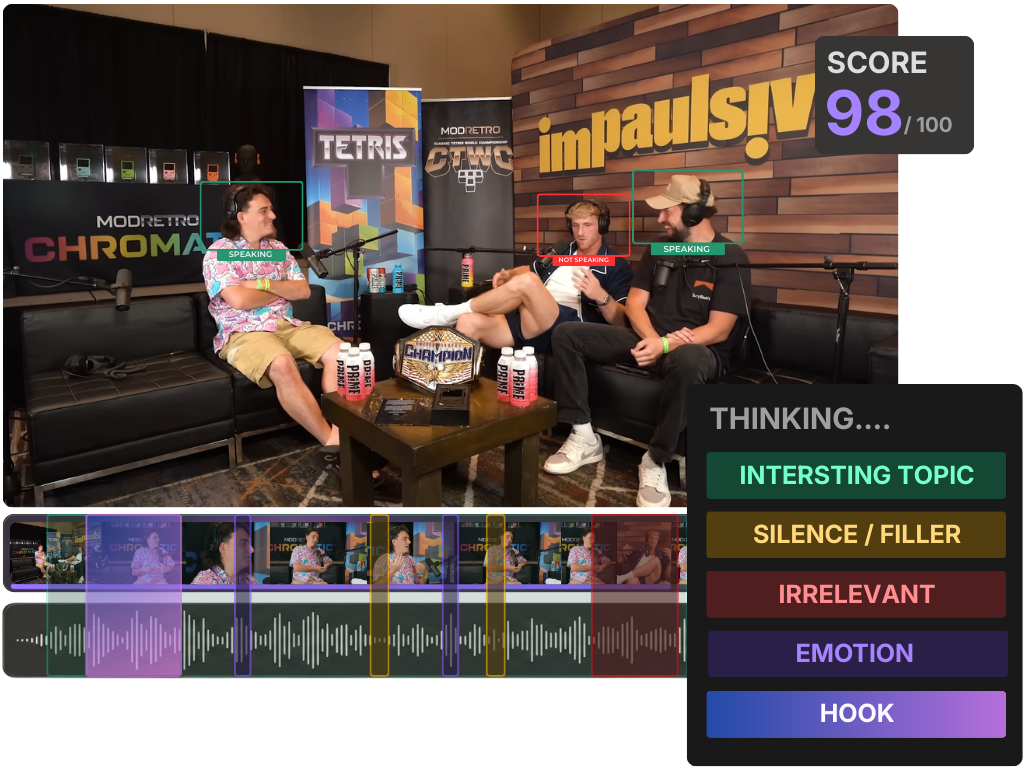
Don't watch clips start to finish. Watch them in failure-likelihood order, so the most common reason to kill a clip is the first thing you check. The order is hook (first ~2 seconds), then captions (a glance across the middle), then the body and ending, and you spend the most time on the part you check first.
Hook first because a clip with no hook is dead regardless of how good its content is, and that's the most common failure in an AI batch. Watch the opening on screen, sound optional, does the first line or visible caption create a question or tension in roughly two seconds? No hook, kill it, move on. You never reach captions or body for most of the batch, which is exactly the point.
Captions second because they're the fastest fix-or-kill signal and they decide whether the clip works on mute. Most social video is watched sound-off: Digiday's 2016 reporting put ~85% of Facebook video views as muted, and a 2019 Verizon Media / Publicis study found 69% watch in public without sound and 80% are more likely to finish a video that has captions, both publisher- and survey-reported, directional rather than controlled studies. Glance across the middle of the clip. Readable, in sync, names and jargon spelled right? A single caption error is a fix. Captions that lag the audio or mangle a key term, and you decide fast whether one tap fixes it or it's a kill.
Body and ending last because by the time you're here, the clip already passed the two cheap gates and earned the look. Is it one idea or three? Does it end on a clean line or trail into a qualifier? Does it stand alone without context from earlier in the episode? This is the most expensive thing to check, so it runs least often, only on clips that survived the hook and the captions.
Where the afternoon actually goes
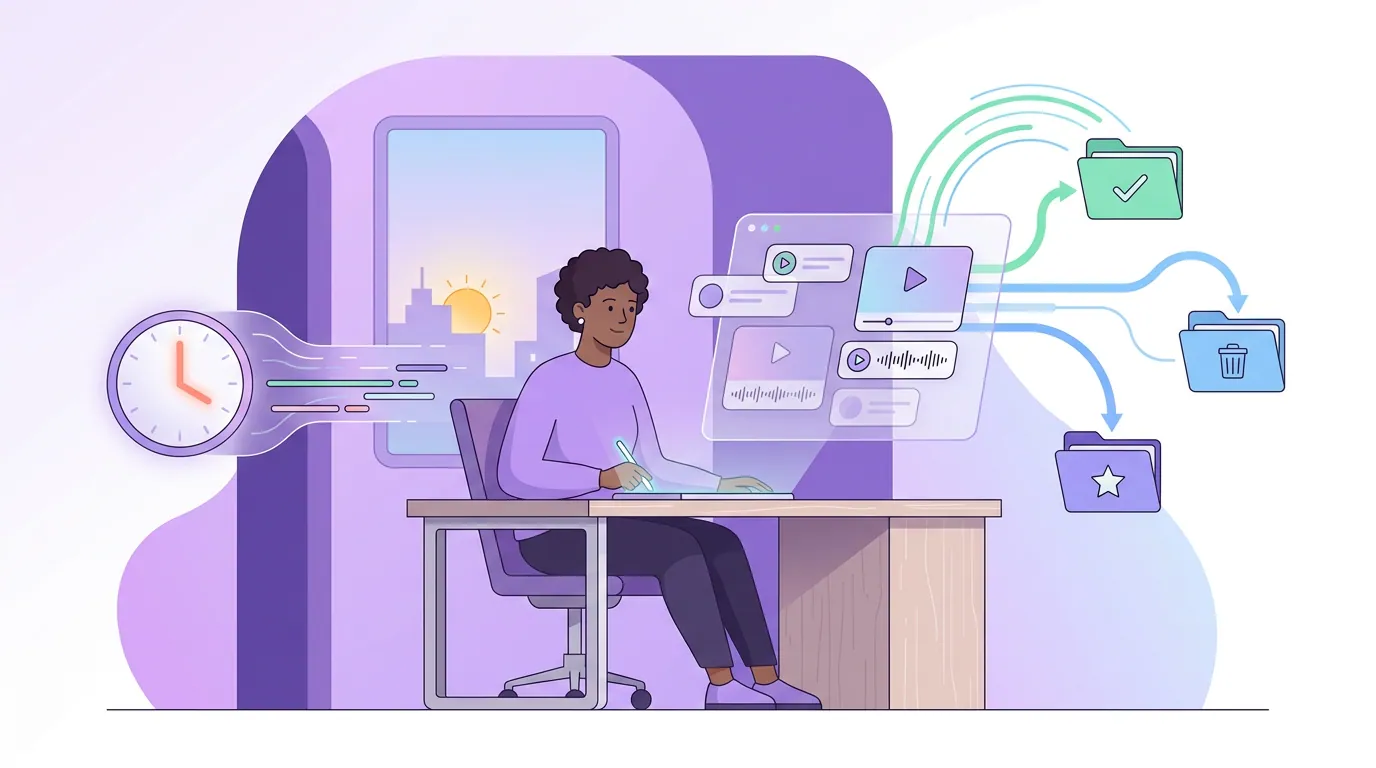
The reason batch review feels endless isn't the number of clips, it's that the slow, careful evaluation gets applied to all of them instead of the few that deserve it. Score every clip on a full rubric and you spend the same two minutes on a clip with no hook as on a keeper. Triage spends three seconds on the no-hook clip and saves the two minutes for the keep pile.
The numbers in that chart are an illustrative budget, not a measured study: ten seconds per clip to triage twenty, then about two and a half minutes of real editing and scoring on each of roughly five survivors. Your survivor count is the variable that moves the total. The point holds regardless of the exact minutes, you stop paying full price for clips you'll discard.
This matters because clips are worth getting right. One production studio estimates short clips drive 20–40% of new-audience acquisition for video shows and can raise reach 2–5× (Podcast Studio Glasgow; single-studio figures, treat as directional). Triage doesn't lower your standards, it concentrates your attention so the keepers get the care, and the duds get a clean, fast no.
Common mistakes when triaging a clip batch
- Finishing clips you've already killed. The single biggest time leak. The decision rule says stop the moment a clip fails a gate. A killed clip should cost you three seconds, not its full runtime.
- Treating triage as the final decision. Keep and fix are piles, not posts. The keep pile still gets scored on the 5-criteria rubric; the fix pile still gets edited. Triage just decides what's worth that effort.
- A "fix" pile that's really a "kill" pile. Fix means one obvious problem. If a clip needs a new hook, a caption rewrite, and a tighter exit, that's a kill, you're rebuilding it. Be honest about the difference. Many "fix" clips are clips you're emotionally attached to.
- Skipping the watch order and playing each clip straight through. Start-to-finish viewing makes you reach the body of clips that died at the hook. Check the hook first, every time, and let it do the early killing.
- Trusting the AI's rank to do your triage for you. The suggestion order reflects what the model can measure, not standalone legibility on mute. An AI virality score tells you a moment is interesting, not that it'll perform. Triage the whole list, not just the top of it.
Tools: where triage runs fastest
Triage works in any setup, you can keep/fix/kill clips from any AI clipper with a notepad and the runtime. It runs fastest when the whole batch is on one screen and a "fix" can happen in the same place without exporting and re-importing, so a fix-pile clip becomes a keeper in two taps instead of a round trip. QuickReel keeps suggestion, an editable timeline, captions, and scheduling in one pass, which is the difference between fixing a clip and abandoning it to the kill pile out of friction. If you're triaging across a full back catalogue rather than one episode, batch-clipping a whole episode in one pass covers generating at that scale, and how AI clip detection works explains why the batch looks the way it does. Opus Clip, Vizard, and Klap all hand you a list to triage too; the decision rule and watch order apply to their output unchanged.