
Clip Strategy for Solo Podcasts (No Co-Host)


A solo podcast clip can't lean on the thing interview clips lean on: the cutaway to a guest's face reacting. With one voice and one frame, the tension you need has to be built into the recording and then reinforced in the edit. Plant a sharp beat while you talk, a turn, a number, a confession, a cliffhanger, then cut tightly around it and add the visual variety the conversation never had.
This is the difference most solo hosts miss. They record a great monologue, hand it to an AI clipper, and get back clips that are accurate but flat, a person talking, no reaction shot to break the frame, no second voice to create rhythm. The fix isn't a better editor. It's recording with clip moments engineered in, and editing to supply the contrast a solo frame doesn't get for free.
This guide gives you a framework for planting clippable beats as you record, the cut that protects them, and the three visual moves that keep a single talking head watchable.
Why do solo podcast clips underperform?
Solo clips underperform when nothing changes on screen and nothing turns in the script. An interview clip survives on contrast, two faces, two voices, a question and a payoff. Strip that away and you're left with a single person talking at a steady pace, which the feed reads as low-stimulation and buries. The audio can be brilliant; the clip still stalls because there's no second thing for the eye or ear to grab.
The stakes are the same as for any video show. Short-form clips drive an estimated 20–40% of new-audience acquisition for video podcasts and can lift reach 2–5× (Podcast Studio Glasgow; single-studio estimate, directional), and 57% of listeners now rely on social media for podcast recommendations, the first time that surpassed friends and family (InsideRadio). A solo show needs clips to be found at all. It just has to manufacture, on purpose, the contrast an interview gets by default.
There's a model-specific trap, too. AI clip detection rewards dense, high-energy speech, so on a solo episode it tends to surface your most fluent stretch, the part where you're cruising. Fluent is not the same as clippable. How AI clip detection actually works breaks down the signals; the practical takeaway is that on a one-voice recording the model's top pick is often a smooth passage with no turn in it, and a smooth passage is exactly what scrolls past.
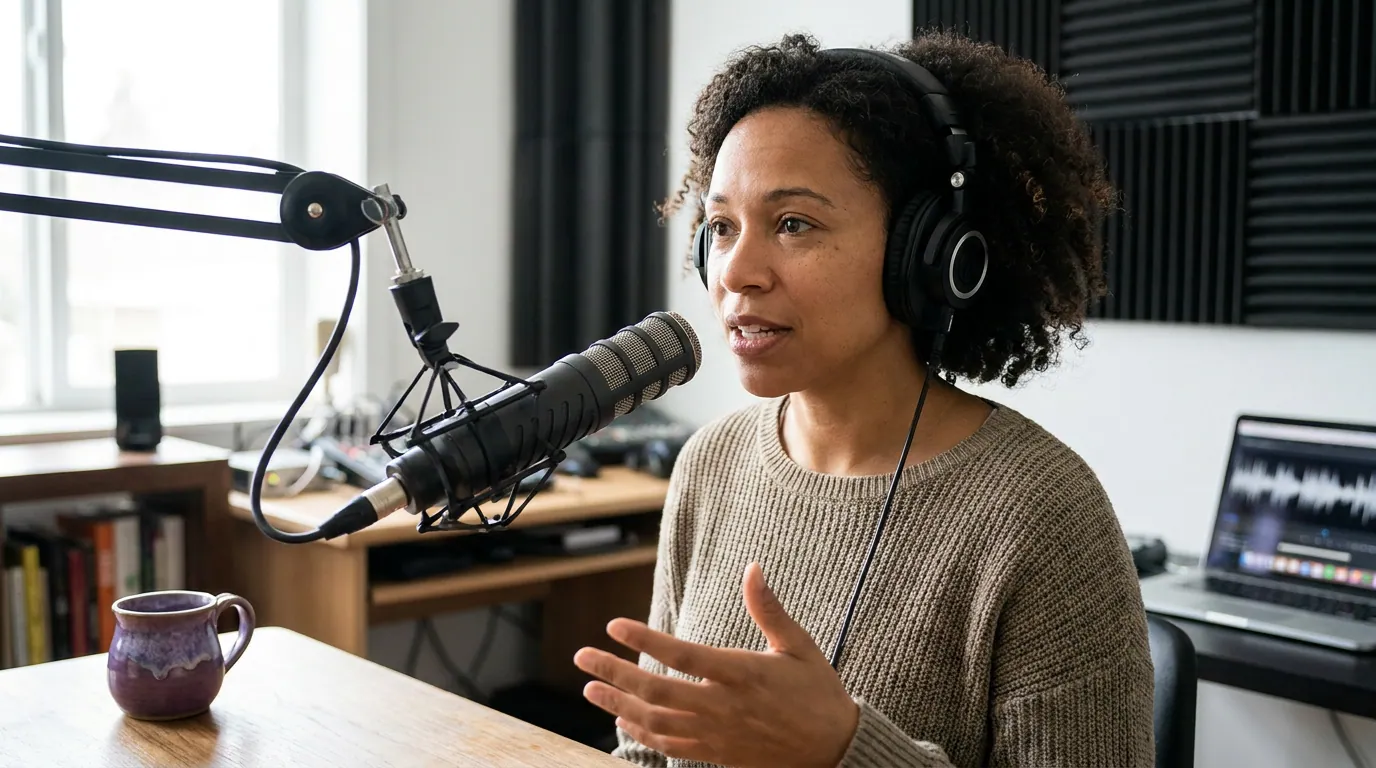
The clippable-beat framework: plant the moment while you record
The most effective move happens before the edit. Because no guest will hand you a reaction, you script and mark the moments worth clipping as you record. There are four beat types that reliably travel on a single voice: the turn, the named number, the confession, and the cliffhanger. Aim for three or four per episode, say them cleanly with a half-second of silence on either side, and note the timestamp so the edit is a lookup, not a hunt.
The turn is a reversal of your own position, and it carries tension by itself because the listener feels the pivot. "I told everyone to batch their recording. After a year of it, I stopped, here's why." The whiplash is the hook; no second face required.
The named number swaps a vague claim for a specific one. "It took a while" is forgettable; "it took fourteen months and roughly $4,000" stops the scroll, because a concrete figure reads as a real story with stakes. Specificity is its own kind of friction in a feed of vague advice, the same instinct that makes a defensible business claim travel applies to a solo number.
The confession is the moment you say the thing you'd normally cut. "Honestly, I almost quit the show at episode nine." Solo audiences come for a relationship with one person, so an admission lands harder than it would mid-interview, where it gets diluted by a host steering away.
The cliffhanger is an open loop you close on purpose: state the question, pause, then answer. It's the same suspense lever true crime shows use, where to end a true crime clip for max suspense is about cutting on the loop; for solo you usually want the loop opened and closed inside one clip, since there's no narrative momentum carrying a viewer back.
How to cut a solo clip so it carries
Once you've found the beat, the edit has to do the job a co-host normally does: create rhythm and break the frame. Lead with the hook in the first three seconds, capturing attention in the opening seconds is associated with a meaningful engagement lift (castmagic; single-source, directional), and never open on the wind-up.
- Open on the beat, not the ramp. Cut so the first words are the turn, the number, or the confession itself. Solo episodes are full of "so, anyway, what I wanted to talk about today", that throat-clearing is dead weight in a clip. Start on the payoff and let the context follow.
- Cut the dead air a guest would have filled. In a solo recording you pause, breathe, restart. Tighten those gaps. The clip should feel paced, because pace is the rhythm a second voice would have supplied. Trimming half a second of silence between sentences makes a single talking head feel alive instead of slow.
- Add b-roll or a visual cut every 4–6 seconds. With one frame, the eye needs something to change. Drop in a relevant image, a screen recording, a text card, or even a tighter recrop of the same shot. This is the contrast the reaction shot gives interview clips for free, see the placement map below.
- Burn in emphasized captions, not just captions. Most social video is watched on mute, Sharethrough's research found about 75% of people often keep their phones muted while watching video (Digiday); earlier publisher-reported data put Facebook video as high as 85% silent (Digiday, 2016; directional, a decade old). For a solo clip, plain captions aren't enough, highlight the one or two load-bearing words per line in your brand color so the eye tracks the point even on mute.
- End on the closed loop, then stop. Cut on the last word of the payoff. Solo clips bleed retention when the host keeps talking into the next thought. The full episode is where the tangent belongs, which is exactly where you want a hooked viewer to go.
Keep solo clips tight: 20 to 50 seconds is usually right for one beat plus its payoff. Watching is now the default mode for new listeners, 53% of new US weekly listeners prefer to watch a podcast, up from 30% in April 2022 (Backlinko), so the visual layer isn't optional decoration. It's the half of the clip a solo recording arrives without.
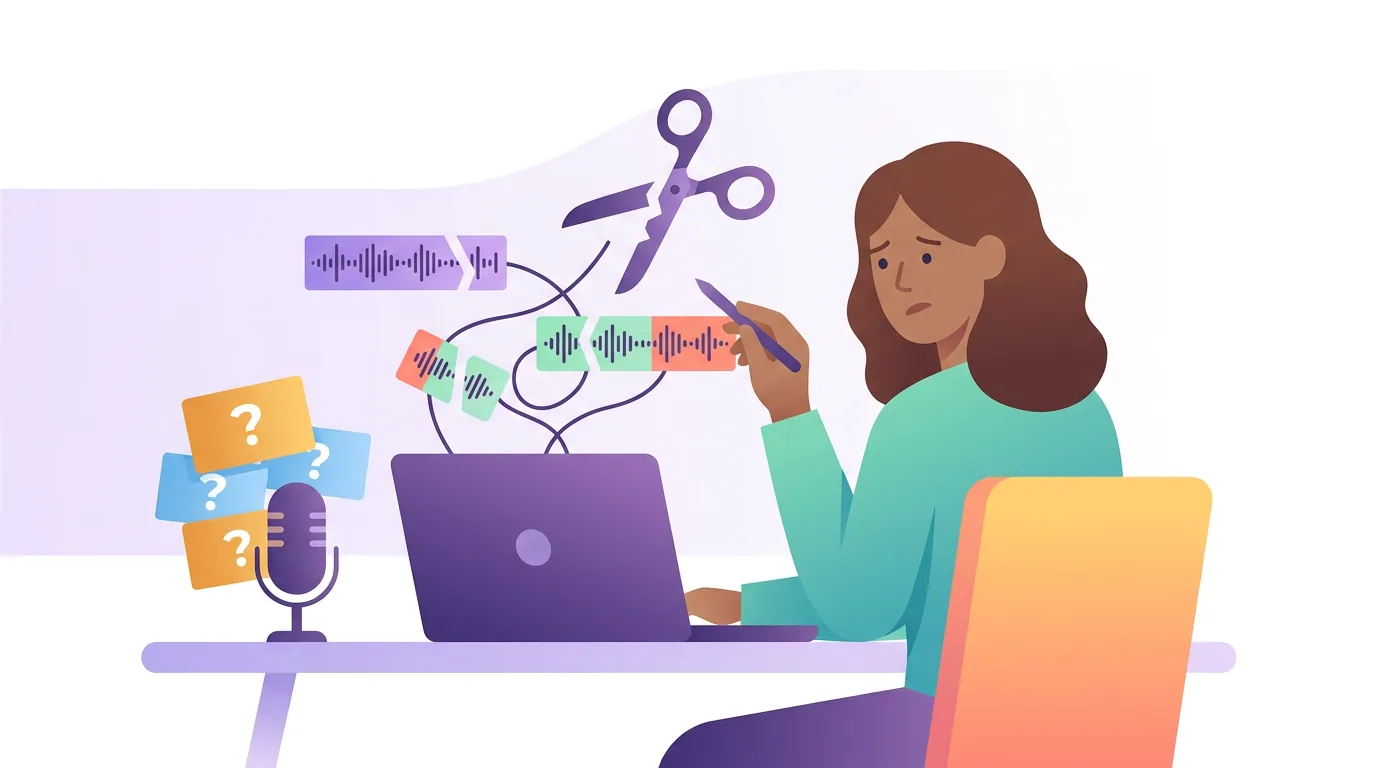
Common mistakes clipping a solo podcast
- Recording with no beats planted, then hunting for them later. A monologue with no scripted turns gives the AI nothing sharp to find, so you spend twenty minutes scrubbing for a moment that was never there. Mark three or four beats while you record; the edit becomes a lookup.
- Trusting the AI's "most energetic" pick. On a solo episode, detection surfaces your most fluent stretch, which is usually smooth and turn-free. Read the transcript and pick the beat, not the rank. How to pick the best AI-suggested clips walks through scoring candidates; for solo, weight the clip with an actual turn over the one that merely sounds confident.
- Leaving the frame static. A single talking head with no visual change reads as a slideshow. If you add nothing else, at least cut between two crops of the same shot. Better: one piece of b-roll or a text card every few seconds.
- Plain captions instead of emphasized ones. Captions get you watched on mute; emphasis gets you understood on mute. Highlight the load-bearing words so the point lands without sound.
- Letting the clip run past the payoff. Solo hosts keep talking. The clip should not. Cut on the closed loop and trust the full episode to hold the rest.
A note on what transfers: the beat framework is built for one voice, but the instinct, find the single element the clip lives or dies on and protect it, is universal. Clipping comedy podcasts without killing the joke protects timing; which true crime moments actually clip well protects suspense; a solo show protects the turn. Same instinct, different load-bearing element.