
Podcast Clips for Facebook Reels: Format & Audience Fit


Cut a vertical 1080×1920 clip, export it clean with no TikTok or Instagram watermark, and lead with a clear spoken statement instead of a fast visual hook. Facebook's audience is older and reads comments before it watches, so a clip that voices an opinion people want to argue with outperforms one built for a Gen Z scroll. Then post it as a native upload, not a re-share of your TikTok render.
That last sentence is the whole game on Facebook in 2026. The platform now actively demotes video that looks borrowed from somewhere else, low-resolution re-uploads and minor-edit reposts, while pushing original uploads with more reach (Meta, "Rewarding Original Creators on Facebook," Mar 2026). Visible competitor watermarks fall under the same "don't re-upload borrowed video" logic, though Meta's announcement doesn't name watermarks specifically. The lazy cross-post that works fine on three other apps is the exact thing Facebook penalizes.
This guide covers the upload specs, why Facebook's older group-driven audience rewards a different kind of clip, the watermark trap that quietly kills cross-posted reach, the five-step native workflow, and how Facebook's unified monetization actually works for talk content.
What are the Facebook Reels specs for podcast clips?
Export at 1080×1920 pixels, 9:16 vertical, MP4 with H.264 encoding, 30 fps or higher, under 4GB. Keep critical content, captions, faces, the speaker's name, out of the bottom ~300px and right ~120px where the UI overlays sit. Aim for 15–60 seconds (Meta Business video requirements).
Facebook removed hard length limits in 2025, but vertical short clips still get the most reach, so don't read the lifted cap as license to post a ten-minute segment.
As of 2026 Meta collapsed its video ecosystem: nearly every video you upload to Facebook is now treated as a Reel, and the old "Video" tab is the "Reels" tab (QuickFrame, "Facebook Reels in 2026"). The practical consequence is that there is no separate "regular video post" lane to hide a horizontal clip in. Cut vertical or accept reduced distribution.
Specs are identical to Instagram Reels, which is the trap, not the convenience. Same dimensions tempt you to upload the same file. The reach math punishes that, for reasons below. If you are also posting to Meta's other app, the Instagram Reels specs and format guide covers how the two feeds differ in practice despite matching numbers.

Why does Facebook need a different clip than TikTok?
Because Facebook's audience is older and reads the comments before deciding whether to watch. Facebook is used by 88% of Gen X and 88% of Baby Boomers versus TikTok's 20% among Boomers (Sprout Social, 2026). The clip that wins is a statement people argue with, not a fast visual spectacle.
Daily Facebook use peaks among the 50–64 bracket, 54% visit every day, more than any younger group (Hootsuite Facebook demographics, 2026). Design the cut for someone who got there to follow people they already know, not to chase a for-you feed.
Three differences change the cut:
- Slower, opinion-led hooks beat fast visual ones. A TikTok hook is often a movement or a pattern interrupt in the first second. A Facebook viewer who is 45 wants to know what this is about. Open with a spoken claim, "Most retirement advice is written for people who already have money", and let the disagreement happen in the comments.
- Comments are the distribution engine. Facebook's audience comments more than it stitches or duets. A clip engineered to provoke a reply ("agree or not?") travels through the comment thread and into the feeds of the commenter's network. Reactions are the share.
- Groups still matter. Niche Facebook Groups remain real discovery surfaces for talk content, a parenting clip dropped into a relevant group reaches a warmer audience than the cold feed. That is the structural advantage younger platforms don't have.
The contrast with TikTok is sharp enough that the same moment often needs a different in-point and caption. How to cut podcast clips that work on TikTok covers the faster-hook end of the spectrum; Facebook sits at the opposite pole.
The watermark and cross-posting reach trap
Here is the mistake that costs the most reach and almost nobody mentions: re-uploading the same clip you downloaded from TikTok or Instagram, watermark and all. Meta now deprioritizes "content that is duplicative or involves minor edits to another creator's post," and rewards original uploads with more distribution. Meta reports that views and time spent watching original Reels approximately doubled in the second half of 2025 as it shifted distribution toward originals (Meta, Mar 2026).
The watermark itself is a documented suppression signal on the Meta side. Instagram's 2026 Reels algorithm "explicitly suppresses videos with watermarks from other platforms," and Facebook Reels runs on the same Meta enforcement scaffold (GhostShorts, "Instagram's 2026 Reels Algorithm Update"). One honest caveat: Meta's own announcement names duplicative re-uploads and minor edits but does not publish a platform-by-platform watermark rule, so treat the cross-platform-watermark penalty as well-reported and operationally safe to avoid, not as a figure Meta has quantified.
The fix is simple and free. Export the raw render from your editor, not the file you downloaded back off TikTok. No baked-in logos, 1080p minimum (sub-1080 uploads also get pushed down). One real-export per platform beats one shared file every time.
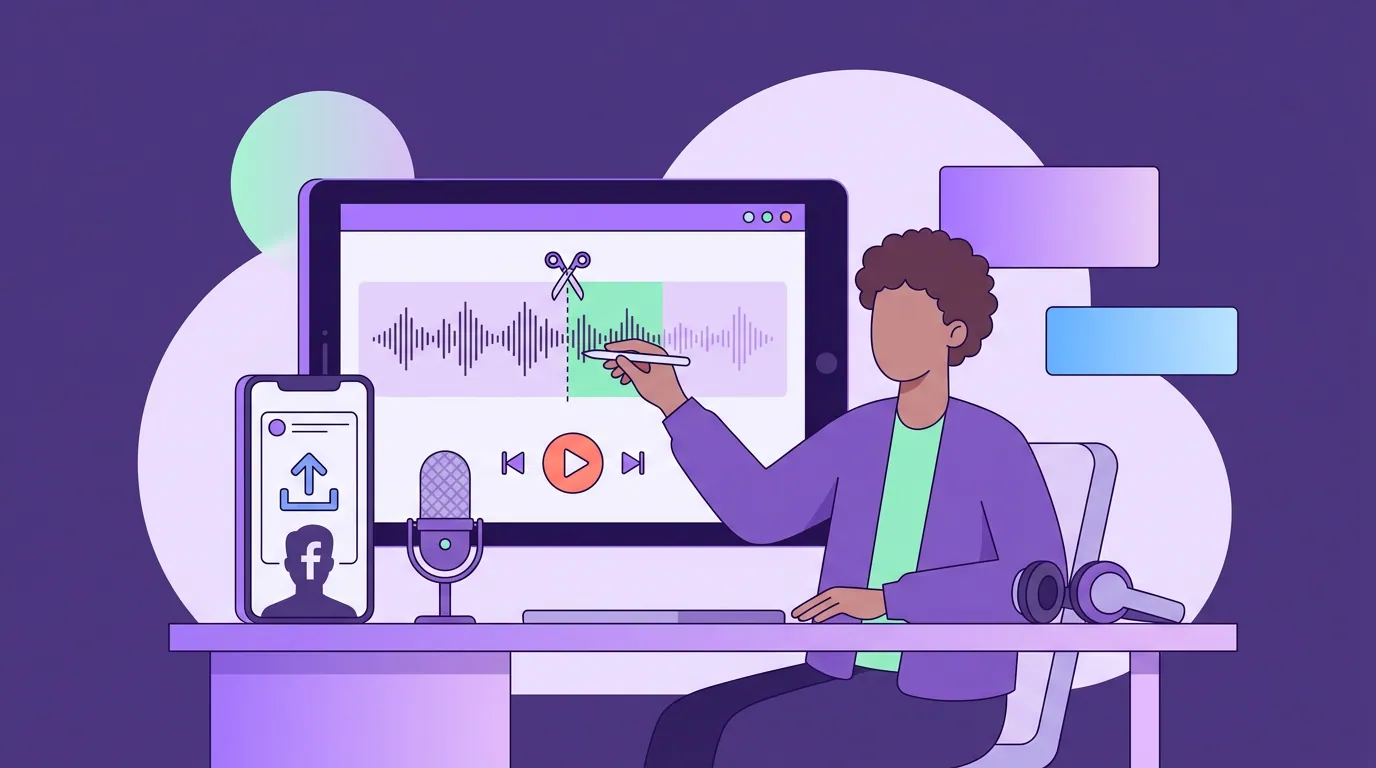
How to cut and post a podcast clip on Facebook Reels
- Pick a moment that voices an opinion or asks a real question. Facebook engagement runs on reply-worthy claims, not visual gags. Choose the segment where your guest takes a position someone could push back on. If you let an AI tool surface candidates, score them for "would a 45-year-old comment on this", how to pick the best AI-suggested clips walks through that scoring.
- Open with a spoken statement in the first 3–4 seconds. No slow intro. The first line carries the whole clip because most social video is watched on mute at first, captions and the opening claim do the recruiting before audio kicks in.
- Burn in clean, large captions and keep them out of the safe zones. Keep text above the bottom ~300px and left of the right ~120px. On Facebook's older audience, slightly larger caption type earns its space.
- Export the raw 1080×1920 MP4 from your editor, no other platform's watermark. This is the step that protects your reach. Do not download-and-re-upload.
- Post native, then seed the comments and a relevant Group. Write a first comment that asks the audience to weigh in, and where it fits, share into a topical Group. The comment thread is the distribution.
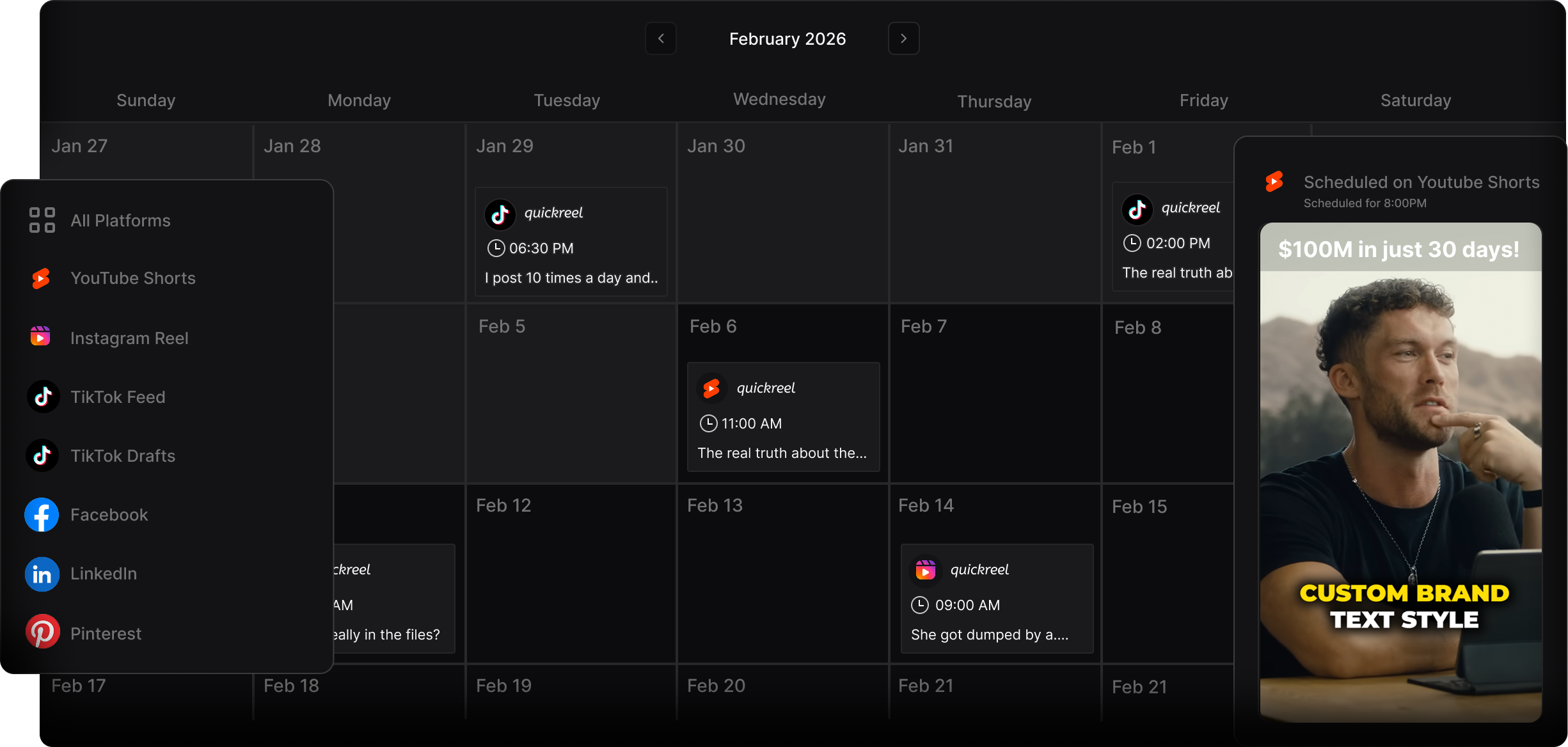
Common mistakes posting podcast clips to Facebook
- Re-uploading the watermarked TikTok render. The single biggest reach killer. Meta demotes duplicative re-uploads and minor-edit reposts (Meta, Mar 2026); a visible competitor watermark is a well-reported suppression signal on top of that. Always export the raw file from your editor.
- Using a fast Gen Z hook. A pattern-interrupt that lands on TikTok confuses a 50-year-old scroller. State the topic plainly and let the opinion do the work.
- Ignoring the comments after posting. On Facebook the comment thread is the algorithm. Posting and walking away leaves the platform's main distribution lever untouched. Reply to the first few comments within the hour.
- Skipping Groups. Talk content has a home in niche Groups that no other short-form platform offers. A clip dropped into a relevant Group reaches a pre-qualified audience.
- Treating Facebook as an afterthought of your YouTube strategy. YouTube is the most-used podcast platform, with 42% of US weekly listeners using it most often (Cumulus Media / Signal Hill Insights via Backlinko, Oct 2025), but Facebook reaches an older, comment-active crowd YouTube Shorts often misses, and turning podcast episodes into YouTube Shorts is a different cut entirely.
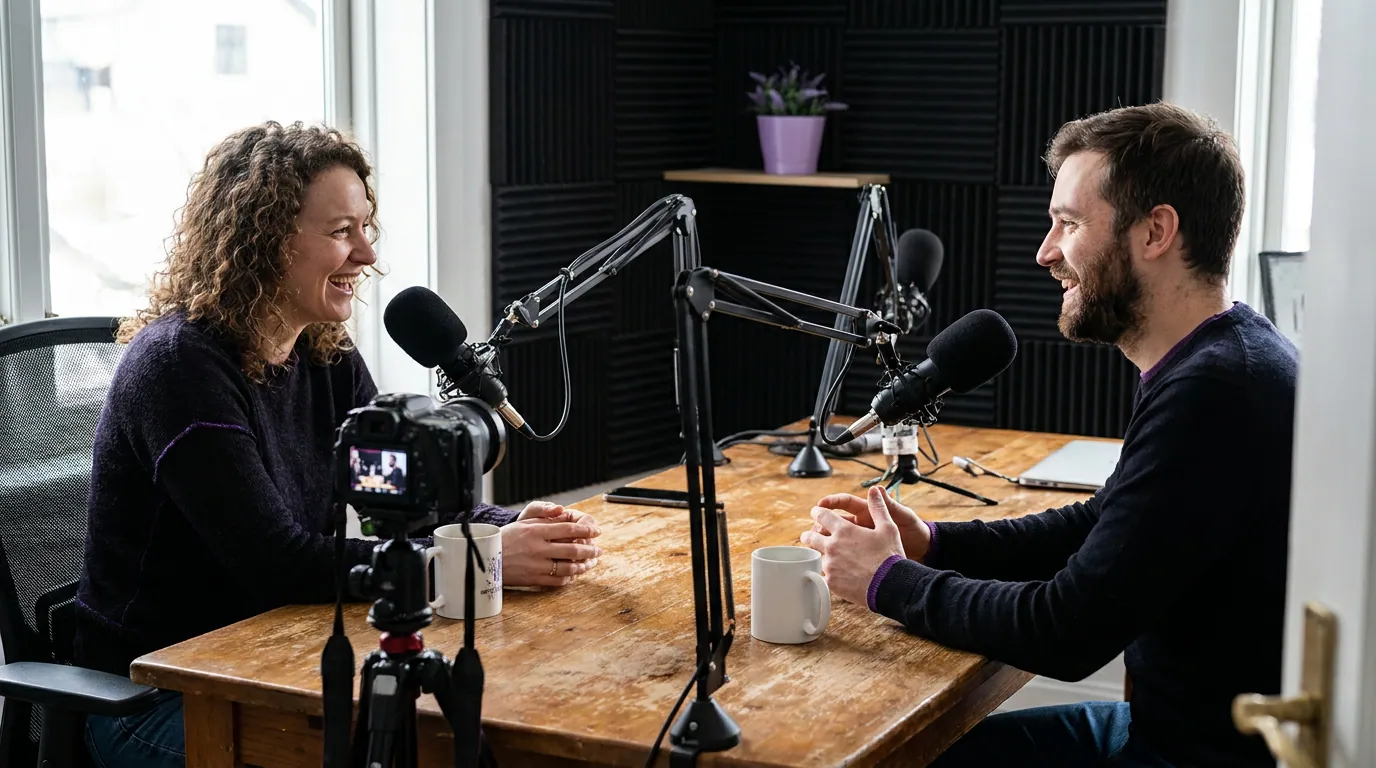
Can you monetize podcast clips on Facebook?
Yes, through Facebook Content Monetization, Meta's unified program that replaced the separate In-stream Ads and Reels bonus tracks. You apply once and earn across Reels, video, and photos from one eligible Page or professional-mode profile, subject to ongoing originality and brand-safety rules (Meta for Creators, in-stream ads).
Watch the entry bar carefully, because two different tiers get conflated. The broader Content Monetization Program is the lower rung, commonly cited at 5,000 followers and 60,000 total minutes viewed in 60 days, plus five active videos. The older in-stream ads tier is steeper: 10,000 followers and 600,000 minutes viewed in 60 days. Either way, the rule that matters for clippers is the same, crossposted, boosted, and paid watch time does not count toward those minutes, and crossposted videos don't count toward the active-video requirement either (Meta for Creators). That is why native uploads matter twice over: a cross-posted clip can't even build your monetization minutes.
Two honest caveats. First, the program is invite/eligibility-gated and not available in every country; verify your status in Meta Business Suite rather than trusting any third-party number, because Meta has adjusted these thresholds repeatedly. Second, talk and podcast content is eligible but must clear brand-safety review, strong opinions are fine, advertiser-unfriendly content is not. Monetization is a bonus of consistency here, not the reason to post. Distribution comes first; revenue follows reach.