
Make Clips From a Multi-Guest Panel Podcast

To clip a panel podcast with three or more guests, import the episode into an AI clipper, then build each clip around a single "pivot moment", one person carrying a complete point while the others react, rather than a four-way scramble. Let speaker-switch reframing cut to whoever is talking, but slow enough that a muted viewer can follow, and label who's who only when the clip can't make it obvious on its own. Cross-talk that felt electric in the room usually reads as noise on a phone, so you clip around it, not through it.
The mistake nearly every panel clip makes is treating "lots of people talking" as the asset. It is not. The asset is one clear thought, framed so a stranger knows who said it inside three seconds. Everything below is about engineering that on a crowded table.
Why panel clips are harder, and worth it
A panel has more clippable material than a two-person show and a higher floor for failure. Four people means four times the angles, four times the takes, and four times the chance the AI frames the wrong face or tags a line to the wrong name. The payoff is real, though: for video shows, clips carry a large share of growth, one studio's client data puts clips at 20–40% of new audience, with 2–5× reach lifts (Podcast Studio Glasgow). Read that as a directional range from one studio's clients, not a platform-wide audit, but the direction holds for panels especially, because a good disagreement between three credible people is exactly the format short video rewards.
The feed is also more crowded than it was. NPR's 2026 report on the "clipping economy" describes a paid shadow workforce, one network alone counted around 40,000 freelance clippers, flooding feeds with bite-sized podcast and interview snippets. A muted viewer scrolling past a four-person clip in that flood will not work out who is talking, the framing, the captions, and the labels have to do that instantly, or the clip is gone.
Step 1, Import the panel episode and let the AI propose moments
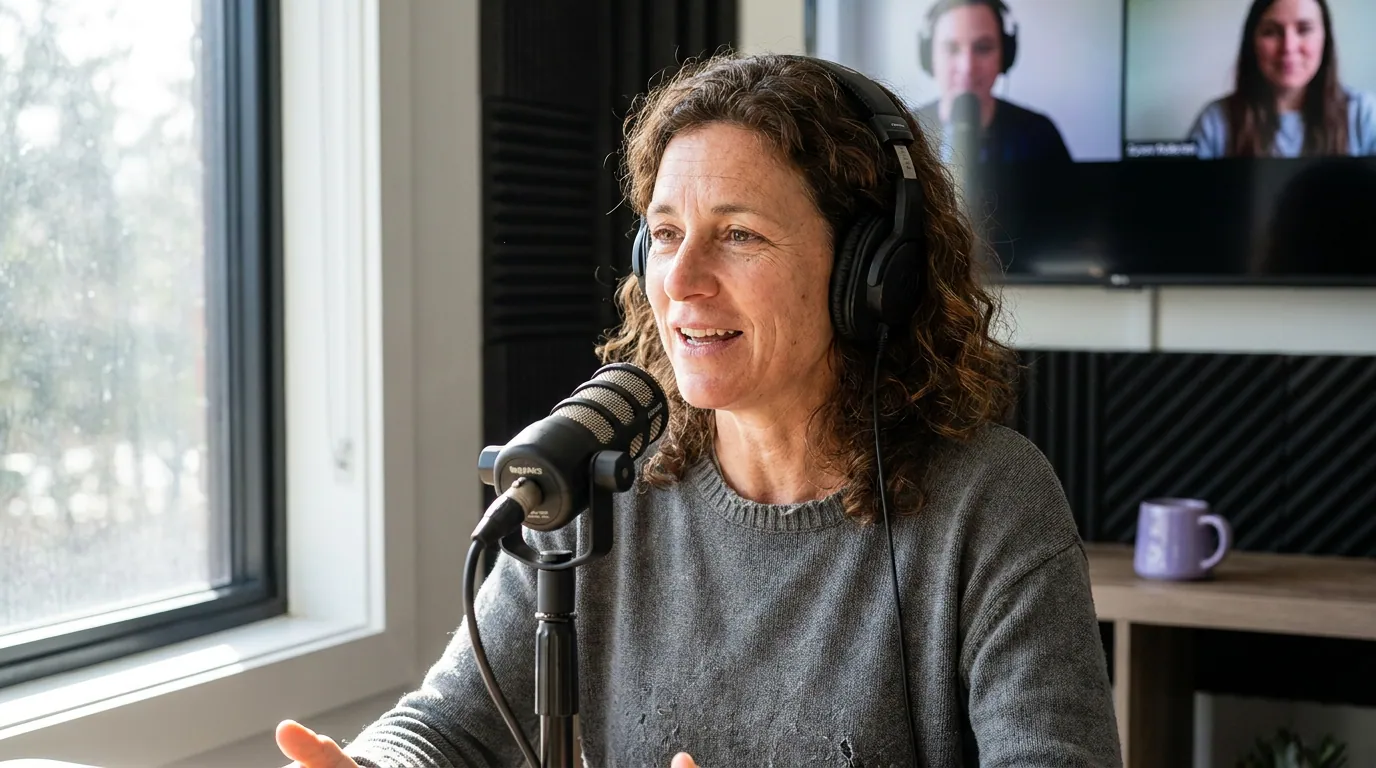
Drop the full recording into an AI clipper, a YouTube link, a Riverside/Zoom export, or the raw file. The model transcribes, runs speaker diarization (the "who spoke when" step), and proposes candidate moments ranked by how clippable it thinks they are. The same import path covers most panel sources; if your show is video-first, the workflow in turn a YouTube podcast into short clips applies directly, and an audio-only panel follows clipping an audio-only episode.
Feed it the whole episode in one pass. A guest-heavy panel produces far more candidates than you can use, and you want the model to surface the moments you'd miss, not just the segment you remember as good. The diarization labels it produces drive both the framing and the captions later, for the mechanics of how that detection works and where it breaks on a busy table, see handling speaker detection in multi-guest clips. This article is about the editorial calls on top of it.
Step 2, Apply the pivot-moment rule
This is the single most important decision on a panel, so it gets its own rule. A pivot moment is a span where one person carries a complete point and the others orbit it, they set it up, react to it, or push back on it. That reads cleanly. A scramble is three or four people talking over each other with no single owner. That reads as chaos on a phone, no matter how alive it was in the studio.
The useful exception: a short burst of cross-talk makes a great hook when it sets up a pivot. Two people half-arguing for two seconds, then one of them lands the actual point, that reads, because the scramble is the wind-up and the pivot is the payoff. What never works is a clip that is the scramble end to end. Use the burst to open; resolve to a single voice. When you're sorting the AI's suggestions, the same test applies, how to pick the best AI-suggested clips walks the payoff-over-noise rubric in full.
Step 3, Time your speaker-switch reframing
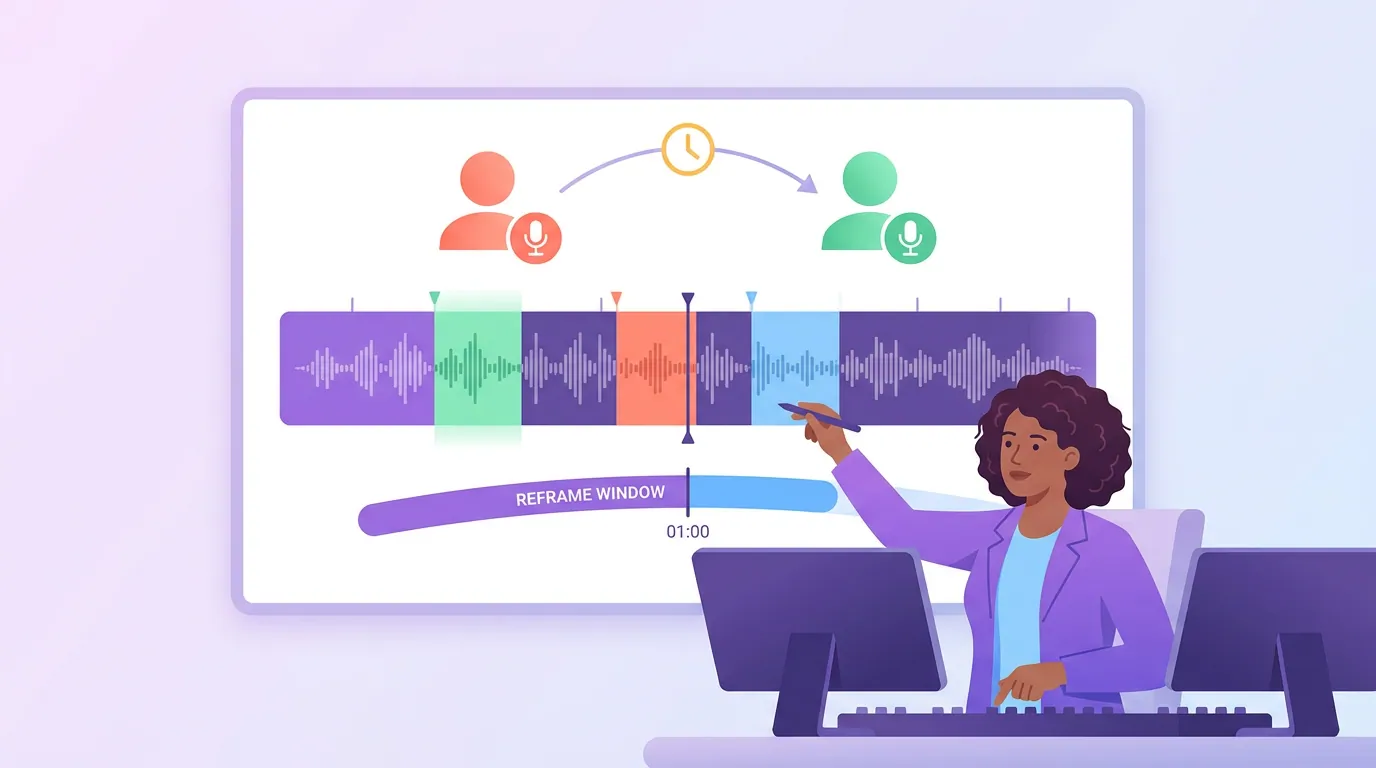
On a panel, the active-speaker reframe, the auto-crop that follows whoever is talking, is doing real work, cutting between three or four faces. The risk is cadence. Cut too fast and the clip strobes between heads; the viewer spends their attention figuring out who's on screen instead of hearing the point.
The working rule: hold each speaker for at least two seconds before the frame switches, and don't cut to a reactor who isn't going to talk. Auto-reframe loves a laugh or a nod, it will pull the frame to a guest who reacted but never said a word, then yank it back. Override those. When the panel pivots between two people fast, consider holding a wider two-person crop for that span instead of whipping between singles. The four 9:16 layouts and when each suits an exchange are laid out in framing two speakers in one vertical clip, on a panel you're choosing between those layouts and a single active-speaker crop, beat by beat.
Step 4, Label who's who, but only when the clip can't
Captions on a panel do double duty: the words, and who said them. The instinct is to slap a name tag on everyone all the time. Resist it. A name tag that never changes is clutter; a label earns its place only when a muted viewer genuinely can't tell who's talking.
Use this who's-who-in-three-seconds test: if a stranger can identify the speaker from the framing and the caption alone, skip the label. If they can't, a new voice enters, two guests look or sound alike, the frame just switched, show a name tag for the first few seconds of that speaker's turn, then let it fade. The full decision rule, plus the three labeling methods (color-coding, name tags, positional cues) and when each fits two- versus three-host clips, is in speaker labels in multi-host podcast captions. For a panel specifically:
- First appearance gets a name. The moment a guest first speaks in the clip, tag them for two to three seconds. After that, drop it.
- Color-code the caption per speaker when three or more people trade lines fast, color is a faster cue than reading a name tag mid-scroll.
- Don't label the obvious. If one person is clearly carrying the whole clip, a persistent tag is noise.
The thing that breaks a panel clip is the AI putting the wrong name on a line, a real risk when voices are similar or two guests talk over each other. Fix that at the speaker-label source in the transcript before you finalize captions, not by editing the printed text line by line; the why is in handling speaker detection in multi-guest clips.
Step 5, Caption, review muted, export
Add captions, then watch the clip with the sound off and read it as a stranger would. This is the real test: a directional ~85% of social video is watched with the sound off (Digiday, publisher-reported and dated to 2016, treat as directional, with studies ranging roughly 69–85%). If you can't follow who's talking and what the point is without audio, the panel clip isn't done.
Common mistakes on panel clips
Clipping the scramble because it felt good live. The energy in the room does not survive the muted scroll. Build the clip around a pivot and use a short burst of cross-talk only as the hook.
Letting auto-reframe chase reactions. A guest who laughs is not the speaker. Override frame-switches that don't follow the person carrying the point, or the clip strobes between heads.
Over-labeling. A name tag on every line, all the time, is clutter. Tag a speaker's first appearance, color-code when three-plus trade lines fast, then get out of the way.
Trusting the auto-attributed name. Similar voices and cross-talk make panels the easiest place for the AI to tag a line to the wrong guest, which means publishing a quote under the wrong person's name. Verify the speaker labels in the transcript before you finalize.
Squeezing a great point out of a noisy span. If a pivot is buried under cross-talk you can't separate, let it go and take the next-cleanest moment. A guest-heavy panel gives you plenty of candidates; you don't have to rescue the messiest one.
Which tool handles panels best
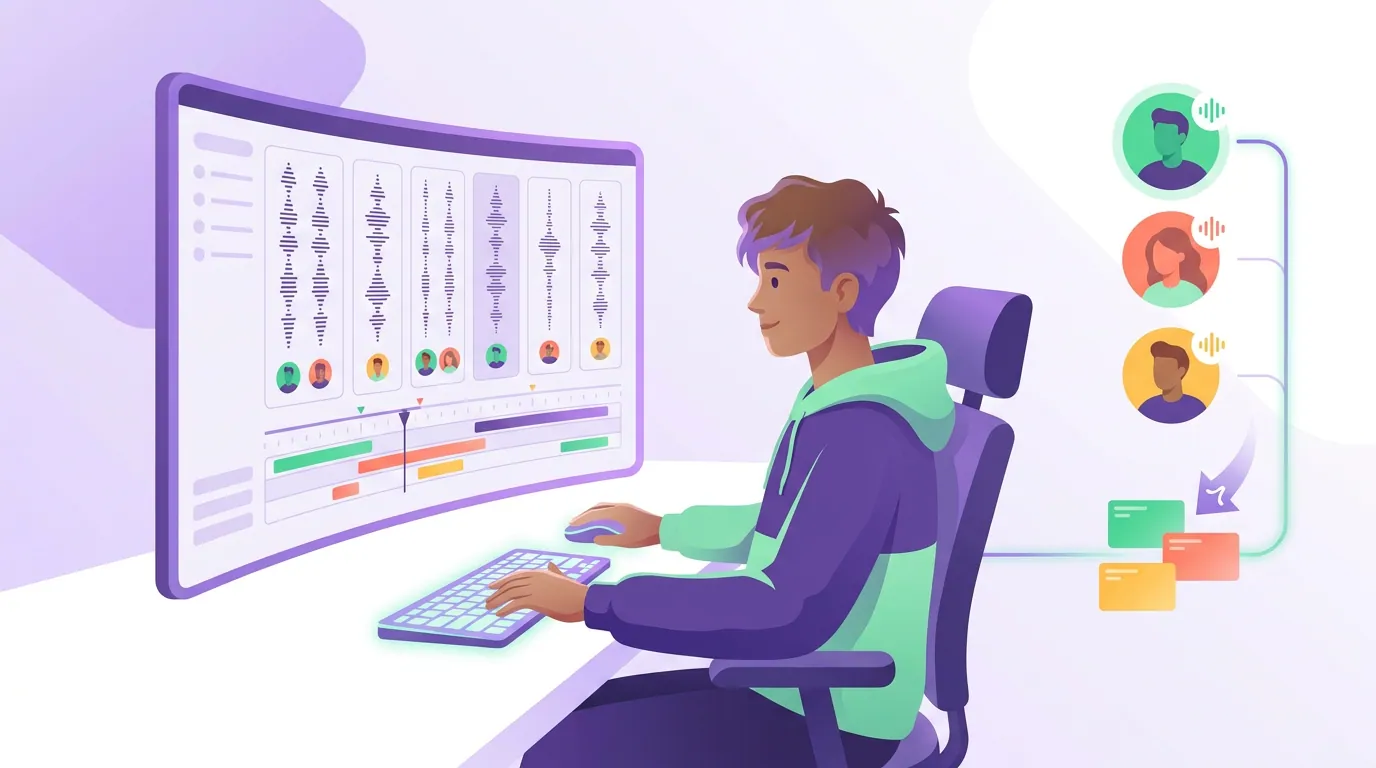
The honest answer: whichever tool lets you correct a speaker label once and have both the captions and the active-speaker framing update from it, instead of editing caption text line by line and re-exporting. Detection quality across modern clippers is closer than the marketing suggests, the difference on a panel is how few clicks it takes to fix a mislabel and override a bad frame-switch. And every AI clipper still needs a human pass on a crowded table; treat it as an accelerant, not a replacement editor.
QuickReel runs diarization, transcript-driven captions you can re-attribute by speaker, and active-speaker reframing off the same labels, so a label fix flows to both the names and the framing. On a four-person episode that's the difference between a five-minute review and a half-hour of patching.
FAQ
How many speakers is too many to clip? Three is the practical ceiling for a single clip that still reads on mute, and even three usually needs labels or color-coding. With four or more in one short window a muted viewer loses the thread, so build the clip around one speaker's pivot and let the others appear briefly as reactions, not as co-leads of the clip.
Should I keep everyone in frame on a panel clip? Rarely. A wide shot of four small heads in a 9:16 frame is the tiny-floating-heads problem. Follow the active speaker most of the time, hold a two-person crop for a fast back-and-forth, and reserve the full-table wide for a single establishing beat at most.
How do I show who's talking without cluttering the clip? Tag a speaker's first appearance for two to three seconds, then drop the label. Color-code captions per speaker when three or more trade lines quickly. Skip labels entirely when the framing and caption already make the speaker obvious, a persistent name tag on an obvious speaker is just noise.
Can AI clipping follow speaker switches automatically? Yes, active-speaker reframing cuts to whoever is talking using the diarization labels and the video. The catch on a panel is cadence and accuracy: it will chase reactions and can mislabel similar voices, so plan to override quick reaction-cuts and verify the speaker labels before you finalize.
What's the best moment to clip from a panel discussion? A pivot moment: one person making a complete, opinionated point while the others set it up or push back. The strongest panel clips are usually a disagreement or a sharp answer with a short cross-talk hook in front of it, not a four-way scramble, which reads as energy in the room and noise on a phone.