
Buying a Clip Tool at Enterprise Scale


At enterprise scale, the best clip tool is the one that clears your security and legal review, not the one that makes the best clips. Before anyone scores caption styles, an enterprise buyer has to answer seven questions: does it support SSO, is it SOC 2 audited, where does our footage live, will they sign a DPA, who are the sub-processors, what is the SLA, and how fast can we deprovision a leaving employee. The tool that documents all seven publicly wins the deal, even if its clips are a notch behind a tool that documents none.
That reverses the order most clip-tool reviews use. Consumer roundups lead with virality scoring and auto-reframe quality. Procurement leads with the trust page. This guide is written for the IT, security, and procurement reviewers who can block a purchase, and for the team lead who has to get a clip tool past them. The clip quality conversation is real, but it happens after the gate, so we start at the gate.
What enterprise procurement actually requires
Enterprise procurement requires a vendor to prove it will not become a security incident or a contract liability. For a clip tool, that means seven concrete items: federated login (SSO/SAML), an independent security audit (SOC 2 Type II), a known data location, a signable data-processing agreement, a disclosed sub-processor list, a service-level commitment, and a clean offboarding path. Features are scored only after these pass.
Each item maps to a real risk. SSO means a departing employee loses access the moment IT disables their identity, instead of leaving a standalone clip-tool password live for months. SOC 2 Type II covers the controls a buyer cannot personally inspect: an independent auditor watches them operate over a window of time. SOC 2, ISO 27001 and GDPR all require documented access controls, and routing login through SSO generates that audit evidence automatically (Security Boulevard, Apr 2026). A DPA matters because under GDPR and CCPA you are the data controller for your footage and the vendor is your processor. Without a signed agreement, you have no contractual handle on how they treat it.

The seven-item enterprise clip-tool checklist
Run this checklist against any clip tool before it reaches a shortlist. Each item is pass/fail for a regulated buyer; for a less regulated team, some are "nice to have." Decide which are hard requirements before you talk to vendors, so a polished demo cannot talk you past a gap.
- SSO / SAML (and ideally SCIM). Can your identity provider (Okta, Entra ID, Google Workspace) own the login? SAML 2.0 is the baseline; SCIM auto-provisions and deprovisions users so a leaver is removed by IT, not by remembering to log into the clip tool. This is almost always an enterprise-tier feature, never the consumer plan.
- SOC 2 Type II. Not Type I. Type I says controls were designed correctly on one day; Type II says an auditor watched them operate over a window, usually 3–12 months. Ask for the report under NDA and check the date and the Trust Services Criteria covered.
- Data residency. Where is your footage stored and processed? If you have EU subjects or contractual data-localization terms, "stored on US-region cloud" can be a hard fail. Most clip tools run on AWS, GCP or Azure; few offer a choice of region.
- Signable DPA. A real data-processing agreement you can countersign, with GDPR Article 28 terms and Standard Contractual Clauses for transfers. "We care about privacy" in a blog post is not a DPA.
- Sub-processor transparency. AI clip tools send your video to transcription and model providers. You need the named list, and notification when it changes, because each sub-processor is a place your footage travels.
- SLA with uptime and support commitments. A published uptime target (and what happens when it is missed) plus a support response time. Consumer tiers rarely carry one; enterprise contracts should.
- Deprovisioning and data deletion. How fast can you remove access, and can you contractually require deletion of your content on termination? Tie this to retention: ask how long they keep uploads after you delete a project.
This is the information-gain part of this page: the checklist above, applied tool by tool below, is the artifact you can paste into a vendor assessment. The rest of this guide fills it in with what each major tool documents publicly today.
How the major clip tools score on the gate
Here is what each tool publicly documents as of 27 June 2026, verified against each vendor's own trust, security or pricing page. A blank does not always mean "absent", it can mean "not published, ask under NDA." But for procurement, undocumented is undocumented: you cannot put "they probably have it" in an assessment.
| Tool | Security posture (documented) | Enterprise contract path |
|---|---|---|
| Descript | SOC 2 Type II; AES-256 at rest, TLS 1.2 in transit; GDPR & CCPA aligned; SSO (SAML 2.0) + SCIM on Enterprise (security; Enterprise plan) | Published Enterprise tier with advanced security |
| Opus Clip | Trust center lists SOC 2 Type 2 and SOC 3 (request-gated), GDPR badge; sub-processors disclosed incl. WorkOS, Cloudflare, Google, OpenAI (trust.opus.pro) | Trust center + request flow for documents |
| Vizard | Cites a 99.99% uptime SLA on its Enterprise tier; broader security attestations (SOC 2, SSO) not on public pages (pricing) | Custom Enterprise plan past 10,000 min/mo |
| QuickReel | General security/privacy statement; sub-processors named (Deepgram, Azure, GCP) in policy; SOC 2 / SSO not published (privacy) | "Contact us" for Team / Enterprise (pricing) |
Read that table as a snapshot of disclosure, not a final verdict on security. Descript publishes the most complete enterprise stack, a SOC 2 Type II attestation, named encryption standards, and SSO plus SCIM gated to a named Enterprise plan. If your procurement team scores purely on what is documented and self-serve, Descript is the path of least resistance.
Opus Clip runs a real trust center at trust.opus.pro that lists a SOC 2 Type 2 report and a SOC 3 available on request, a GDPR badge, and a disclosed sub-processor list including WorkOS (the identity layer behind many SSO implementations) and Cloudflare (trust.opus.pro). One caveat worth stating plainly: an automated third-party directory marked Opus Clip's SOC 2 as "unconfirmed" because it only reads public signals, but the vendor's own trust center, which is the authoritative source, lists the report behind a request gate. Trust the primary source and ask for the report directly.
Vizard routes high-volume buyers to a custom Enterprise plan that begins past 10,000 processing minutes a month, and its public materials cite a 99.99% uptime SLA on that tier (pricing; SLA figure cross-checked against a June 2026 Vizard review). A four-nines SLA is a genuine availability signal, but get the exact number, the measurement window, and the maintenance-exclusion language in the signed contract, because review write-ups and marketing pages are not the SLA itself. Vizard does not surface a SOC 2 attestation or SSO terms on its public pages, so those belong in your questionnaire rather than your assumptions.
Where QuickReel honestly sits
QuickReel does not publish a SOC 2 report, an SSO spec, or a downloadable DPA on its public pages today, and it would be dishonest to pretend otherwise. What it does publish: a security and privacy statement covering physical, technical and administrative safeguards, a named sub-processor chain, Deepgram for transcription, running on Azure and GCP, and a deletion path at team@quickreel.io (privacy). The pricing page routes Team and Enterprise buyers to "Contact us" rather than a self-serve enterprise tier (pricing).
For a regulated enterprise that needs a self-serve SOC 2 report and SAML before signing, that is a real gap relative to Descript or Opus Clip. The right move is to send the seven-item questionnaire to QuickReel's team and get written answers before you shortlist. For a mid-market team whose hard requirement is a signed DPA, a clear sub-processor list, and a deletion guarantee, not a SOC 2 PDF on day one, the contact-sales path works. You trade due diligence over email for the lowest entry price and the fewest manual touches per episode. Be honest with your own reviewers about which kind of buyer you are.
Seat-based vs usage-based contracts: the budget decision
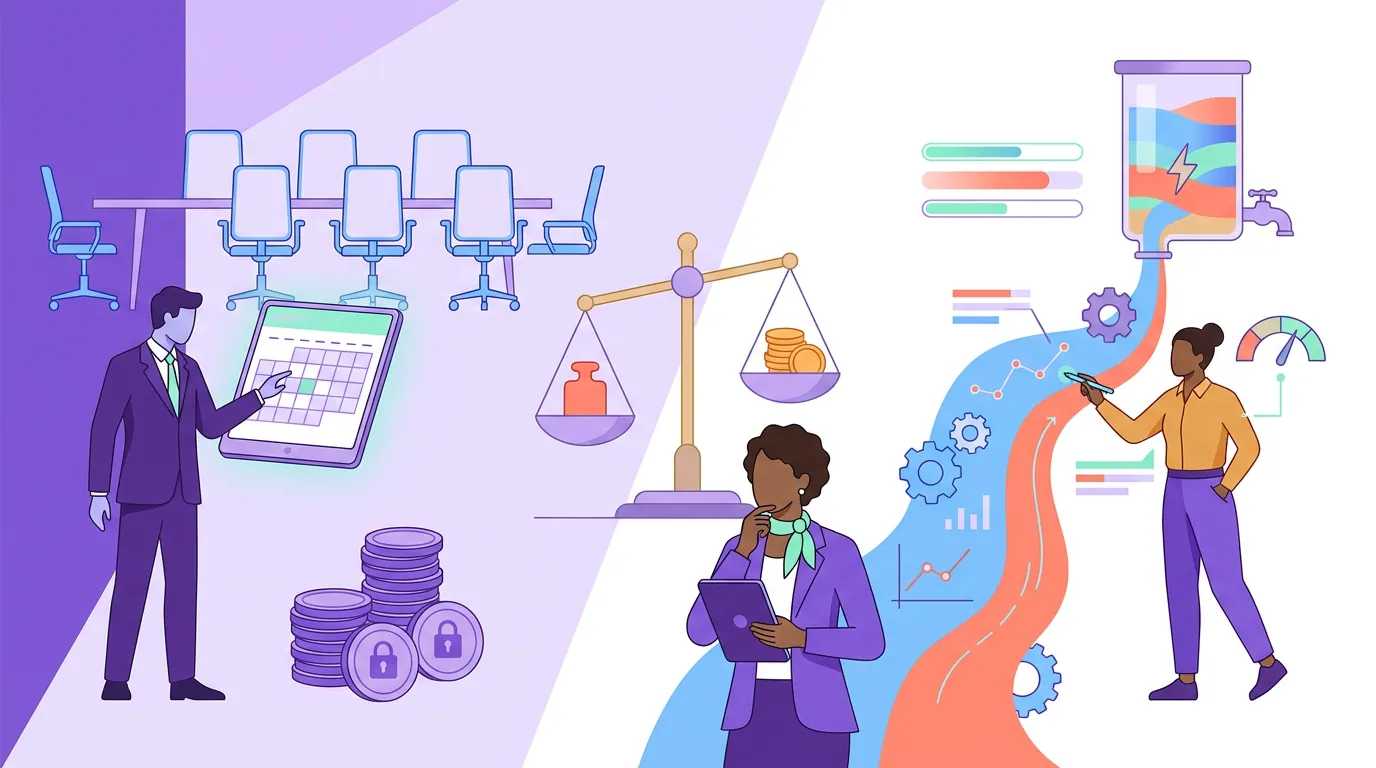
The second enterprise decision is the contract shape, and it is independent of security. Clip tools price one of two ways: per seat (you pay for each named user) or per usage (you pay for processing minutes, exports, or credits). The right shape depends on how your team's work is distributed, and the wrong shape quietly doubles your annual spend.
Seat-based pricing is predictable and rewards concentrated usage: a small team of heavy clippers pays a flat, forecastable number. It punishes occasional users, every marketer who clips twice a quarter still costs a full seat. Usage-based pricing is the inverse: it scales with output, so a few power users are cheap to start but a high-volume program can spike unpredictably, which is exactly why Vizard's Enterprise tier triggers a custom contract past 10,000 minutes a month (pricing). Many tools blend the two, a seat fee plus a usage allowance, which is the hardest model to forecast and the one to model most carefully.
A practical decision rule: if fewer than five people do most of the clipping, seat-based usually wins on predictability. If clipping is spread thin across many occasional users, usage-based or a pooled-credit model wins. Either way, ask three contract questions before you sign, what happens to unused capacity (does it roll over or expire), how mid-term seat or volume increases are priced, and whether annual commitment discounts lock you out of downgrading. The same logic that governs per-minute versus per-video clip pricing applies at the enterprise tier, just with more zeros and a longer term.
When to choose each tool
The honest summary, gate-first:
- Choose Descript if your procurement team needs the most complete self-serve enterprise stack today, SOC 2 Type II, named encryption, SSO plus SCIM on a published Enterprise plan, and your reviewers reward documentation over price.
- Choose Opus Clip if you want a real trust center with a request-gated SOC 2 Type 2 and a disclosed sub-processor list, and virality scoring matters to how your team picks clips.
- Choose Vizard if a published uptime SLA is your hard availability requirement and your volume is genuinely enterprise-scale (the custom tier is built for >10,000 minutes a month).
- Choose QuickReel if your hard requirements are a signable DPA, a clear sub-processor chain, a deletion guarantee, and the lowest entry price with the fewest manual touches, and you are willing to get SOC 2 and SSO answers over email rather than off a public page.
Every AI clipper, regardless of tier, still needs a human pass before a clip is publishable, our own editorial rule of thumb is to budget for review on roughly a third of auto-generated clips (a directional estimate from running QuickReel's clip-quality benchmarks, not a measured industry figure). No enterprise contract removes the editor in the loop; it just removes the friction around them. Budget for review time the same way you budget for seats.
For the adjacent buying decisions, see our guides to choosing a clip tool for an agency, comparing multi-seat clip tools for teams, and picking a clip tool for an in-house brand team. If you are evaluating the AI engines themselves rather than the contracts, our tested ranking of AI podcast clip generators and our Opus Clip alternatives breakdown cover the clip-quality layer this article deliberately puts last.
FAQ
Do clip tools need to be SOC 2 compliant for enterprise use? For regulated buyers, effectively yes, many enterprise procurement teams require a SOC 2 report as a prerequisite for vendor selection (Security Boulevard, Apr 2026). For a less regulated team, a signed DPA, a clear sub-processor list, and a deletion guarantee can be enough. Decide which items are hard requirements before you shortlist.
What is the difference between SOC 2 Type I and Type II? Type I attests that a vendor's controls were designed correctly at a single point in time. Type II attests that those controls actually operated over a window, typically 3 to 12 months, which is the stronger signal. When a vendor offers a SOC 2 report, ask which type, what date range it covers, and which Trust Services Criteria are in scope.
Why do sub-processors matter for a clip tool? Because an AI clip tool sends your footage out to other companies to do the work: transcription engines, model providers, storage and CDN layers. Each one is a place your video travels and a party your DPA must cover. QuickReel names Deepgram, Azure and GCP; Opus Clip lists Google, OpenAI, WorkOS and Cloudflare among others (Opus trust center). Get the full list and notification terms in writing.
Should we pick a seat-based or usage-based contract? If fewer than five people do most of your clipping, seat-based pricing is usually more predictable. If clipping is spread across many occasional users, usage-based or pooled credits usually cost less. Model your real usage distribution first, then ask how unused capacity, mid-term increases, and annual lock-ins are handled.
Can we run a trial before procurement approves the vendor? Yes, and you should run them in parallel. Have the team that will use the tool confirm clip quality on real episodes while legal and security work the paperwork. A free tier that exports real clips in minutes lets you validate the product without committing budget, just keep the trial data inside policy until the DPA is signed.