
Choosing a Clip Tool for Non-English Podcasts

For a non-English podcast, the clip tool you want is the one that transcribes your actual spoken language accurately, before you think about translation, styles, or scheduling. Score four things English-only reviews skip: how it handles accented speech, whether it renders right-to-left scripts correctly, whether it survives code-switching mid-sentence, and how many languages it really transcribes (not the inflated "100+" that sums in translation). On that test the field splits hard, and the safest move is to test your own episode before you pay.
Most "best clip tool" roundups are written by and for English speakers, so they rank on virality scoring, editor depth, and price. None of those help if your show is in Arabic and the tool prints your captions backwards, or in Hinglish and the model hallucinates whole phrases at every language switch. This guide scores the dimensions that actually decide whether the clips are usable in your language, with verified, sourced figures and an honest read of where every tool, ours included, falls short.
The four dimensions that decide it (the scorecard)
English-only reviews collapse "multilingual support" into a single language count. For a non-English show, that count hides four separate questions, and a tool can ace one while failing another. Here is the rubric to score any tool against, in the order that matters for a non-English podcast.
The order is deliberate. A non-English clip's caption is only as good as the transcription underneath it, and translation sits on top of that, so a beautiful Portuguese subtitle generated from a garbled Brazilian-Portuguese transcript is still wrong. Get the source-language read right first. Everything else is downstream.
Accented speech: accuracy is a per-language number
Here is the fact every brand-level "95% accurate" claim hides: speech-recognition accuracy is not one number, it is a different number for every language and accent. Most AI clippers run on the same family of speech models, OpenAI's Whisper or close cousins, so their non-English accuracy rises and falls together, by language, not by brand.
The public benchmark data is blunt. Whisper Large-v3 hits roughly 2.7% word error rate on clean English audiobook audio, but on real-world English, meetings, podcasts, phone calls, that climbs to about 8–12% (VexaScribe, 2026). For lower-resource languages, where the model saw far less training audio, error rates can run 30% or higher (VexaScribe, 2026). A 2025 academic evaluation on Pashto, Punjabi, and Urdu confirmed the gap and the fix: zero-shot accuracy was weak, and only targeted fine-tuning closed it (CHiPSAL 2025, ACL Anthology).
So the practical rule is blunt: do not trust a brand-level accuracy claim for your language, test it. A tool advertising "95% accuracy" almost always means clean English. For a Yoruba, Tamil, or Vietnamese show, the only number that counts is the one you measure by clipping a real two-minute segment of your own audio and reading the captions yourself. Every tool in this guide has a free way to do that; use it before any subscription.
Right-to-left scripts: where a confident tool prints your captions backwards
Right-to-left rendering is the single most common silent failure for non-English clipping, and it is invisible to anyone who only tests in English. A tool can transcribe Arabic, Hebrew, or Farsi correctly and still lay the words on screen left-to-right, so a sentence that should read "great it was" displays as "was it great," reversed, on every clip you publish.
This is not hypothetical. Opus Clip, one of the most-used clippers, and a genuinely strong tool at finding moments, has a documented, open RTL bug. Users clipping Hebrew, Farsi, and Persian report that the transcription is accurate but the on-screen caption renders left-to-right, making sentences appear backwards; Opus's product team marked the feature request "planned" as of April 2026, and the request, first filed in 2023, has gathered 56 votes across merged threads (OpusClip feature request board). To be fair to Opus: this is a rendering issue, not a transcription one, and "planned" means it is on their roadmap. But for an Arabic or Hebrew show today, it is a hard blocker, and it is exactly the kind of thing an English-only review never catches.
The tools that handle RTL cleanly tend to be dedicated captioning specialists. AutoCaption (an After Effects plugin) lists explicit RTL fixes, correct word order, proper Arabic and Hebrew fonts instead of fallback Arial, and right-to-left word highlighting (aescripts AutoCaption). If your show is in an RTL script, the test is simple: clip a sentence and check that the caption reads in the correct direction before you commit to any tool.
Code-switching: the failure mode for Hinglish, Spanglish, and bilingual shows
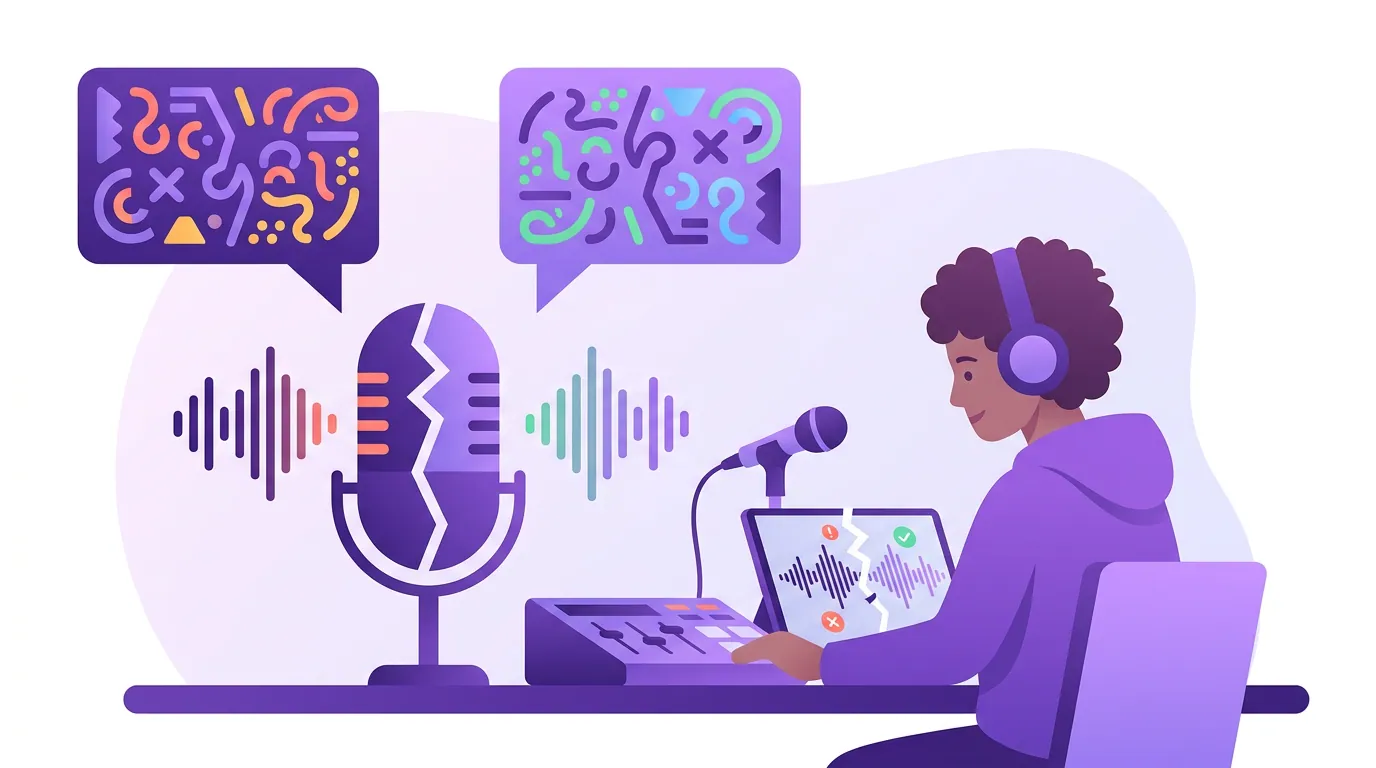
If your hosts mix languages mid-sentence, Hinglish, Spanglish, Franglais, Taglish, you are in the hardest territory for AI transcription, and most tools fail it badly. The reason is architectural: legacy speech systems detect one language at the start, then stall when the speaker switches, producing dropped words or outright hallucinated phrases at every transition (umevo, 2026).
The numbers are sobering. On identical Hindi-English code-switched audio, the SwitchLingua benchmark measured word error rates from roughly 27% to 70% across six models (26.97% to 69.53% on the same test set) (Deepgram on Hinglish ASR, 2026). Hinglish is especially brutal because speakers switch mid-word, "driving-wala," "adjust-karo", and there is no standard spelling, so the same word appears in Devanagari, Roman script, or both (Deepgram, 2026). And a low overall error rate can hide the worse problem: fabricated text at the switch points, which reads fluently and is therefore harder to catch than a missing word.
Honestly, in 2026 native code-switching is strongest for the major European pairs. AssemblyAI's newer streaming model processes intra-sentence switching across English, Spanish, Portuguese, French, German, and Italian in a single pass; Hindi sits in its broader 99-language tier, where code-switching support is weaker (AssemblyAI, 2026). So a Spanglish show has a better shot at clean captions out of the box than a Hinglish one. For either, budget a heavier human-review pass, the 20–40% review every AI clip needs runs higher on code-switched audio.
The non-English coverage matrix (verified June 2026)
Here is the table this guide exists for: five clip and caption tools scored on the four dimensions, plus entry price. The critical column is source-language transcription count, how many languages a tool actually listens to, which is usually far smaller than the "100+ languages" headline, because that headline counts translation, not transcription. Vizard is the clearest worked example: its own help center lists 40 transcription languages but 128 translation languages (Vizard help center). The "100+" you see in the marketing is the translation number; the floor that sets your caption accuracy is the 40. Read the floor, not the ceiling. Prices move monthly; verify each before buying.
| Tool | Entry paid price | Non-English note |
|---|---|---|
| QuickReel | $9/mo Starter, $29 Pro (≈$17.40 annual) (quickreel.io) | 20+ source languages, SRT export, captions + clip + schedule in one app; free to test your language |
| Opus Clip | ~$15/mo Starter (opus.pro) | 20+ in app, 30+ via API; strong moment-finding; RTL caption rendering "planned," not yet fixed |
| Submagic | $12/mo Starter (annual) (submagic.co) | ~48–50 transcription languages, CJK support, deepest animated-caption styling |
| Vizard | ~$14.50/mo Creator (annual) (vizard) | ~40 source transcription languages (vs 128 it can translate into); transcript-first editing for long-form |
| AutoCaption | One-time plugin (After Effects) (aescripts) | 100+ languages with explicit RTL fixes; not a clipper, pair with one |
The tools, read honestly for a non-English show
QuickReel, captions, clips, and posting in one app
Full disclosure: this is us, and I scored it on the same four dimensions as everyone else. QuickReel transcribes and captions in 20+ languages, exports an editable SRT alongside burned-in captions, and clips, styles, and schedules to multiple platforms in one workflow (quickreel.io). The reason to pick it for a non-English show is the consolidated workflow, you do not bounce the file between a clipper, a caption tool, and a scheduler, and pricing runs $9 Starter (100 credits) to $29 Pro (about $17.40 billed annually), free to start with no card.
Where it is honestly not the widest: our 20+ source-language count is smaller than Submagic's ~48–50, and we do not dub. For a long-tail language we do not support, a specialist will reach further. And like every tool here, our captions on accented or code-switched audio need a review pass, clip a real segment of your own show, in your own language, and judge the transcription before you rely on it. That free test is the honest pitch, not a brand accuracy claim.
Opus Clip, best moment-finding, with one hard caveat
Opus Clip is genuinely strong at the job English reviews praise it for: finding the clippable moments and scoring them for virality, now extended to non-English video. It supports 20+ languages in the app and 30+ via its API, with auto-detect of the source language before clipping (Opus Clip subtitle docs). For a Spanish, Portuguese, or French show that does not switch languages, it is a capable choice.
The hard caveat is RTL. If your show is in Arabic, Hebrew, or Farsi, Opus currently renders the captions in the wrong direction, an open, "planned" issue, not a resolved one (OpusClip RTL board). Until that ships, an RTL show should treat Opus as off the table for burned-in captions. If translation and language handling are part of why you are reconsidering it, the broader trade-offs are in our best Opus Clip alternatives breakdown.
Submagic, widest source-language reach in a caption-first tool
Submagic carries the widest native transcription reach of the clip-adjacent tools here: it generates captions in roughly 48–50 languages, explicitly supports CJK scripts (Chinese, Japanese, Korean), and pairs that with the deepest library of animated, native-to-TikTok caption styles (submagic.co). For a non-English short-form creator whose brand is the maximalist animated caption look, it covers both reach and styling.
The honest trade is that it is caption-first, not a full long-form clipper, its strength is styling a clip you bring it, and AI translation sits on its higher tier. For source-language transcription breadth in major non-English markets, though, it leads this set.
Vizard, transcript-first editing, fewer real source languages
Vizard's draw is its transcript-first workflow: it turns a long recording into clips you select by highlighting text rather than scrubbing the timeline, which is a real time-saver on a dense, multi-guest non-English episode. The caveat for language buyers is the count, and Vizard is unusually clean about it: its own help center lists 40 languages it transcribes versus 128 it can translate into (Vizard help center). The big "100+" you see in marketing is the translation number, your caption accuracy rides on the 40. If your spoken language is in that 40, the editor is a genuine asset; if it is in the long tail, look elsewhere.
AutoCaption, the RTL specialist (not a clipper)
AutoCaption is the outlier: it is an After Effects plugin, not a podcast clipper, but it earns a place here because it solves the RTL problem the clippers do not. It transcribes 100+ languages with auto-detect and ships explicit RTL handling, correct word order, proper Arabic and Hebrew fonts, right-to-left word highlighting (aescripts AutoCaption). For an Arabic or Hebrew show that needs RTL captions today and has an editor in the workflow, pairing a clipper with AutoCaption is a real route. It is not a one-app solution and it carries an editing-software dependency, so it is for teams that already work in After Effects.
When to choose each, the decision rule
The rule for a non-English show is to route by your hardest dimension first, then optimize for workflow. Find your blocker on the left; the safe picks are on the right.
- Major non-English language (Spanish, Portuguese, Hindi, French, German), no script or switching issue: start with QuickReel or Opus Clip and test your accuracy. QuickReel keeps captioning and scheduling in one app; Opus leads on moment-finding.
- RTL script (Arabic, Hebrew, Farsi): rule out tools with the RTL rendering bug first. Test caption direction before anything else; pair a clipper with AutoCaption if you need it solved today.
- Heavy code-switching (Hinglish, Spanglish): expect a heavier review pass on any tool. European pairs fare best out of the box; budget native-speaker review for Hinglish.
- A long-tail or low-resource language: lead with source-language count, Submagic's ~48–50 reaches furthest among the caption-first tools, and always test on real audio.
Whichever you pick, the same honest caveat applies that applies to English clipping: every AI clipper still needs a human review pass, and on non-English audio, especially accented or code-switched, that pass runs longer, not shorter. Budget for it. For the workflow-and-seats angle when more than one person reviews those captions, see what teams should compare in multi-seat clip tools; for the one-person version, the best clip tool setup for solo podcasters; and for brand teams localizing into specific markets, picking a clip tool for in-house brand teams.
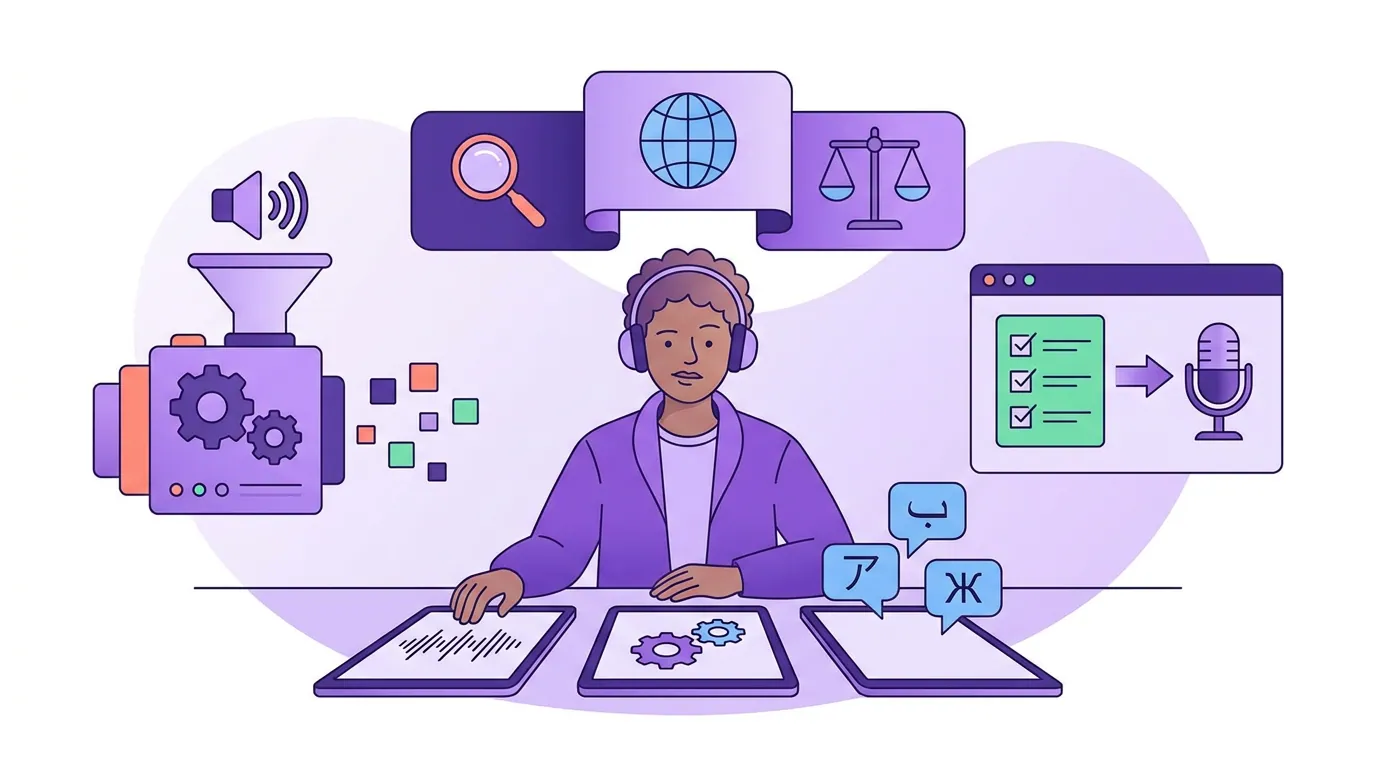
How we evaluated
This guide scores tools on four non-English dimensions, accented-speech accuracy, RTL rendering, code-switching survival, and source-language transcription count, rather than printing one language number and ranking by it. Accuracy figures come from public speech-recognition benchmarks (VexaScribe; CHiPSAL 2025; the SwitchLingua six-model test via Deepgram), with the architectural reason code-switching breaks drawn from umevo's 2026 write-up. Tool-specific counts come straight from vendor docs, including Vizard's own languages help page, which states the 40-transcribe / 128-translate split itself, and the Opus Clip RTL feature board.
Two honest caveats. First, we make QuickReel, so I held it to the harshest read and named plainly where it does less, 20+ source languages is not the widest here, and it does not dub. Second, every accuracy figure cited is a benchmark ceiling measured on cleaner audio than a real podcast; your numbers will be lower, which is exactly why the free, on-your-own-audio test matters more than any printed percentage. For the same field ranked on translation and dubbing reach rather than source-language handling, see the best multilingual caption tools, scored; for general clipping quality across the same tools, the best AI podcast clip generators roundup.
FAQ
What is the best clip tool for a non-English podcast? The one that transcribes your specific spoken language accurately, test it before you decide. For major non-English languages, QuickReel and Opus Clip are strong starting points; for an RTL script, rule out tools with reversed-caption bugs first; for the widest source-language count, Submagic reaches ~48–50. Accuracy varies by language, so judge it on your own audio.
Which clip tools handle Arabic or Hebrew captions correctly? Caption-specialist tools handle right-to-left rendering best, AutoCaption explicitly fixes Arabic and Hebrew word order, fonts, and highlighting (aescripts). Among clippers, check carefully: Opus Clip currently renders RTL captions left-to-right, an open "planned" issue (OpusClip board). Always clip a test sentence and confirm the direction before committing.
Can AI clip tools handle code-switching like Hinglish or Spanglish? Partially, and unevenly. Mixed-language speech breaks many transcription models at the switch point, with word error rates spanning roughly 27%–70% across six models on identical Hindi-English audio (Deepgram, 2026). European pairs like Spanglish fare better than Hinglish. Expect a heavier human-review pass on any tool, and watch for hallucinated phrases, not just missing words.
Does "100+ languages" mean the tool transcribes all of them? No, that headline usually counts translation, not transcription. The figure that drives your caption accuracy is the source-language transcription count, which is smaller: Vizard's own help center lists 40 languages it transcribes versus 128 it can translate into (Vizard help center). Ask for, or test, the transcription floor, not the marketing ceiling.
Should I trust the captions on a language I don't speak? Verify them. Machine transcription is reliable for high-resource languages and weaker for low-resource ones, and translation on top can drift further. Get a native speaker to read any language you publish in regularly, and choose a tool that exports an editable SRT so corrections don't require re-rendering the clip.