
Jarring Camera Switches in Multicam Clips: Smooth Them

Multicam cuts look jarring for three fixable reasons: the cut lands mid-word, the angle holds for under two seconds, or the edit ping-pongs on a timer instead of following who's talking. The fix: cut on a sentence boundary, hold each angle at least four seconds, and switch only on a real speaker turn.
A two-camera podcast clip should feel like the camera is paying attention, not like it has a twitch. The difference is rarely the footage, both angles are usually fine. It's the timing of the switch. Get three things right (where the cut falls, how long each angle stays, and what motivates the switch) and the same two cameras that felt choppy will read as a calm, professional edit.
Why do my multicam clip cuts look jarring?
Multicam cuts look jarring when the switch fights the rhythm of the speech. Three usual culprits: a cut that lands mid-word, an angle that holds too briefly before the next switch, and switching on a fixed timer instead of the conversation. Each one makes the viewer's eye work, and work reads as choppy.
A cut isn't neutral. Every time the frame changes, the viewer re-orients, finds the face, re-reads the scene, picks up the captions again. Do that at a natural pause and the brain barely registers it. Do it mid-syllable, or twice in a second, and the re-orientation cost stacks up until the clip feels nervous. This is the same attention budget that decides whether a clip feels boring or alive, except here the problem is the opposite of boring. It's too much motion, badly placed.
This is worth getting right because the clip is the audition. Short clips carry an outsized share of new audience, one studio's client data puts them at 20–40% of new viewers, with reach lifts of 2–5× for video shows (Podcast Studio Glasgow). That's a directional range from a single source, not a platform-wide audit. Still, a clip that twitches every two seconds gets swiped past before the line lands, and you never get the audition back.
Rule 1: cut on a sentence boundary, never mid-word
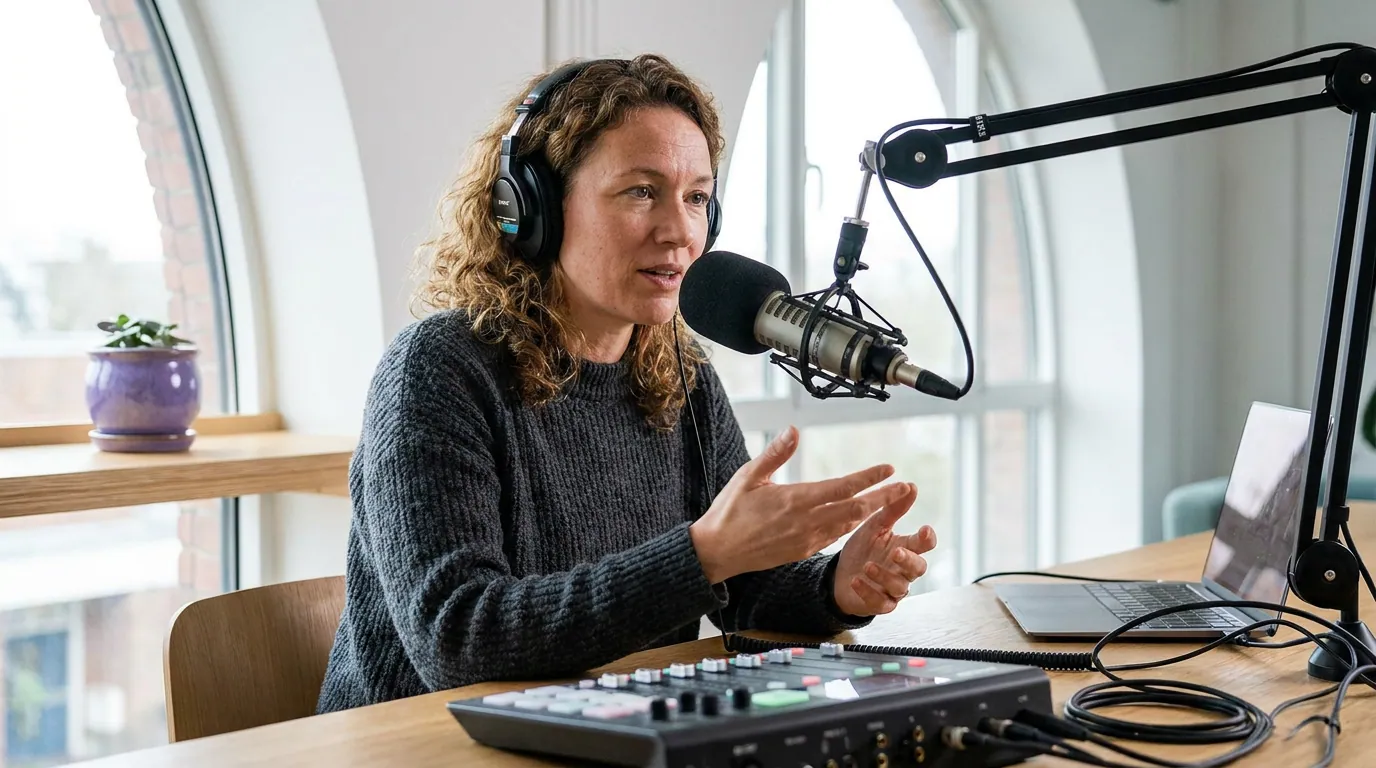
Switch angles in the silent gap between phrases, not on top of a word. A cut that lands during speech chops the syllable in half and the viewer hears and sees the break at once, a double glitch. A cut in the natural pause is hidden by the silence, so the new angle arrives feeling like it was always there.
The practical version: scrub to the moment you want to switch, then nudge the cut to the nearest gap between speech blocks, usually the breath at the end of a sentence or clause. On a waveform that's the flat stretch between two clumps of bars. You're looking for 100–300 milliseconds of near-silence; that's all the cover the cut needs. If the only good angle change falls mid-sentence, wait for the clause to finish rather than forcing it. A cut half a second late is invisible; a cut mid-word is the thing people mean when they say a clip looks "cheap."
This also keeps the cut aligned with your captions. Word-by-word captions advance on speech; if the camera switches a beat off from the word highlight, the two motions clash. Land the cut in the gap and the caption rolls into the next line right as the new angle appears, the two cues reinforce each other instead of competing.
Rule 2: hold each angle long enough to settle
Give every angle a minimum hold before you're allowed to switch again. Under roughly four seconds and the clip starts to feel restless; under two and it reads as seasick because the eye never finishes orienting before it's yanked to a new frame. The faster the content, the shorter you can go, but there's a floor, and most jarring clips live below it.
Read these as floors, not targets. A monologue can sit on one angle for fifteen seconds and feel fine; the eight-second figure is the minimum before a switch is justified, not a cue to cut at eight. The mistake that creates choppy clips is treating the number as a metronome, switching the instant the hold expires whether or not anything changed. Hold as long as the moment stays on one speaker, and let the floor stop you from ever cutting too soon.
The reason muted viewing makes this stricter: most social video plays without sound, commonly cited around 85% (Digiday), a directional figure traceable to 2016 publisher data, with study estimates ranging roughly 69–85%. Without audio, every camera switch is pure visual motion. There's no voice to explain why the frame just changed, so a too-fast switch has nothing to anchor it and reads as noise.
Rule 3: switch on the speaker, not on a timer
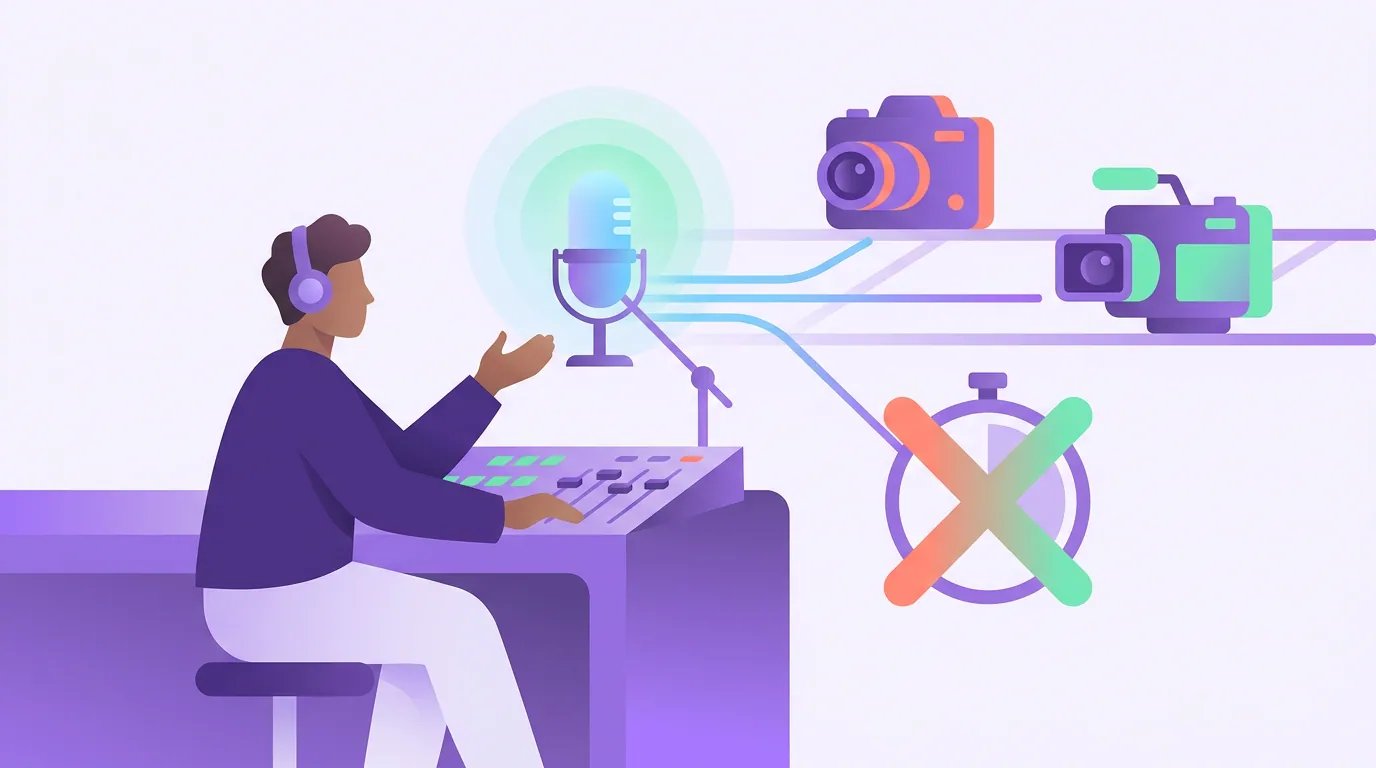
The cut that smooths everything: change angles when the person talking changes, not on a fixed interval. A motivated cut follows the conversation, when Guest B takes over, you cut to Guest B's camera. A ping-pong cut bounces between cameras on a timer regardless of who's speaking, and that disconnect is what makes a two-camera clip feel mechanical and seasick.
This is also why automated angle switching needs a human eye. A tool can detect who's speaking and cut to them, that's the same active-speaker logic that decides who gets framed in a multi-guest clip, but it can't tell that a two-second reaction shot would land better held than cut. Let the tool do the obvious speaker-following switches, then override the handful where the conversation overlaps. When two people genuinely talk over each other, don't ping-pong between them; hold one angle, or use a layout that shows both.
Common mistakes that make multicam clips choppy
Cutting on the clock instead of the conversation. The single biggest cause. If your edit switches every N seconds regardless of who's talking, it will feel mechanical no matter how good the cameras are. Cut on turns.
Switching during crosstalk. When both people talk at once, any single-camera cut is wrong half the time. Hold one angle through the overlap, or keep both faces on screen. Bouncing between them mid-overlap is the most seasick edit there is.
Matching cuts to the music beat. A beat-synced switch works in a montage, not in a talking clip. The beat and the speech rarely align, so beat cuts almost always land mid-word, the exact thing Rule 1 forbids.
Leaving the AI's first pass unchecked. Automated multicam can over-switch on its first attempt, especially around laughter and gestures. Watch the draft once on mute; the switches that jump out are the ones to lengthen or remove. This is the same review discipline as choosing which AI-suggested clips are worth shipping, the tool gets you 80% there, you fix the last 20%.
Forgetting the cut survives the crop. When you reframe to vertical, the angle switches come along. A cut that looked fine on the 16:9 timeline can feel abrupt once the frame is taller and tighter. Re-watch in the final aspect ratio, not the edit one, and make sure the export ratio is right before you judge the cuts.
The four-check pre-export pass
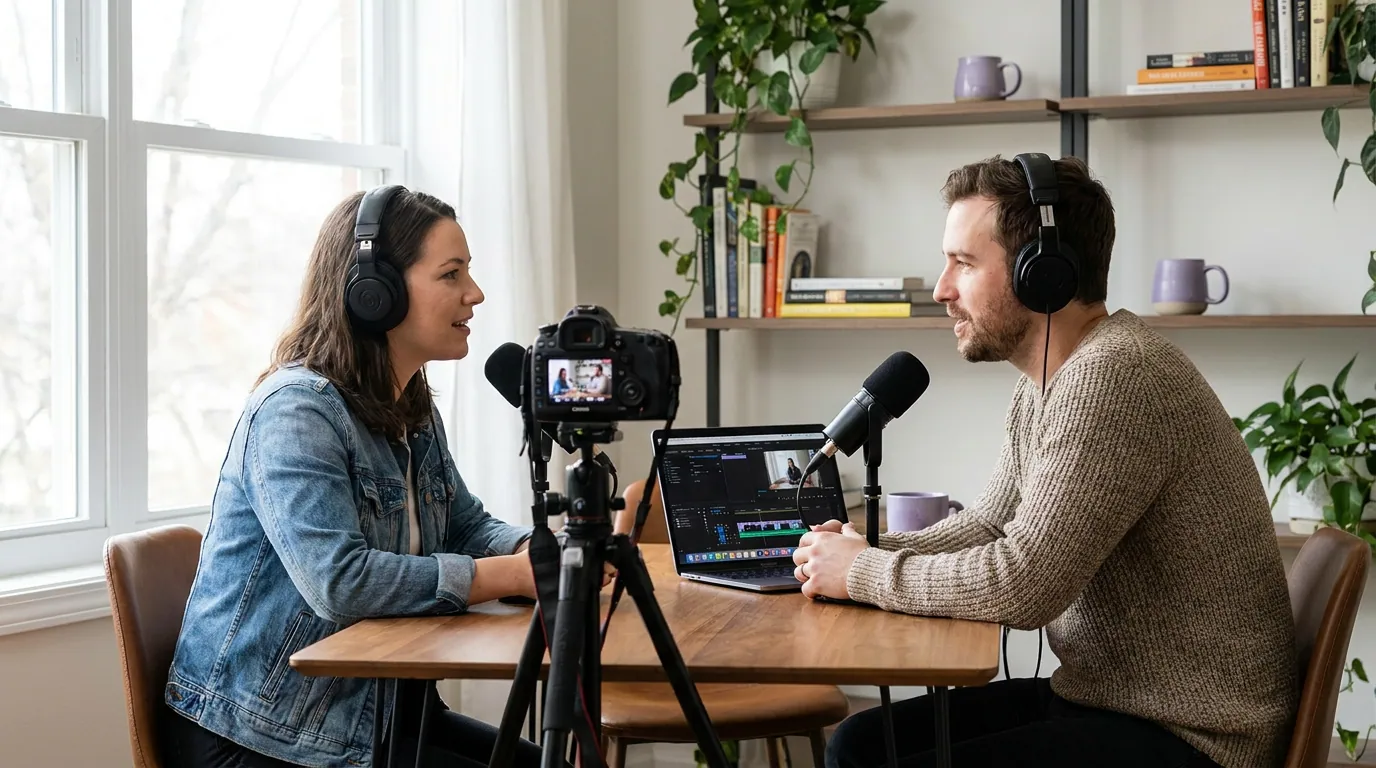
Before you export a multicam clip, run it once on mute and watch only for these four things. If any check fails, fix it and re-watch.
- Does every cut land in a gap? Scrub the timeline and confirm no switch falls on top of a word. Nudge any that do into the nearest pause.
- Does any angle hold under two seconds? That's the seasick floor. Lengthen or remove every switch below it; aim for four-plus on standard interview pace.
- Does every switch follow a speaker turn or a real reason? If you can't name why the camera moved at that moment, cut the cut. No motivation, no switch.
- Does it still read smooth in vertical? Watch the final-ratio version, on mute, one more time. The clip a new viewer sees is the cropped, silent one, judge that.
Three or four checks and thirty seconds per clip is the whole cost, and it's the gap between a two-camera show that looks produced and one that looks twitchy. If a clip fails three of the four, the footage may be fine but the moment is too chaotic to cut cleanly, which is itself a signal worth diagnosing before you spend more time on it.
FAQ
Why do my multicam podcast clips look choppy? Usually because the cuts land mid-word, the angles hold too briefly, or the edit switches on a timer instead of on the conversation. Move each cut into the silent gap between sentences, hold each angle at least four seconds on standard pace, and only switch when the speaker actually changes. Those three fixes smooth most choppy clips.
How long should each camera angle stay on screen? At least four seconds for a standard interview, eight or more for a slow story or monologue, and a hard floor of about two seconds for fast comedy crosstalk. These are minimums before a switch is justified, not cues to cut on schedule. Hold longer whenever nothing in the conversation motivates a change.
Where exactly should the cut between angles fall? In the natural pause between phrases, the breath at the end of a sentence or clause, where the waveform goes quiet for 100–300 milliseconds. The silence hides the cut. Landing the switch on a word makes both the audio and the visual break at once, which is what reads as a glitch.
Should I cut to the camera of whoever is talking? Yes, on clean single-speaker turns. Cut to the active speaker's angle when the speaker changes. During crosstalk, don't bounce between them, hold one angle through the overlap or keep both faces on screen. Following the conversation, not a stopwatch, is what makes switching feel motivated.
Can AI handle the angle switching for me? Partly. AI can detect the active speaker and make the obvious switches, which saves time on long episodes. It still over-cuts around laughter and reactions, so watch the draft once on mute and lengthen or remove any switch that feels restless. Treat the automated pass as a draft you review, not a finished edit.