
Captions Not Synced With Audio: How to Realign Them

Captions out of sync with speech are one of three problems, and they need different fixes. A whole-track offset (every caption is early or late by the same amount) is a single-number fix, shift the entire track. Per-line drift (some lines are fine, others wander) means re-timing individual cues. A removed-silence shift (timing is perfect until a cut, then everything after it is off) is the cause most people miss. Test before you re-time.
The reason caption timing eats so much editing time is that people fix it line by line when the whole track is off, or shift the whole track when only a few lines are wrong. The correction you reach for first matters more than how careful you are with it. Spend ten seconds telling the cases apart and you skip the cycle of drag, watch, drag again.
Why are my captions not synced with the audio?
Caption timing fails in three patterns, and the pattern, not the feeling, names the cause. A whole-track offset is the same gap on every line: the text is consistently a beat ahead of the voice or a beat behind. Per-line drift is uneven: line three lands perfectly, line four is half a second late, line five is early. A removed-silence shift is clean at the top of the clip and wrong from a specific cut onward.
Each pattern points to a different root. An offset usually comes from an exported transcript or SRT whose zero point doesn't match the clip's start. Drift comes from auto-caption timing that was good enough on the full episode but loose at the word level. The removed-silence shift comes from editing the video after the captions were timed, and it's the one that traps people, because the captions were correct when they were made.
Why caption timing matters more on a clip than a full episode
Most social video is watched on mute, a widely repeated publisher estimate, originally from Digiday (2016, directional; reported figures range roughly 69–85%), which means the captions are the audio for most of your viewers. When the text lags the mouth, the silent viewer reads a word the speaker hasn't reached yet, or watches the lips move with no caption to match. The clip reads as broken before the point lands.
That penalty is heavier on short-form because the field is crowded. the clipping-economy trend describes an army of paid clippers flooding TikTok, Reels, and Shorts with podcast snippets, to the point that the clip now out-travels the source: one streamer it profiles averages about 33,000 views on a livestream but more than 700,000 on the average clip of it (NPR, "The clipping economy," 2026). A viewer's feed is full of competent alternatives a thumb-flick away, and mistimed captions are the kind of small wrongness that gets a clip scrolled past without a conscious reason.
The two-point timing check
Run this before you touch a single cue. Pick the first line of the clip and watch whether the caption appears as the word is spoken, note whether it's early, late, or dead-on, and roughly by how much. Then jump to a line near the end and do the same. Two readings, top and bottom, route you to the right fix. If the whole clip feels uneven, add one reading in the middle.
Fix 1, Whole-track offset (every caption is off by the same amount)
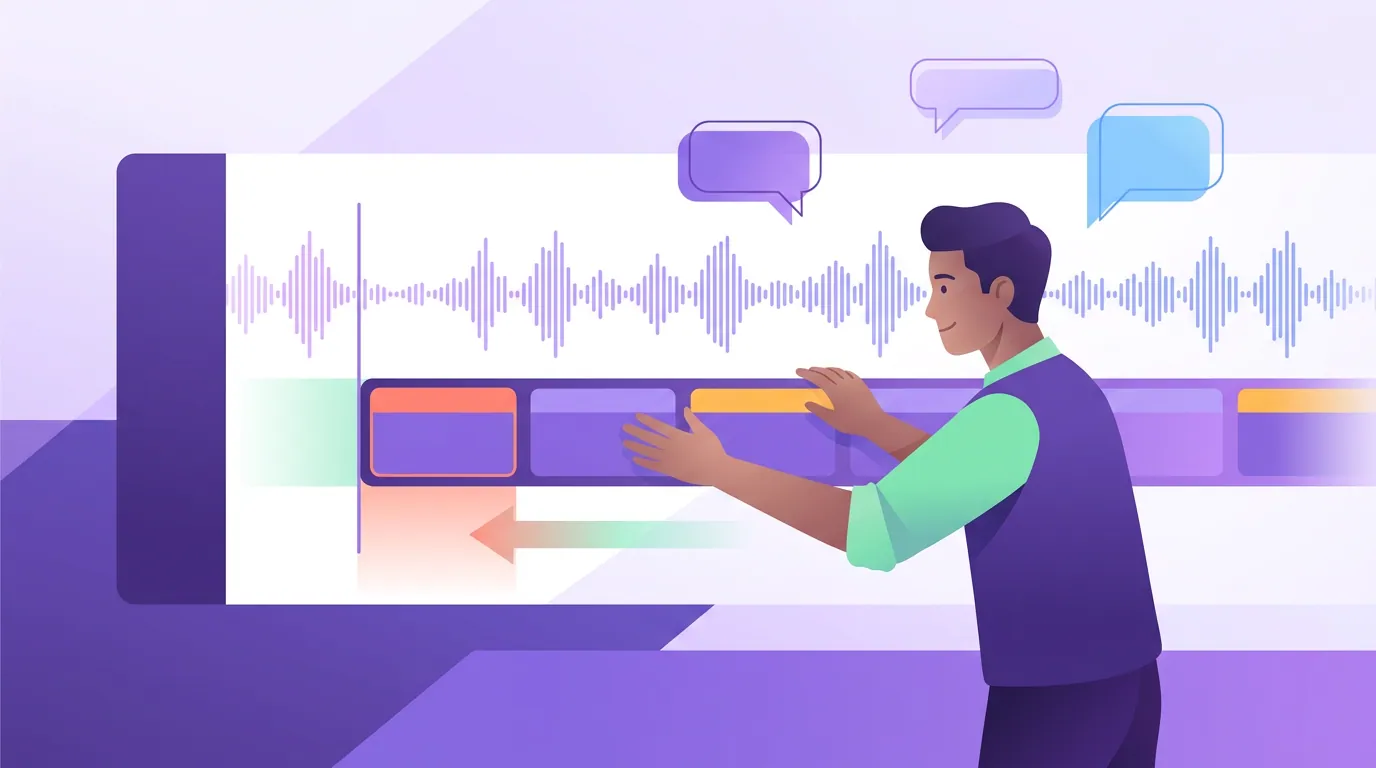
If the gap is the same on the first line and the last, the whole track shares one error. Don't re-time cues one at a time, shift them together. In most caption editors and SRT-aware tools you can offset the entire track by a fixed value: enter the number of seconds (or milliseconds) and the direction. If the captions are running ahead of the voice, push the track later; if they trail, pull it earlier.
This case almost always comes from a transcript or SRT whose timestamps are relative to a different start point than your clip, the file was timed against the full episode, or against a version with a few seconds of intro that got trimmed. Measure the offset once at any line, apply it to the whole track, done. One number fixes every line because every line is wrong by that same number.
Fix 2, Per-line drift (some lines land, others don't)
If the gap wanders, line two is perfect, line three is late, line five is early, you have per-line drift and there's no single number to apply. This comes from auto-caption word timing that was loose to begin with: good enough across a long episode, visibly off when a clip puts the text inches from the mouth. Re-time the offending cues individually against the waveform.
Work cue by cue and trust the audio, not the text. Find where the word is actually spoken on the waveform, drag the cue's start to it, and let the end follow the next word. You usually don't have to fix all of them, re-time the lines that read as wrong and leave the ones that land. If most lines drift, the faster route is to regenerate the captions from a cleaner transcript rather than nudge twenty cues; see how to fix caption accuracy on podcast clips, because bad word timing and bad word text usually travel together.

Fix 3, Removed-silence shift (clean until a cut, then off after it)
This is the one people burn an hour on, because the captions were correct when they were made. If the timing is dead-on at the top of the clip and everything after a certain point is off by a consistent amount, you edited the video, cut a pause, removed an "um," tightened dead air, after the captions were timed. Every cue downstream of the cut is now shifted by exactly the length of what you removed.
The fix is to re-sync from the edit, not to nudge each cue. If your editor keeps captions linked to the clip on the timeline, captions move with the cut and the problem doesn't appear; the shift shows up when captions live on a separate, un-linked track or in a standalone SRT. The clean fix is to apply your trims first, then generate or import captions against the final cut. If the captions already exist, shift only the cues after the cut point by the removed duration, the lines before it were never wrong.
Common mistakes when realigning captions
Re-timing cues when the whole track is off. The most common time-waster. If the first and last lines share the same gap, it's one offset, shift the track, don't touch individual cues.
Shifting the whole track when only a few lines drift. The opposite mistake. A global offset fixes a consistent gap and breaks every line that was already correct. Drift is a per-cue job.
Captioning before you finish editing. Trim the silence, the "ums," and the dead air first, then caption against the final cut. Caption a rough version and every later trim shifts the cues downstream of it.
Reading timing off a laggy editor preview. Editor playback can stutter under load and fake a timing problem that isn't in the file. Confirm on an exported clip, and judge it the way viewers will, on mute, watching whether the word lands with the mouth.
Fixing clips one at a time instead of the source. If your master transcript's word timing is loose, every clip you cut inherits the drift. Correct it once at the episode level and the fix propagates to every clip. The same upstream-first logic applies to audio that's out of sync in your clips, which is a separate problem worth ruling out.
FAQ
Why are my captions a few seconds ahead of the speech on every line? You have a whole-track offset, the caption file's start point doesn't match the clip's. Usually the transcript or SRT was timed against the full episode or a version with an intro that got trimmed. Shift the entire track later by the measured gap rather than re-timing each line; one offset corrects all of them at once.
Some captions match and others are off. How do I fix just those? That's per-line drift, common with loose auto-caption word timing. Re-time the wrong cues individually against the waveform, drag each cue's start to where the word is actually spoken, and leave the lines that already land. If most lines drift, regenerate from a cleaner transcript instead of nudging dozens of cues.
My captions were perfect, then went out of sync halfway through. Why? You almost certainly edited the video after the captions were timed, cutting a pause or an "um" shifts every cue after that point by the length you removed. Re-sync from the edit: shift only the cues downstream of the cut by the removed duration, or caption against the final cut next time.
Is caption-out-of-sync the same as audio-out-of-sync? No. Caption sync is text-vs-speech timing; audio sync is the voice itself landing against the lips. They look similar on mute but have different causes and fixes. If the spoken audio drifts from the mouth regardless of captions, that's the lip-sync case, see audio out of sync in your clips.
Should captions appear exactly when the word is spoken, or slightly before? Land them on the word or a hair before, never after. A caption that trails the voice reads as broken; one that leads by a fraction reads as natural, because the eye reaches the text just as the sound arrives. Pair good timing with readable pacing, see caption reading speed and line length.
If your captions are timed right but the clip still underperforms, timing is rarely the only factor. Work through why your podcast clips get no views, and if the clip feels flat, the fixes that add movement. A clip that's technically clean still needs the right moment and the right cut, and if dimensions broke on upload too, the companion case is a clip exported in the wrong aspect ratio.