
Captioning Clips With Noisy or Crosstalk Audio

To caption clips with bad audio, fix the sound before you transcribe, not after. Auto-transcription fails on echo, crosstalk, and low mic levels because the input is muddy, so clean the input. Run noise reduction, separate or trim the overlap, and normalize the levels first, then caption the cleaned audio. That order is the whole trick.
Most advice on noisy captions tells you to correct the text afterward, which is real work but starts too late. By the time a transcriber has guessed wrong on a word it couldn't hear, you are retyping from memory of what was said. The cheaper move is upstream: spend two to five minutes making the audio legible to the transcriber, and a large share of the errors never appear. This is the salvage workflow for the hardest source audio, the episodes recorded in a kitchen with two excited hosts and a phone mic.
Why bad audio breaks captions before they start
A transcriber is a pattern-matcher trained on clean speech. Feed it a clean signal and it gets roughly 90–95% of conversational English right; feed it reverb, two voices at once, or a signal buried under room hum, and it does what it always does, guesses the nearest plausible word. The difference is the input, not the model. Bad audio doesn't make the transcriber dumb; it makes the question unanswerable.
That matters more on a clip than anywhere else. Clips are usually where someone meets your show, and most of them are watching on mute, a widely repeated estimate puts around 85% of social video viewed with the sound off (Digiday, 2016 publisher-reported data; treat it as directional, since individual studies range from roughly 69% to 85% and the figure is a decade old). On a muted clip the captions are the audio. If they are garbled, the viewer's only version of the sentence is garbled.
Clips also do real recruiting. One studio's client data puts clips at 20–40% of new audience, with reach lifts of 2–5× for video shows (Podcast Studio Glasgow), one source's directional range, not a platform-wide audit, but the direction holds. A first impression delivered through a wall of misread captions is a wasted one.
Source-audio triage: name the problem first
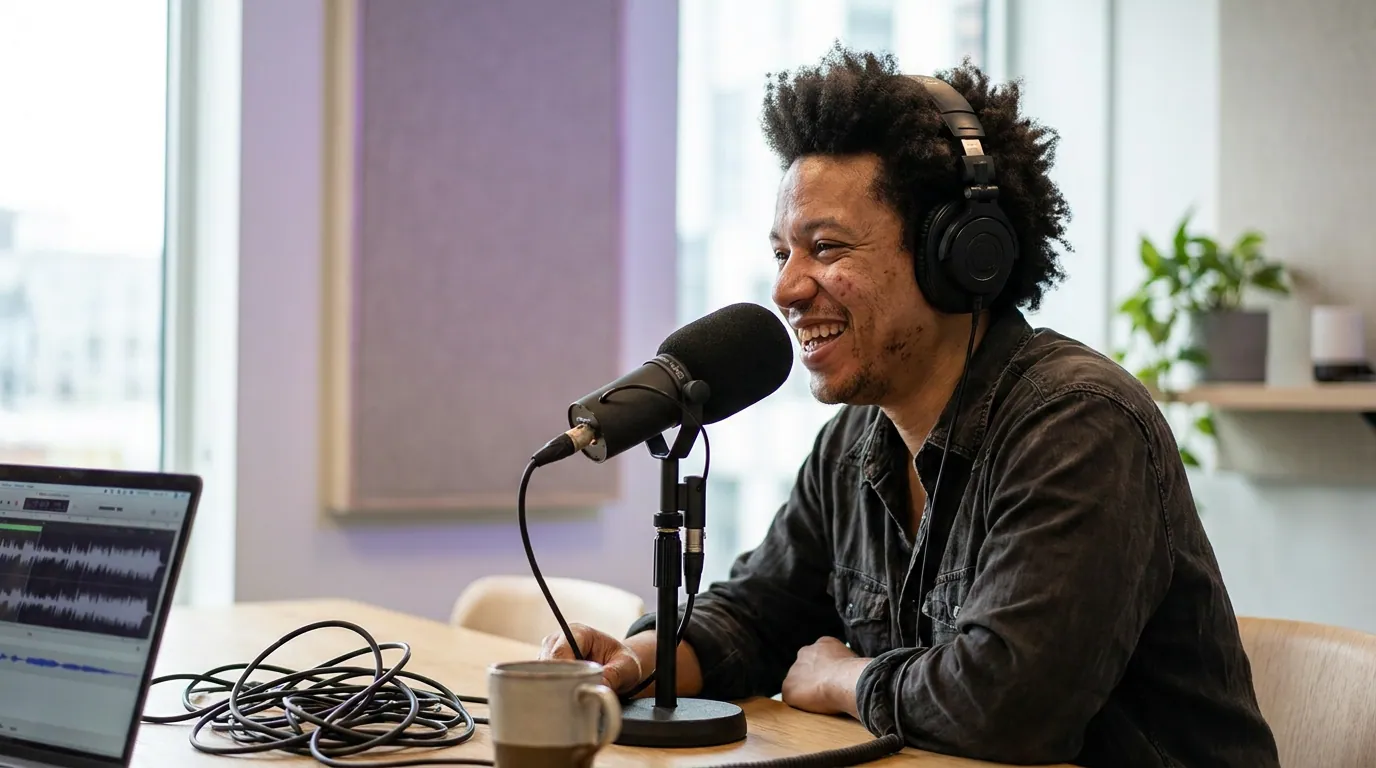
Do not run every fix on every clip. Different bad-audio problems need different repairs, and stacking the wrong ones makes things worse, heavy denoise on already-thin audio leaves a robotic warble. The salvage workflow starts with a 30-second diagnosis: listen to the clip on headphones and decide which of three problems dominates.
The salvage steps, in order
Run these in sequence on the cleaned export, then transcribe. The order is deliberate: separate first so later fixes act on one clean voice, denoise before you normalize so you don't amplify the hiss, and caption last.
- Separate or trim overlapping speech. Crosstalk is the hardest input there is, when two people talk at once, the transcriber picks one voice and scrambles the other. If you recorded each host on a separate track, this is solved already: transcribe the tracks individually and merge. If you have a single mixed track, use a voice-isolation or stem-separation tool to pull voices apart, or simply trim to the moment one person finishes before the other starts. Often the best clip is the clean half-second after the overlap, not the overlap itself.
- Reduce noise and reverb, gently. For echo, hiss, AC hum, or street noise, run a denoise or de-reverb pass. The mistake is going too hard: aggressive reduction strips the high frequencies that make consonants legible and the transcriber starts mishearing "fifteen" as "fifty." Use the lightest setting that makes the speech clearly audible to you on headphones. If you can understand it cleanly, so can the transcriber.
- Normalize the levels. Low mic levels and one host twice as loud as the other both hurt transcription. Normalize so the dialogue sits at a consistent, healthy level and the two voices are balanced. This is the single cheapest fix and it disproportionately helps the quieter speaker, who is usually the one getting dropped.
- Transcribe the cleaned audio. Now caption. Feed the repaired export, not the raw recording, into your captioning tool. Everything downstream rides on this step getting a legible input.
- Run the targeted accuracy pass. Cleaning gets you most of the way; it does not get you to zero errors. The remaining mistakes still cluster on names, jargon, and numbers. Fix those in the source transcript using the class-based method in fixing caption accuracy on podcast clips, so the corrections carry into every clip you cut.
The salvage-vs-reclip decision rule
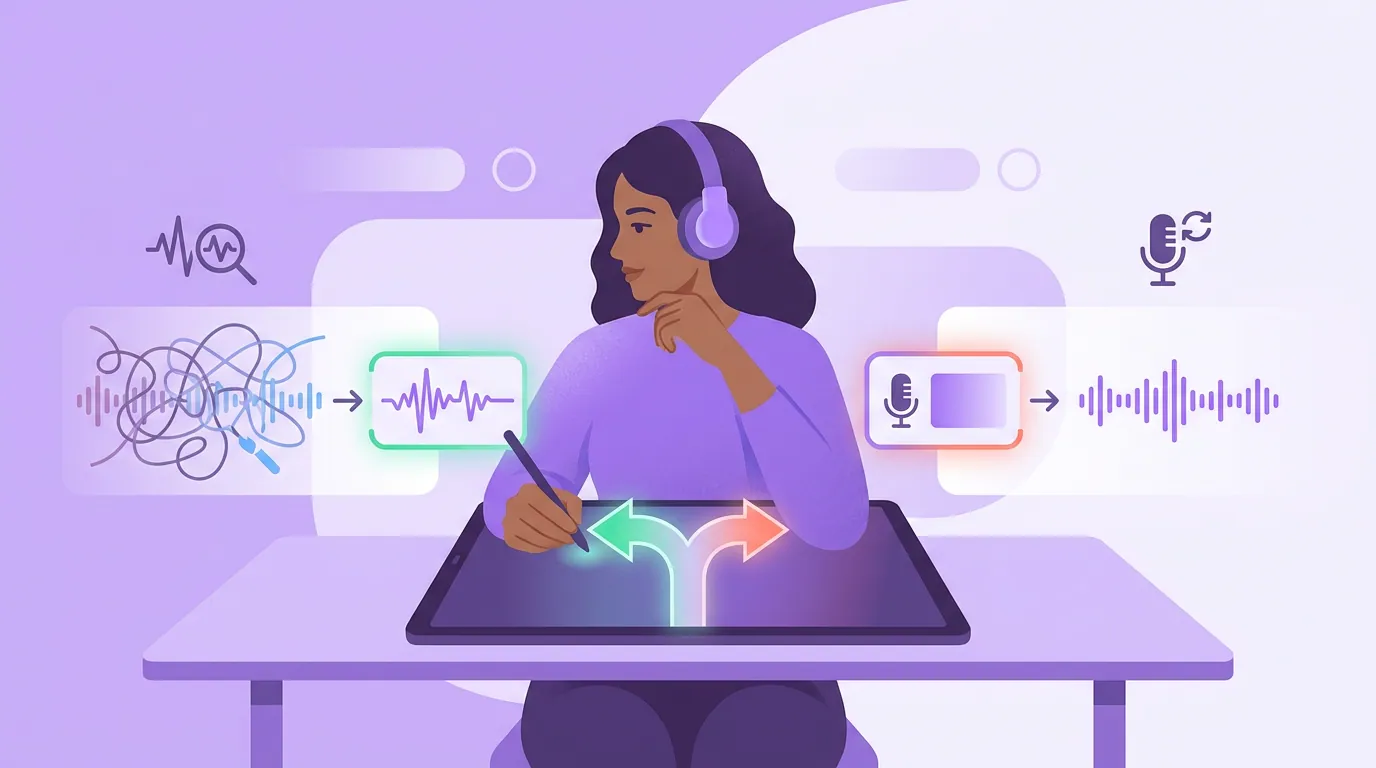
Not every bad-audio moment is worth saving. Here is the rule that keeps you from sinking an hour into 12 unusable seconds: if you can transcribe the moment correctly by ear on two listens, it's salvageable; if you can't, neither can the transcriber, pick a different clip. Your ear is the best transcriber you have. When even you can't make out the words after replaying it, no amount of denoise will produce honest captions, and faked captions on a muddy clip read as worse than no clip.
There is one exception worth naming: a moment so good, a genuine reveal, a perfect punchline, that it justifies manual rescue. For that, transcribe it yourself by hand, type the caption directly, and trim hard around the clean words. Reserve that effort for the rare clip that earns it.
Captioning raw versus cleaning first
The whole argument in one frame: a few minutes of upstream cleanup replaces a much longer correction slog downstream, and it produces captions you can actually trust.
This page is about one job: getting accurate caption text out of rough audio by fixing the sound before you transcribe. The sibling question, whether a rough moment is even worth clipping in the first place, is a different call, made earlier, and it gets its own triage in making clips from a podcast with bad audio, which sorts each defect into clean, salvage, or abandon before you cut. Use that page to decide which seconds to keep; use this one to caption them honestly once you have.
For the upstream prevention case, recording on separate tracks so crosstalk never reaches captions at all, start with the full process in how to add captions to podcast clips. And before you commit to salvaging a rough moment, the smarter filter is choosing segments with clean audio in the first place: how to pick the best AI-suggested clips leans on transcript quality, which means the cleanest-audio moments tend to surface as the best clips anyway.
Common mistakes with noisy-audio captions
Correcting text instead of cleaning audio. Retyping garbled captions one line at a time treats the symptom. Clean the input and most of those errors never appear, turning an hour of correction into a few minutes of cleanup plus a short pass.
Denoising too aggressively. The heaviest setting strips the consonants that make speech intelligible, so the transcriber mishears clean-sounding-but-thin audio. Use the lightest reduction that makes the voice clearly audible to you.
Ignoring multi-track recordings you already have. If each host was on a separate track, you have already solved crosstalk, transcribe the tracks separately and merge. Many people mix down first and throw away the easiest fix.
Forcing a salvage on truly unintelligible audio. If you can't transcribe it by ear in two listens, shipping confident captions over it is guessing in public. Pick a different moment.
Reviewing the result with the sound on. You know what was said, so your ear papers over the on-screen error. Mute the playback and read the captions cold, the way the silent majority will. Whether you burn them in or keep a toggleable track changes how forgiving an error is, weighed in burned-in vs soft captions.
FAQ
Can you caption audio with two people talking at once? Partly. A transcriber will pick one voice and scramble the other, so the fix is upstream: transcribe separate tracks if you recorded them, use voice isolation to pull the voices apart, or trim to the clean speech just before or after the overlap. If even you can't make out both lines by ear, caption the speaker you can hear and cut the rest.
Does cleaning the audio actually improve auto-captions? Yes, because transcription quality is mostly a function of input legibility. Light noise reduction, speaker separation, and level normalization give the transcriber a clearer signal, so it guesses less. Cleaning won't reach zero errors, finish with the targeted pass in fixing caption accuracy on podcast clips.
Should I denoise before or after transcribing? Before. Transcribe the cleaned export, not the raw recording, so the model works from the most legible signal you can give it. Denoise gently, then normalize, then caption, denoising after the transcript exists does nothing for the words already guessed wrong.
Is it worth salvaging a clip with bad audio at all? Only if you can transcribe the moment correctly by ear in two listens. That is the line: if you can hear it clearly, it's salvageable; if you can't, the transcriber can't either, and you should pick a different clip. Reserve hand-typed manual rescue for the rare moment that's genuinely too good to lose.
What's the fastest fix for quiet, uneven mic levels? Normalize the levels so both voices sit at a consistent, healthy volume. It's the cheapest cleanup step and it disproportionately helps the quieter speaker, who is usually the one the transcriber drops. The broader auto-first-then-review case is in auto vs manual captions: which is worth it.