
Body Language for Video Podcasts: Hands, Posture, Lean

Body language for a video podcast is decided by one thing most guides skip: the frame. A tight webcam crop and a wide studio shot reward opposite habits. In a close crop, keep your hands inside the bottom of the frame, gesture small and slow, and lean in a few degrees. In a wide shot, you have room to talk with your hands, but you also have a whole torso the camera can catch slouching. Match your movement to the box you're in.
That box is smaller than guests assume. Most video podcasts shoot head-and-shoulders, roughly chin to mid-chest, and that same crop is what gets cut into a vertical clip and posted to a feed where someone decides in two seconds whether to keep watching. It matters more every year: 53% of new US weekly listeners now say they prefer to watch a podcast, up from 30% in April 2022 (Backlinko). You're not just being heard. You're on screen.
Why does the frame change the rules?
The frame changes the rules because it sets your "gesture box", the area where your hands stay visible. In a tight webcam crop the box is narrow and shallow, so a normal conversational gesture flies in and out like a startled bird. In a wide studio shot the box is large, so the same gesture reads as natural emphasis. Same hands, different verdict.
Two practical numbers to carry in your head. A close crop usually shows from your chin to roughly the top of your sternum, which means your hands are below the frame unless you deliberately raise them. A wide shot shows your chest, lap, and the arms of your chair, which means everything your body does is on the record, including the foot-tap and the slump you forget about by minute twelve.
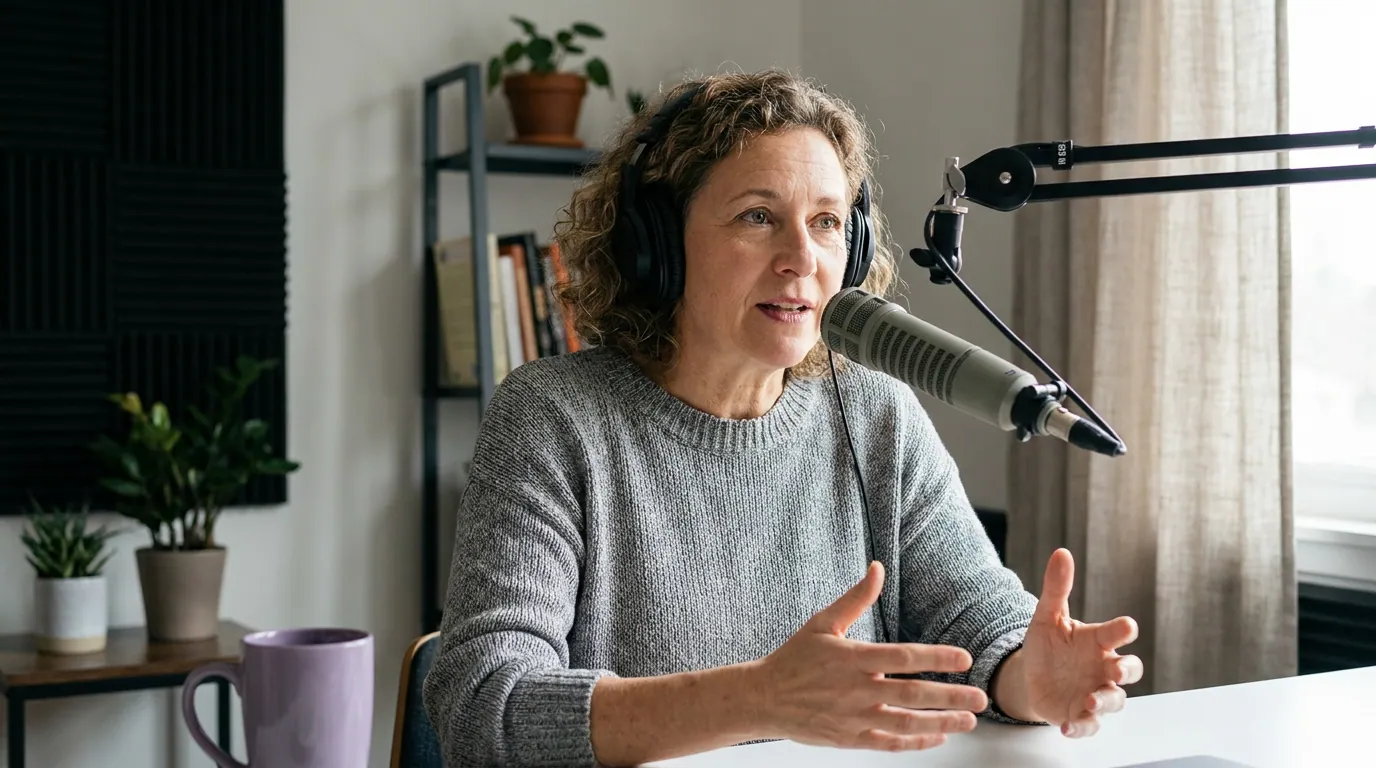
What do you do with your hands on camera?
Match your hands to the frame. On a tight webcam crop, bring them up so they enter the bottom of the picture occasionally, gesture small and slow, and let them rest in your lap or on the desk between points, not flailing off the edges. On a wide studio shot you can gesture freely at chest height, but keep movements deliberate so they read as emphasis, not nervous energy. The fastest fix on a tight shot is simply to raise your seat or lower your camera so your hands and your face share the frame.
Here is the rule I give every guest before a filmed recording.
What is the right posture and lean?
Sit forward, not back. A slight lean toward the camera, five to ten degrees off vertical, reads as interest and engagement; sinking back into the chair reads as boredom or fatigue, even when you're listening hard. Plant both feet, keep your spine long, and let your shoulders drop. The lean is the single best adjustment to make, because it works in any frame and survives the crop.
A few specifics that separate "fine" from "good":
- Lean from the hips, not the neck. Craning your head toward the lens distorts your face on a wide-angle webcam. Hinge slightly forward at the waist instead and keep your chin level.
- Don't lock. A held lean turns into a stiff statue within a minute. Settle into the forward position, then allow small, natural shifts. Stillness is the goal, not paralysis.
- Raise the camera to eye level. A laptop on the desk shoots up your nose and forces a slump. Lift it on a stack of books so the lens sits at or just above your eyeline; your posture corrects itself.
- Mind the swivel chair. A chair that rocks or spins turns every fidget into visible motion. Use a fixed seat for filmed recordings.
If just looking at yourself on camera tightens you up, that's normal, the cure is preparation, not willpower. A short vocal and physical warm-up before you hit record loosens the shoulders and the voice together, and our guide to looking confident as a first-time guest walks through the settle-in routine.
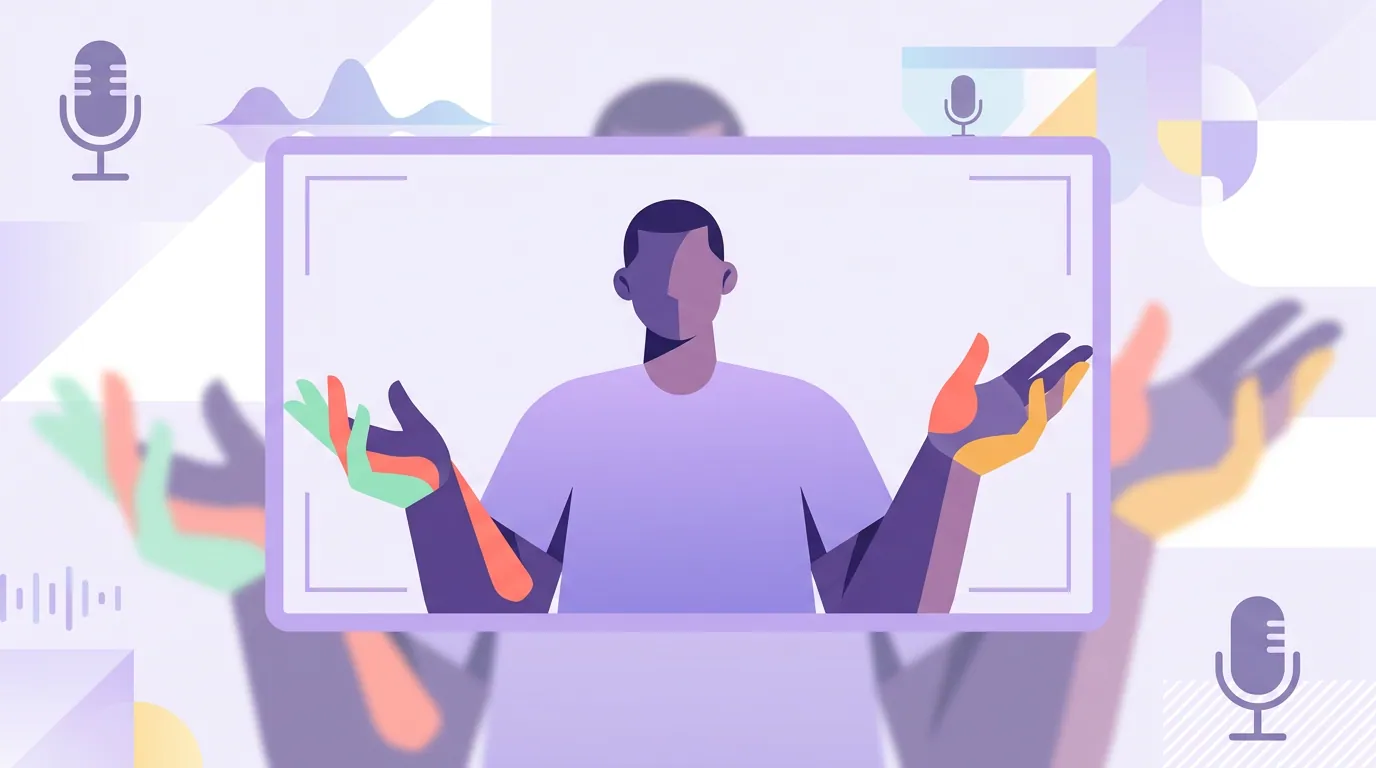
Which gestures get cut off on a tight shot?
The ones that leave the box. On a chin-to-chest crop, anything below your collarbone or wide of your shoulders is invisible, so big "here's the size of it" hand spreads, chopping motions near your lap, and points off to the side all disappear or, worse, half-appear as a hand stub jabbing into frame. The viewer sees the effort without the meaning, which looks more anxious than expressive.
Three offenders show up in almost every guest's first filmed episode:
- The desk talker. Hands rest on the desk below frame and bob up only to half-enter the picture. It reads as a disembodied gesture. Fix: raise the seat so the hands live inside the lower third.
- The face toucher. Pushing glasses, rubbing the nose, hand on chin, magnified on a tight crop and a gift to a clipper looking for an awkward freeze-frame thumbnail. Fix: rest your hands somewhere neutral and let them stay there between points.
- The metronome nod. Constant agreement nodding while the host talks, which on video looks like a bobblehead and competes with whoever is speaking. Fix: nod once to acknowledge, then hold still and listen with your face.
This is also where your eyes do quiet work. Darting between your own thumbnail, your notes, and the lens reads as shifty on a tight crop. Pick a target and hold it, our breakdown of where to look on a video podcast covers the camera-versus-host call. And if your hands go quiet but your mouth fills the gaps with "um" and "like," the filler-word fixes here pair well with steadier hands.
Common mistakes (and the fix)
| Mistake | Why it hurts on video | The fix |
|---|---|---|
| Slouching back in the chair | Reads as bored; worse on a wide shot | Lean 5–10° forward from the hips |
| Hands flailing off frame | Looks anxious; meaning gets cut | Match gesture size to the frame |
| Camera below eye level | Up-the-nose angle, forced slump | Raise the lens to your eyeline |
| Non-stop nodding | Bobblehead effect, competes with the speaker | Nod once, then hold and listen |
| Locking a "good" pose | Turns stiff within a minute | Settle in, then allow small shifts |
| Ignoring what's below frame | Foot-tap and fidget show on wide shots | Plant feet, use a fixed chair |
None of this is about performing. It's about behaving naturally inside a known frame, and knowing the frame is the part most guests never ask about. Hosts can help here too; the host etiquette guide and the guest etiquette rules both cover setting a guest up to look their best before the record light goes on.
FAQ
What should I do with my hands on a video podcast? Match them to the frame. On a tight webcam crop, keep gestures small and let your hands enter the lower edge occasionally, resting between points. On a wide studio shot you can gesture at chest height, but keep movements deliberate. The quick fix on a tight shot is to raise your seat so hands and face share the frame.
How should I sit during a video podcast? Sit forward with a slight lean toward the camera, about five to ten degrees off vertical, feet planted and spine long. Leaning in reads as engagement; sinking back reads as boredom. Then allow small natural shifts so the posture doesn't freeze into a stiff pose.
Why do my gestures look weird on camera? Because they're leaving the frame. Most video podcasts shoot a tight chin-to-chest crop, so gestures below your collarbone or wide of your shoulders only half-appear. Shrink the gesture and keep it inside the visible box, or ask the host how tight your shot is so you can plan around it.
Does body language matter if the podcast is mostly audio? Less for the audio file, but the filmed version is what becomes clips, and the first three seconds of a clip carry it on social (castmagic). If the show posts video clips at all, your posture and hands are part of what new viewers judge you on.
How do I stop fidgeting on camera? Remove the source of the fidget. Use a fixed (non-swivel) chair, plant both feet, raise the camera to eye level so you're not hunched, and give your hands a neutral resting place. A short warm-up before recording also burns off the nervous energy that turns into fidgeting.