Podcast Recording Software for Windows, Ranked

If you want one answer: record locally in Audacity (free) or REAPER ($60 personal license) if you're solo or in the same room, and use Riverside (free tier, browser-based) if your guest is remote. On Windows the software matters less than the driver, set it to ASIO or WASAPI exclusive and your stutter and delay problems mostly disappear. The pricier tools below earn their keep on editing, not recording.
That is the whole ranking in two sentences. The rest of this page is the part Windows podcasters actually get stuck on: the driver setting that fixes latency, why two USB mics drift out of sync on a PC the way they don't on a Mac, and which of these apps is worth paying for once you're past your first month.
I set up recording rigs for first-time podcasters, and on Windows the same support ticket comes in over and over: "I hear myself a half-second late," or "my co-host's mic slowly goes out of sync." Neither is a microphone problem. Both are Windows audio-stack problems, and they're solvable in two settings. Let's start there, because if you skip it, no app on this list will sound right.
What makes Windows podcast software different from Mac?
On Windows, the operating system does not hand your microphone straight to your recording app. The default driver path, Microsoft's old MME model, routes audio through several mixing layers, which adds delay (latency) and makes hearing yourself in real time feel laggy. macOS uses Core Audio for everything and largely sidesteps this. That single difference drives most "Windows is worse for podcasting" complaints, and it's a setting, not a fact.
The fix is the driver model you choose inside your recording app:
- ASIO bypasses the Windows mixer entirely and gives your app direct hardware access, the lowest latency. It usually requires an audio interface that ships its own ASIO driver, or the free ASIO4ALL wrapper as a fallback (codegenes ASIO4ALL guide).
- WASAPI (exclusive mode) also bypasses the Windows kernel mixer for near-real-time, bit-perfect audio, and needs no extra hardware. For most USB-mic podcasters this is the sweet spot (SoundBridge low-latency guide).
- MME is the legacy default. It works, but the delay makes monitoring yourself uncomfortable. Switch off it.
One detail worth stating plainly because every "best software" roundup glosses over it: most podcasters do not need ASIO. WASAPI exclusive mode gets you clean, low-latency recording with a single USB mic and zero extra software. Reach for ASIO when you have an interface with a native driver, or when you need monitoring latency below roughly 5 ms (Audacity ASIO setup notes). Don't install ASIO4ALL out of superstition; install it only if WASAPI is failing you.
How I ranked these
I judged six tools on four Windows-specific criteria, in this order: does it dodge the latency trap (ASIO or WASAPI-exclusive support), how does it handle more than one mic, price after the first month, and how easily its output moves into clipping and editing. I weighted recording reliability over feature lists, a tool you trust on record day beats one with a longer spec sheet you fight every session. Prices below are current US figures from each maker's own pricing page in June 2026; SaaS pricing moves, so re-check before you pay.
Most of the choice comes down to three questions: your budget, whether your guests are remote, and how many mics you record at once.
The ranking at a glance
| Tool | Best for | Entry price (June 2026) |
|---|---|---|
| Audacity | Free local recording, solo or one-room | Free |
| REAPER | A real DAW that lasts, on a budget | $60 personal / $225 commercial |
| Riverside | Remote guests, recorded locally per person | Free tier; Pro ~$24/mo (billed yearly) |
| Hindenburg PRO | Spoken-word specialists who hate fiddling | ~$12/mo or $99/yr; perpetual option |
| Adobe Audition | Editors already in Creative Cloud | $33.99/mo (single app) |
| Descript | Edit-by-text and AI cleanup | Free tier; paid from ~$24/mo |
Pricing sources: reaper.fm, Riverside pricing, Hindenburg products (tiers via Podrewind), Adobe Audition pricing (Capterra).
1. Audacity, the free default that finally fixed its driver problem
Best for: solo hosts and same-room duos who want to record and edit for $0.
Audacity is the free, open-source standard, and for a Windows podcaster it does the two things that matter: multitrack recording and basic editing, with no license cost ever (audacityteam.org). For a single USB mic, set it to WASAPI and you're recording in under a minute.
The ASIO situation genuinely changed in late 2025. For years, Audacity could not ship ASIO because Steinberg's SDK was proprietary-only and "incompatible with Audacity's open source GPL licence" (Audacity ASIO on Windows). On November 4, 2025, Steinberg re-licensed the ASIO SDK under GPLv3 alongside its proprietary terms (Libre Arts, Nov 2025), and a GPLv3 SDK is compatible with GPLv3 Audacity, which removes the legal wall. What this changes: bundling native ASIO in an official Audacity build is now legally possible. What it does not change yet: no released build ships it. With the team focused on the Audacity 4 rewrite, you still compile from source or use a community build to get ASIO today, but the era of "Audacity legally can't" is over.
Pros: free, multitrack, runs on any Windows machine, huge tutorial base, WASAPI is plenty for one mic. Cons: the interface looks dated; it records to a destructive editor rather than a clip-based timeline; multi-mic routing on Windows still leans on extra tools. If you want a head-to-head of the free options, our guide to free podcast recording software that's actually usable goes deeper on where Audacity stops being enough.
2. REAPER, the cheapest tool that grows with you
Best for: anyone who wants a professional DAW without a subscription.
REAPER is a full digital audio workstation that costs $60 for a personal license ($225 commercial, for businesses over $20,000/year), with a genuinely unlimited 60-day free trial and free updates through version 8.99 (reaper.fm/purchase). The current build is 7.75, shipped June 23, 2026, it's actively maintained, not abandonware. Native ASIO support is built in, multitrack routing is excellent, and it stays light on older PCs.
The honest catch: REAPER is powerful in the way a cockpit is powerful. The default layout is intimidating, and you'll spend an evening with a setup guide before it feels comfortable. Pay that cost once and you have a tool that handles a two-person panel, ASIO at a 128-sample buffer, and per-track editing for the price of one month of most subscriptions.
Pros: one-time price, native ASIO, lightweight, scales from solo to multi-mic, long free trial. Cons: steep first session; no built-in remote recording; you assemble your own workflow.
3. Riverside, when your guest isn't in the room
Best for: interview shows recording remote guests at studio quality.
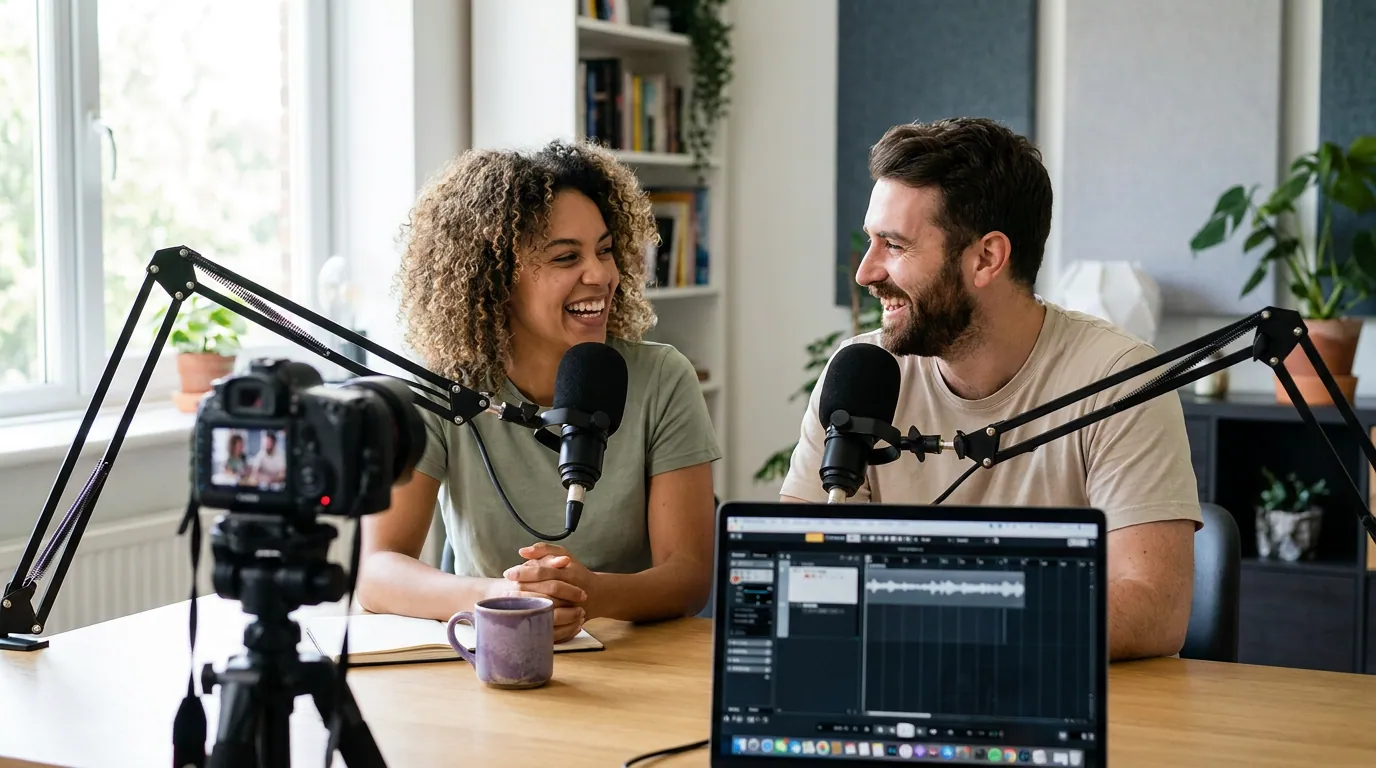
Riverside solves the problem the local apps can't: a guest in another city. It records locally on each person's device, uncompressed audio up to 48 kHz and video up to 4K, then uploads the separate tracks, so a shaky connection doesn't wreck the file (Riverside recording software guide). The free tier records multi-track but adds a watermark to video; Pro runs about $24/month billed yearly and lifts that, with AI tools and up to 15 hours of recording a month (Riverside pricing).
The Windows-specific note that catches people: Riverside is browser-based, run in Chrome or Edge, not a desktop install. That's a feature for guests (nothing to download) and a quirk for hosts who expected an.exe. It needs Windows 10+ and a stable upload connection.
Pros: local per-person recording, no ASIO setup to worry about, 4K video, scales to remote panels. Cons: browser-based, not a true installed app; free tier watermarks video; relies on each guest's upload speed. If remote recording is your main use case, weigh it against the field in our Riverside vs Zencastr vs SquadCast comparison.
4. Hindenburg PRO, built for voices, not bands
Best for: spoken-word producers who want leveling and noise cleanup handled for them.
Hindenburg PRO is a multitrack editor designed specifically for podcasts, radio, and other talk audio, which is why its automatic leveling, noise reduction, and voice-profiling tackle the exact problems podcasters hit: uneven levels, room noise, and mic bleed. It records and edits uncompressed audio and supports ASIO on Windows. Pricing starts at $12/month (or $99/year, which works out to $8.25/month) for the standard tier and climbs to about $30/month for the top tier with transcription; a one-time perpetual license is offered if you'd rather buy once instead of subscribing, with a 30-day trial (Hindenburg products; perpetual license page; tier breakdown via Podrewind).
The trade-off is scope. Hindenburg does talk audio beautifully and almost nothing else. If you also score music or design sound, it'll feel narrow. For a straight interview or solo show, that focus is the point.
Pros: purpose-built for voice, smart auto-leveling, perpetual-license option, ASIO support. Cons: narrow beyond spoken word; smaller community than Audacity or REAPER; transcription gated behind higher tiers.
5. Adobe Audition, for editors already paying Adobe
Best for: people who already live in Creative Cloud and want a deep editor.
Audition is a full-featured workstation, multitrack, waveform, and spectral editing, with strong noise repair. It's the right call when you already pay for Adobe and want your audio in the same ecosystem as Premiere. Cost is the friction: it's subscription-only at $33.99/month for the single app, with no perpetual option (Adobe Audition; Capterra pricing). That single-app price has crept up, it was closer to $23/month a couple of years back, which only sharpens the case for REAPER if you don't already pay Adobe.
One Windows caveat worth flagging: some users have reported ASIO4ALL conflicts with recent Audition versions. If you run Audition, use your interface's native ASIO driver rather than the ASIO4ALL wrapper, which is more stable anyway.
Pros: professional editing, excellent restoration tools, integrates with Premiere. Cons: most expensive on this list over a year; subscription-only; overkill for recording alone.
6. Descript, record, then edit by deleting words
Best for: creators who want to edit audio like a text document.
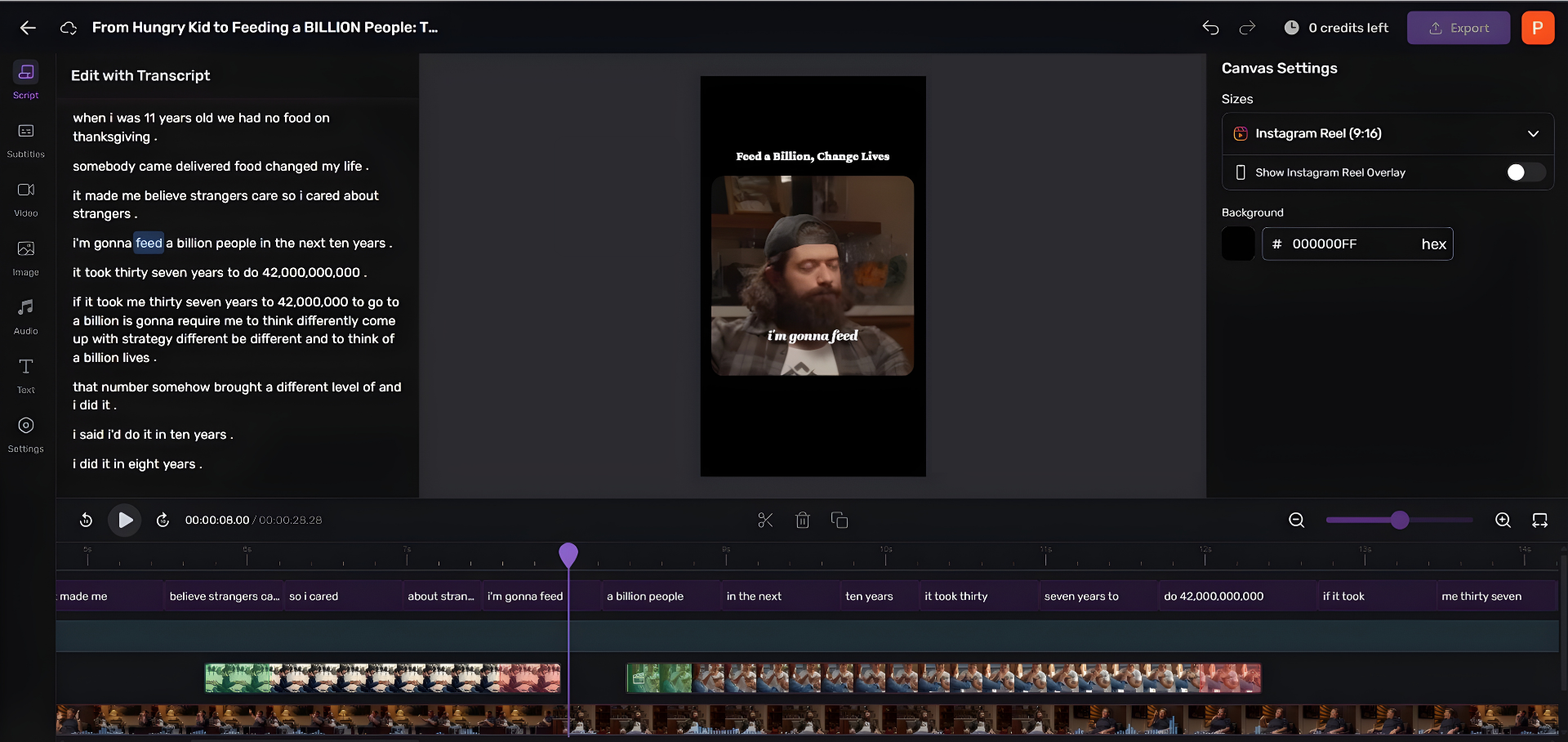
Descript's hook is editing by transcript: it transcribes your recording and lets you cut audio by deleting words on the page, plus AI filler-word removal and voice cleanup. It records on Windows and has a free tier with paid plans from roughly $24/month. For a host who finds waveforms intimidating, the text-first model is the gentlest on-ramp here.
Honesty line: Descript is a fantastic editor and a serviceable recorder, but it's not built around low-latency multi-mic local tracking the way REAPER or a dedicated interface workflow is. Record clean in something solid, then bring it into Descript to edit if that workflow clicks for you. Beginners weighing this against the others should read our breakdown of podcast editing software for total beginners.
The multi-USB-mic trap (the Windows-only one)
Here's the problem that no Mac podcaster has to think about and every Windows podcaster eventually hits. You buy two USB mics for you and a co-host, plug both into the PC, and expect to record both. Windows resists, and even when you force it, the two tracks slowly drift out of sync over a long episode, a faint echo that gets worse the longer you record.
The cause is physics, not software. Each USB mic has its own internal clock measuring audio samples, and no two clocks tick at exactly the same rate. Over 45 minutes those tiny differences add up to audible drift (Venture Podcasting on multi-mic recording). On a Mac you can paper over it with an Aggregate Device; on Windows you'd reach for ASIO4ALL or a routing tool like Voicemeeter, and even then the clock-drift risk remains.
The clean fix is hardware, not a clever setting: record two (or more) people through a single audio interface with multiple XLR inputs, a Focusrite Scarlett 2i2 for two hosts, an 18i8 for a panel. One device means one shared clock, so every channel stays locked together and you get one stable native ASIO driver instead of fighting two. If you're deciding whether you even need one, start with whether an audio interface is worth it for your show, then the best interfaces with two mic inputs. Recording a solo show with one USB mic? None of this applies, pick the right USB mic and record in WASAPI.
After you record: getting clips out fast
Once your episode is recorded and edited on Windows, the next bottleneck is turning it into something people see. A 30-minute episode holds enough 30-to-90-second moments for a week or two of short-form posts, and short clips reportedly drive 20–40% of new audience for video shows, a directional figure rather than a hard benchmark (Podcast Studio Glasgow). Cutting those by hand on a PC is the part that quietly eats your week.