
The Best Podcast Recording Software for Mac

For most people recording a podcast on a Mac, start with GarageBand, it's free, built in, and runs natively on Apple silicon. Move up to Logic Pro ($199.99 one-time, Apple) when you outgrow it. If you record remote guests, Riverside beats both. The full picture, with live-checked 2026 prices, is below.
The good news for Mac owners: you already have a capable recording studio installed. GarageBand handles a solo show or an in-person two-mic interview without costing a cent, and Apple has kept tuning it for M-series chips. The decision that actually matters is not "which app is best", it's "which app fits how I record." Solo at a desk, two people in a room, and guests across the country each point to a different tool. This guide sorts them that way, and walks through the one Mac-specific setup step, the aggregate device, that breaks more first recordings than any software bug.
The short answer, by how you record
| You record... | Best Mac pick | Why |
|---|---|---|
| Solo or one in-person guest, on a budget | GarageBand | Free, built in, native Apple silicon |
| Same, but you've outgrown the basics | Logic Pro | One-time $199.99, full DAW, no subscription |
| Spoken-word with clean publishing tools | Hindenburg PRO | Built for voice, auto-leveling, direct upload |
| Capturing audio from any app or call | Audio Hijack | Records anything playing on your Mac |
| Editing by deleting words in a transcript | Descript | Text-based editing, free tier to try |
| Remote guests in studio quality | Riverside | Local recording on each device, Mac app |
No single app wins for everyone. A solo host who films at a desk and a producer wrangling four remote guests need different software, and paying for features you'll never open is the most common Mac-podcasting money mistake I see.
The Apple ladder: GarageBand to Logic Pro
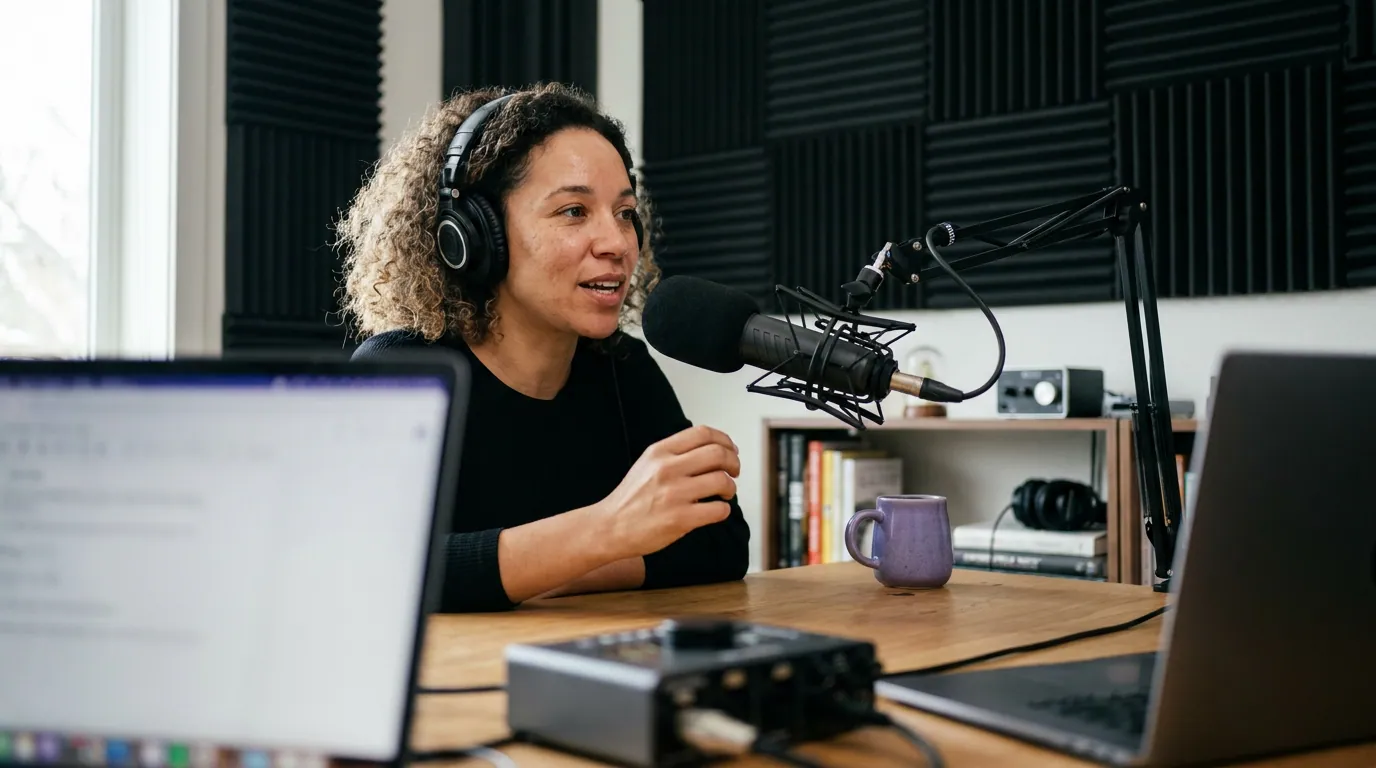
The cleanest path on a Mac is also the cheapest one to start: begin in GarageBand, graduate to Logic Pro when the ceiling gets in your way. The two apps share an interface and a project format, so the move costs you almost no relearning.
1. GarageBand, the free default that's genuinely enough
Price: Free, included with macOS (Apple). Best for: Solo shows and in-person interviews on a Mac, especially when you're starting out.
GarageBand records multiple tracks, runs natively on Apple silicon with near-zero monitoring latency, and edits non-destructively, meaning your EQ, gain, and noise-gate changes never touch the original audio file and can be undone at any point. For a one-person show or two people sharing a room, that's a complete recording chain for free.
The honest cons are real. GarageBand was built for music, so a spoken-word setup means manually switching off the metronome and time signatures every time. It has no transcript-based editing, limited plugins, and no built-in way to publish to a podcast host. And it's Mac and iOS only, if a co-host is on Windows, your projects don't travel.
Apple's own "Reduce Background Noise" works, but apply it after recording, never during, or you'll bake artifacts into clean takes. Start here. You may never need anything else.
2. Logic Pro, the upgrade you buy once
Price: $199.99, one-time, from the Mac App Store (Apple). Best for: Podcasters who've hit GarageBand's limits and want a real DAW they own outright.
Logic Pro is GarageBand's grown-up sibling: more tracks, deeper automation, a full plugin suite, and finer control over mixing and mastering. The standout in 2026 is the pricing model. Logic Pro is a one-time $199.99 purchase with free updates, no subscription, which is rare for professional software now. For a podcaster who records for years, a one-time purchase beats any subscription handily.
One thing worth knowing before you buy: Apple offers a 90-day free trial of Logic Pro for Mac (Apple, Logic Pro), which is unusually generous. You can run several real episodes through it, end to end, before paying a cent.
That trial is the closest thing to a no-risk test, so put your actual workflow through it before deciding. And because Logic Pro is a one-time purchase, it's yours regardless of what Apple changes next, with no subscription to cancel and no access to lose.
The con: Logic is overkill for a simple talk show. If you're not building intros, scoring video, or running a dozen tracks, GarageBand does the same recording job for free.
Beyond Apple's apps: the specialists
GarageBand and Logic cover the basics and the high end. Three non-Apple apps each do one thing better.
3. Hindenburg PRO, built for the spoken word
Price: From $12/month (or $99/year), with a one-time perpetual license also available (Hindenburg). Best for: Interview and narrative shows that want voice-first tools and one-click publishing.
Where Logic thinks in songs, Hindenburg thinks in voices. Automatic leveling balances host and guest without you riding faders, a clipboard workflow speeds up assembling segments, and it publishes directly to major podcast hosts. For a journalist or storyteller, it removes steps the music DAWs leave to you.
The cons: the pricing is genuinely confusing, features split across personal, business, and educational tiers with different transcription allowances, and it has moved heavily toward subscription, though the perpetual license still exists for buyers who hate recurring bills. For pure music-style production it's narrower than Logic, by design.
4. Audio Hijack, record anything playing on your Mac
Price: $69, one-time, Mac-only, no subscription (Rogue Amoeba). Best for: Capturing audio from any app, a browser call, a VoIP guest, system audio, into a clean recording.
Audio Hijack from Rogue Amoeba is the rescue tool for awkward setups. It grabs audio from any source on your machine and routes it where you need it, exactly what you reach for when a guest insists on a platform that won't record locally. Rogue Amoeba sells it for a flat price year-round and skips gimmicky sales, which is rare in a subscription-soaked market.
The con: it's a capture-and-route tool, not an editor. You'll record with it and edit elsewhere, usually in GarageBand or Logic. And it's Mac-only, which on this list is a feature.
5. Descript, edit your audio like a document
Price: Free tier (60 media minutes/month, watermarked video export); Creator at $24/user/month billed annually ($35 monthly) (Descript). Best for: Podcasters who'd rather delete words from a transcript than drag waveforms.
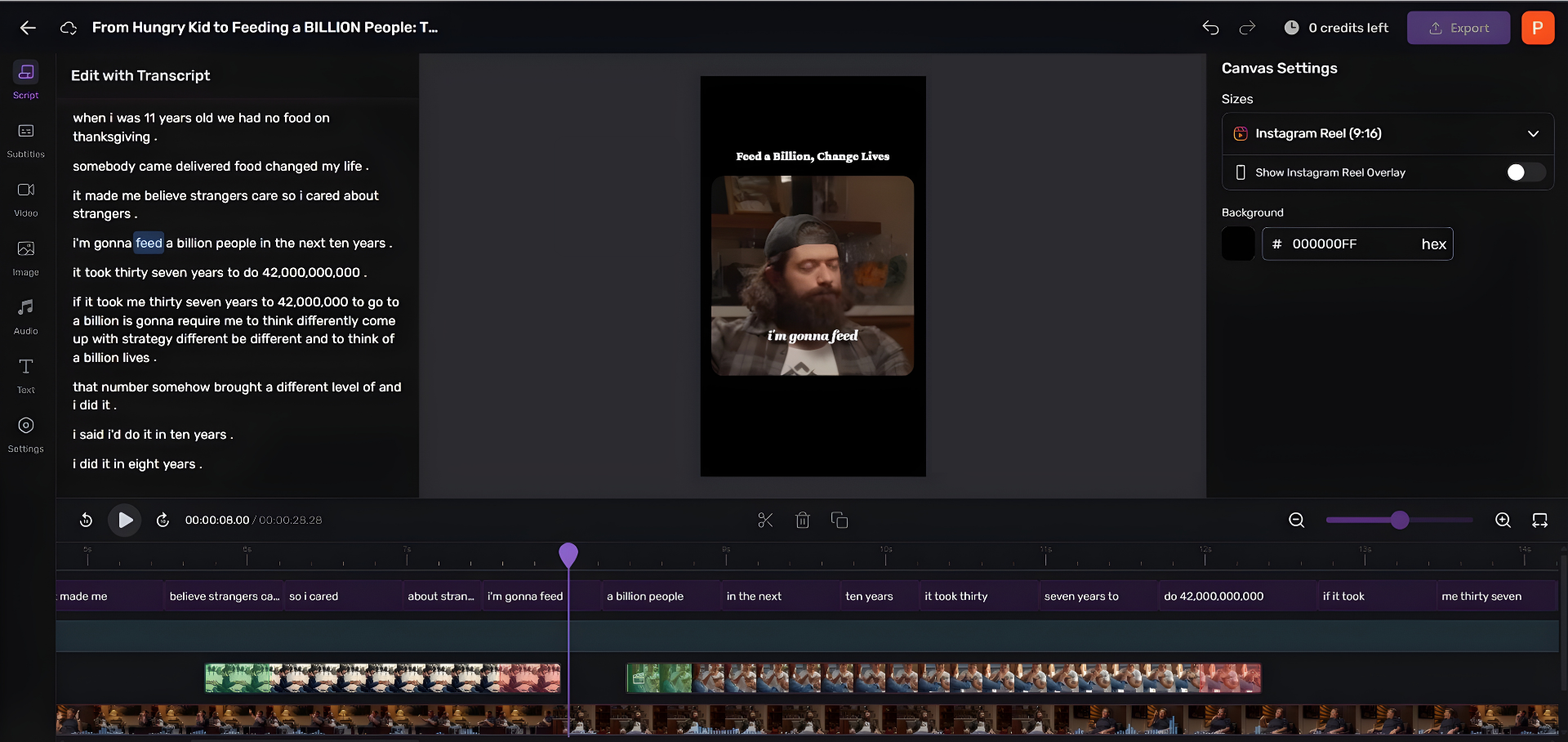
Descript transcribes your recording and lets you edit the audio by editing the text, cut a sentence from the transcript and the audio cuts with it. For removing filler words, tightening rambles, and assembling a rough cut fast, it changes how editing feels. The free plan is a real way to try it on a Mac before paying.
Two honest cautions. Descript bills by media minutes, and it counts everything you import, not just your final episode, record two hours and trim to forty minutes, and the full two hours still draws down your quota. Its 2025 metering overhaul (media minutes plus AI-credit top-ups) made costs harder to predict, which is the loudest complaint in its own reviews. Budget by your raw recording time, not your published length.
6. Riverside, the answer for remote guests
Price: Free tier (2 hours, 720p, watermarked); Standard around $19/month; Pro around $29/month (Riverside). Best for: Interview shows recording guests who aren't in the room.
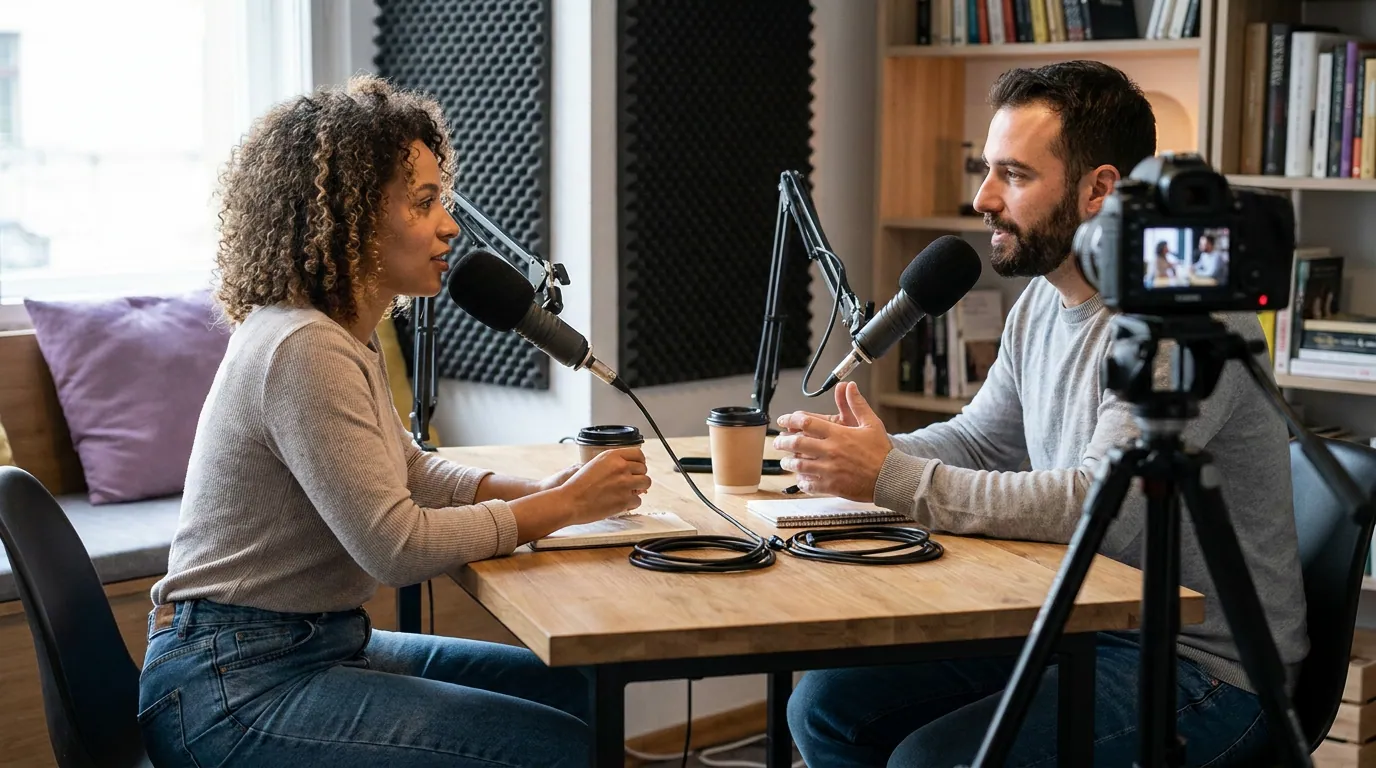
GarageBand and Logic assume everyone shares your Mac. Riverside assumes the opposite. It records each participant's audio and video locally on their own device at up to 4K, then uploads the files, so a guest's shaky Wi-Fi doesn't wreck their track. It runs in the browser and has a Mac app, and the free tier is enough to test the workflow on a real guest. If you record remote, this single feature outweighs everything the desktop DAWs do better.
The con: for solo recording at your own desk, Riverside is the wrong tool, you're paying for remote capture you don't use. Match it to interview shows. For a deeper look at the remote category, see our breakdown of Riverside vs Zencastr vs SquadCast.
The Mac-specific gotcha: recording two USB mics
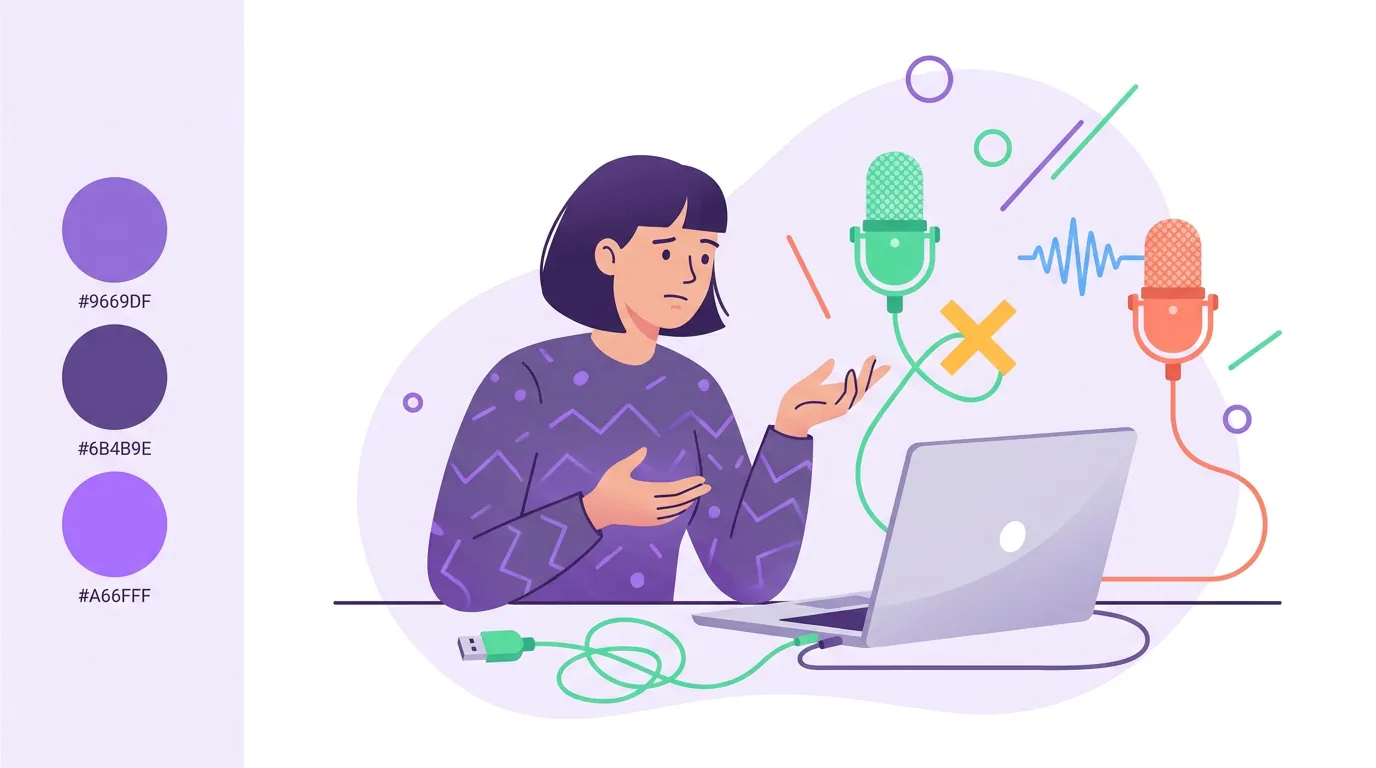
This is the wall most new Mac podcasters hit, and almost no software guide warns about it. You cannot record two USB microphones on separate tracks by just plugging them both in. macOS lets only one USB mic act as the master clock, so your DAW will see one mic and ignore the other.
The fix is built into macOS and free: an aggregate device. You combine both mics into one virtual input that GarageBand or Logic treats as a single multi-channel source (Apple).
The steps, in order:
- Open Audio MIDI Setup (Finder → Go → Utilities).
- Click the + at the bottom of the sidebar and choose Create Aggregate Device.
- In the right pane, tick the Use checkbox for each mic you want to include.
- Enable Drift Correction on every mic that is not set as the clock source, skip this and your mics slowly fall out of sync over a long episode.
- In GarageBand or Logic, set the input device to your new aggregate device, then assign each channel to its own record-enabled track.
One practical note: most USB mics draw power over the port, so if you're using a hub, make it a powered USB-C hub or one mic will drop out mid-record. The cleaner alternative once you have two or more mics is a small audio interface or mixer, which provides a single clock and avoids the drift problem entirely, covered in our guide to podcast mics by budget tier.
How I evaluated these
I set up each app on Apple-silicon Macs across the budgets I usually work with, recording both solo takes and two-person sessions, and checked every price against the vendor's own page in June 2026 rather than trusting roundup sites. The lens is a podcaster's, not an audio engineer's: how fast you get a clean recording, what it costs to keep using, and whether it survives a real guest. SaaS prices move, re-check the linked pages before you buy, and note that Descript and Riverside bill by usage, so your real cost depends on how much raw audio you push through them.
Which Mac podcast software should you pick?
Start with GarageBand if you record solo or in a room; it's free and already installed. Move to Logic Pro ($199.99 one-time) when you outgrow it, Hindenburg for voice-first publishing, Audio Hijack to capture calls, Descript to edit by text, and Riverside for remote guests. The decision rule, in one line each:
- Just starting, recording solo or in a room: GarageBand. It's free and it's already installed.
- Outgrown GarageBand, want to own your tools: Logic Pro at $199.99 one-time, or the Creator Studio month to test it first.
- Voice-first show, want clean publishing: Hindenburg PRO.
- Need to capture a call or app audio: Audio Hijack.
- Want to edit by deleting text: Descript's free tier, then Creator if it sticks.
- Recording remote guests: Riverside, every time.
Most Mac podcasters overspend by buying a pro tool on day one. Start with GarageBand, learn what genuinely frustrates you, then buy the specific app that fixes that frustration. If you also work across machines, our Windows recording software guide covers the cross-platform picks, and our roundup of free podcast recording software goes deeper on the zero-cost options.
FAQ
What is the best free podcast recording software for Mac?
GarageBand is the best free option for most Mac podcasters. It's built into macOS, records multiple tracks, runs natively on Apple silicon, and edits non-destructively. For remote guests, Riverside's free tier (2 hours, 720p, watermarked) is the better free starting point because it records each guest locally.
Is GarageBand good enough for a real podcast?
Yes, for solo shows and in-person interviews. GarageBand handles multitrack recording and basic editing well enough to publish a professional-sounding episode. Its limits are no transcript-based editing, no direct podcast-host publishing, and music-oriented defaults you switch off manually. Many established shows are recorded entirely in GarageBand.
Can I record two microphones at once on a Mac?
Yes, but two USB mics won't work by plugging both in, macOS allows only one USB clock source. Create an aggregate device in Audio MIDI Setup, check both mics, and enable Drift Correction on the non-clock mic (Apple). Each mic then records to its own track in GarageBand or Logic.
Should I buy Logic Pro, or try it first?
Buy Logic Pro ($199.99 one-time) if you'll podcast for years, it's yours forever with free updates. Not sure yet? Start with Apple's free 90-day Logic Pro trial (Apple, Logic Pro) and run a few real episodes before you pay. If you also want video editing, Final Cut Pro is a separate $299.99 one-time purchase.
Do I need paid software to start a Mac podcast?
No. GarageBand records and edits a complete episode for free, and Descript and Riverside both have usable free tiers. The smart path is to start free, find your specific bottleneck, and pay only for the tool that removes it. For editing-first beginners, see our podcast editing software for beginners guide.