
Riverside vs Zencastr vs SquadCast Compared (2026)

Pick Riverside if your show is video-first, it has the most stable native 4K and clean separate tracks per person. Pick Zencastr if you want recording, editing, hosting, and distribution under one login. Pick SquadCast if you already live in Descript, since it now ships bundled with every Descript subscription. All three record each guest locally, so a guest's flaky Wi-Fi no longer ruins the audio.
That is the short version. The longer version matters because these three tools look almost identical on a feature grid and differ a lot in practice. Below is a head-to-head matrix scoring each on five things that actually change your editing day: local track quality, maximum guests, video resolution, what happens when someone's connection drops, and what you pay per host. Every spec was checked against the official pricing and support pages in mid-2026, and where those pages disagree with reviewers, I say so.
The 30-second comparison table
Here is the same data in a snippet-friendly form. Prices are the entry paid tier, per host, billed monthly unless noted, verify on each vendor's page before you buy, because SaaS pricing moves.
| Tool | Best for | Entry paid plan (per host) |
|---|---|---|
| Riverside | Video-first shows; stable 4K | $19/mo Standard (annual); 4K needs Pro at $24/mo |
| Zencastr | All-in-one: record + edit + host + distribute | $20/mo Standard; 4K needs Grow at $24/mo |
| SquadCast | Teams already using Descript editing | $16/mo Hobbyist (annual; $24 monthly) |
Sources: riverside.com/pricing, zencastr.com/pricing, squadcast.fm/pricing, all mid-2026. Annual billing is assumed throughout (monthly runs higher on every tool). One catch worth flagging: Riverside's Standard tier is the cheapest entry, but the stable 4K that makes Riverside worth picking for video lives on Pro at $24/mo, so the price you actually pay depends on whether you need video.
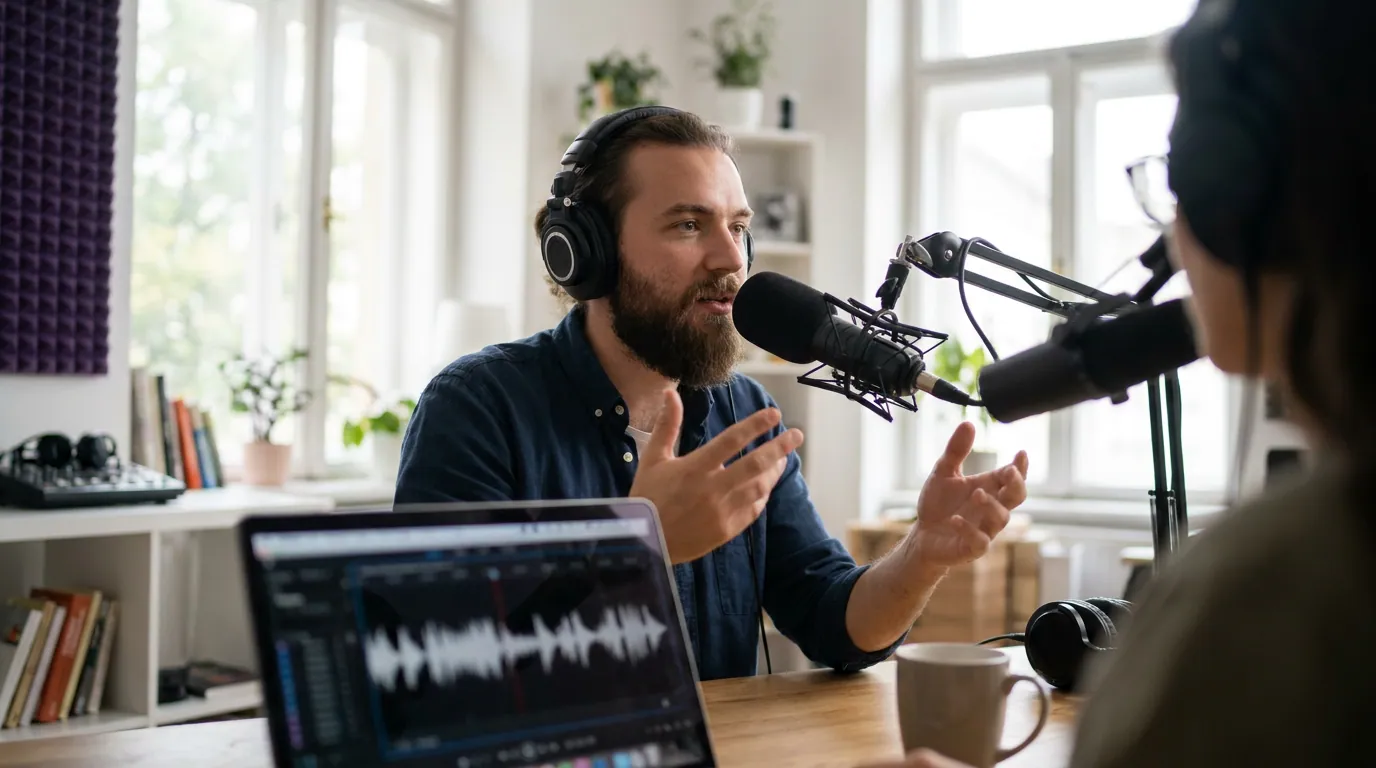
How the five axes actually play out
A feature table tells you what a tool has. These five axes tell you what it does to your week.
Local track quality
All three platforms do the one thing that defines this category: they record each participant's audio and video locally on their own device, then upload the files, instead of capturing a compressed live call. That is why remote interviews on these tools sound like everyone is in the same room, and why a Zoom recording never will.
The quality ceiling is closer than the marketing implies. Riverside captures up to 4K video and uncompressed 48kHz WAV audio locally per its own page, and its real edge is video, not audio bit depth. Zencastr records lossless 16-bit 48kHz WAV on paid plans, clean and plenty for any audio podcast, and effectively the same audio ceiling as Riverside. SquadCast delivers isolated and mixed tracks per person and, since the Descript acquisition, leans on Descript's editing for cleanup rather than competing on raw capture format. Ignore anyone who tells you one of these has dramatically better audio than the others; for spoken word, all three clear the bar. The real separation is video.
Maximum guests
This is the axis people get wrong most often. Zencastr supports the most: 12 total (1 host + 11 guests) on computers that meet the system requirements, per its official support docs. Riverside and SquadCast both cap at 10, a host plus 9 guests, confirmed on Riverside's own page and SquadCast's pricing FAQ ("1 Host + up to 9 Guests" on Mainstage). If you run a big roundtable or a live panel, Zencastr's two extra seats are the deciding factor.
Video resolution
All three now claim 4K, but the word means three different things. Riverside has the most proven, stable native 4K, its own competitor page describes it as 4K "without glitches or compression issues," and reviewers consistently back that up. Zencastr supports 4K but gates it behind its Grow tier (~$24/mo); the cheaper Standard plan records 1080p. SquadCast's 4K is still in beta and, by multiple reviewer accounts in 2026, not consistently stable across sessions. For an audio podcast none of this matters. For a video show that lives on YouTube, it is the whole ballgame, and it is the clearest reason video-first hosts pick Riverside.
Drop recovery
What happens when a guest's laptop crashes mid-sentence? Riverside and SquadCast both use progressive uploads: each device streams its local recording to the cloud while you record, so a crash costs you seconds, not the episode. Riverside's page puts it plainly, "no data is lost even if a computer crashes." Zencastr records locally too, but its public docs emphasize the local-capture model more than continuous mid-session upload, so on the strict "survives a hard crash" test, Riverside and SquadCast have the edge. For a one-take interview with a hard-to-rebook guest, that resilience is worth more than a resolution bump.
Per-seat price
The honest comparison here has a twist, and it's the one most roundups get wrong. The three entry tiers are nearly identical: SquadCast Hobbyist at $16/mo, Riverside Standard at $19/mo, Zencastr Standard at $20/mo (all annual-billed). But those headline numbers hide what you're actually buying. SquadCast's $16 now bundles Descript's full editor, recording and editing in one fee. Zencastr's $20 includes hosting and distribution that Riverside doesn't. And Riverside's $19 Standard caps video at 1080p, the stable 4K that's the whole reason to pick Riverside lives on its Pro tier at $24, the same price as Zencastr's 4K Grow tier. So the cheapest recorder, the cheapest 4K video studio, and the cheapest full workflow are three different tools at three different prices, which is exactly why the matrix beats a single price ranking.
Honest mini-reviews: pros and a real con for each
Riverside
What it's genuinely good at: the most reliable high-resolution video capture in the category, clean separate 4K tracks per person, uncompressed 48kHz audio, and strong drop recovery. Built-in tools (transcription, Magic Clips, a teleprompter on higher tiers) make it a near-complete video-podcast studio. The free plan gives you 2 hours of recording, though capped at 720p with a watermark, per its pricing page.
The real con: it isn't an all-in-one, you still need separate hosting, and serious edits usually move to another editor. The stable 4K that justifies picking Riverside requires the Pro tier ($24/mo annual); the cheaper Standard tier records 1080p. Recording hours are capped per tier, so heavy users hit overage limits faster than they expect.
Zencastr
What it's genuinely good at: scope. It's the closest thing to a podcast operating system, record up to 12 people, edit, host, get an RSS feed, generate AI clips, and see analytics from one dashboard. The highest guest ceiling here, and a genuinely usable free tier. If you want one login for the whole show, nothing else on this list matches it.
The real con: breadth over depth. Its 4K sits behind the Grow tier, and a few users have reported the free tier being restructured out from under them. A tool that does seven jobs rarely does any single one as well as a specialist, Riverside still beats it on pure video reliability.
SquadCast
What it's genuinely good at: value and editing integration. Now bundled with every Descript subscription, you get reliable local-track recording and one of the best transcript-based editors for a single fee starting at $16/mo annual. Clean, distraction-free recording experience; strong progressive-upload reliability; isolated tracks per person.
The real con: it's mid-transition. Descript is folding SquadCast's recording into its own "Rooms" feature, so the standalone app's future is uncertain. Its 4K is still in beta, and it doesn't live-stream to social platforms, so it's the weakest pick for video-first or live shows.

How we evaluated
I scored each tool on the five axes a working podcaster actually feels: local track quality, maximum guests, top video resolution, drop recovery, and entry per-seat price. Every spec was pulled from the vendor's official pricing or support page in mid-2026 and cross-checked against multiple independent 2026 reviews; where a vendor page and reviewers disagreed (Riverside's 4K tiering, SquadCast's beta 4K), I flagged the uncertainty in the body rather than picking the rosier number. I did not weight the axes, different shows weight them differently, which is the point of a matrix over a single rank. Prices exclude promotional discounts and annual-vs-monthly swings, both of which move the numbers.
Which one should you pick?
Pick Riverside for a video-first show headed to YouTube, where its stable 4K and progressive-upload drop recovery earn the higher price. Pick Zencastr for a multi-guest panel or a one-login workflow, its 12-person ceiling and built-in hosting beat both rivals. Pick SquadCast if you already pay for Descript. Match your show type to the shortcut below, then check it against the matrix.
- Solo host doing remote interviews, audio-first: SquadCast or Zencastr. Both record clean local tracks; SquadCast bundles editing, Zencastr bundles hosting. Riverside is overkill unless you're publishing video.
- Video podcast aimed at YouTube: Riverside. Stable 4K and the strongest drop recovery are worth the higher price when the clips and the channel are video.
- Multi-guest panel or roundtable: Zencastr, for the 12-person ceiling Riverside and SquadCast can't match.
- You already pay for Descript: SquadCast, since you may already have it included, record there and edit in the same place.
One caveat on all four picks: none of these tools is locked in forever. SquadCast is mid-merger, Zencastr reshuffles its free tier, and prices drift. Re-check the live pages before you commit a season's workflow, the axis your show weights most is what should decide it, not last quarter's price.
FAQ
Is SquadCast still its own product after the Descript acquisition? For now, yes, SquadCast runs as a standalone app and ships bundled with every Descript subscription. But Descript is folding its recording tech into a built-in "Rooms" feature, per Descript's own announcement, so expect the standalone experience to merge into Descript over time. Check the current state before committing a long workflow to it.
Which has the best free plan? Zencastr's free tier is the most generous for ongoing use, it includes recording and a usable feature set, with limits and storage windows that the vendor adjusts periodically, so check the current terms on zencastr.com/pricing. Riverside's free plan gives 2 hours of recording but caps video at 720p with a watermark, per its pricing page. SquadCast's free recording now runs through Descript's free tier, which is similarly capped at 720p with watermarks, confirm the current hour allowance on Descript's pricing before relying on it.
Do I need 4K for a podcast? Only if it's a video podcast on YouTube, and even then 1080p is fine for most channels. For an audio show, 4K is irrelevant, prioritize lossless local audio tracks and drop recovery instead. Don't pay up a tier for resolution you'll never publish.
Can any of these edit and post my clips for me? They handle recording and basic editing, but they aren't built for high-volume short-form clipping across platforms. After you record, a dedicated clipping tool turns the episode into vertical, captioned clips. See our guides to podcast editing software for beginners and free podcast recording software for the adjacent steps.
What about Mac vs Windows compatibility? All three run in the browser, so they work cross-platform, but performance and local-recording stability can differ by machine. If you're choosing hardware around your software, see the best podcast recording software for Mac and recording software for Windows, ranked.
Recording gear and software are only half the setup. If you're still building the rig, start with the best podcast mics by budget tier and the best podcast mic under $100 before you spend on software seats.