
Do You Need an Audio Interface to Podcast?

No. Most new podcasters do not need an audio interface, and buying one before your show needs it is the easiest $100–$250 to waste in podcasting. A good USB mic plugs straight into your laptop and gives you a clean, publishable voice. You need an interface only when something specific forces it, a second person in the room, an XLR mic you've decided to buy, or a setup the USB path can't handle.
That "something specific" is what this guide is about. Below is a flowchart that gets you to a yes or no in under a minute, the five real triggers that justify the spend, the dollar break-even point where an interface actually pays for itself, and the cases where people buy one for reasons that don't hold up. Spend no money until you've checked your answer against it.
What an audio interface actually does
An audio interface is a box that sits between an XLR microphone and your computer. It supplies the power some mics need, converts the analog mic signal into digital audio your laptop can record, and gives you a physical knob to set the recording level. Common podcast models are the Focusrite Scarlett Solo, the PreSonus AudioBox, and the RODE AI-1, roughly $100 to $250 for one or two inputs.
A USB microphone has that same converter built into the mic body. The signal chain is one cable: mic to laptop. There is no separate box, no extra power supply, no second thing to drive you mad when the audio doesn't show up. For one person recording in a quiet-ish room, that simplicity is the whole point.
So the real question is never "do I need better sound." A modern USB mic and an XLR-plus-interface chain at the same price point sound close enough that listeners can't tell. The question is whether your setup needs the things only an interface provides. Four questions sort that out.
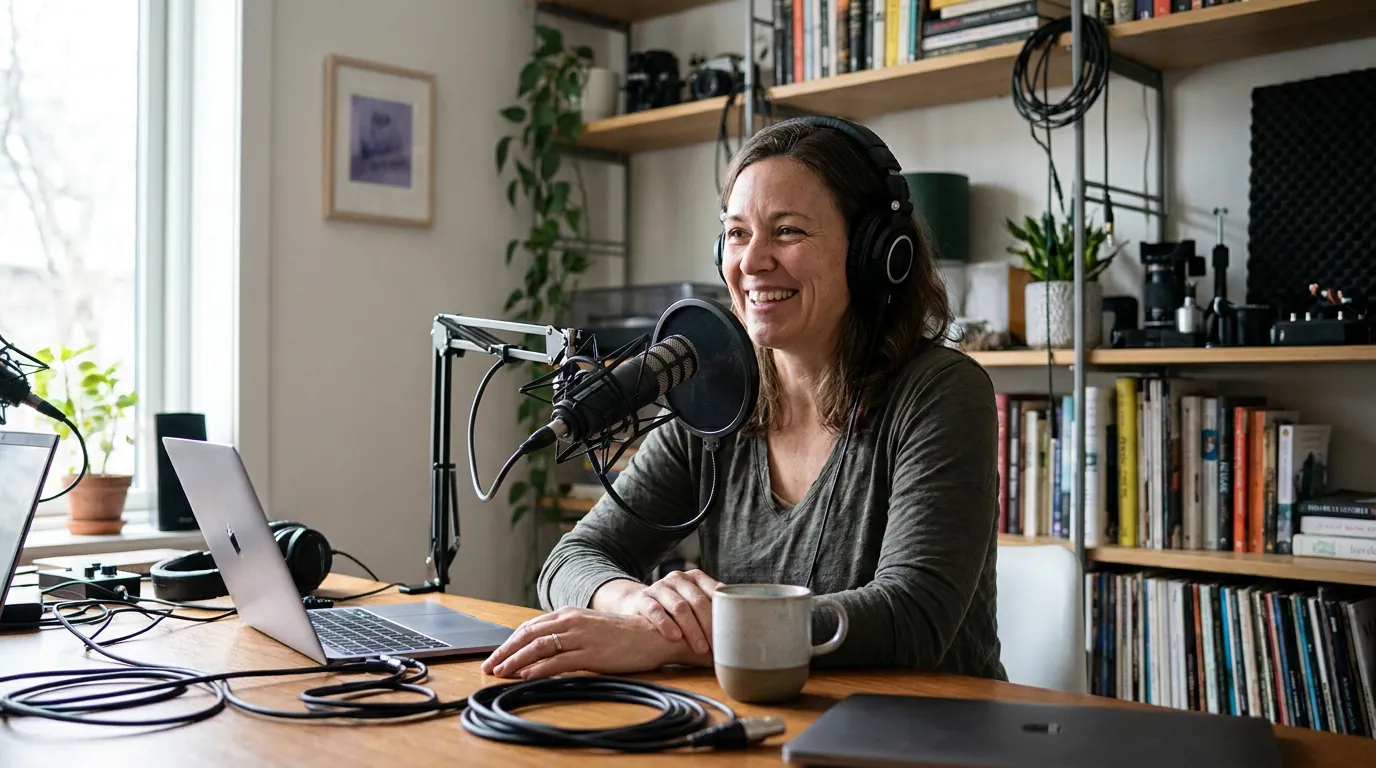
When a USB mic is genuinely enough
A USB mic covers you completely if you record alone (or remotely, with each guest on their own device), in a normal room, and you're not committed to a specific XLR microphone. That describes the large majority of new shows. You plug in, set your input in the recording app, and you have a clean voice with zero extra hardware to learn.
This isn't a budget compromise you'll regret. The Samson Q2U, at around $70 (verify current price), is a dynamic USB-and-XLR mic that working podcasters use for years. A USB mic in a quiet room with the mic six to eight inches from your mouth beats an expensive XLR chain used badly in an echoey one, every time. The Podcast Host's mic technique guide makes the same point: poor technique makes the best microphone sound bad, and a 6-to-8-inch distance in a controlled space does more for your audio than a price upgrade. Our own rule of thumb from rigging shows on $150 and $5,000 budgets: the audible gap between those two setups is smaller than the gap between bad technique in a noisy room and good technique in a treated one.
If you record remote interviews, the math gets even clearer. Each person records their own side locally on their own mic, and you stitch the tracks together afterward. No interface is recording two voices at once because the two voices aren't in the same room. A USB mic per person is the whole rig.
Is a USB mic good enough for a professional-sounding podcast? Yes. A dynamic USB mic used six to eight inches from your mouth in a quiet, soft-furnished room produces audio listeners accept as professional. Sound quality is decided far more by room noise and mic distance than by whether the converter sits inside the mic or in a separate box.
The five triggers that justify an interface
Buy an interface when one or more of these is true. Not before. Each one is a concrete situation, not a vague "you'll want better quality someday."
- Two or more people record in the same room. This is the single most common real reason. To give each voice its own clean, separately editable channel, you need two XLR mics into a two-input interface. USB mics can technically be combined, but it's fiddly and you usually can't isolate one person's audio in the edit. One room, two-plus voices: an interface earns its cost.
- You've decided on a specific XLR mic. Some mics you may want, the Shure MV7 in XLR mode, or a classic broadcast mic, connect only over XLR. If your heart's set on one, the interface isn't optional; it's the thing that lets the mic exist on your computer. (The MV7 also has a USB mode, which is exactly why hybrid mics are popular, more on that below.)
- A power-hungry mic that needs phantom power or a clean gain stage. Quieter dynamic mics and most condenser mics want a strong, clean preamp or 48V phantom power that laptop USB ports don't reliably supply. An interface (or an inline booster like a Cloudlifter) fixes the thin, hissy sound you get when you crank software gain to compensate.
- You're recording an instrument or line-in source alongside voice. Musicians, live-scoring shows, or anyone plugging in a guitar, mixer, or hardware synth needs the instrument and line inputs an interface provides. USB mics give you one fixed input and nothing else.
- You've outgrown software monitoring and want zero-latency, hands-on control. If you record long sessions and the slight delay of monitoring through software bothers you, or you want a physical gain knob and direct headphone monitoring, an interface gives you that. This is a comfort trigger, not a quality one, but for heavy users it's real.
If none of these is true for you, you have your answer: skip it. For the deeper either/or on the mics themselves, see our guide to USB vs XLR mics and when to switch.

The dollar break-even point
Here's the part most equipment guides skip: the interface doesn't have a single price, because it never travels alone. The honest comparison is the total cost of the recording chain, and the break-even point sits there.
For one person, USB wins on cost almost every time. A solid USB mic is around $70–$130 and that's the whole chain. Going XLR for one person means a mic ($70–$130) plus an interface ($100–$250) plus an XLR cable, call it $180–$400 for the same single clean voice. You pay roughly $100–$250 more to record exactly what one USB mic already records. That premium only makes sense if a trigger above forces it.
The break-even flips the moment you add a second in-room voice. Two USB mics into one laptop is awkward and often can't isolate each person; the clean solution is two XLR mics into a two-input interface. At that point the interface isn't a premium, it's the only practical path to two separately editable tracks. So the dollar rule is simple: for one solo voice, an interface costs you money it won't earn back; for two-plus voices in one room, it's the cheapest reliable way to get clean, separate channels. Ausha's podcast cost guide puts a single podcast mic at $50–$400 (about $100–$800 once you add a second mic for interviews); entry interfaces like the Scarlett Solo or PreSonus AudioBox add roughly $100–$250 on top, check current prices before buying.
When people buy one and shouldn't
These are the reasons I hear most often for buying an interface that don't survive scrutiny. If your reason is on this list, keep the money.
- "It'll sound more professional." At matched prices it won't, audibly. Listeners can't hear the converter; they hear your room and your mic distance. Treat the room and learn the technique first.
- "I want to future-proof." Future-proofing usually means buying for a show you don't have yet. If you switch to in-room guests in six months, buy the interface in six months, by then you'll know exactly which inputs you need, and prices may be lower.
- "Everyone serious uses XLR." Plenty of serious shows run hybrid USB-and-XLR mics in USB mode for years and never touch an interface. The mic that grows with you is often a hybrid USB/XLR mic, which lets you delay the interface decision until your show actually demands it.
- "My audio sounds thin, so I need an interface." Maybe, if it's a gain-starved dynamic mic (trigger 3). But thin audio is more often a room or distance problem. Get closer to the mic, kill the reflections, and re-check before spending.
The pattern: an interface solves specific hardware needs, not "I want to be better." Get the cheap fundamentals right and most of the perceived gap disappears.

The shortcut: buy a hybrid mic and decide later
If you want one buy that postpones the whole decision, get a hybrid USB/XLR mic like the Samson Q2U (~$70) or the Shure MV7. You record over USB today with no interface at all. If your show later grows into in-room guests or you want the cleaner XLR gain stage, the same mic plugs into an interface, no re-buying the mic.
This is the lowest-regret path for a new show that might grow. You spend USB money now, you keep the XLR door open, and you only pay the interface tax when a real trigger arrives. For the full budget breakdown by price point, see our best podcast mics by budget tier, and if you're starting at the bottom, the best podcast mic under $100. Once your audio is sorted, put the saved energy into a repeatable episode structure that keeps listeners, that moves your numbers far more than any box of converters.
FAQ
Can you podcast without an audio interface? Yes, easily. A USB microphone plugs straight into your laptop and records publishable audio with no interface at all. Most solo and remote-interview podcasts never use one. You need an interface only when you record two-plus people in one room, choose an XLR-only mic, or run a power-hungry mic or instrument.
Is an audio interface worth it for one person? Usually not. For a single voice, a USB mic gives the same audible result for $100–$250 less, because going XLR means buying the mic, the interface, and the cable to record exactly what one USB mic already records. Buy the interface only if you've committed to an XLR-only mic or a gain-hungry mic that needs phantom power.
Audio interface vs USB mic, which sounds better? At matched prices, the difference is inaudible to listeners. The interface chain offers a stronger preamp, phantom power, and extra inputs, but not "better sound" on its own. Your room noise and how close you sit to the mic decide perceived quality far more than the converter does.
When should I buy an audio interface for my podcast? When a concrete trigger appears: a second in-room host or guest, a specific XLR mic you've decided on, a quiet dynamic or condenser mic that needs clean phantom power, or an instrument input. Until one of those is true, the money is better spent on room treatment or growth.
Do I need an interface to record two people? If both people are in the same room and you want each voice on its own clean, editable channel, yes, two XLR mics into a two-input interface is the reliable path. If your two people are remote, no: each records locally on their own USB mic and you combine the tracks afterward.