
USB vs XLR Microphone for Podcasts: Buy and Switch

Buy a USB mic. For almost every new show, a good USB dynamic gets you a clean, publishable recording with one cable and zero extra hardware. Move to XLR only when a specific need forces it, a second in-room guest, a noisy room you can't treat, or an editing workflow that wants separate audio tracks. The choice is no longer about which one sounds better. It's about how you record.
That framing matters because the old advice, "XLR is for serious podcasters, USB is for beginners", was true a decade ago and is mostly false now. A $99 USB mic and the same capsule wired over XLR sound close enough that your listeners won't pick the difference on a phone speaker. What actually changes between the two isn't fidelity. It's the shape of your recording setup: how many voices it handles, how much it costs once you count everything, and how much control you get in the edit. This guide scores the decision on those terms, gives you the total cost of each chain, and hands you a five-trigger checklist so you switch at the right time instead of overspending on day one.
USB vs XLR: which should you buy?
Buy USB if you're a solo or remote-only host recording in a reasonably quiet room, that's most people here. Buy XLR if you'll have two or more people at one desk, you need separate tracks per voice, or you're building a fixed studio. Hybrid mics that do both exist and are the safest hedge.
Here's the honest version of the trade. USB puts the whole sound chain, the capsule, the preamp that boosts the signal, and the converter that turns it digital, inside one mic body that plugs straight into your computer. XLR splits those jobs across separate boxes: the mic captures, an external audio interface (or mixer) does the preamp and conversion, and cables connect it all. More boxes means more cost and more setup. It also means more headroom to grow: a better interface improves every mic plugged into it, and one interface can run several mics at once.
For a single voice in a decent room, that extra flexibility sits unused. You paid for capability you don't record with. That's the core mistake this guide is built to stop.
Why the quality argument barely matters anymore
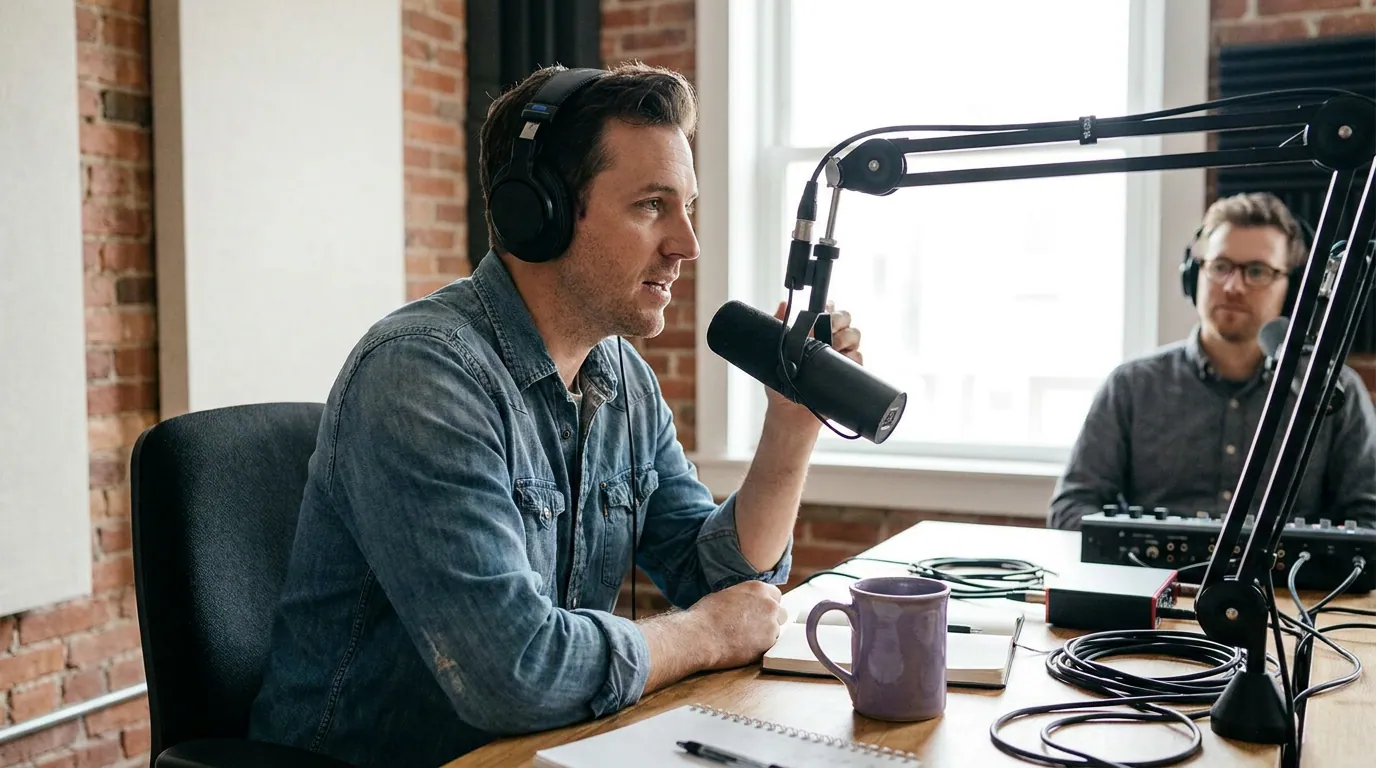
Here's the line we stand behind: the gap between a $150 and a $1,500 setup is smaller than the gap between bad mic technique in a noisy room and good technique in a treated one. It reframes the whole purchase. Where your mouth sits relative to the capsule, whether your desk reflects sound, and whether your room has soft surfaces will swing your audio quality far more than the USB-versus-XLR label on the box.
Modern USB dynamic mics carry good enough preamps and converters that, recorded well, they're broadcast-acceptable. The cases where XLR still wins on raw sound are narrow: very quiet voices that need a lot of clean gain, condenser mics that demand 48V phantom power, or a chain where you genuinely hear the difference of a better preamp on good monitors. Most podcasters never hit those edges. Spend the money you'd burn on an interface on a mic stand, a pop filter, and one moving blanket behind you instead, it'll do more for the recording.
The decision, scored on what actually differs
| Factor | USB | XLR |
|---|---|---|
| Setup | One cable, plug and record | Mic → interface → computer; more to configure |
| Cost of the full chain | Mic only ($50–$150 typical) | Mic + interface + cables ($150–$400+ total) |
| Voices at one desk | One per USB port (uneven past two) | Several, cleanly, on one interface |
| Separate tracks per person | Limited / awkward | Standard, each mic its own channel |
| Room for upgrades | Replace the whole mic | Upgrade interface or mic independently |
| Portability | Excellent, throw it in a bag | Heavier kit, more to pack |
Mic-cost ranges are anchored to common starting gear: podcast mics run roughly $50–$400 (with $150 the usual sweet spot), a one-person hobby setup lands around $100–$350 one-time, and a two-person host-plus-guest mic setup runs $100–$800, per Ausha's cost-to-start breakdown. Treat any single price as directional, gear and bundles move constantly, so confirm current pricing before you buy. The pattern, not the exact dollar, is what holds: USB is mic-only, XLR is mic-plus-system.
This isn't a fringe debate, either. In The Podcast Host's 2024 gear survey of 500-plus podcasters, USB mics were the most common at 36.1%, XLR close behind at 32.5%, and combo USB/XLR mics at 19.7%, a near-even split that tracks with the argument here: neither connector is "the pro one." What does shift is experience. Among hosts with 5+ years in, XLR jumps to 52.4%, because that's where the second guest, the separate tracks, and the fixed studio actually pile up.
The five upgrade triggers: when to switch from USB to XLR
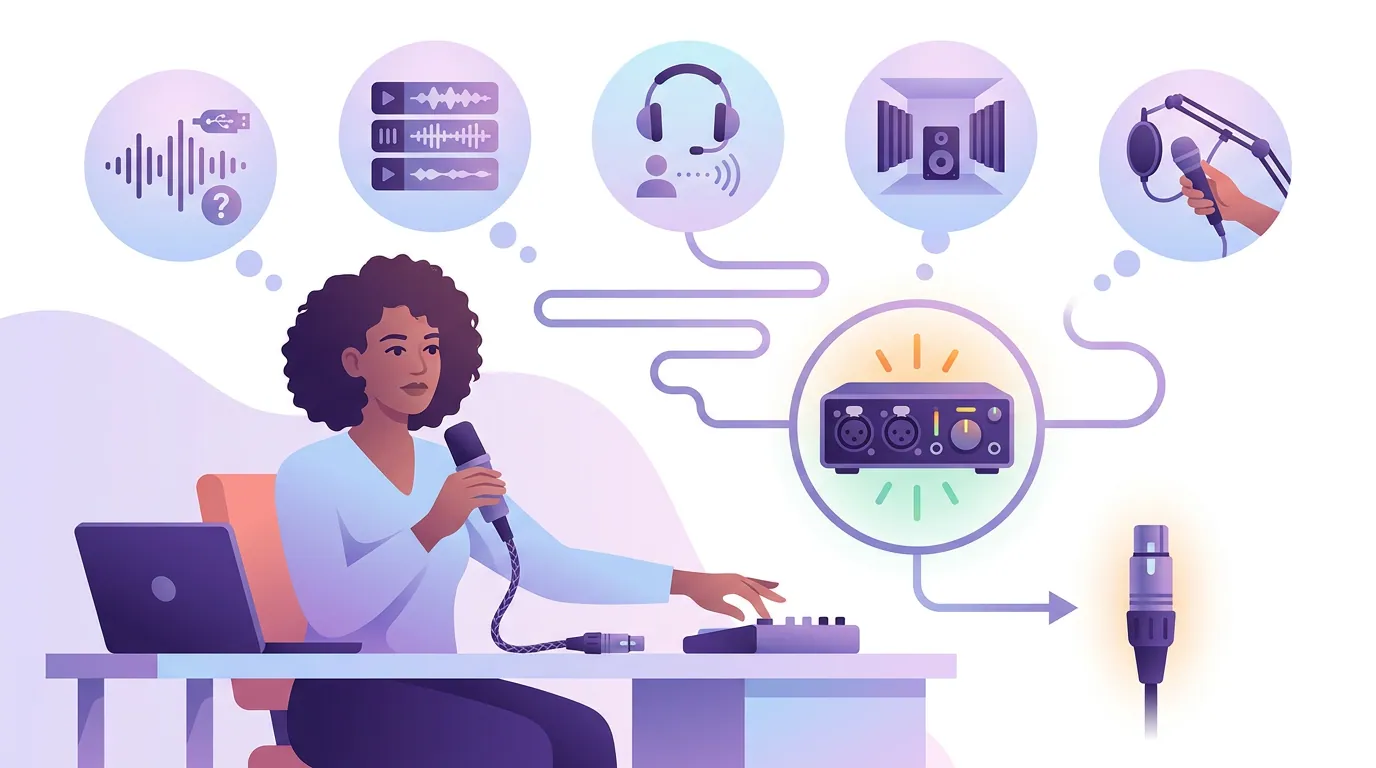
Don't switch on a feeling that you've "outgrown" USB. Switch when a real constraint shows up. Score yourself against these five. Tick three or more and XLR earns its cost; tick one or two and you're paying for capability you won't use.
- You record two-plus people in the same room. This is the strongest trigger by far. Running two USB mics into one computer is fiddly and often forces them onto one mixed track. An interface takes several XLR mics cleanly, each on its own channel. If your show is becoming a co-hosted or in-person interview format, XLR stops being optional.
- You need separate audio tracks per speaker. Separate tracks let you fix one person's volume, cut their coughs, and reframe vertical clips by who's talking without wrecking the other voice. When one speaker's line has to stand alone in a clip, isolated tracks are worth real money. USB rarely gives you this; XLR-through-an-interface does.
- Your room fights you and you can't treat it. A condenser mic in an untreated room is a mistake, but if your voice is quiet and you need lots of clean gain from a dynamic mic, a good interface preamp out-pushes most USB onboard preamps. This is a narrower trigger than people think, fix the room first, but it's real for soft-spoken hosts.
- You're building a permanent studio. If the rig lives on a desk and never moves, the setup cost is a one-time tax and the flexibility compounds. You can upgrade the interface once and improve every mic on it. For a kit you pack in a bag between coffee shops, that math inverts, stay USB.
- You've hit a ceiling you can name. Not a vibe. A specific, repeated problem: "the third guest's mic keeps clipping," "I can't separate the laugh track from the talk." If you can't name the ceiling, you haven't hit it. USB is still your answer.
The hedge: hybrid USB/XLR mics
There's a third option that defuses most of this debate. Several popular podcast mics, the kind built for exactly this audience, offer both a USB and an XLR output on the same body. You start by plugging the USB cable into your laptop today, and the day a trigger fires, you buy an interface and move the same mic onto its XLR port. No re-buying the capsule.
That's the genuinely safe path for a new show that suspects it'll grow but isn't there yet. You pay a small premium over a USB-only mic, and in exchange you never face the "buy the whole thing twice" problem. If you're undecided after the checklist above, a hybrid mic that grows with your show is the call. Pair it with a clear sense of whether you need a dynamic or a condenser for your room, that choice affects your sound more than the connector does.
Common mistakes that waste money
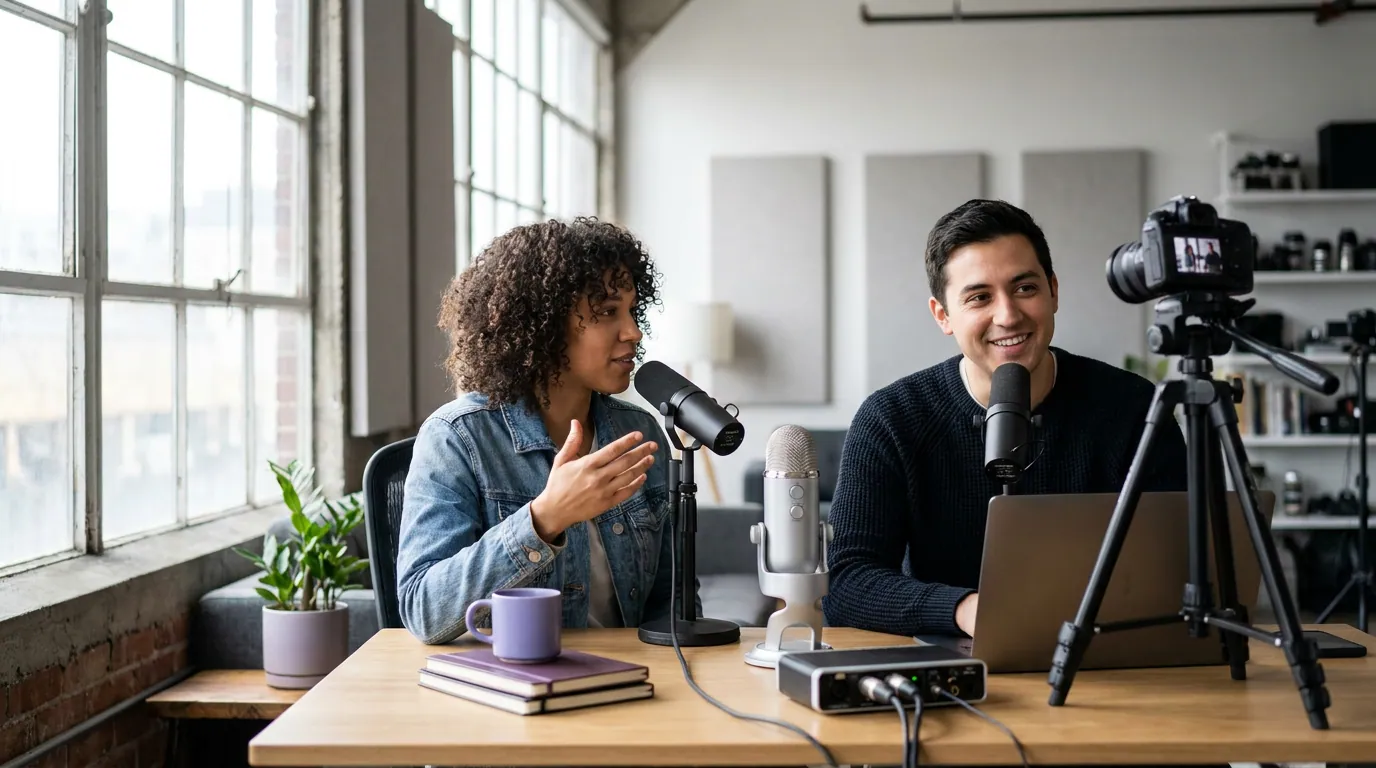
Buying XLR first "to be safe." This is the expensive default. You spend $350 on a chain to record one voice in a quiet room, when a $99 USB mic and a $20 stand would sound the same to listeners. Buy for how you record now; the switch checklist tells you when that changes.
Buying a condenser mic for an untreated room. Condensers are sensitive, they pick up the keyboard, the fan, the room echo. A dynamic mic (USB or XLR) rejects far more of that, which is why most podcast setups use one. Connector aside, dynamic versus condenser is the choice that protects your audio in a real home.
Skipping the stand and the room. People agonize over USB-versus-XLR and then record into a mic six inches too far away in a bare, echoey room. Get the mic close, kill the reflections behind you, and a budget USB mic outperforms a pricey XLR rig used carelessly. The cheapest upgrade is technique.
Forgetting the cost of the chain. The mic price you see online is the smallest part of an XLR setup. Budget the interface and cables before you commit, because the budget-tier mic guides and the under-$100 picks only count for half the bill once you add the hardware around the mic.
Frequently asked questions
Is USB or XLR better for a beginner podcaster? USB, in nearly every case. It's one cable, costs less for a single voice, and produces audio your listeners can't tell apart from XLR on a phone. Start USB, get your episode structure and scripting-versus-outlining habit solid first, and only move to XLR when a specific need, a co-host, separate tracks, a fixed studio, actually arrives.
Does XLR sound better than USB? Not in a way most listeners notice. The capsule and your technique drive perceived quality far more than the connector. XLR wins at the edges: more clean gain for quiet voices, condenser support via phantom power, and a preamp upgrade path. For one host in a decent room, a good USB mic recorded well is broadcast-acceptable.
When should I switch from USB to XLR? When you tick three or more of the five triggers: two-plus people at one desk, a need for separate tracks per speaker, a quiet voice in a room you can't treat, a permanent studio, or a named recurring ceiling. Switch on a real constraint, not on the feeling that you've outgrown USB.
Can I use two USB mics for two people? You can, but it gets awkward fast. Many computers struggle to record two USB mics as two clean separate tracks, and you can hit sync and driver issues. For consistent two-person, same-room audio, an audio interface with two XLR mics is the reliable setup, that's trigger one on the checklist.
Do I need an audio interface for a USB mic? No. A USB mic plugs straight into your computer because the interface's jobs, preamp and analog-to-digital conversion, are built into the mic. You only need an interface once you go XLR. That built-in hardware is exactly what you're paying the XLR premium to externalise and upgrade later.
Short clips are how most new listeners find a show. In 2025, 57% of US podcast listeners said they rely on social media for recommendations, edging out friends and family (54%) for the first time in the research, per InsideRadio reporting on the State of Video Podcasting 2025 study from Coleman Insights and Amplifi Media (1,000 US consumers). Whichever mic you land on, clean audio is what makes those clips watchable.