
Audio Interface vs Podcast Mixer: Which to Buy

Buy an audio interface if you edit later: it does one job, get clean microphones into your computer, for the least money. Buy a podcast mixer if your show is live or near-live with people in the room: it adds faders, sound pads, mix-minus for call-in guests, and recording without a computer. Solo and remote editors want an interface; in-room multi-guest hosts who want to press play and be done want a mixer.
These are two different product categories solving two different problems, which is why "which is better" has no answer. One converts, the other produces. Below is the head-to-head on the four things that actually separate them, cost, computer-free recording, sound pads, and multitrack, three real devices priced and compared, and a single decision rule that gets most people to the right buy in under a minute.
The fast verdict: what each category is for
An audio interface is a small box that turns XLR microphones into clean digital audio your computer can record. That's the whole job. It has no faders, no buttons to fire a jingle, and it can't record anything on its own, pull the USB cable and it's a paperweight. Models like the Focusrite Scarlett 2i2 or PreSonus AudioBox cost roughly $150–$200 for two inputs.
A podcast mixer (more accurately a podcast production console) is a self-contained studio. It has a fader per voice, programmable sound pads to fire intros and ad reads, a way to bring a phone or video-call guest in cleanly, and, the feature that defines the category, it records to an SD card with no computer attached. Devices like the Zoom PodTrak P4next (~$179) and the RODECaster Pro II (~$678) live here.
The trap is assuming the more expensive, button-covered box is the "real" gear. It isn't better; it's different. If you record, then edit on your laptop afterward, a mixer's headline features sit unused while you pay for them. If you want to record a live three-person show and publish it almost as-is, an interface forces you to bolt on software for everything the mixer does in hardware.
The head-to-head table
Three devices, one per slot: a typical two-input interface, an entry production mixer, and a flagship console. Prices are street prices verified in June 2026 and move often, re-check before buying.
| Feature | Audio interface (Scarlett 2i2 4th Gen) | Entry mixer (Zoom PodTrak P4next) | Flagship console (RODECaster Pro II) |
|---|---|---|---|
| Typical 2026 price | ~$170–$200 (list $199.99) | ~$179 | ~$678 |
| Mic inputs | 2 XLR/line | 4 XLR | 4 XLR (combo) |
| Records without a computer | No | Yes (microSD) | Yes (microSD) |
| Sound pads / jingles | No | Yes (4 pads) | Yes (8 SMART pads, 64 actions) |
| Phone / call-in guest, mix-minus | No (software) | Yes (automatic) | Yes (Bluetooth + RØDE CallMe) |
| Per-voice faders | No | Volume knobs | 6 physical faders |
| Best for | Solo / remote, edit later | In-room small panel, portable | Live multi-guest, near-final |
Source: Focusrite Scarlett 2i2 4th Gen (list price, June 2026); Zoom PodTrak P4next (specs); RODECaster Pro II (price and specs).
The four things that actually separate them
Ignore feature lists. Four differences decide this purchase, and every one of them maps to how you actually run your show.
1. Cost, and what the cost buys
An interface is the cheaper entry, but the comparison isn't device-to-device, it's whole-rig to whole-rig. A two-input interface lists at $199.99 and street-prices around $170–$200 (the Scarlett 2i2 4th Gen at Sweetwater, June 2026), and your laptop does the rest for free. An entry mixer like the Zoom PodTrak P4next sits near $179 but bundles four inputs, pads, and microSD recording, so on price the two categories nearly overlap at the bottom. The jump comes at the top: the RODECaster Pro II is about $678, roughly three and a half times either entry device.
So the real question is whether you'll use what the extra spend buys. If you edit on a laptop anyway, the mixer's pads and standalone recorder are money you spent to never touch. The gap between a clean $180 rig and a $700 one matters far less to a listener than the gap between a noisy room and a quiet one, most of what people hear as "amateur" is the room and the mic technique, not the converter. The mixer doesn't make you sound more professional. It makes you work differently.
2. Computer-free recording
This is the single feature an interface cannot do at any price, and it's why mixers exist. A mixer records straight to a memory card, the PodTrak P4next captures up to eleven tracks to microSD and runs roughly 3.5 hours on four AA batteries with dynamic mics (Zoom); the RODECaster Pro II records multitrack to microSD (RODE). Take it to a coffee shop, a conference floor, or a guest's office and record with no laptop in sight.
An interface is the opposite by design. It is a converter; the computer is the recorder. No app open, no file. For a home solo show that never moves, this matters not at all, your laptop is right there. For anyone who records on location, in a green room, or wants the resilience of "if the computer crashes, the SD card kept rolling," it's decisive.
Can an audio interface record without a computer? No. An audio interface only converts microphone signal into digital audio; the computer is what captures and stores the file. To record without a computer, you need a podcast mixer or field recorder with built-in memory-card recording, like the Zoom PodTrak P4next or RODECaster Pro II.
3. Sound pads
Sound pads are programmable buttons that fire your intro music, a sponsor read, a sound effect, or a pre-recorded clip live, in the moment. The PodTrak P4next has four customizable pads with built-in presets you can swap for your own audio (Zoom); the RODECaster Pro II has eight SMART pads across eight banks for 64 actions, plus live voice effects (RODE).
An interface has none. You can do every one of these things in your editing software afterward, and if you edit anyway, you should, because you get undo, precise timing, and no pressure to hit a cue on the first take. Pads only earn their keep when the show is live or recorded in one pass and you want it broadcast-ready as you go. A solo host who edits should not pay for pads. A live panel host who hates editing should.
4. Multitrack and per-voice faders
Both categories can give you a separate track per microphone, which is what you want for clean editing. The difference is the live control surface. A mixer puts a physical fader or knob under each voice so you can ride a loud guest down in real time; the RODECaster Pro II has six faders, the PodTrak P4next has per-channel level knobs. An interface gives you input gain at setup, then leaves the balancing to your editing software later.
If you fix levels in the edit, faders are a convenience you don't need. If you publish near-live and want a guest who shouts to not blow out the mix without you stopping the show, faders are the reason to buy a mixer. Either way, record each voice to its own track, separate channels keep one person's audio fixable without touching the others, and they make the episode far easier to cut into clips afterward. The mic you feed into either box matters more than the box itself; start with the right mic for your budget.
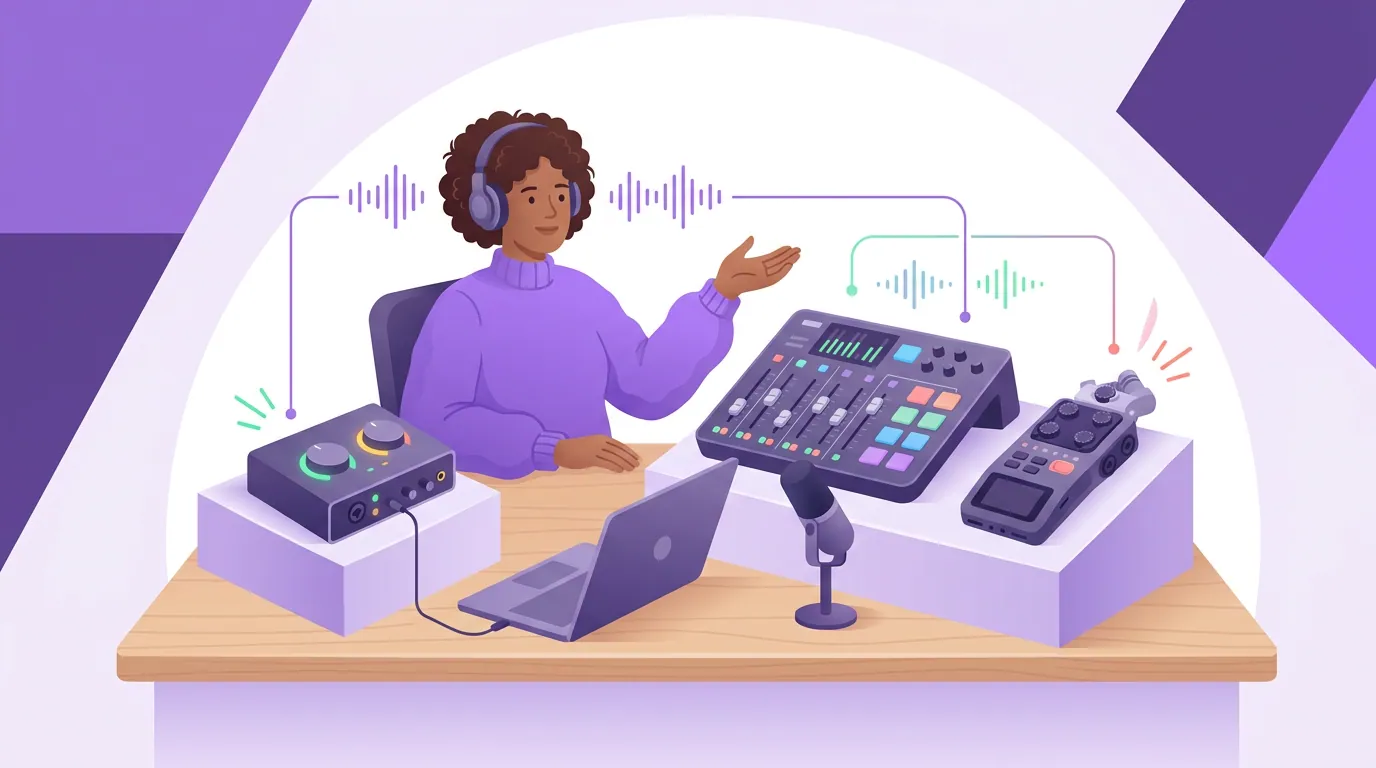
The three devices, honestly reviewed
Focusrite Scarlett 2i2 (4th Gen), the default interface
What it's good at. It does the one job cleanly and cheaply. Two combo inputs, a 69dB gain range that drives demanding dynamic mics, Auto Gain and Clip Safe so a beginner can't ruin a take, USB-C bus power, and a software bundle (Focusrite via Sweetwater, list $199.99). For a solo host, or two people who edit afterward, this is the lowest-fuss path to broadcast-clean audio.
What it isn't. It is two inputs and nothing more, no third or fourth mic without stepping up to a pricier model, no standalone recording, no pads, no phone input. The 2i2 also drops the MIDI I/O found on bigger Scarletts. If your show has guests calling in or you want to press record without a laptop, this is the wrong category, not a cheaper version of the right one.
Zoom PodTrak P4next, the most show for the least money
What it's good at. Four XLR inputs with 48V phantom power and up to 70dB of gain (enough for hungry dynamics like the SM7B without a booster), four headphone outs, a phone input with automatic mix-minus to kill echo, four customizable sound pads, up to eleven-track microSD recording at 48kHz/24-bit, AI noise reduction, and battery power, for roughly $179 (Zoom). It replaced the original P4 in late 2025 and is the version retailers now stock. For a portable, in-room, call-in-friendly show on a tight budget, the value is hard to beat.
What it isn't. It's spartan next to a console: no big touchscreen, level knobs rather than full faders, and condenser mics drain the AA batteries fast (Zoom rates about 20 minutes on alkalines with four condensers, versus ~3.5 hours with dynamics). The plastic build is functional, not premium. It's the right tool for getting a multi-mic show recorded anywhere, not for elaborate live production. If you can still find the original P4 cheaper, note it records only at 16-bit/44.1kHz and skips the AI noise reduction.
RODECaster Pro II, the flagship console
What it's good at. This is the all-in-one studio: four high-gain Revolution preamps, six physical faders, eight SMART pads with on-the-fly voice effects, a 5.5-inch touchscreen, Aphex processing built in, dual USB-C for two computers at once, Bluetooth and RØDE CallMe for remote guests, and standalone microSD multitrack (Sweetwater). For a live, multi-guest, near-final workflow, it removes the most steps between recording and publishing.
What it isn't. At ~$678 it's the price of a decent used laptop, and most of that money is wasted on a solo host who edits. The learning curve is real, there's a touchscreen and menus to master. Buying this "to be serious" before your show needs live production is the most common overspend in podcast gear. Earn it; don't pre-pay for it.
How we evaluated this
We judged these categories on the four buying-decision features above, whole-rig cost, computer-free recording, sound pads, and multitrack/fader control, not on lab audio measurements. At matched price points, the converters in all three sound clean enough that listeners can't tell them apart. Specs and capabilities come from each manufacturer's current product pages (Focusrite, Zoom, RODE). Prices are street prices verified in June 2026 from Sweetwater and B&H; they drift, so re-check before buying. The decision rule below comes from setting up rigs across solo, remote, and in-room formats. The variable that predicts the right buy is never budget, it's who is in the room and how live the show is.
The decision rule
One question sorts almost everyone: do you edit after recording, or do you want it near-final as you record?
- You edit afterward (solo or remote guests): buy an interface. Each person on their own track, balanced and cleaned in software. You will never miss the pads or faders because you do all of that better in the edit. Start with a two-input interface; you likely don't even need that, see do you actually need an audio interface, since a USB mic covers many solo shows with no box at all.
- You record live or one-pass, in one room, with guests or call-ins: buy a mixer. Faders to ride levels, pads to fire segments, mix-minus for the phone guest, and a memory card so the show survives a laptop crash. Start with the PodTrak P4next; step up to the RODECaster Pro II only when live production is your routine, not your aspiration.
If you're still choosing the mics that plug into either one, our best podcast mics by budget tier and the USB vs XLR question come first, and a hybrid USB/XLR mic lets you start with neither box and add one only when the show forces it.
FAQ
Do I need a mixer or an interface for a podcast? Most likely neither at first, a USB mic covers many solo shows. If you've moved to XLR mics and edit afterward, buy an interface (the cheapest clean path). If you record live in one room with guests or call-ins and want it near-final, buy a mixer for the faders, sound pads, and computer-free recording an interface can't provide.
Is a podcast mixer better than an audio interface? Neither is better; they do different jobs. A mixer is a self-contained production studio for live, multi-voice shows. An interface is a cheap, clean converter for people who edit on a computer. At matched prices the audio quality is comparable, the choice is about workflow, not sound.
Can you use an audio interface as a mixer? Partly. An interface gets multiple mics into your computer, where software can mix, add jingles, and balance levels. What it cannot do is record without a computer, fire pads live, or give you physical faders. If you need those in hardware, that's a mixer.
What does a podcast mixer do that an interface doesn't? Three things, mainly: records to an SD card with no computer attached, fires sound pads (intros, ads, effects) live, and gives you a fader or level control per voice plus mix-minus for phone or video-call guests. An interface only converts mic signal for your computer to record.
Is the RODECaster Pro II worth it for a beginner? Usually not. At about $678 (Sweetwater, June 2026) most of its value is in live, multi-guest production a new solo show won't use. Start with an interface or a sub-$200 mixer like the PodTrak P4next and upgrade only when live production is your routine.