
When to Publish a Podcast Episode on YouTube


Publish your long episode a few hours before your audience's busiest browsing window, on the same day and time every week. For most US-based shows that means an early-to-mid afternoon slot so the episode is already gathering watch time before the evening browse peaks. Shorts don't follow the same rule, they publish to a feed, not a habit, so their timing tracks the daily active window instead of a fixed weekly slot.
The single most useful thing to understand here is that "when to publish on YouTube" is two questions wearing one coat. The long episode and the Shorts are different products with different jobs, and they reward different clocks. Below is the timing framework for each, why the first hour after publish matters more than the hour you actually pick, and how YouTube Premiere lets you concentrate that first-hour engagement on purpose instead of hoping for it.
Why publish timing matters less than you've been told, and where it actually counts
Publish time is a tiebreaker, not a growth lever. A great episode published at a mediocre hour outperforms a weak one published at the "perfect" time every single day. What timing genuinely affects is the first hour or two after publish: the early watch-time and engagement that tell YouTube whether to keep showing the episode to your subscriber base and, later, to browse and suggested. Get the window right and you give a good episode the best possible start. You do not rescue a flat one.
The stakes are worth getting right because YouTube is now where video podcasts get found. YouTube reports more than 1 billion monthly viewers of podcast content worldwide (Variety), and 53% of new US weekly listeners now prefer to watch a podcast, up from 30% in April 2022 (Backlinko). On a platform that size, the first-hour signal is how the system decides which of thousands of episodes published that day deserves a wider test.
One caveat before the tactics: there is no universal "best time" that applies to your show. Every "post at 2pm Thursday" chart you've seen is an aggregate across millions of unrelated channels. Your audience's active hours live in your own YouTube Analytics under "When your viewers are on YouTube." Treat the rules below as a starting position you then move toward your actual data.
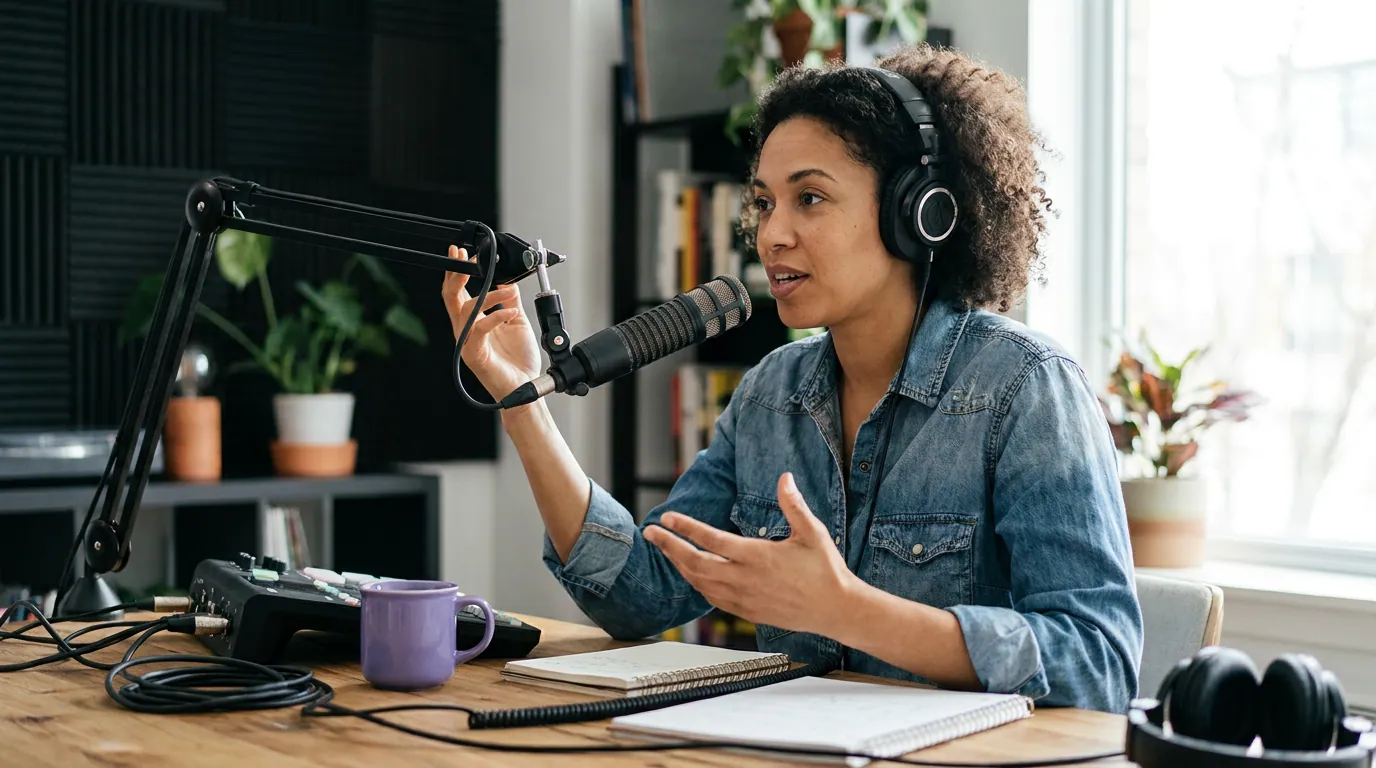
The two-clock split: long episodes vs Shorts
The long episode and the Short are timed by opposite logics, and the reason is what each one is competing against. A long episode competes for a deliberate viewing decision, someone sits down to watch. A Short competes for a thumb already scrolling the feed. So the long episode times to a weekly habit and a head start; the Short times to whenever the most thumbs are moving.
This is also why copying a Shorts schedule onto your episode (or vice versa) backfires. Drop your episode at the same hour you'd post a Short, say, late evening into peak scroll, and it lands into the feed's busiest, most competitive moment with zero accumulated watch time. Publish a Short at your episode's quiet pre-window hour and it surfaces to almost nobody. The clocks aren't interchangeable. The rest of this guide sets each one.
When to publish the long episode
Pick one day and one hour, publish there every week, and set that hour a couple of hours before your audience's heaviest browsing window rather than during it. For a US-skewed audience, an early-to-mid afternoon publish (think early afternoon Eastern) lets the episode bank watch time through the late-afternoon and evening peak instead of starting cold inside it. Then hold that slot. The fixed slot does more for you than the exact hour.
Three rules make the long-episode slot work:
- Anchor to your audience's time zone, not yours. If two-thirds of your viewers are US-based and you record in London, publish on US clock time. YouTube Analytics shows the geographic split; let the majority set the schedule.
- Publish ahead of the peak, by a couple of hours. You want early watch time accumulating before the crowd arrives, so the episode is already a proven quantity when browse and suggested start testing it widely.
- Never move the slot to chase a "better" hour. Subscribers learn your drop time the way they learn a show's air time. An erratic schedule resets that habit every time, and consistency is the foundation under getting your first 1,000 YouTube subscribers as a podcaster.
There's a survival reason to keep this sane, too. The biggest predictor of a podcast lasting is publishing consistency, and nearly half of all podcasts never make it past their first three episodes (Command Linux). A weekly slot you actually keep beats a "perfectly timed" schedule you abandon by episode eight.
When to publish Shorts (different rules entirely)
Publish Shorts inside your audience's daily active window, spread across the week, not bunched on episode day. A Short lives or dies in the feed, and the feed is busiest in the hours your viewers are already scrolling, typically late afternoon through evening for a general audience, but again, your Analytics overrules the average. Because Shorts surface continuously rather than to a fixed subscriber drop, the exact minute matters even less than for episodes; what matters is landing in an active stretch and posting often enough to keep being tested.
Practically, that means timing Shorts to two or three active pockets in a day and rotating which pocket you use so you learn where your viewers respond. One Short the day before the episode primes the drop; the rest fill the gap to next week so the channel never goes silent. The full format playbook for which moments to pull and how to package them lives in a Shorts strategy built for podcast channels, this is just the clock that decides when each one goes live.
Spreading also protects the funnel. The job of a Short isn't a view; it's a viewer who comes back for the long episode, the handoff covered in turning Shorts viewers into long-episode watchers. Timing a Short well only pays off if it's pointing somewhere.
Using YouTube Premiere to concentrate first-hour engagement
If the first hour after publish is what timing is really about, a YouTube Premiere is the tool built to engineer it. A Premiere schedules your episode as a live "watch party": viewers see a countdown, can set a reminder, and arrive at the same moment to watch together with a live chat running. Instead of trickling in over the afternoon, your most loyal viewers land in the same window, which front-loads watch time, comments, and chat into exactly the early-signal period YouTube weighs most.
Here's how to run one for a podcast episode:
- Schedule the Premiere for your fixed weekly slot. Keep the same day and hour your subscribers already expect; the Premiere just changes how they arrive, not when.
- Promote the countdown for a day or two ahead. Post a teaser Short, a community-tab note, or an email reminder so people set the bell. A Premiere with no audience waiting is just a normal upload with extra steps.
- Show up in the live chat for the first few minutes. Host or guest replying live turns passive viewers into commenters, and comment velocity in the opening window is part of the early signal.
- Let it convert to a standard video afterward. Once the Premiere ends, the episode behaves like any other upload and keeps its accumulated engagement.
Be honest about the limits. Premieres reward shows that already have a core audience to summon; with a handful of subscribers, a Premiere countdown to an empty room does nothing, and a quiet, sit-down listening show may not want a live-chat frame at all. Use it when you have enough loyal viewers to make the first hour feel like an event, not as a crutch for an episode that needs the help.
Common timing mistakes that flatten an episode
- Publishing the episode into peak instead of ahead of it. Dropping at the busiest hour means competing for browse with zero accumulated watch time. Fix: publish a couple of hours earlier so the first-hour signal builds before the crowd arrives.
- Using your own time zone for a foreign audience. A perfect London-afternoon slot can be the dead of night for a US-majority audience. Fix: schedule on the time zone where most of your viewers actually are.
- Moving the weekly slot to chase an optimal hour. Each move resets the subscriber habit you're building. Fix: lock the slot; optimize within it, not by abandoning it.
- Posting Shorts on episode day only. It spikes one day and goes silent for six. Fix: spread Shorts across active windows through the week, the same spreading logic behind the clips-to-channel funnel for YouTube podcasts.
- Running a Premiere with no one waiting. A countdown only concentrates engagement if people show up. Fix: only Premiere once you can reliably gather a first-hour crowd, and promote it first.
Tools that make optimal timing automatic
You don't have to be at the desk to publish at the right hour. YouTube's scheduled-publish handles the fixed long-episode slot and the Premiere countdown for free, set it once and the episode drops on time even while you're away. For Shorts, schedule them to your active windows the same way, or in whatever clipping tool exports directly to the channel; the fewer clicks between a finished Short and a posted one, the more likely you keep the schedule at all.
An AI clipper (QuickReel, Opus Clip, and others) is what makes a week of well-timed Shorts realistic instead of an editing slog, it turns the long episode into Short candidates in minutes. Be honest about the limit: the AI surfaces candidates fast, but you still skim each one to catch a clip that ends mid-thought or opens flat. The tool gets you most of the way; you finish the last stretch. Timing matters because the early audience matters, and the early audience is most valuable when you can reach it directly, so route new viewers toward an email list built from zero and greet them with a welcome sequence for new podcast subscribers. Clips drive an estimated 20–40% of new audience for video shows (Podcast Studio Glasgow); good timing just makes each one land in a busier room.
FAQ
What is the best time to publish a podcast episode on YouTube? A couple of hours before your audience's heaviest browsing window, on the same day and time every week. For a US-skewed audience that's often early-to-mid afternoon Eastern, so the episode banks watch time before the evening peak. Confirm your own active hours in YouTube Analytics under "When your viewers are on YouTube" rather than trusting a generic chart.
Should I publish episodes and Shorts at the same time? No. They run on different clocks. The long episode publishes to a fixed weekly slot ahead of the browse peak to build a head start; Shorts publish into the daily active window and spread across the week to catch feed traffic. Using one schedule for both means one format always lands at the wrong moment.
Does a YouTube Premiere help a podcast? Yes, if you already have a core audience to summon. A Premiere gathers your loyal viewers into the same opening window with a live chat, which front-loads watch time and comments into the first-hour signal YouTube weighs most. With few subscribers, a Premiere countdown to an empty room does nothing, use it once you can reliably draw a crowd.
What day of the week is best to publish? There's no universal best day; consistency beats the calendar. Pick a day your audience is reliably active, publish there every single week, and let YouTube Analytics tell you if a different day draws more of your viewers. A fixed day you keep outperforms a "better" day you move around.
How far ahead should I schedule the episode? Schedule the upload whenever it's ready and let YouTube's scheduled-publish release it at your fixed slot, even a day or two early is fine since it stays private until the set time. For a Premiere, set the countdown a day or two out so viewers can set a reminder and arrive together.