
The YouTube Community Tab Playbook for Podcasts


The YouTube Community tab is your channel's group chat with subscribers, text posts, polls, images, GIFs, and quizzes that land in their feed on the days you don't publish. Use it to stay present between weekly episode drops: poll for the next guest, share a quote graphic, post a behind-the-scenes photo, and tease the next episode. The trick is treating it as a calendar, not a dumping ground.
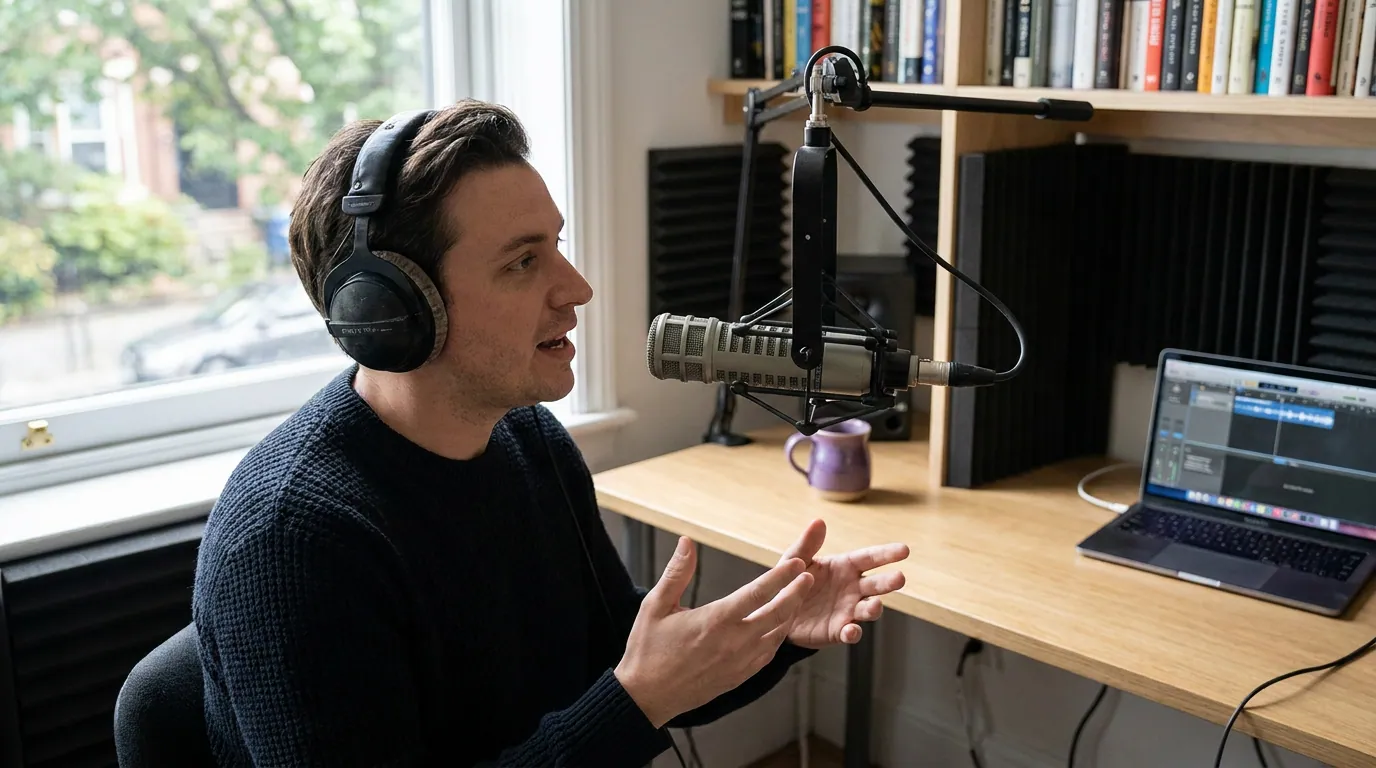
Most podcast channels publish one episode, go silent for six days, and reappear like a stranger. The Community tab closes that gap. A subscriber who sees a poll on Thursday and a behind-the-scenes shot on Saturday arrives at Tuesday's episode already warm, already part of the show, not just an entry in their feed. Below is the exact weekly calendar to run it, tied to your episode cycle.
What is the YouTube Community tab and who can use it?
The Community tab is a posting surface on your channel for non-video content, text, images, polls, quizzes, GIFs, and video links that appear in subscribers' Home and Subscriptions feeds and in notifications. As of 2026, access is no longer gated behind a subscriber count; YouTube opened Community posts to channels regardless of size, access now hinges on having Advanced features enabled (phone or ID verification) rather than a subscriber count (YouTube Help, Create a Community post).
That access change matters for new shows. The old 500-subscriber floor meant most early podcasters never touched the feature. Now a channel with 40 subscribers can post a poll the week it launches, as long as it has cleared phone or ID verification. If you don't see the tab yet, open YouTube Studio → Settings → Channel → Feature eligibility and switch on Advanced features, that, not your subscriber count, is the gate.
Why bother at all? Because the audience is on YouTube and they expect to be talked to between videos. YouTube reported more than a billion monthly podcast viewers in early 2025 (Variety), and 53% of new US weekly listeners now say they prefer to watch a podcast, up from 30% in April 2022 (Backlinko). A watching audience inside a feed-based app behaves like a social audience, and a social audience that hears from you only once a week drifts.
The weekly Community-tab calendar (the framework)
Here is the playbook. Anchor every Community post to one fixed point, your episode drop, and let the rest of the week orbit it. This example assumes a Tuesday drop; shift the days to match your own cadence, but keep the shape.
| Day | Post type | What it does |
|---|---|---|
| Mon | Poll: "Who should we cover next?" | Pulls subscribers into the next episode before it exists |
| Tue | Episode-live post + 30s teaser clip | Drives the drop into the Home feed, not just Subscriptions |
| Wed | Quote graphic from the new episode | Re-surfaces the episode for anyone who missed Tuesday |
| Thu | Behind-the-scenes photo or text | Builds the parasocial bond a feed rewards |
| Fri | Quiz or "hot take" text post | Cheap engagement; trains the algorithm you're active |
| Sat | Best clip of the episode (as a Short, linked) | Reaches lapsed subscribers; pulls watch time |
| Sun | Rest, or repost the week's best performer | Protects against burnout, the real failure mode |
Five of those seven slots come straight out of the episode you already recorded. You are not inventing new content seven times a week; you are unbundling one episode into a week of touches.
The post-type decision rule
When you're staring at the blank post box and can't decide what to publish, use this: ask before the episode, show during, re-surface after. A poll or "who should we ask?" question goes up before you record, so the answers shape the episode. The teaser and clip go up during the drop week to pull traffic. The quote graphic and behind-the-scenes shot go up after, to re-surface an episode for the many subscribers who never saw it on day one, most of a channel's subscriber base doesn't catch any given upload the day it lands. Every post falls into one of those three jobs. If it falls into none, don't post it.
How to set up and run it in five steps
- Confirm the tab is live. In YouTube Studio, open your channel and look for the Community tab on your channel page; if it's missing, turn on Advanced features in Settings → Channel → Feature eligibility (phone or ID verification) and check back (YouTube Help). Don't wait for a subscriber milestone, the count gate is gone.
- Batch the week's posts the day you record. Right after the episode, you have the raw material in your head and on your camera roll. Write the poll, pull two quotes, grab a behind-the-scenes photo, and note your best moment for a clip. Schedule them out across the week using Community post scheduling.
- Make the visual posts actually visual. A quote graphic and a clip beat a wall of text. The feed rewards images, and a podcast's strongest asset is a quotable line on screen. Pull the line, set it on a branded card, and post it, the clips-to-channel funnel runs on exactly this raw material.
- Use polls to write the show, not just to farm clicks. "Which of these two guests should we book?" or "What should we cover on the next episode?" turns a Community post into market research your audience feels ownership over. People defend what they helped choose.
- Read the post analytics, then cut what dies. Each Community post shows likes, comments, and (for polls) votes. After three weeks, look at which slot consistently underperforms and replace it. The calendar is a starting template, not a contract.
Common mistakes (and the fix)
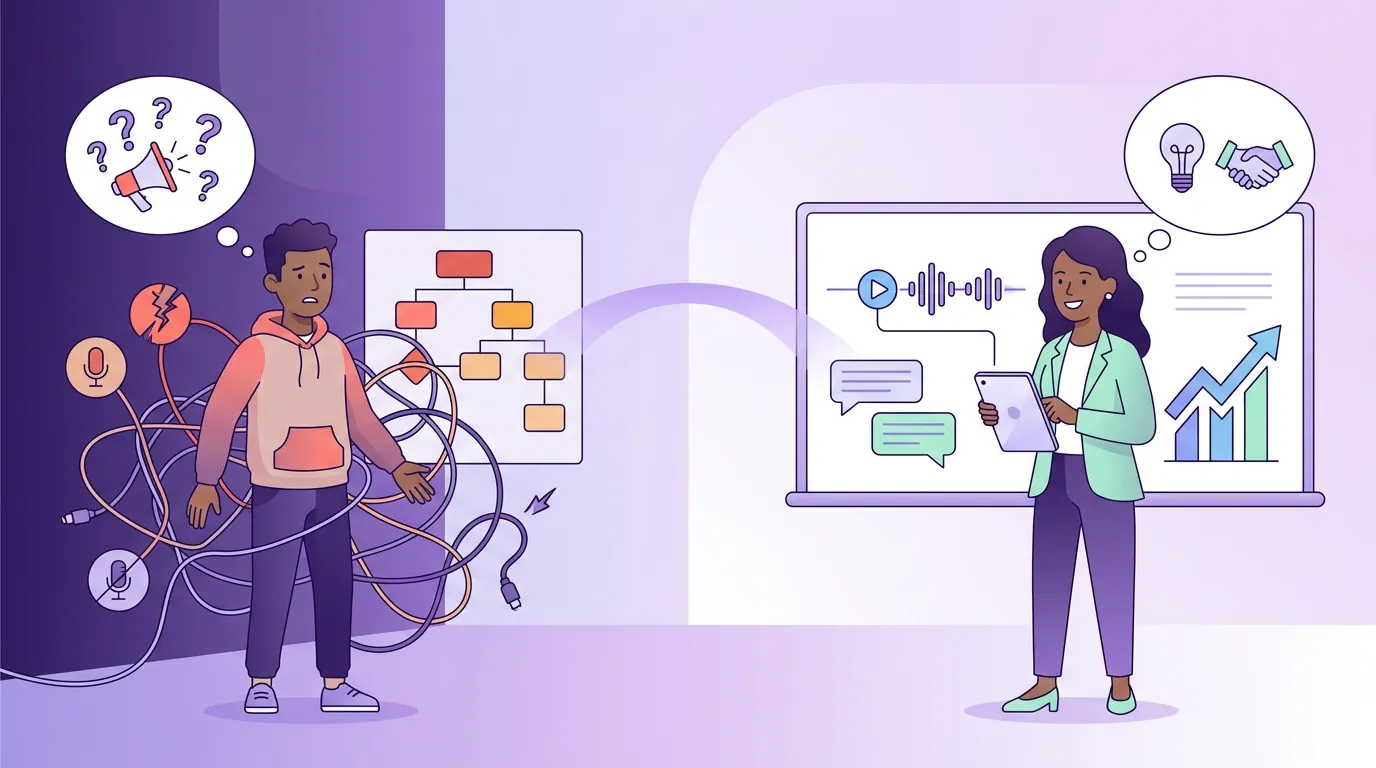
These are the patterns that kill a Community tab, in the order I see them most.
- Posting only when an episode drops. The whole point is the between days. A tab with one post a week is just a quieter version of your upload schedule. Fix: commit to the four mid-week slots first; they're the ones that build the habit of opening your channel.
- All text, no images. Plain text posts get scrolled past in a visual feed. Fix: make at least three of your weekly posts visual, a quote card, a clip, a behind-the-scenes photo. A podcast's best lines deserve to be seen, not just read.
- Polls with nothing at stake. "Did you like this episode?" teaches the algorithm nothing and bores the reader. Fix: poll real decisions, next guest, next topic, which segment to bring back. Make the answer change what you do.
- Treating it as a substitute for clips. The Community tab warms people who already subscribed; it rarely reaches new ones. Fix: pair it with a real Shorts engine, because social video drives discovery more than personal recommendations now, 57% of listeners rely on social media for podcast recommendations, the first time it passed friends and family (InsideRadio, "The State of Video Podcasting 2025"). Pair the tab with a deliberate Shorts strategy for podcasts.
- Never linking off-platform. A subscribe is rented from the algorithm. Fix: roughly once a week, point a Community post at something you own, your newsletter or list. Start with a podcast email list from zero so a single algorithm change can't erase your reach.
Where the Community tab fits the bigger funnel
Be honest about what this tab does and doesn't do. It is a retention and warmth tool, not a discovery one. It deepens the relationship with people already subscribed so they keep coming back, comment more, and watch sooner, all signals that help your videos get recommended. It will not, on its own, find you new subscribers. That job belongs to clips and Shorts, which is why the strongest channels run the Community tab and a Shorts engine together: clips reach strangers, the tab keeps the ones who arrive.
Think of it as the middle of your channel funnel. Shorts and clips pull people in. Full episodes earn the watch time you need on the way to your first 1,000 YouTube subscribers. The Community tab is what stops the people in between from leaking out, and it's a natural assist for turning Shorts viewers into long-episode watchers, because a warm subscriber clicks the full episode a cold one scrolls past.
FAQ
Do you need 500 subscribers to use the YouTube Community tab? No, not anymore. YouTube removed the subscriber threshold and opened Community posts to channels regardless of size; access now depends on having Advanced features enabled rather than a subscriber count (YouTube Help, Create a Community post). If you don't see the tab, turn on Advanced features in YouTube Studio under Settings → Channel → Feature eligibility.
What should podcasters post on the Community tab? Content unbundled from your episodes: polls for the next guest or topic, quote graphics from the latest episode, behind-the-scenes photos, a teaser before the drop, and your best clip as a linked Short. The rule is ask before the episode, show during the drop, re-surface after. Avoid plain text-only posts in a visual feed.
How often should you post on the YouTube Community tab? Three to five times a week works for most weekly shows, enough to stay present between drops without burning out. Anchor the posts to your episode cycle and protect one rest day. Posting only on drop day defeats the purpose; the value is the mid-week touches that keep subscribers warm.
Does the Community tab help grow a YouTube channel? It helps retention more than discovery. Community posts warm existing subscribers, they comment, watch sooner, and return, which feeds the recommendation signals that matter. For finding new subscribers, you still need clips and Shorts; the tab keeps the people those clips bring in. Run both together, not one instead of the other.
Can you schedule Community tab posts in advance? Yes. YouTube lets you schedule Community posts, so you can batch a full week the day you record while the episode is fresh. Batching is what makes the seven-day calendar realistic for a solo host, write the poll, pull the quotes, and queue the clip in one sitting.