
How a Podcast Gets Into YouTube Suggested Videos


Browse and Suggested are YouTube's two long-video traffic sources, and they reward different things. Browse, the home feed and subscriptions tab, is won by packaging: a thumbnail and title strong enough that someone scanning a wall of videos picks yours. Suggested, the sidebar and autoplay next to other videos, is won by session-chaining: episodes built to hand the viewer to the next watch. Optimize for the wrong one and you stall.
Most podcasters treat YouTube discovery as one thing called "the algorithm" and try to please it with a single move. It is two surfaces with two jobs. Browse decides whether a cold viewer clicks your video at all. Suggested decides whether YouTube hands you a viewer who is already deep in a watch session somewhere else. The signals that earn each are not the same, and the fix when one is broken is not the fix for the other.
This guide separates the two, gives you a rule for reading which one is failing, and lays out the distinct levers for each. We assume you are publishing full episodes to YouTube already and want more of them surfaced.
Why YouTube discovery is worth fighting for
YouTube is where podcast discovery now lives, which makes Browse and Suggested the two highest-value traffic surfaces a video podcast has. YouTube passed 1 billion monthly podcast viewers worldwide in February 2025 (Variety), and it is the #1 US podcast platform at 42% of monthly listeners, ahead of Spotify at 15% and Apple at 7% (Backlinko). When people decide where to spend a podcast hour, they increasingly decide it on YouTube.
These surfaces matter because they are how strangers find you without already knowing your name. Social clips have overtaken word of mouth, 57% of listeners now rely on social media for podcast recommendations, the first time it surpassed friends and family (InsideRadio). Browse and Suggested are the on-platform equivalent of that discovery, and they compound: a video that earns Suggested traffic keeps earning it for months.
The honest caveat: discovery is slow and most channels never crack it. The average channel takes roughly 22 months to reach 1,000 subscribers, and most never get there (BerryViral). Browse and Suggested are levers, not switches. Pulling them right shortens the timeline; nothing skips it.
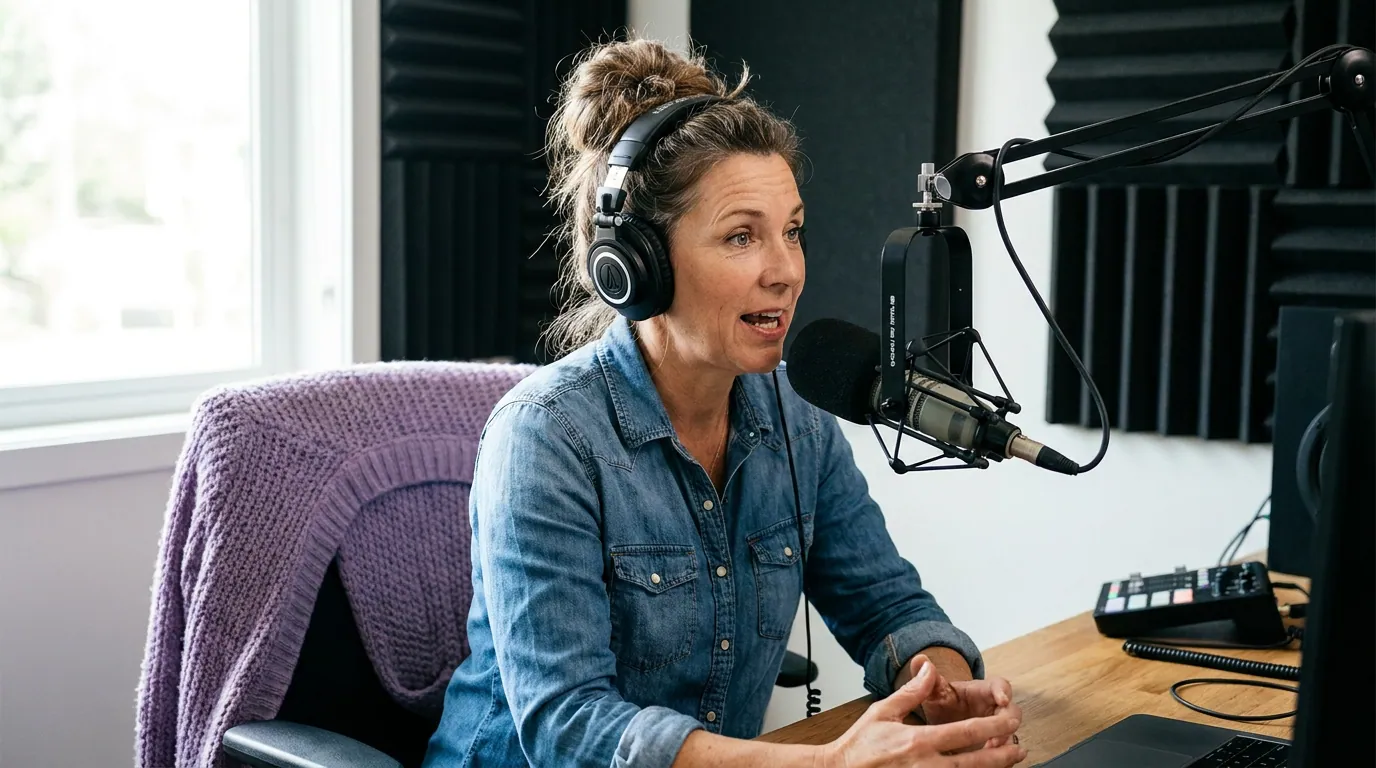
What is the difference between Browse and Suggested?
Browse is the traffic from YouTube's home feed and subscriptions tab, where a viewer picks what to watch next from a grid. Suggested is the traffic from the watch-page sidebar and autoplay, where someone is already watching and YouTube offers your video as the next one. Browse is a cold pick; Suggested is a warm handoff.
That distinction is everything, because the viewer's mindset is different in each. On Browse, nobody is committed yet. They are scanning, deciding in a fraction of a second per thumbnail. Your only job is to win the click against a screenful of competitors. On Suggested, the viewer is already in motion, watching, leaning back, letting autoplay carry them. YouTube surfaces your video there when it believes it will extend the session. You are not fighting for a click so much as fighting to be the obvious next watch.
You can see which one is feeding you in YouTube Studio under Analytics, Reach, Traffic sources. "Browse features" and "Suggested videos" are listed separately, with impressions and click-through rate for each. Read them as two scoreboards, not one.
The diagnosis rule: read the metric, then pull the lever
Here is the rule that keeps you from optimizing blind: a Browse problem shows up as low click-through rate; a Suggested problem shows up as low views-per-session and weak retention. Look at which number is sick before you change anything. The lever you reach for depends entirely on which surface is underperforming.
If Browse impressions are high but click-through rate is low, the feed is showing your video and people are walking past it. That is a packaging problem, thumbnail and title, not a content problem. If Suggested barely appears as a traffic source at all, YouTube is not confident your video extends a session, which is a retention-and-chaining problem. Treating the second like the first, endlessly tweaking thumbnails when the real issue is that nobody finishes, is how months get wasted.
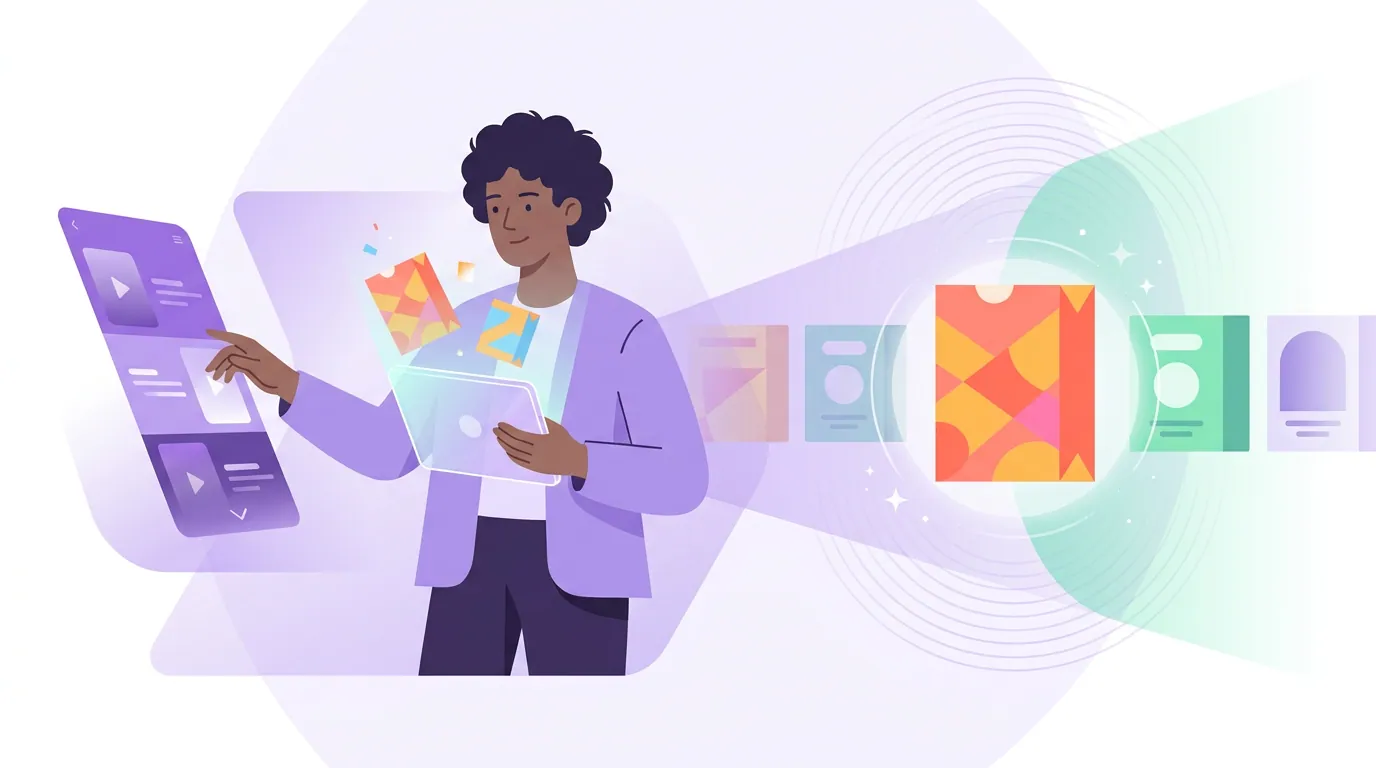
How to win Browse: packaging that beats the scan
Browse is won by packaging, the thumbnail and title, because that is all a scanning viewer sees before deciding. On the home feed your video sits in a grid of competitors, and the viewer gives each one a fraction of a second. A high click-through rate is the signal that tells YouTube your video deserves more Browse impressions. Earn the click and the feed shows you more; lose it and the feed quietly stops.
For podcasts specifically, packaging is harder than for a scripted channel, because an interview does not announce its own best moment. Three moves that work:
- Title the moment, not the episode. "Episode 47 with Jane Smith" is invisible. "The hiring mistake that nearly killed her company" is a click. Find the single most provocative thing said in the episode and put it in the title, even if the guest's name comes second.
- Thumbnail a face mid-reaction, plus three or four words. A clean, well-lit face showing emotion beats a logo or a wide two-shot. Add a few large words that name the tension. Avoid clutter; on a phone the thumbnail is the size of a stamp.
- Make the title and thumbnail say two halves of one idea. They should not repeat each other. If the thumbnail shows shock, the title should say what caused it. Together they create a curiosity gap the click closes.
Test packaging deliberately. If a video has decent Browse impressions but weak click-through rate after a day or two, swap the thumbnail before you write the video off, the impressions are already there, waiting for a better door. For the broader picture of how each click becomes a subscriber, the clips-to-channel funnel for YouTube podcasts maps where Browse traffic should land.
How to win Suggested: session-chaining
Suggested is won by session-chaining, building each episode so it hands the viewer to your next one rather than ending the session. YouTube surfaces a video in the sidebar and autoplay when it predicts the video will keep someone watching. The way you prove that is by being the thing people watch after another video, and by sending your own viewers into a second watch on your channel. Each successful handoff teaches YouTube your videos extend sessions.
The chaining moves, strongest first:
- End screens that point to your own video. In the last 20 seconds, put an end screen linking the next logical episode, not a generic "subscribe" card. Pick a video on a related topic, so the handoff feels like a continuation, not a detour.
- Topic clusters and playlists. Group episodes by theme so the sidebar fills with your own related videos instead of competitors'. A viewer who finishes your interview about hiring should see two more of your videos about building teams, queued up.
- A verbal handoff before the goodbye. Thirty seconds before the end, say what to watch next and why. "If this was useful, the conversation we had with [name] about the same problem goes deeper." Spoken bridges convert better than silent cards.
- Retention in the first 30 seconds. Suggested traffic dies if people drop early, because a low-retention video signals it ends sessions. Open on the strongest exchange, cut the logo intro and the small talk, and get to a real moment fast.
The shape you are building is a chain: episode one earns a click, holds the viewer, and points to episode two, which points to episode three. The same instinct drives the shorts-to-long-form conversion problem, both are about engineering the next watch instead of hoping for it.
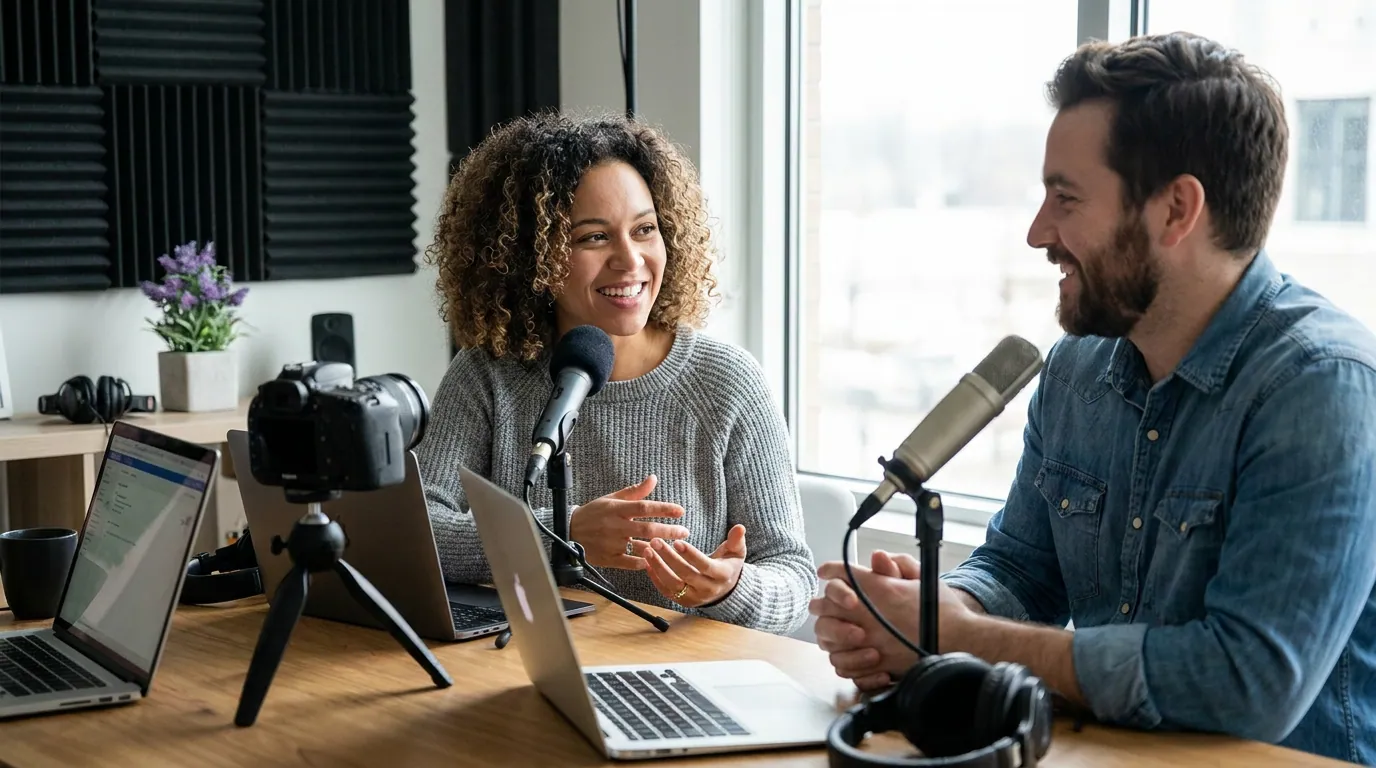
Common mistakes that keep podcasts off both feeds
Optimizing the wrong surface. Reworking thumbnails when the real problem is that nobody finishes the video, or fixing retention when the click-through rate is the leak. Diagnose first; the wrong fix burns weeks.
End screens that beg for a subscribe instead of pointing to a video. A "subscribe" end card does nothing for Suggested traffic. Point to your next relevant episode so YouTube sees the handoff. The subscribe will follow the second watch.
Generic, name-only titles. "Ep. 32, [guest name]" tells a scanning viewer nothing. It cannot win Browse, because there is no promise to click. Title the moment.
No internal topic structure. If your episodes are not grouped into clusters or playlists, the sidebar fills with competitors and your own related videos never get the handoff. Group by theme so the next watch is yours.
Treating Suggested as something you can game. You cannot trick your way into the sidebar. It is earned by retention and real chaining over many videos. The clips that drive new viewers in, clips lift reach an estimated 2–5× and bring 20–40% of new audience for video shows (Podcast Studio Glasgow), are the top of the funnel; chaining is what holds the people they bring.
Frequently asked questions
How do I get my podcast into the Suggested feed?
Build episodes that extend a watch session, then chain them. Hold retention in the first 30 seconds by opening on a strong moment, point an end screen at your next relevant episode, and group videos into topic playlists. YouTube surfaces you in Suggested when it predicts you will keep someone watching, prove that repeatedly.
Why are my Browse impressions high but my views low?
That is a packaging problem, not a reach problem. The feed is showing your video and people are scanning past it, which means a low click-through rate. Rework the thumbnail and title before anything else: title the most provocative moment, and use a clean face-and-few-words thumbnail. The impressions are already there waiting.
Where do I see Browse versus Suggested traffic?
In YouTube Studio, open Analytics, then Reach, then Traffic sources. "Browse features" and "Suggested videos" are listed separately, each with its own impressions and click-through rate. Read them as two scoreboards, a weak number on one tells you which lever to pull.
Do Shorts help get long episodes into Browse and Suggested?
Indirectly. Shorts are a separate discovery surface, but they bring new viewers and subscribers who then make your long videos more likely to surface in Browse and Suggested. The handoff has to be deliberate; see the Shorts strategy built for podcast channels for how to bridge Shorts viewers into full episodes.
How long until Browse and Suggested start working?
Slowly, and unevenly. Most channels take around 22 months to reach 1,000 subscribers and many never do (BerryViral). Suggested traffic in particular compounds over months as YouTube learns your videos extend sessions. Fix packaging for faster Browse wins; treat chaining as a long game.
Pull the right lever for the right surface
Browse and Suggested are two doors into the same channel, and they open with different keys. Browse opens with packaging, a title that promises a moment and a thumbnail that shows it. Suggested opens with session-chaining, episodes built to hand the viewer to the next watch. Diagnose which one is failing in YouTube Studio, fix that one, and leave the other alone.
The fastest way to feed both is more strong videos and more clips bringing new viewers in. Pair this with a deliberate plan for getting your first 1,000 YouTube subscribers as a podcaster, and capture the people who find you with a podcast email list started from zero so a discovered viewer becomes a relationship.