
Audio Levels Inconsistent Across Video Clips? Fix It


Uneven loudness across clips comes from one thing: each clip leaves your editor at a different average level, and you fixed the wrong meter. Measure every clip's integrated LUFS, the average perceived loudness across the whole clip, and match them all to one target, -14 LUFS for YouTube, Instagram and Spotify (TikTok is the one platform people argue about). Peak normalization will not do this. Here is why, and the one-pass fix.
You notice it in the feed. One clip blasts; the next is so quiet the viewer reaches for the volume. Same show, same mic, same week, and they sound nothing alike. The cause is almost never your recording. It is that a quiet moment and a loud moment got exported as separate clips, each judged on its own peaks instead of its overall loudness.
Why are my clip audio levels inconsistent?
Your levels are inconsistent because perceived loudness depends on the average energy in a clip, not its loudest spike, and most exports never measure the average. A clip with one laugh and a lot of soft talking can peak at the same height as a clip of constant energetic delivery, yet sound half as loud. Different clips, different averages, no shared target.
This is the trap behind almost every "loudness too low reel" complaint. Two clips can both hit 0 dB on the loudest single sample and still differ by 6-8 LUFS in how loud they actually feel. The ear tracks sustained energy. The peak meter does not.
Three things make it worse for podcast clips specifically. Conversation has wild dynamics, a quiet aside next to a burst of laughter. Guests record at different gain than the host, so a guest-heavy clip lands quieter than a host-heavy one. And platforms each re-level your upload to their own target, so a clip that sounded fine in your editor can arrive thin or get clamped down once it is in the feed. It is the audio twin of the wrong-aspect-ratio surprise: the clip looked right where you made it, then the platform changed it.
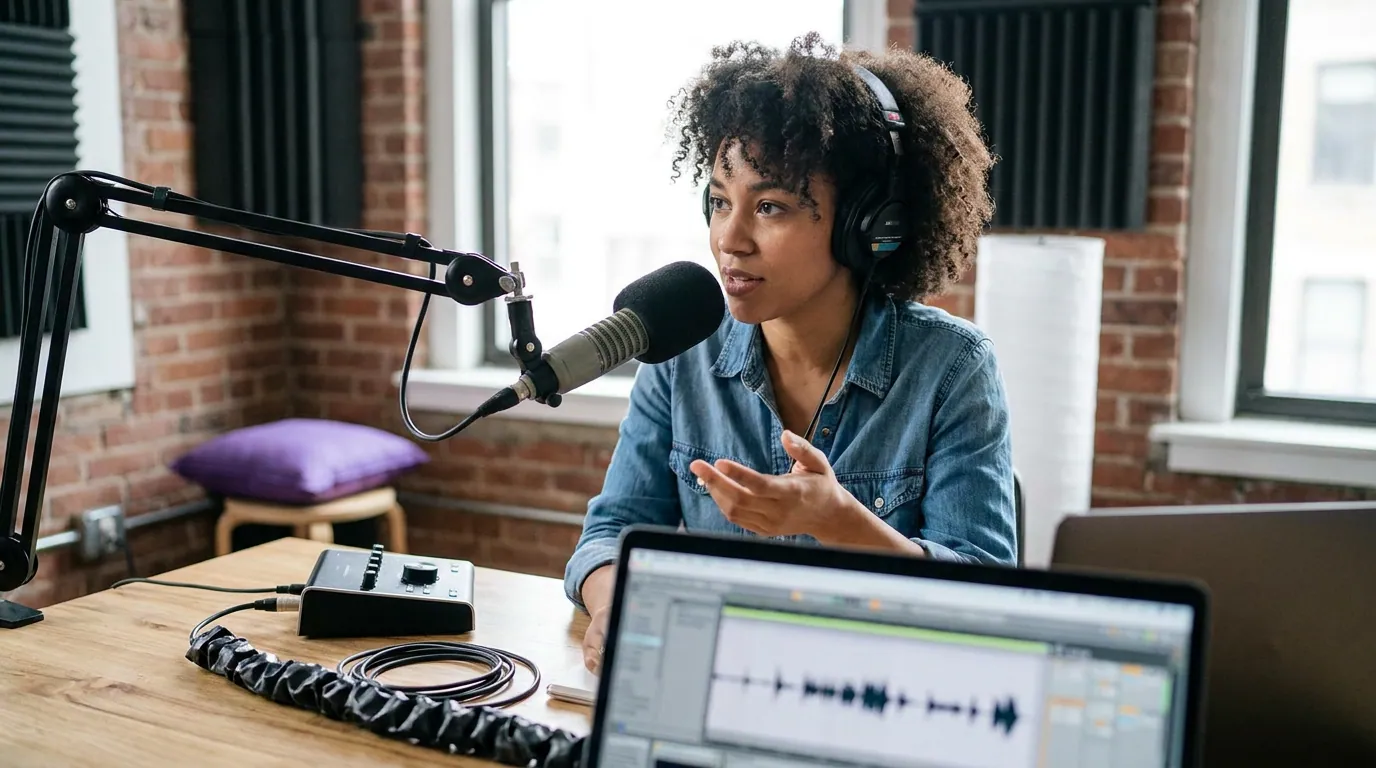
Peak normalization vs loudness normalization (the fix most people skip)
Peak normalization moves your single loudest sample to a ceiling, usually 0 dB or -1 dB, and leaves everything else where it sits. Loudness normalization measures the average perceived loudness over the whole clip in LUFS and shifts the entire clip to hit a target. To make clips match each other, you want loudness normalization. Peak normalization on a quiet clip just lifts its one loudest spike and leaves the body of it sounding faint.
That distinction is the whole game. "Normalize" in a lot of editors means peak normalize by default. So you "normalize" five clips, they all hit -1 dB on the peak meter, and they still play at five different perceived volumes, because their averages were never touched.
Here are the two terms you will see, plainly:
- dBTP (true peak): the highest instantaneous level, used to stop clipping and distortion. A ceiling, not a loudness target.
- LUFS (Loudness Units Full Scale): average perceived loudness across the clip. This is the number platforms read and re-level against.
Set the LUFS target to match clips to each other; set the dBTP ceiling so nothing distorts after the platform re-encodes. You need both, but they do different jobs.
What LUFS should each platform be?
Aim for roughly -14 LUFS integrated for YouTube, Instagram Reels and Spotify, with a -1.0 dBTP true-peak ceiling everywhere. YouTube turns anything louder than -14 LUFS down and never boosts quiet clips, so undershooting there leaves you faint. TikTok is the one platform people argue about, most guides say -14 too, a louder-wins camp says -9 to -7.
That YouTube asymmetry is documented: it applies negative gain to content above -14 LUFS but adds none to quiet content (Critical Listening Lab, 2026). TikTok is the open question. One camp argues it applies little to no in-feed normalization, so a hotter -9 to -7 LUFS master genuinely plays louder (Songbrain, 2026); other guides put TikTok back near -14 and say the extra loudness gets clawed back (ClickyApps, 2025). Nobody has TikTok's spec; pick a side and test.
| Platform | Integrated LUFS target | True peak ceiling | Source |
|---|---|---|---|
| YouTube / Shorts | ~ -14 LUFS | -1.0 dBTP | Critical Listening Lab; ClickyApps |
| Instagram Reels | ~ -14 LUFS | -1.0 dBTP | ClickyApps |
| TikTok | ~ -14 LUFS, or -9 to -7 if louder-wins (disputed) | -1.0 dBTP | ClickyApps vs Songbrain |
| Spotify (video/audio) | ~ -14 LUFS | -1.0 to -2.0 dBTP | ClickyApps; Songbrain |
These targets are mostly not officially documented, platforms publish little, and guides reverse-engineer them, so treat the numbers as estimates, not specs. The values also drift; re-check before you bake one into a template. The only figure with strong agreement across every source is the -1.0 dBTP ceiling, and that -14 LUFS is the safe center for everything except, maybe, TikTok.
This matters because most social video is watched on mute or near-mute, reports of 75-85% are publisher-directional (Verizon Media/Sharethrough ~75%; Digiday cited ~85% of Facebook video muted in 2016), but the people who do unmute reach for the volume the instant a clip is too quiet. Inconsistent loudness is a reason a viewer bounces, and bounced clips are a common entry on the why-your-clips-get-no-views diagnostic.
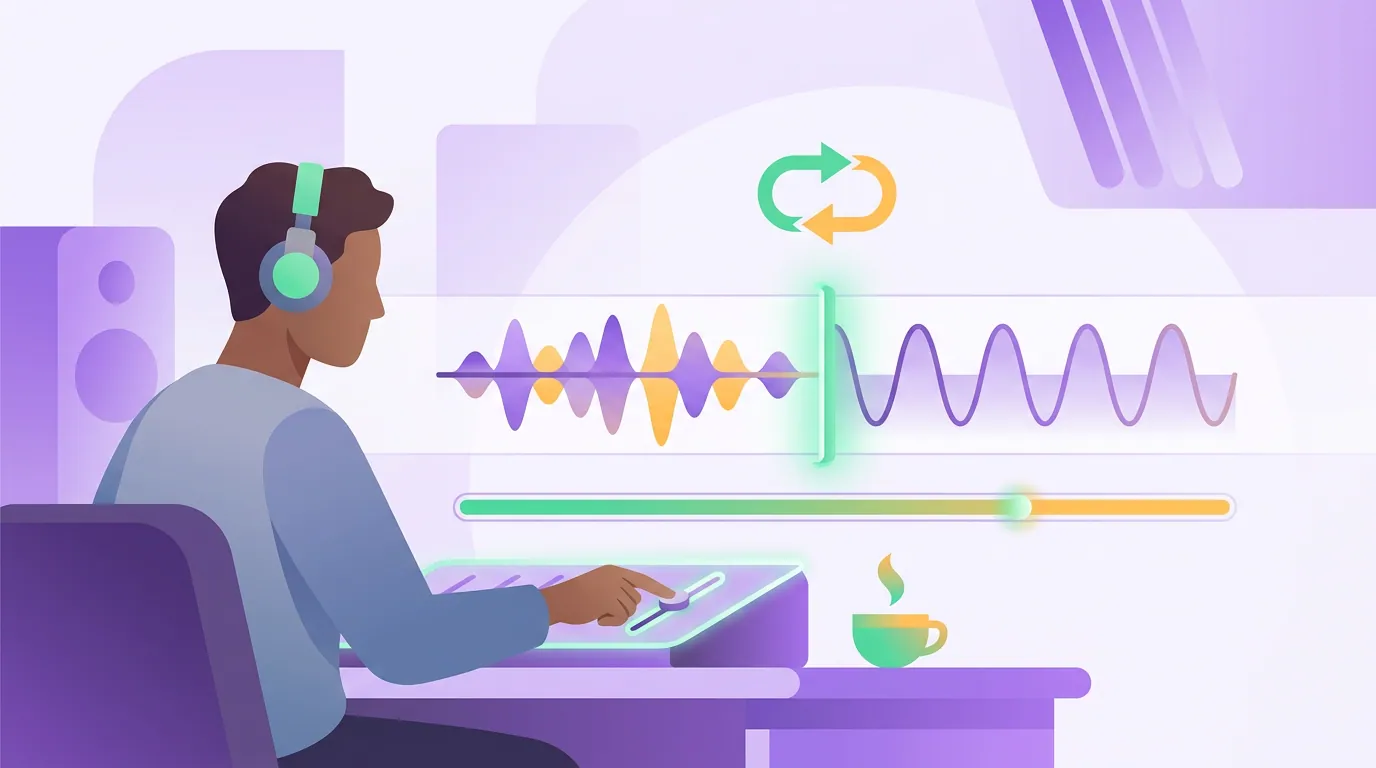
How to fix it: the one-pass loudness workflow
- Pick one target per platform. Decide where the clip lives first. -14 LUFS integrated for a YouTube Short, a Reel, or Spotify. For TikTok, either match the -14 crowd or, if you buy the louder-wins argument, push to about -9 LUFS and test both. Do not blindly export "one master for everywhere", that is how a clip ends up clamped on YouTube.
- Measure integrated LUFS, not peaks. Open the loudness meter (not the peak meter) and read the integrated value over the whole clip. Short-term and momentary readings jump around; integrated is the single number platforms act on.
- Apply loudness normalization to the target. Set the LUFS target and let the tool shift the whole clip. In Premiere it is Essential Sound's Loudness "Auto-Match"; in Audition, "Match Loudness" (ITU-R BS.1770); Auphonic and most clip tools do this automatically.
- Set the true-peak ceiling to -1.0 dBTP. Add a true-peak limiter after loudness normalization so the platform's re-encode does not push a peak past 0 and cause crackle. -1.0 dBTP is the safe ceiling everyone agrees on.
- Batch the whole episode's clips to the same setting. This is the step that kills uneven levels. Run every clip from one episode through the same LUFS target in one pass, so clip three and clip nine arrive at the feed at the same loudness.
- Sanity-check on a phone speaker at medium volume. Studio headphones lie about how a clip lands in the feed. If it is clear and present on a phone speaker without you reaching for the volume, it will work on a laptop and earbuds too.
Common mistakes that keep your levels uneven
- Peak-normalizing instead of loudness-normalizing. The number-one cause. Your clips hit the same peak and still sound different because their averages were never matched. Use the LUFS meter.
- Leveling clips one at a time, by ear. Ears fatigue and drift. After ten clips your sense of "loud enough" has moved 3-4 dB. Set a number and apply it to all of them.
- Chasing maximum loudness. Slamming a clip to -8 LUFS to win on TikTok means heavy limiting that flattens a voice and makes it tiring (Critical Listening Lab). Loud and pleasant beats loud and crushed.
- Ignoring true peak. A clip that reads -14 LUFS can still have peaks above 0 after the platform's lossy re-encode, which adds distortion. Cap at -1.0 dBTP.
- One master for every platform. YouTube clamps anything over -14; the louder-wins camp says TikTok rewards hotter. A single export is a compromise. If you must ship one, around -12 to -11 LUFS at -1.0 dBTP is the common least-bad pick, close enough to -14 that YouTube barely touches it, hot enough to survive TikTok if that camp is right.
- Not fixing the noise floor first. If a guest's track is buried under hum, normalizing it just brings the hum up too. Clean the audio before you level it, see fixing noisy clip audio.
Frequently asked questions
Will the platform just normalize my audio for me? Only downward, and only on some platforms. YouTube turns loud clips down to about -14 LUFS but never boosts quiet ones (Critical Listening Lab, 2026). TikTok barely normalizes in-feed at all (Songbrain, 2026). You cannot rely on platforms to rescue a quiet clip, level it before upload.
What is a good single LUFS target if I post the same clip everywhere? Around -12 to -11 LUFS integrated with peaks limited to -1.0 dBTP is the common compromise. YouTube turns it down only a hair from its -14 target, and it stays loud enough to hold up on TikTok if the louder-wins camp is right. Per-platform exports still beat it, but one master near -11 is a reasonable fallback.
Why does my clip sound quieter than other videos in the feed even though it looked loud in my editor? Your editor probably showed peaks, not loudness. A clip can peak at -1 dB and still average -20 LUFS, that is 6 dB quieter than a -14 LUFS competitor in the same feed. Measure integrated LUFS and re-level to the platform target.
Is dB the same as LUFS? No. Plain dB usually refers to peak or sample level, the instant height of the waveform. LUFS measures average perceived loudness over time, weighted for how humans hear. Two clips at the same peak dB can differ by several LUFS, which is exactly why uneven levels happen.
Do I need expensive software for this? No. Free tools meter and normalize to LUFS, Auphonic's free tier, ffmpeg's loudnorm filter, and most clip generators do it automatically. The skill is using the loudness meter instead of the peak meter, not paying for it.
The short version
Uneven clip loudness is a measurement problem, not a recording problem. Peak normalization aligns one spike and leaves the bodies of your clips at different volumes; loudness normalization to a shared integrated LUFS target makes them match. Set -14 LUFS for YouTube, Instagram and Spotify, keep -1.0 dBTP everywhere, batch a whole episode's clips to the same number, and check on a phone speaker. TikTok is the one platform worth testing both ways, -14 versus a hotter -9, because no one has its real spec. Pair that with clips chosen for the right moment, not just the loud one and clips edited for movement instead of a static talking head, and you stop losing viewers to the volume knob.