
A Clip System for Solo Creators With 2 Hours a Week


With two hours a week and no team, run a fixed budget: 30 minutes to find moments, 70 to finish three clips, 20 to schedule them. Let an AI clipper do the finding and rough cuts, post three clips a week, and skip thumbnails, trend-chasing, and per-platform recuts entirely. Two hours buys a steady program, not a viral machine, and steady is what compounds.
The mistake solo creators make is copying a team's playbook at one-tenth the staff: ten clips a week, custom thumbnails, every platform tuned by hand. It works for three weeks, then collapses. The version below is built backward from a two-hour ceiling, what survives the budget, what gets automated, and what you cut on purpose, with the trade-offs named so you know exactly what you're giving up.
Why a two-hour budget is the right constraint
Two hours is enough to feed the channels that matter and small enough to survive a busy week. The instinct is to do more; the data says volume without consistency loses. The single strongest predictor of a podcast surviving is publishing consistency, and the same logic governs clips, a feed that posts three times every week beats one that posts ten clips one week and nothing the next.
Three clips a week is also a sound target on its own merits, not just a budget concession. It's enough to gather signal on what your audience responds to without diluting quality or burning you out, the case for it is laid out in how many clips per week actually grows a podcast. And the clips earn the time: by one studio's client data, clips drive 20–40% of new audience and can lift reach 2–5× for video shows (Podcast Studio Glasgow, single-source, treat as a range). The catch: every other show now clips too. Slicing long-form video into short clips for TikTok, Reels, and Shorts has become its own crowded channel, with paid clippers and AI tools pushing out cut-down moments at scale. The feed is crowded, so the question was never whether to clip. It's how to clip without a team and without quitting.
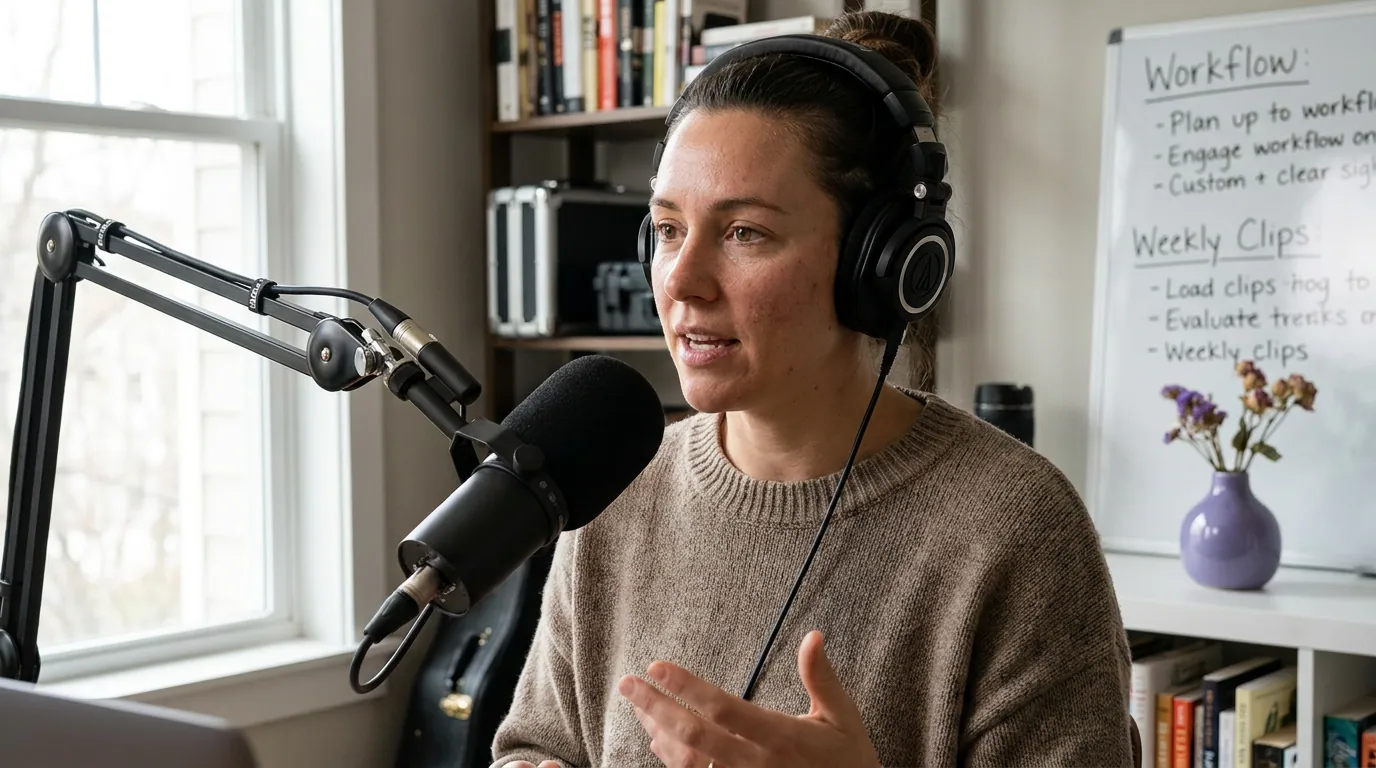
The two-hour week, allocated
Spend the two hours in three fixed blocks: find (30 min), finish (70 min), and post (20 min). Each block is an envelope, not a target, when the timer ends, you stop and move on, even mid-task. The blocks run in order so you never switch between finding, editing, and scheduling within the same stretch of attention, which is where solo creators quietly lose half their time.
Find (about 30 minutes)
Open your latest episode and let an AI clipper surface candidate moments from the transcript instead of scrubbing the whole thing yourself, that's the single biggest time saver in the system. Your job here is judgment, not search: skim the suggestions and pick three that can stand alone. A strong opinion, a surprising number, a clean story with a start and an end, a laugh. How AI clip detection actually works explains which signals the tool scores, so you know what it tends to miss and can mark one by hand if needed. Three keepers, then stop, do not let "find" bleed into "finish."
Finish (about 70 minutes)
This is where most of your two hours goes, and where the quality lives. For each of the three clips: trim the in and out points (drop the first 1–2 seconds of dead air, end the instant the payoff lands), apply your one caption style, then read every caption word for word. Auto-captions are a draft, never a finish, and they matter more than they look, because a widely cited figure puts roughly 85% of social video views with the sound off (Digiday, publisher-reported, directional, individual studies range about 69–85%). For most viewers, the caption is the clip. Roughly 23 minutes per clip is plenty when the AI has done the finding.
Post (about 20 minutes)
Push all three clips into a scheduling queue in one pass and space them across the week, do not export to your desktop and post them by hand on three different days, which quietly rebuilds the daily grind this system exists to kill. Lead the week with your strongest clip. If your tool schedules to several platforms at once, set Shorts, Reels, and TikTok from the same queue rather than reposting manually. For the specific slots, the best time to post podcast clips by platform has the per-network breakdown.
The keep, automate, skip rule
Every task that competes for your two hours gets one of three labels: keep it (do it by hand, it carries the quality), automate it (hand it to the tool), or skip it entirely (the return doesn't justify the minutes). The whole system is just this rule applied honestly. The clip-finding and rough cuts get automated. Caption review and the keep-or-kill judgment stay manual, because those are the tasks where a solo creator's taste actually shows. Everything in the skip column is something a team would do that you simply cannot afford to.
The discipline is in the skip column. Custom thumbnails can lift a click-through rate, but designing one per clip eats your whole post block, let the platform pull a frame, or pick a strong in-frame moment as the cover and move on. Per-platform recuts (a 9:16 for Reels, a separate 1:1 for the feed, a tuned-length cut for Shorts) are a real edge a team has; alone, post one vertical cut everywhere and accept the small loss. Trend-chasing, jumping on a sound or format the day it spikes, has a short shelf life and no batch-ability, so it doesn't fit a fixed weekly budget. And daily posting sounds disciplined but is the fastest road to quitting; three good clips beat seven rushed ones.
What you give up versus a full program
Be honest with yourself about the trade. A two-hour solo program is a deliberate subset of a full clip program, not a smaller copy of it. You give up volume, polish at the margins, and reactivity. You keep the part that actually compounds: a consistent feed of clips that can stand alone. Here is the line-by-line of what's in and what's out.
| Task | Two-hour solo program | Full program (team/VA) |
|---|---|---|
| Clips per week | 3, finished | 7–15, finished |
| Finding moments | AI, you pick 3 | Editor reviews full episode |
| Thumbnails | Auto frame or in-clip cover | Custom per clip |
| Platform versions | One vertical cut, posted everywhere | Recut per platform |
| Trends | Skipped | Reacted to within hours |
| Caption review | Always, by you | Dedicated reviewer |
Source: QuickReel solo-creator method, generalized, directional, not a guarantee. Notice what the minimal program refuses to cut: caption review and the keep-or-kill judgment stay manual in both columns. Those are the tasks where corners show. Everything you drop is in the long tail of polish, where the marginal clip earns less than the time it costs.
The honest ceiling: two hours a week will not build a viral machine, and it won't out-produce a funded team. What it will do is keep you publishing consistently with clips good enough to convert, and consistency is the variable that separates the channels that grow from the ones that fade. Volume without conversion is just busywork, which is the distinction worth holding onto in clips that convert versus clips that get vanity views.
Common mistakes solo creators make
Treating the budget as a floor, not a ceiling. The point of two hours is that you stop. The moment you "just finish one more clip," you've reopened the door to the ten-a-week burnout the system was built to prevent. When the timer ends, the block ends.
Skipping the kill step to hit three. If only two of the AI's suggestions are strong this week, post two. A weak third clip trains your audience to scroll past you, and that costs more than a quiet week. How to pick the best AI-suggested clips is the keep-or-kill rubric to run in your find block.
Posting three near-identical moments. Three clips from the same five-minute stretch read as one clip to your audience. Spread your picks across the episode so each offers a different reason to follow.
Never looking back at the queue. A week scheduled is not a week learned. Tag your clips so you can see which type travels, how to A/B test podcast clips without a big audience shows how to learn from three clips a week, which is exactly the volume this system produces.
Buying more tool than the budget needs. A two-hour program needs finding, captions, and scheduling, not a full editing suite you'll use for ten minutes. Match the tool to the budget, not to a team you don't have.
FAQ
Can you really clip a podcast by yourself in two hours a week? Yes, if you cap the output at three clips and let an AI clipper do the finding and rough cuts. The two hours split as 30 minutes finding, 70 minutes finishing three clips, and 20 minutes scheduling. The cap is what makes it sustainable, trying to match a team's volume solo is what fails.
How many clips a week should a solo creator post? Three is the sweet spot for a one-person operation: enough to feed the algorithm and gather signal, few enough to finish well and not burn out. Below three you rarely learn what works; above five, quality slips without help. Start at three and only raise it if your time genuinely allows.
What should a solo creator skip to save time? Skip custom thumbnails, per-platform recuts, trend-chasing, and daily posting. Each is a real edge for a team and a budget-killer for one person. Keep caption review and the keep-or-kill judgment manual, those are where quality shows and where automation can't replace your taste.
Do I need an AI clipper, or can I do this fully manually? You can do it manually, but two hours gets tight. Finding moments by scrubbing a full episode can eat the entire find block before you've cut anything. Automating the finding and rough cuts is what makes the 30-minute find block realistic; the judgment and caption review stay yours either way.
Is one vertical clip really enough for every platform? For a solo budget, yes. A clean 9:16 clip with readable captions performs acceptably across Shorts, Reels, and TikTok. Per-platform recuts squeeze out a bit more, but that polish is exactly the long-tail work a two-hour program trades away on purpose.