
Does Your Clip Stand Alone? A 4-Point Test

A clip stands alone when a stranger can answer four questions in the first few seconds: Who is talking? What is it about? Why should I care? Does it resolve inside the cut? Watch your clip muted, ask all four, and any "no" is the exact reason it's getting scrolled. The first three are patchable. The fourth is a gate, fail it and no caption saves the clip.
The trap is that you can't see your own context gaps. You carry the whole episode in your head, the guest's name, the question that set up the answer, the three minutes of buildup. A new viewer carries the clip and nothing else. The 4-point test is a way to borrow a stranger's empty head for thirty seconds and find out what you forgot to put on screen.
How do I know if my clip makes sense on its own?
Score it cold. Open the clip on a phone, sound off, the way most people meet it, and ask four questions in order: Who is talking? What is this about? Why should I care? Does the moment resolve? Each "yes" is a point. Anything below a clean four is a named gap with one specific fix.
This is not the same as "is it a good clip." A clip can be funny, sharp, and well-shot and still fail the test because it assumes context the viewer doesn't have. The test measures one thing: legibility to someone who has never heard your show. That's the audience that matters, because 57% of listeners now name social media as a source for podcast recommendations, the first time it edged out friends and family (54%) (Inside Radio, reporting Coleman Insights / Amplifi Media's 2025 survey of 1,000 U.S. listeners; the firms credit video clips as the driver). Clips are the front door to that feed. An illegible front door means no one comes in.
Run the test on mute on purpose. Most feed video plays silent, Digiday reported about 85% of Facebook video plays muted (Digiday; publisher-reported in 2016 and directional, but the direction hasn't reversed). If your only answer to "who is talking" or "what is this about" lives in the spoken track, a muted viewer never gets it. Context that isn't on screen isn't context, it's a guess you're asking the viewer to make in the first three seconds, which is the exact window you can't afford to waste.

The 4-point stand-alone test
Four questions, scored in order, watched cold. Who is talking? What is it about? Why should I care? Does it resolve? Give a point for each clean "yes." The order matters: questions 1 through 3 are independent context gaps you can patch one at a time, but question 4 is a gate. If the moment doesn't resolve inside the cut, the other three points are worthless, you fixed the framing on a clip that has no payoff.
A clean 4/4 means post it, adding more context to a self-evident clip just burns your opening seconds. A 3/4 where the missing point is question 1, 2, or 3 is a fifteen-minute fix. A clip that fails the gate, no matter how it scores on the rest, goes back to the timeline. The next sections take each question, name the failure mode, and give the one fix that resolves it.
Question 1, Who is talking? (failure: anonymous speaker)
The fix is a lower-third name and role label, "Dr. Priya Rao, sleep researcher", held in the first couple of seconds. When a viewer can't tell who's speaking, a sharp take from a stranger reads as a sharp take from nobody, and it gets dismissed instead of shared. The label costs zero seconds of the actual moment and answers the question instantly, on mute.
This failure hits guest interviews hardest, because the guest's credibility is the entire reason the clip is worth watching. "Some guy says raise your prices" gets scrolled. "A pricing strategist who's advised 200 SaaS founders says raise your prices" gets believed. For two-person clips, the label also tells the viewer who is the host and who is the guest, which they otherwise have to guess.
Question 2, What is it about? (failure: the floating answer)
The fix is a setup line: splice the host's framing question from earlier in the episode into the front of the clip, or rewrite it tighter as an on-screen caption. The failure mode here is an answer with no question attached, the guest says something punchy, but the viewer never heard what prompted it, so it floats free and lands on nothing.
Use audio you already have when you can. Scrub back to where the host introduced the topic and pull that one sentence forward, so the clip opens on "we asked her why she fired her biggest client" and the next ten seconds resolve against it. If the original framing rambles or assumes its own context, don't splice it, retype it as one clean line of text. A single sentence is enough to turn a fragment into a story.
Question 3, Why should I care? (failure: no stakes up front)
The fix is a stakes card: one or two lines of text over the first two to three seconds that frame why this moment is worth thirty seconds before the talking starts. The failure mode is a clip that's perfectly legible, you know who's talking and what it's about, and still gets scrolled, because nothing told the viewer what's at risk or surprising.
Write the card as a promise, not a label. "A conversation about pricing" is a topic, and topics get scrolled. "She raised prices 40% and lost zero clients, here's the script" is a promise the next ten seconds will keep. Keep it under about eight words, set it high enough to clear the platform's caption bar and profile icon, and pull it off screen the moment it's read. This is the same muscle as writing a strong spoken or text hook opener, the card is a hook for the silent majority.
Question 4, Does it resolve? (failure: no payoff, the gate)
There is no caption fix for this one. If the moment builds toward a punchline, a reveal, or a conclusion that lands outside the cut, the clip ends on a held breath and the viewer feels cheated. The fix is to re-cut: extend the out point until the arc completes, or pick a different moment entirely. A clip that fails the gate is a moment-selection problem, not a context one.
This is why the gate sits last and counts differently. You can spend an hour adding a name, a setup line, and a stakes card to a clip, and if it never resolves, you've polished a dead end. Score question 4 first if you're triaging a big batch. Anything that fails it goes back to the timeline before you touch the other three. This single rule is the most common reason clips flop despite looking finished: the editor patched the framing and never checked the payoff.
Common mistakes when fixing a clip that needs context
- Patching the gate. Adding a stakes card to a clip that never resolves is the most expensive mistake here, you spend real time and the clip still ends on nothing. Score question 4 first; re-cut anything that fails it.
- Reaching for all four fixes by reflex. A clip that scores 3/4 needs one fix, not a name card and a setup line and a stakes card stacked before the moment starts. Three seconds of front-loaded context and the viewer is gone. Add the one device that matches the failing question.
- Scoring with the sound on. If you test with audio, you'll pass clips that fail on mute, where ~85% of viewers actually meet them (Digiday). Always score cold and silent.
- Writing labels instead of promises. "In this clip we discuss funding" is a label and labels get scrolled. The stakes card has to compete with everything else in the feed, so write the surprise or the risk, not the topic.
- Over-explaining a self-evident clip. A clean 4/4 needs nothing added. Stacking context onto an already-legible moment burns the opening seconds that drive your retention curve. Diagnose first; add the minimum.
Tools: where the test fits in your workflow
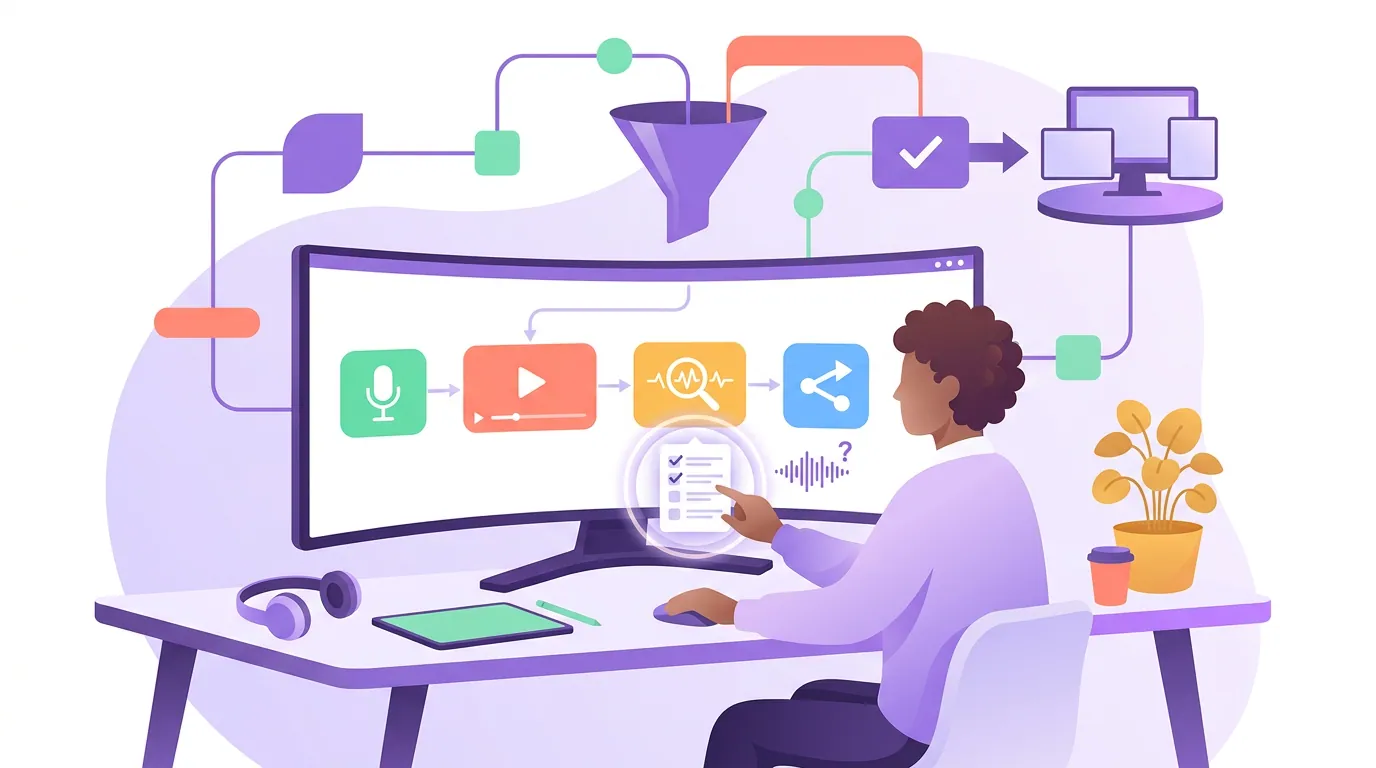
The 4-point test is a habit, not a feature, you can run it in any editor and add a name, a setup line, or a stakes card in any tool that supports text overlays and captions. What changes the speed is having the transcript, the timeline, and the caption layer in one window, so splicing a setup sentence from earlier in the episode is a scrub-and-drag instead of an export-reimport loop, and a failed-gate clip is a re-trim instead of a re-do.
An AI clipper gets you candidate moments faster, but it won't run the stand-alone test for you, it detects sentiment spikes and topic changes, not whether a stranger can follow the cut. That gap is exactly where the test earns its keep: generate the batch, then score each clip by hand and apply the matching fix. The same judgment decides which AI suggestions are worth keeping in the first place, picking the best AI-suggested clips is the upstream version of this test. QuickReel keeps clip generation, an editable timeline, captions, text overlays, and speaker labels in one pass; Opus Clip, Vizard, and Klap all support overlays and captions too, and the four fixes work the same in any of them. If your clip is legible but still flat, that's a different problem than context, but if it confuses, fix that first. For the deeper diagnostic on a single confusing clip, the add-context walkthrough covers the same gaps in more depth.