
How to Pick the Best Frame for a Video Clip


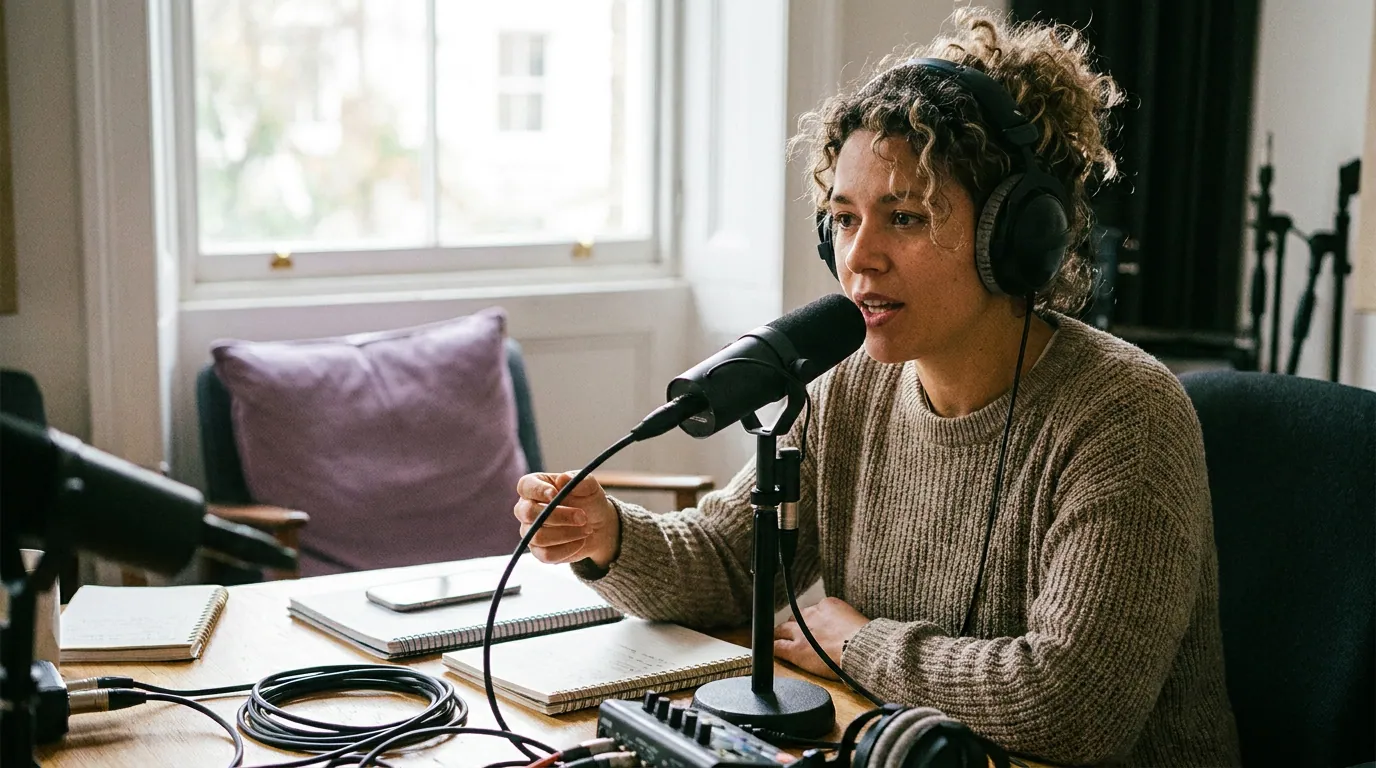
The best frame for a video clip is a sharp, well-lit human face caught mid-expression, with the eyes pointed toward the lens and something in motion. That single still does two jobs at once, it is the cover that decides whether a thumb stops in the grid, and the first frame that decides whether a paused thumb stays. Pick it deliberately, not whatever frame the timeline happened to land on.
Most clip advice obsesses over the spoken hook, the first line, the question, the bold claim. That matters, and there's a whole breakdown of what to put in the first 3 seconds. But the spoken hook only gets a chance to work if the picture earns the stop first. The frame is the audition. This guide is about choosing that one image.
Why does the opening frame decide the view?
The opening frame decides the view because the picture loads before the sound does, and most viewers are scrolling on mute. The frame is the only information a viewer has in the half-second before they decide to keep scrolling. A muted, motionless, badly-lit frame loses that decision no matter how good the line that follows is.
The mute number is the load-bearing fact here, and it deserves an honest attribution. The widely-repeated "85% of video is watched on mute" comes from Digiday's 2016 reporting on Facebook video, and the ~75% figure traces to Verizon Media/Sharethrough survey work, both are publisher-reported and directional, not a measured platform-wide constant (Digiday, 2016). The exact percentage moves by platform and year. The takeaway holds regardless: a large share of your viewers never hear the audio that the frame is supposed to set up.
There's a second reason the frame matters more than the calendar admits: clips are where a meaningful slice of a video show's new audience comes from. Short-form clips drive an estimated 20–40% of new audience for video podcasts and can lift reach 2–5× (Podcast Studio Glasgow). That range is a vendor estimate, so hold it loosely, but it explains why the cover frame is worth the two extra minutes it takes to choose well.
The FLARE test: how to score a candidate frame
Score every candidate frame on five things, zero to two points each. Anything that scores 8 or higher will stop a thumb; below 6, keep scrubbing. FLARE stands for Face, Light, Action, Reach (with the eyes), and Edge (sharpness). It turns "this one feels good" into a checklist you can run in fifteen seconds.
Here's what each letter is actually checking for.
- Face. A human face is the strongest scroll-stopper a clip has, faces draw the eye fast, which is why nearly every high-performing talking-format cover leads with one. If your clip has no usable face frame, a screen-share, a quiet B-roll moment, you're capped at a weak score, and you'll have to lean on a bold text overlay instead. Score 2 if a clear face fills a third or more of the frame, 1 if it's small or in profile, 0 if there's no face.
- Light. A clip lives next to a dozen brighter clips in a feed. A face lost in shadow reads as "low effort" before a single word is heard. Score 2 for an evenly-lit, clearly-visible face; 0 for a frame you have to squint at.
- Action. A resting face is a stock photo. A face mid-word, mid-laugh, or mid-gesture implies that something is happening, and the thumb wants to know what. In our clip-cover reviews, an open-mouth, mid-sentence frame almost always reads as more curious than the same person at rest. Score 2 for clear motion or expression, 0 for a neutral rest pose.
- Reach (the eyes). Eye contact is the difference between watching someone and being addressed by them. A frame where the speaker's eyes meet the lens, or lock onto a clear off-screen point, pulls the viewer into the conversation. Closed or half-blinked eyes kill it instantly. Score 2 for open eyes with a clear direction, 0 for a blink or a downward glance.
- Edge (sharpness). A blurry face reads as a mistake, and viewers scroll past mistakes. The exception: slight motion blur on a moving hand or a turning head can add energy, as long as the face itself stays sharp. Score 2 for a crisp face, 0 for a soft or smeared one.
The whole point of scoring is to break ties without arguing with yourself. When two frames feel close, the numbers decide.
What to do when no single frame scores high
When no frame clears 6, you have three honest moves, in order of preference: re-crop to a tighter face, add a text overlay to carry the stop the picture can't, or pick a different moment in the episode entirely. Don't ship a weak frame and hope the caption saves it.
A tighter crop is the most underused fix. A wide two-shot of two calm people scores low on Face and Action almost every time; the same instant, cropped tight on whichever person is mid-reaction, can jump three points. This is the cover-frame side of the broader vertical reframing problem, the moment is fine, the framing was just too far back.
A text overlay is the second move, and it's mandatory when the clip simply has no face, a solo voice over a slide, a clip built around a chart. Three to six big words, high contrast, in the upper-center safe zone where no platform crops it. The overlay is doing the scroll-stop the face would normally do, so it has to carry a real idea, not a topic label.
Changing the moment is the last resort, but it's the right call more often than people admit. If a clip's best available frame still scores a 4, the clip itself may not be visual enough to travel. That's a signal worth heeding when you're picking which moments to clip in the first place.

Common mistakes when picking the cover frame
These are the five frame mistakes that show up most in clip reviews, each with the fix.
- Letting the default first frame win. Editors keep whatever frame the timeline opens on, which is usually a speaker mid-inhale, eyes half-closed, before they've started talking. Scrub forward two or three seconds to the first real expression and set the cover there.
- Choosing a frame mid-blink. Blinks last a fraction of a second but they land on covers constantly because that's often the peak-emotion instant. Step one frame forward or back to the open-eyed version of the same expression.
- Picking the prettiest frame over the most curious one. A calm, flattering portrait is a worse cover than a slightly unflattering open-mouthed reaction. Curiosity beats polish. You want "what is he about to say," not "nice headshot."
- Going too wide. A frame where the face is small enough to feel safe in your editor is too small in a phone-sized feed. When in doubt, crop tighter than feels comfortable.
- Ignoring the grid. On Instagram and a creator's profile, the cover also has to read as a tiny tile next to your other clips. A frame that works full-screen can turn to mush at thumbnail size. Check it small before you ship it.
The thread through all five: a calm, watching, downward-glancing face is the death of a cover. Every fix pushes the same direction, bigger face, more light, more expression, eyes up.
Does the AI pick a good cover frame on its own?
AI clip tools, QuickReel included, pick a reasonable default cover automatically, usually a frame near the visual or emotional peak of the clip. It's a strong starting point that clears the bar most of the time, but it isn't infallible: automated frame selection still lands on blinks, mid-syllable mouth shapes, and slightly-too-wide shots. Treat the default as a candidate, not a verdict.
This is the same honest framing that applies to AI clipping overall, every AI clipper still needs roughly 20–40% human review to be genuinely good, and the cover frame is one of the highest-return places to spend that review time. Ten seconds re-scrubbing the cover can do more for a clip's view rate than ten minutes on the edit, because nothing downstream matters if the thumb doesn't stop. If your clips keep underperforming despite solid content, the cover is one of the first things to audit, it's a common, fixable reason clips get no views.
Frequently asked questions
Should the cover frame match the first frame of the clip? Usually yes, and that's the efficient move, one strong frame doing both jobs. But you can set a different cover than the opening frame on most platforms. If your strongest face frame sits two seconds in, set that as the cover and let the clip open on whatever leads naturally into the spoken hook.
Is a face always better than text or a product on the cover? For talking-format clips, a face almost always wins, because faces stop scrolls faster than objects or text alone. The exception is a clip with no usable face, a slide, a screen-share, a chart, where a high-contrast text overlay does the scroll-stop instead. When you have both a good face and a sharp line, a face plus three or four words beats either alone.
Does the cover frame affect retention or just the click? Both. The frame earns the 3-second view, and the 3-second view is the gate to everything else on the clip's retention curve. A misleading cover earns the stop but loses the viewer at second four, which platforms read as a weak clip. Pick a frame that's honest about what the clip delivers.
How long should I spend choosing a cover frame? About fifteen to thirty seconds per clip once you know the FLARE test. Scrub to two or three candidate expressions, score them, pick the highest, crop tighter if needed. It's a small tax for the one decision that gates the view, and it gets faster the more clips you ship.