
Repurposing an Interview vs. a Solo Episode


Repurpose an interview and a solo episode the same way and you will waste half of one and misattribute the other. An interview clip lives in the guest's answer, has to credit the guest, and travels to a second audience you don't own. A solo clip carries your argument and your face, needs no attribution, and builds a single consistent voice. Decide which source type you're holding before you decide which moment to cut.
The fork shows up everywhere downstream: which line you clip, whose name goes on screen, whether you cut to a two-shot or stay on one face, even whether the episode is better turned into a quote graphic than a video. Most repurposing guides hand you one flow and ignore that a guest conversation and a monologue are different raw materials. This one treats them as two materials, gives you a decision lens to route each episode, and a short checklist for each so you stop applying the wrong playbook.
How is repurposing an interview different from a solo episode?
An interview gives you a second voice, an outside audience, and a credit obligation. A solo episode gives you a controlled argument and a consistent face but no built-in reach. So an interview clip opens on the guest's strongest answer and names them on screen, while a solo clip opens on your sharpest claim and leans on text.
That difference traces back to the raw material. In an interview, the change of speaker is a natural cut point, every time the guest takes over, a clip might be starting. In a monologue there is no second voice to mark anything, so you have to read for the argument's turns instead. The pull to do this work is the same either way: short-form clips drive an estimated 20–40% of new-audience acquisition for video shows and can raise reach 2–5× (Podcast Studio Glasgow; single-studio figures, treat as directional). And 57% of listeners now rely on social media for podcast recommendations, the first time that surpassed friends and family (InsideRadio). The strategy diverges; the stakes don't.
One honest caveat about AI here. Clip-detection models reward energy and density, so on an interview they tend to surface lively cross-talk, you and the guest laughing or talking over each other, which feels like a highlight but rarely cuts clean on mute. On a solo episode the same models lean on vocal emphasis, which can mistake a loud aside for a real point. How AI clip detection actually works covers the signals; for now, know the model has a different blind spot for each source type, and you correct for a different thing in each.
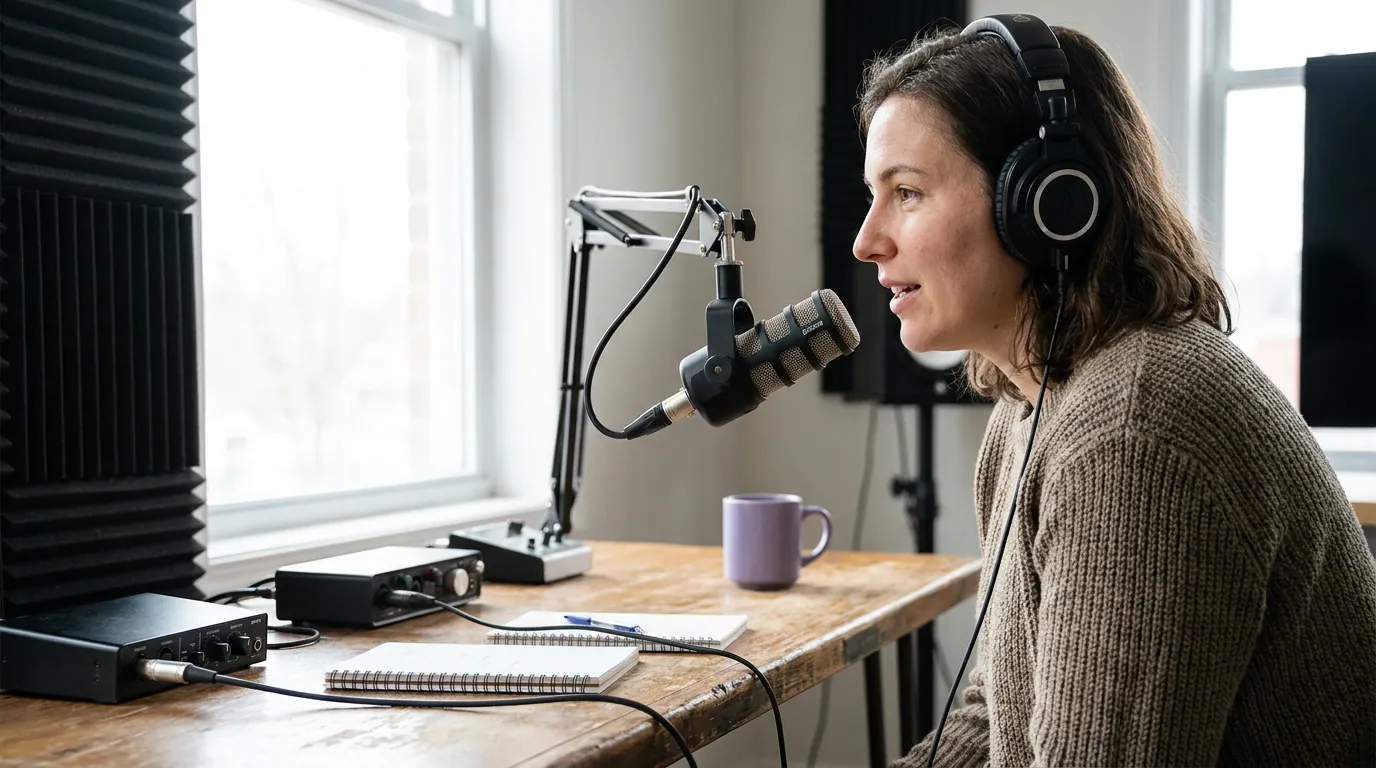
Decide first: which playbook does this episode get?
Route the episode before you touch a clip. The deciding question is simple, is there a second voice that's the draw? If yes, you're on the interview playbook and the guest is your asset. If the episode is you alone (or you plus a regular co-host whose voice the audience already knows), you're on the solo playbook and your argument is the asset. A panel with three-plus guests is its own case, closer to interview but with speaker-labeling demands of its own.
The interview playbook: clip the guest, credit the guest
For an interview, the clip almost always lives in the guest's answer, not your question. The guest is the only voice your regulars haven't heard, so the surprising line is theirs. Open on it, put the question in a caption if it's needed at all, and stop on the guest's last strong word before you drift into "yeah, totally."
Run this checklist on every interview episode:
- Clip the answer, not the question. Cut so the first words on screen are the guest's. The question, if essential, becomes one line of on-screen text, never the first four seconds of audio. The opening seconds are where attention is won or lost, so don't spend them on your setup (castmagic; directional, single-source).
- Name and credit the guest on screen. A clip of "some guy" doesn't get reshared by the guest's audience. Their name plus one credential is part of the hook, and the reason an interview clip reaches a second audience you don't own.
- Frame for two voices. When you go vertical from a two-person horizontal record, keep whoever is speaking in frame. A clip that lingers on the silent host while the guest talks reads as off. Reframe to the guest on their lines.
- Get the guest to repost. Send the finished clips to the guest the day you publish. Most will share to their followers, which is the interview's unique multiplier, you borrow their reach for free.
- Mine the conversation for more than clips. A 60-minute interview is dense with quotable lines from two minds. It often makes a strong Instagram carousel built from the episode's best exchanges and a set of shareable quote graphics pulled from the guest's lines.
The risk specific to interviews is attribution and trust. Never cut a guest's admission in a way that strips the context that made it safe to say, that breaks the relationship and, over enough episodes, your ability to book good guests. When a clip of a vulnerable or contrarian moment makes you hesitate, send it to the guest before posting. The ones who flag a problem just saved you from a bad week.
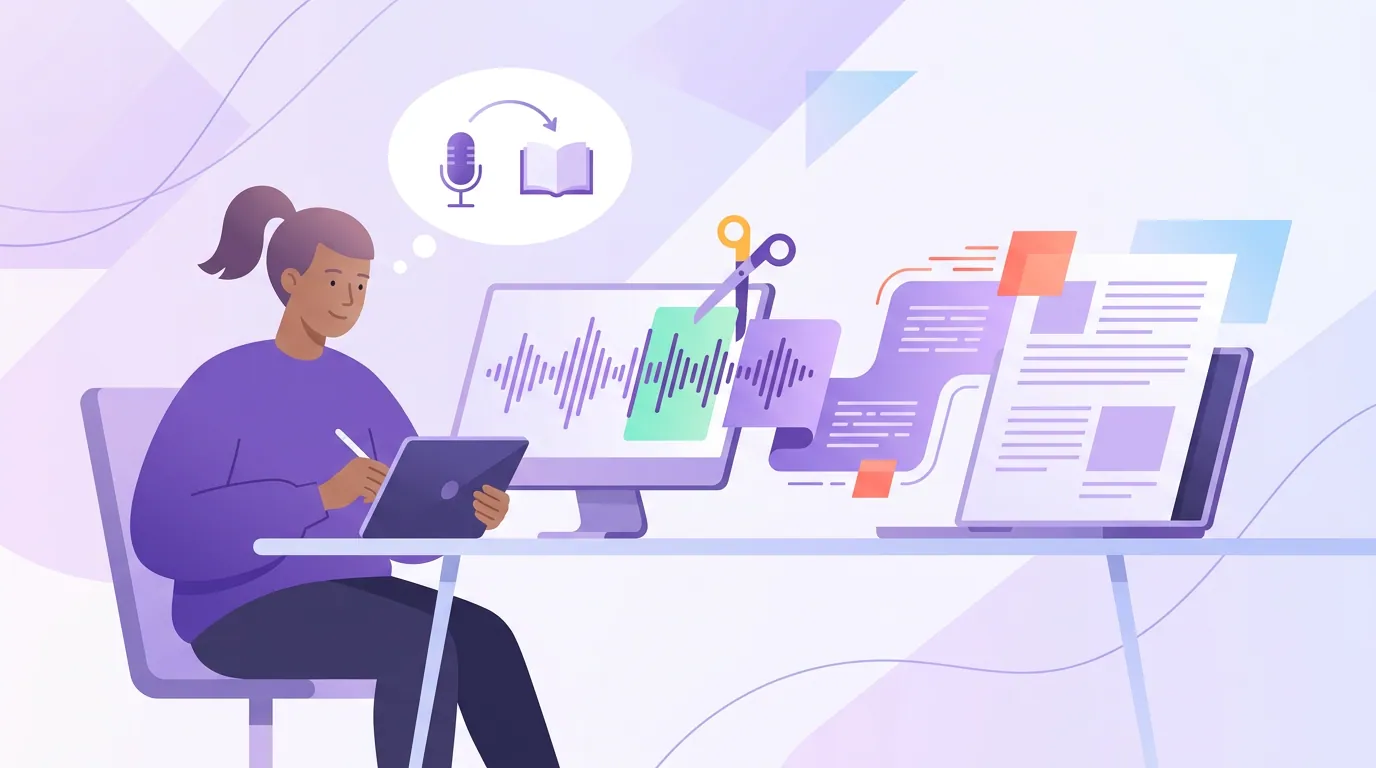
The solo playbook: clip the argument, carry it with text
For a solo episode there's no second voice to mark a cut and no guest audience to borrow, so the clip has to stand on your argument and the text has to do the work a second person would. Read the transcript for the argument's turns, the claim, the reason behind it, the objection you raise and answer, the line that lands the point. Those turns are your cut points.
Run this checklist on every solo episode:
- Open on the claim, not the wind-up. Solo hosts warm up. Trim the "so I was thinking about this the other day" and start on the actual position. The first line should be the most disagreeable or surprising thing you say.
- Let on-screen text carry the structure. With one face and no reaction shots, the screen is your second voice. A bold hook line at the top and tight captions keep a talking-head clip moving, text is doing the job a guest's reaction would do in an interview.
- Vary the frame so one face isn't static. A single speaker for 45 seconds can flatten. Add a punch-in on the key line, a relevant cutaway, or a moving caption to break the sameness. This is the solo-clip equivalent of cutting between two people.
- Build a consistent voice, not borrowed reach. Solo clips won't get a guest repost, so their payoff is compounding: every clip sounds like you, so a viewer who finds three of them knows your point of view. Keep your hook style and caption look consistent across the batch.
- Turn the monologue into long-form text. A structured solo argument is the easiest source for written repurposing, it's already one coherent line of thought. It converts cleanly into a blog post built from the episode that can rank and a newsletter written from the single episode.
Common mistakes when repurposing each type
- Clipping your own question on an interview. The sharp question felt like a win in the room; in the feed it reads as the host taking the guest's spotlight. Clip the answer, caption the question.
- Skipping the guest credit. No name on screen means no reshare from the guest's audience, you give up the one reach advantage an interview has over a solo.
- Posting an interview clip without a check. The honest, vulnerable moment is the easiest to clip and the easiest to misuse. When unsure, send it to the guest first.
- Treating a solo monologue like an interview. Waiting for a "moment" the way you would with a guest leaves a solo episode unclipped. There's no second voice, you read for the argument's turns instead.
- Letting a solo clip sit on one static frame. One face for 45 seconds flattens. Punch in, cut away, or move the captions so the clip doesn't stall.
- Trusting the AI's top pick for either. On interviews it over-ranks cross-talk; on solos it over-ranks volume. How to pick the best AI-suggested clips is the filter to run before you accept its order.
The feed is more crowded every month, with freelance clippers paid per view flooding TikTok, Reels, and Shorts with chopped-up long-form footage. Matching the cut to the source type, guest-led for interviews, argument-led for solos, is what separates your clips from the chopped-up flood.