
QuickReel vs Vizard for Multilingual Clipping

If your priority is captioning one episode into many languages and routing previews past a client before they go live, Vizard is built for that, broad subtitle-translation coverage and a shared workspace with external-viewer access. If your priority is the clip itself looking right, the speaker tracked and framed, the cut tight, the edit yours to fix, QuickReel gives you more control per finished clip. Both find roughly the same moments. The split is what you do with them after.
I run clip-quality benchmarks for a living, so I'll keep this concrete. Below is the cost model that actually decides the bill, the real team numbers, a worked example at three volume levels, and a decision rule keyed to how many languages you ship. Pricing here was checked against both vendors' pages on 27 June 2026; SaaS prices and feature lists move, so re-verify before you subscribe.
QuickReel vs Vizard at a glance
Both tools take a long video, transcribe it, score the moments, cut vertical clips, and burn in captions. In my own side-by-side benchmarks the detection sits close to a tie, feed both the same episode and the top picks overlap heavily, which is why this comparison turns on workflow, language reach, and cost rather than on who finds the highlight. Here is where they genuinely diverge.
Here is the same information as a clean table, with prices verified live.
| QuickReel | Vizard | |
|---|---|---|
| Entry paid plan | $9/mo Starter (100 credits) | Creator $29/mo monthly ($14.50/mo on annual) |
| Mid plan | Pro $29 list, $17.40 promo (250 cr, 6 platforms) | Business $39/mo monthly ($19.50/mo on annual) |
| Team / approval | Not on standard tiers | Shared workspace + external client access (Business) |
| Languages | 20+ captions | broad subtitle translation |
| Free tier | Yes, no card | Yes, 60 min, 720p export, watermark, 3-day storage |
| Cost driver | Credits per output | Minutes of video uploaded |
QuickReel's Pro, Pro+, and Ultimate carry a standing promotional discount off list at the time of writing; I quote both numbers so the comparison stays honest. Vizard's $29 (Creator) and $39 (Business) month-to-month rates drop to $14.50 and $19.50 per month on annual billing (vizard.ai/pricing), so confirm the exact rate at checkout. Sources: quickreel.io/pricing and vizard.ai/pricing, both checked 27 June 2026, cross-referenced with Vizard's pricing help article.
How does Vizard's pricing actually work?
Vizard charges by the length of the video you upload, not the number of clips you get back. One credit equals one minute of uploaded video, and a 60-minute episode costs 60 credits whether the tool returns 5 clips or 50 (Vizard pricing help center). Unused monthly minutes roll over and accumulate to the next month, which softens the model for anyone who uploads in bursts.
The paid Creator and Business tiers both include 600 upload minutes a month (vizard.ai/pricing). That is ten hours of source, comfortable for a weekly hour-long show with room to re-process, but a near-daily publisher or an agency clipping for several clients will run it down. Past 10,000 minutes a month, Vizard points you to a custom Enterprise plan with an SLA (Vizard pricing help center).
None of that makes Vizard a weak tool. The rollover is genuinely friendly, the free tier gives you 60 real minutes to test on, and the upload-minute meter is easy to forecast. It just means your bill tracks raw footage uploaded, not clips produced or finished, so a long episode you only want two clips from still costs its full runtime in credits.
Where Vizard is genuinely strong: languages and team approval
This is Vizard's home turf, and I'm not going to soften it. Vizard supports subtitle translation across a wide range of languages (Vizard supported-languages help center). If your job is to take one English episode and ship captioned cuts in Polish, Korean, Arabic, and a dozen more, that breadth is the deepest in this comparison by a wide margin. One honest limit worth stating: Vizard does subtitles, not dubbing, you reach multilingual audiences through on-screen text, and you'd need a separate tool for translated voice.
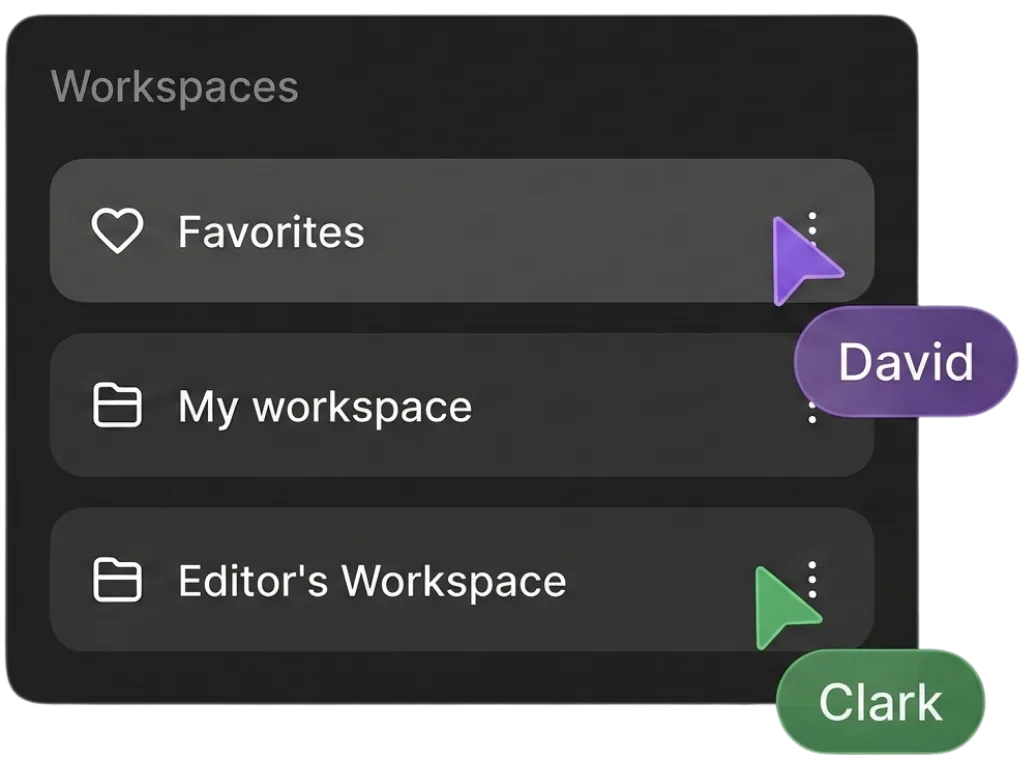
The second strength is the team layer. Vizard's Business plan adds a shared workspace and lets you add external viewers, clients or contractors, to specific projects, which is the practical shape of an approval flow: an editor shares clip previews, the client signs off, then it posts (vizard.ai/pricing). It is preview-and-approve rather than a formal multi-stage permission pipeline, so if you need defined reviewer roles, confirm the specifics with Vizard before you commit. For a freelancer or small agency routing clips past clients, it covers the real workflow.

The worked monthly-cost example (5, 15, 40 hours of source)
This is the number that decides it. Below is what each volume tier costs against Vizard's documented upload-minute model. Forty hours of source a month is a serious operation, a near-daily show, or an agency clipping for several clients.
| Monthly source | = upload minutes | Vizard minutes needed | Fits Vizard's 600-min allowance? |
|---|---|---|---|
| 5 hours | 300 | 300 | Yes, with headroom |
| 15 hours | 900 | 900 | No, over by 300/mo |
| 40 hours | 2,400 | 2,400 | No, needs a custom/high-volume plan |
At 5 hours you sit comfortably inside Creator or Business, and the rollover means an under-used month banks minutes for a busy one. At 15 hours you're 300 minutes over the standard allowance every month, and at 40 hours you're far enough past it to need a high-volume conversation (vizard.ai/pricing). That is the trade-off of an upload-minute meter: it is predictable, but it counts the footage you feed it, not the clips you keep.
QuickReel's model works differently, and I want to be precise rather than flattering: QuickReel sells credits spent on outputs and features, not literal upload-minute plans. A long episode that yields 20 clips does not cost you 60 minutes of meter the way it does on Vizard. The verified ladder, with list price and the current promo in parentheses, is Starter $9 for 100 credits, Pro $29 ($17.40 promo) for 250, Pro+ $49 ($29.40 promo) for 500, and Ultimate $259 ($89 promo, renews $99) for 1,000 (quickreel.io/pricing). So at 40 hours of source a month, where Vizard moves you to a custom high-volume quote, QuickReel's Ultimate is a published number with scheduling to 30 platforms. The honest caveats: that $89 is a promotional rate that renews higher, not a contractual floor, and credits buy outputs, not raw minutes, so the exact fit depends on how many clips and which features you draw per episode. Get a credit estimate from QuickReel for your real episode count before switching, don't take a generic table's word for it, including this one.
What is QuickReel genuinely better at?
Two things, and they're true rather than marketing: edit control and the clip's framing. QuickReel ships an editable timeline plus brand templates, so when an auto-pick has a soft entry or a cut you don't like, you fix it instead of re-uploading the whole video (quickreel.io/pricing). It also does speaker tracking, keeping the active talker framed as a conversation moves between people, and adds AI image and UGC features that a captions-first tool doesn't.
The honest caveat applies to both tools equally: no AI clipper is a finished editor. Every one of them, QuickReel included, needs a human review pass on the suggestions before you post, in my benchmarking, a meaningful share of auto-picks need a trimmed entry, a tighter end, or a cut dropped entirely. The editable timeline matters precisely because of that review step. On language reach, QuickReel covers 20+ caption languages, which is plenty for most shows but well short of Vizard's broader subtitle-translation coverage, if your whole reason for choosing a tool is shipping one episode into dozens of languages, that gap is real and you should weigh it honestly. The best multilingual caption tools, tested compares the field on exactly that axis, and if Spanish is your second language specifically, the best clip tools for Spanish podcasts goes deeper.

When to choose each
A plain decision rule, keyed to how many languages you ship.
- Choose Vizard if you caption one episode into many languages, need 4K export, or route clips past a client for approval inside a shared workspace, and you upload no more than about ten hours of source a month.
- Choose QuickReel if you want speaker tracking, an editable timeline to fix bad cuts, brand templates and AI image features, and 20+ caption languages is enough coverage, especially at higher source volume where an upload-minute meter would push you to custom pricing. If you've outgrown a competitor's credit ceiling, the Vizard alternative when credits run out covers that switch directly. For the wider field, see the best AI podcast clip generators, tested and the best Opus Clip alternatives in 2026. If Opus Clip is also on your shortlist, QuickReel vs Opus Clip runs the same cost math against that tool.
FAQ
Is QuickReel or Vizard better for multilingual captions? For sheer language count, Vizard wins: it supports subtitle translation across a wide range of languages (Vizard supported-languages help center). QuickReel covers 20+ caption languages (quickreel.io/pricing), which is enough for most shows but not for a publisher localizing into dozens of markets. Neither does dubbing, both caption, they don't translate voice.
How does Vizard's pricing work? Vizard charges 1 credit per minute of video you upload, not per clip produced, and unused monthly minutes roll over (Vizard pricing help center). Paid Creator and Business plans include 600 upload minutes a month; past 10,000 minutes you need a custom plan (vizard.ai/pricing).
Do QuickReel and Vizard find the same clips? Mostly, yes. In side-by-side tests on the same episode, both tools surface a heavily overlapping set of top moments, so the meaningful difference is what happens after detection, language reach, team approval, editing control, and how the bill is metered.
Does either tool need human editing? Both do. Every AI clipper still needs a human review pass on its suggestions before posting, trimming dead air, fixing the hook, cutting a clip that doesn't stand alone. QuickReel's editable timeline and speaker tracking are built for that step; Vizard leans on captions and team review.
Can I try QuickReel without a credit card? Yes. QuickReel has a free plan with no trial gate, enough for roughly one full episode's worth of clips, so you can test clip quality and speaker framing on your own footage before paying (quickreel.io/pricing). Vizard also has a free tier, 60 upload minutes a month with a watermark and 3-day storage (vizard.ai/pricing).