
Podcast Content Calendar From One Episode (30 Days)


To build a 30-day content calendar from one episode, pull six asset types out of it first, short clips, an Instagram carousel, two or three quote cards, a newsletter, and a blog post, then place them across the month with clips leading and the long-form pieces anchoring each week. The calendar below tells you exactly what to post on each of the 30 days, how to space formats, and when to re-run the same clip with a new hook.
Most "repurposing" advice stops at "be consistent" and leaves you staring at a blank calendar. This does the opposite. You get the full asset stack from a single recording, a day-by-day grid you can copy, and the two rules that keep a one-episode month from feeling thin: format rotation and the re-post rule. One episode is genuinely enough for 30 days if you place it right.
Why one episode can carry a full month
One 20-to-40-minute episode holds far more postable material than a month needs, so the constraint is never raw material, it's placement and pacing. The reason a month from one episode works is that each format reaches a different slice of your audience at a different moment, so reusing the same source doesn't feel repetitive to any one viewer.
The clips do most of the discovery work. By one studio's client data, clips drive 20–40% of new audience and can lift reach 2–5× for video shows (Podcast Studio Glasgow, single-source, treat as a range). And social video is now the leading way people find new shows: 57% of listeners say they rely on social media for podcast recommendations, the first time it surpassed friends and family (InsideRadio). A calendar that front-loads clips is a calendar built for how discovery actually happens now.
Step 1, Pull the full asset stack from the episode
Before you touch a calendar, turn the episode into six format types in one pass. Do it in this order so each asset feeds the next: mine the clip-worthy moments first, because the strongest moments are also your best carousel slides, quote cards, and newsletter pull-quotes.
- Short clips (8–12). Vertical, captioned, 20–90 seconds each. These are your daily fuel.
- One Instagram carousel. The episode's core argument broken into 6–8 slides. Building an Instagram carousel from a podcast episode covers the slide structure.
- Two or three quote cards. The single most repeatable lines as static graphics. Quote graphics that actually get shared shows what makes one travel versus die.
- One newsletter. The episode's takeaway in 300–500 words for your list. See writing a newsletter from one episode.
- One blog post. The episode transcribed, edited, and structured to rank. Turning the episode into a blog post that ranks is the long-form anchor.
- One audiogram or text-only quote post for the platforms where video underperforms for you.
Step 2, The 30-day calendar, day by day
Place clips on most days, anchor each week with one long-form asset, and never post two of the same format back to back. The grid below is the literal schedule, clips lead because they pull new audience, while the carousel, newsletter, and blog post anchor a week each and give returning followers something deeper.
Read the calendar as four weeks. Each week leads with your strongest unused clip on Monday, places a long-form anchor mid-week, and uses the weekend for lighter assets (quote cards, audiograms). Rest days are deliberate, posting every single day from one episode is how a month starts to feel thin.
| Day | Week 1 | Week 2 | Week 3 | Week 4 |
|---|---|---|---|---|
| Mon | Clip 1 (strongest) | Clip 5 | Clip 1 re-post, new hook | Clip 8 |
| Tue | Quote card 1 | Carousel (re-share) | Clip 9 | Quote card 3 |
| Wed | Clip 2 | Newsletter | Blog post (publish) | Clip 4 re-post, new hook |
| Thu | Carousel | Clip 6 | Quote card 2 re-share | Clip 10 |
| Fri | Clip 3 | Clip 7 | Clip 2 re-post, new hook | Newsletter (recap) |
| Sat | Audiogram | Quote card 2 | Audiogram | Carousel (recut) |
| Sun | Rest | Rest | Rest | Rest |
A few things to notice in the grid. You only need 10 distinct clips for 30 days because three of them get a second run via the re-post rule below. The carousel, newsletter, and blog appear once as original work and again later as a re-share or recap (marked with an asterisk), that's recutting, not re-creating. And weekends carry the lighter lift so the weekday slots stay reserved for your discovery-driving clips.
Step 3, The re-post rule: same clip, new hook
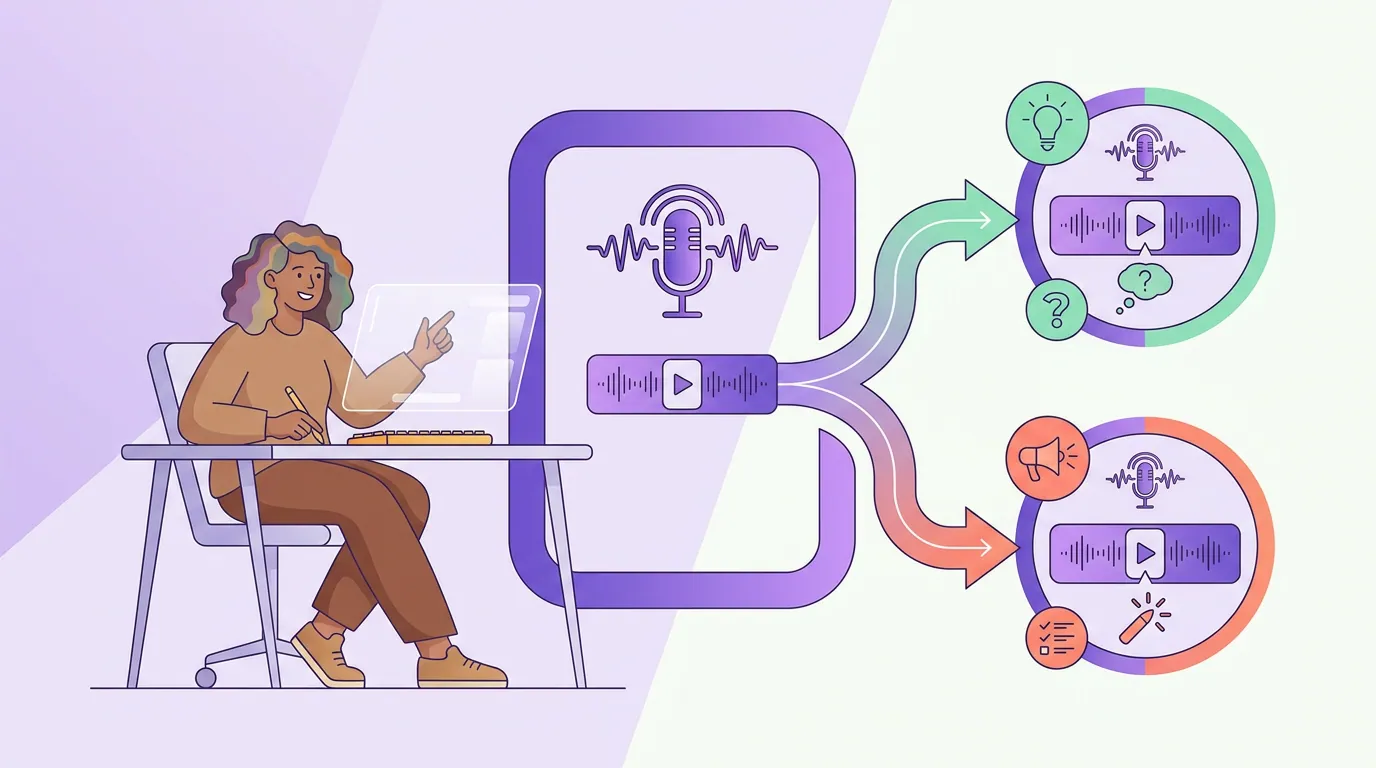
You can re-post a strong clip about every three weeks if you change the hook each time, because the hook, not the footage, is what most viewers actually judge. The same 40-second moment with a different first line and on-screen text reads as a new post to nearly everyone who sees it, especially since each platform shows it to a different cut of your audience.
This is why the calendar only needs 10 clips. Your top two or three performers from Week 1 come back in Week 3 and Week 4 with a fresh hook. Change three things and leave the footage alone: the spoken or text hook in the first three seconds, the caption-overlay opener, and the posting platform. How to pick the best AI-suggested clips helps you spot which clips are worth a second run in the first place.
Step 4, Captions and scheduling
Caption every clip and queue the whole month in one sitting, because the calendar only saves time if you don't return to it daily. Captions are non-negotiable: a widely cited figure puts roughly 85% of social video views with the sound off (Digiday, publisher-reported, directional, individual studies range about 69–85%). A clip without readable captions is a clip most of your audience can't follow.
Once the assets exist, push them into a scheduling queue rather than posting by hand. Set the clips against the calendar dates above, attach the long-form anchors mid-week, and if your tool can schedule to several platforms at once, fan the same clip to Shorts, Reels, and TikTok from one entry instead of three uploads. That single move is the difference between a month planned and a month grinded out a day at a time.

Common mistakes building a one-episode calendar
Posting every format on the same day. A clip, a carousel, and a quote card dumped on Monday teaches your audience that Tuesday through Sunday are empty. Spread the assets; the calendar's whole job is even pacing.
Re-posting too soon or with the same hook. Run the same clip a week later with the identical opener and it reads as a repeat, not a refresh. Hold to about three weeks and change the hook, that gap plus a new first line is what makes it land as new.
Treating the blog and newsletter as afterthoughts. The clips pull new viewers; the long-form anchors convert them into subscribers. Skip the blog post and you've built a discovery machine with no place to send the people it finds. The blog post that ranks is what keeps earning attention after the clips stop.
Letting AI pick every moment unchecked. A clip detector surfaces candidate windows fast, but it scores for patterns, not for your show's voice. How AI clip detection actually works explains what it scores so you know which moments to add by hand before they go on the calendar.
Building the calendar before the assets. Mapping 30 days you can't fill is busywork. Make the asset stack first, then place it, an empty grid is a to-do list, a full grid is a queue.
FAQ
How many clips do I actually need for 30 days? About 10 distinct clips. The calendar runs 30 days but only schedules roughly 18–20 clip slots once you account for long-form anchors, quote cards, and Sunday rests, and three of those slots are re-posts of earlier clips with new hooks. A typical 20-to-40-minute episode yields well over 10 clip-worthy moments, so one episode covers it.
Can one episode really fill a whole month without feeling repetitive? Yes, if you rotate formats and space re-posts. Each format, clip, carousel, quote card, newsletter, blog, reaches a different slice of your audience, and platforms show the same clip to different people. The repetition risk comes from posting the same format back to back, not from reusing one episode.
How often can I re-post the same clip? About every three weeks, with a different hook each time. Most viewers judge a clip by its first three seconds, so a new opening line and on-screen text plus a different platform read as a new post. Re-running the same footage with the same hook a few days apart is what actually feels repetitive.
What if I publish more than one episode a month? Stack the calendars. Each new episode adds its own asset stack, so two episodes a month means you can drop the re-posts and run all-fresh clips, or keep the re-posts and post twice a day. The one-episode calendar is the floor, not the ceiling.
Do I need a separate tool for each format? Not for the clips, which are the bulk of the work. One clipping-and-scheduling tool can mine moments, caption them, and queue the whole month across platforms. The newsletter and blog are written elsewhere, but they're one asset each, the daily volume lives in the clips.