
The Podcast Release-Day Checklist (Print and Reuse)


Run these seven steps, in this order, every time an episode drops: confirm the file uploaded and the feed updated, run a five-point pre-flight QA, publish, post the show notes, notify your guest, schedule the clips, and cross-post the announcement. Done as a routine it takes about 45 minutes, and the order is deliberate, you verify before you publish and you tell your guest before the internet does.
The point of a fixed checklist is that release day is the moment you are most likely to ship a mistake. You are tired from editing, you are excited to be done, and you are doing six small things that each have one easy way to go wrong: the wrong file, a broken link, a typo'd guest tag, a clip that never gets scheduled. A list you run top to bottom removes the guessing. You stop asking "did I do the thing?" and just check the box.
Below is the whole routine: a pre-flight QA pass to run before you publish, then the seven release-day steps with a time estimate for each, then the mistakes that cost shows their best episodes. Print it, tape it next to your monitor, and reuse it weekly.
What should you do on podcast release day?
On release day you verify the episode, publish it, then distribute it. In order: run a pre-flight check on audio and metadata, publish to your host, post show notes on your site, message your guest with shareable assets, schedule three to five clips, and post a launch announcement. The publishing is one click; the work is the verifying and distributing around it.
Most new hosts treat release day as "hit publish and move on." That's the version that leaves reach on the table. Publishing puts the episode in the apps; distribution is what brings people to it. And distribution increasingly happens off-platform, 57% of listeners now find new shows through social-media recommendations, the first time social media overtook friends and family (54%) as the top discovery source (InsideRadio, citing 2025 Coleman Insights / Amplifi Media data). The clips and the announcement are not optional extras. They're how the episode gets found.
The pre-flight QA pass (run this before you publish)
Before you publish anything, run five checks. This is the step that saves you from re-uploading a corrected file after a hundred people have already downloaded the wrong one. Two minutes here beats an hour of damage control later.
A note on the loudness check: most directories normalize toward roughly -16 LUFS for stereo, so mastering near that target keeps your episode at a consistent volume against everyone else's. You don't need a lab, your editor's loudness meter or a free analyzer is enough to catch a file that's wildly off.
The seven release-day steps, in order
The order matters more than any single step. You verify before you publish, you publish before you announce, and you tell your guest before strangers do. Here's each step with the exact action.
- Verify the upload and the feed (~5 min). Confirm you uploaded the final master, not the rough cut, and that your host shows the new episode in the feed. Open your podcast in a real player and check it appears. Most "where's my episode?" panics come from a feed that hasn't refreshed or a file that silently failed to process, the fixes live in keeping your RSS feed clean without breaking it.
- Run the pre-flight QA (~5 min). The five checks above. Do this before you flip the switch, not after.
- Publish (~2 min). Go live, or confirm the scheduled date and time if you publish ahead. If you schedule, double-check the timezone, a 6am post in the wrong timezone is a midnight post nobody sees.
- Post the show notes on your site (~10 min). Your episode page is the only surface a search engine can actually read, so it carries the hook, timestamps, links, and a guest line. Don't write it from scratch each week, work from a reusable show-notes template and fill the brackets. If you mark up chapters, do it now; setting chapters up correctly makes timestamps clickable in most apps.
- Notify the guest (~5 min). Send the live link plus the clips and a pre-written caption they can copy. Make sharing a two-tap job for them, not a project. A guest who reposts to their audience is the single biggest piece of free distribution you get, and it expires fast, reach out on launch day, not next week.
- Schedule three to five clips (~10 min). Spread them across the week rather than dumping them all today. One on release day, then every day or two after, keeps the episode visible without flooding any one feed. This is the distribution that compounds, which is the next section.
- Cross-post the announcement (~8 min). One post per channel, written for that channel, a native vertical clip for Instagram and TikTok, a text thread on X or LinkedIn, the link in your newsletter. Don't paste the same "new episode out now" everywhere; each platform punishes copy-paste and rewards a post that fits it.
Why the clips step earns its place
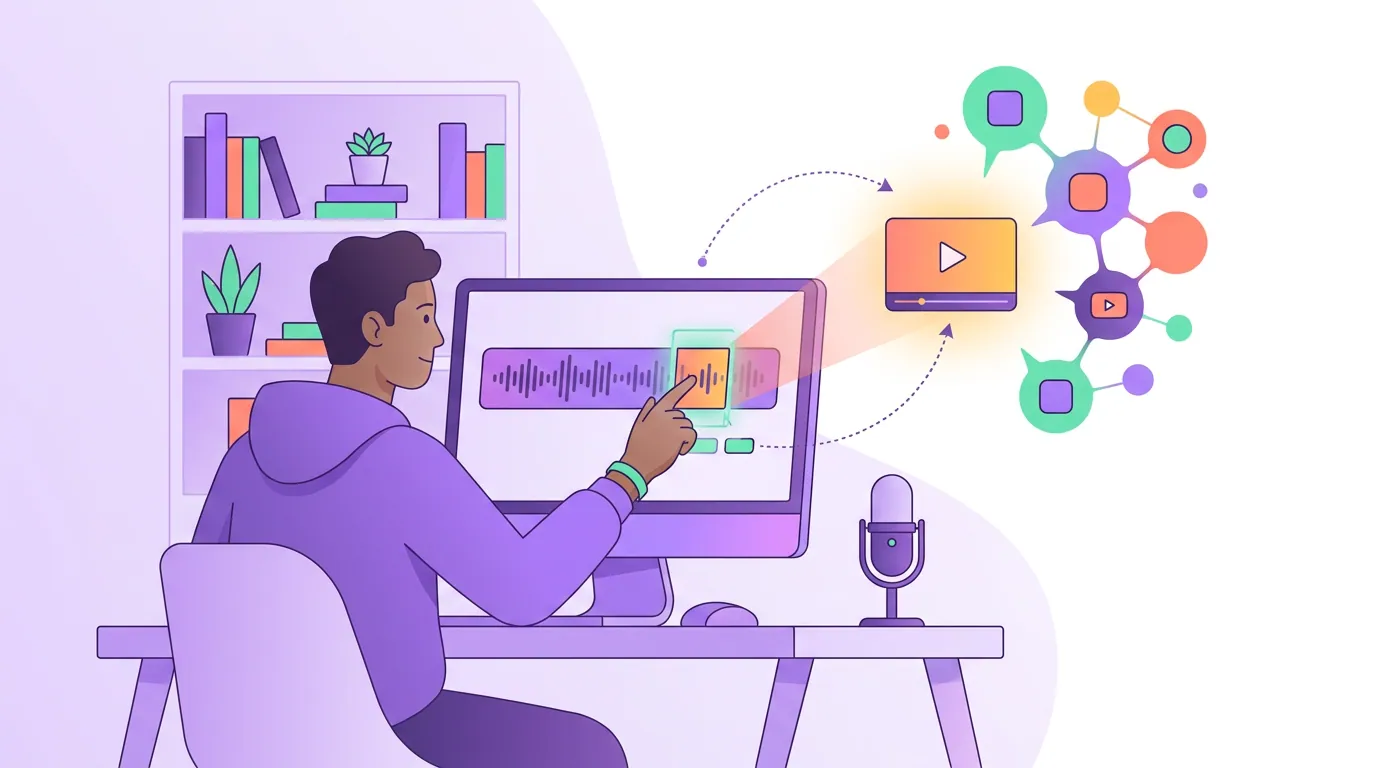
Step six does the most for growth and gets skipped the most, because it feels like the optional one after the "real" work of publishing. It isn't. Clips drive an estimated 20–40% of new audience for video shows and can lift reach two to five times (Podcast Studio Glasgow). That is the difference between an episode your existing listeners hear and an episode new people discover.
The reason clips work on release day specifically is timing. Your guest is most likely to repost in the first 24 to 48 hours, the episode is fresh in your own head so the best moments are easy to find, and the platforms favor content that's getting early engagement. Schedule the clips while the episode is hot and let them trickle out over the week.
Three to five clips per episode is the realistic target for a solo host or a small team, enough to feed several platforms without turning release day into an editing marathon. You don't need to clip live; pick the moments during your final listen-back (the same pass where you write the show-notes hook), and either trim them yourself or let an AI tool pull candidate moments for you to approve. Either way, build it into the routine so it happens every week, not just the weeks you feel ambitious.
Common release-day mistakes (and the fix)
- Publishing the wrong file. The rough cut, the version with the swear you meant to bleep, the file from last episode. Fix: step one is "verify the master," and the pre-flight QA's first-and-last-30-seconds check catches most of it.
- Forgetting the timezone on a scheduled post. Your 7am drop posts at 7am somewhere else. Fix: confirm the timezone every single time you schedule; it's a 10-second check that prevents a wasted launch window.
- Skipping the show notes "just this week." That episode is now invisible to search and shares badly. Fix: a template makes the notes a 10-minute job, so there's no week it's worth skipping, pull from the reusable show-notes format.
- Telling your guest late, or not at all. The highest-value reshare you'll get, missed because you forgot to message them on day one. Fix: guest notification is a fixed step with a pre-written message, not a "when I get to it."
- Dumping every clip at once. Five clips in one afternoon, then nothing for a week. Fix: schedule them spread across the week so the episode stays visible.
- Announcing before you've checked the episode is actually live. You post the link, someone taps it, and the episode hasn't propagated yet. Fix: publish and verify it appears in a real player before you post the announcement.
- No checklist at all. Doing it from memory while tired guarantees a different episode breaks each week. Fix: print one page, run it top to bottom, every time.
FAQ
How long should podcast release day take? About 45 minutes once your show notes and clips are templated and you're running the steps as a routine. The first few releases will take longer, closer to 90 minutes, because you're building the templates and learning the order. The publishing itself is two minutes; everything else is verifying and distributing.
What should I check before publishing a podcast episode? Five things: the first and last 30 seconds play clean, loudness sits near -16 LUFS, the title and episode number are correct, every link clicks through, and the right episode art and chapters are attached. Run all five before you hit publish, not after.
Do I need to post clips on the same day the episode drops? Schedule them on release day, but spread the posting across the week. Day one is when your guest is most likely to reshare and when platforms reward early engagement, so set the clips up immediately, then let one go out every day or two rather than all at once.
Should I publish my episode and announcement at the same time? Publish first, verify the episode appears in a real podcast player, then announce. If you announce before the episode has propagated to the apps, early taps hit a dead link and you've burned your best traffic on an error page.
Can I reuse the same checklist for every episode? Yes, that's the entire point. The steps don't change episode to episode; only the contents do. Print one page, tape it by your monitor, and the routine becomes muscle memory after about a month. Pair it with a plan for which directories each episode should reach so distribution is a checkbox, not a decision.