
Adding Chapters to Your Podcast: A Step-by-Step Setup


To add chapters to a podcast, you pick where the chapters live: embedded inside the MP3 (ID3 chapters), in your RSS feed as Podlove Simple Chapters, or as a separate Podcasting 2.0 JSON file the feed points to. No single format works everywhere, so most shows publish feed-based chapters plus timestamps in the show notes as a universal fallback.
That trade-off is the whole topic, and most guides skip it. This walkthrough covers what each chapter format is, exactly which apps render it, the step-by-step way to publish through your host, and a copy-paste titling and timestamp convention you can reuse on every episode. There is also a section on YouTube chapters, which follow their own strict rules and break silently if you get the format wrong.
What are podcast chapters, and do they matter?
Podcast chapters are titled, timestamped segments inside an episode that let a listener see the structure and jump to a section. In a supporting app they show as a tappable list, "Intro," "The interview," "Listener questions", sometimes with per-chapter artwork and links. They make a long episode browsable instead of a single undifferentiated block.
Whether they are worth the effort depends on your show. Chapters earn their keep on long, multi-segment episodes, interviews, news roundups, anything past 40 minutes where listeners want to skip the ad or replay one answer. For a tight 18-minute solo episode, they add little. The honest version: chapters are a navigation feature for long content, not a growth lever. They will not get you found. What gets you found is discovery, and that increasingly happens off the platform, where 57% of listeners now rely on social media for podcast recommendations, the first time it has surpassed friends and family (InsideRadio, 2025). Chapters keep the listeners you already have; clips bring new ones.
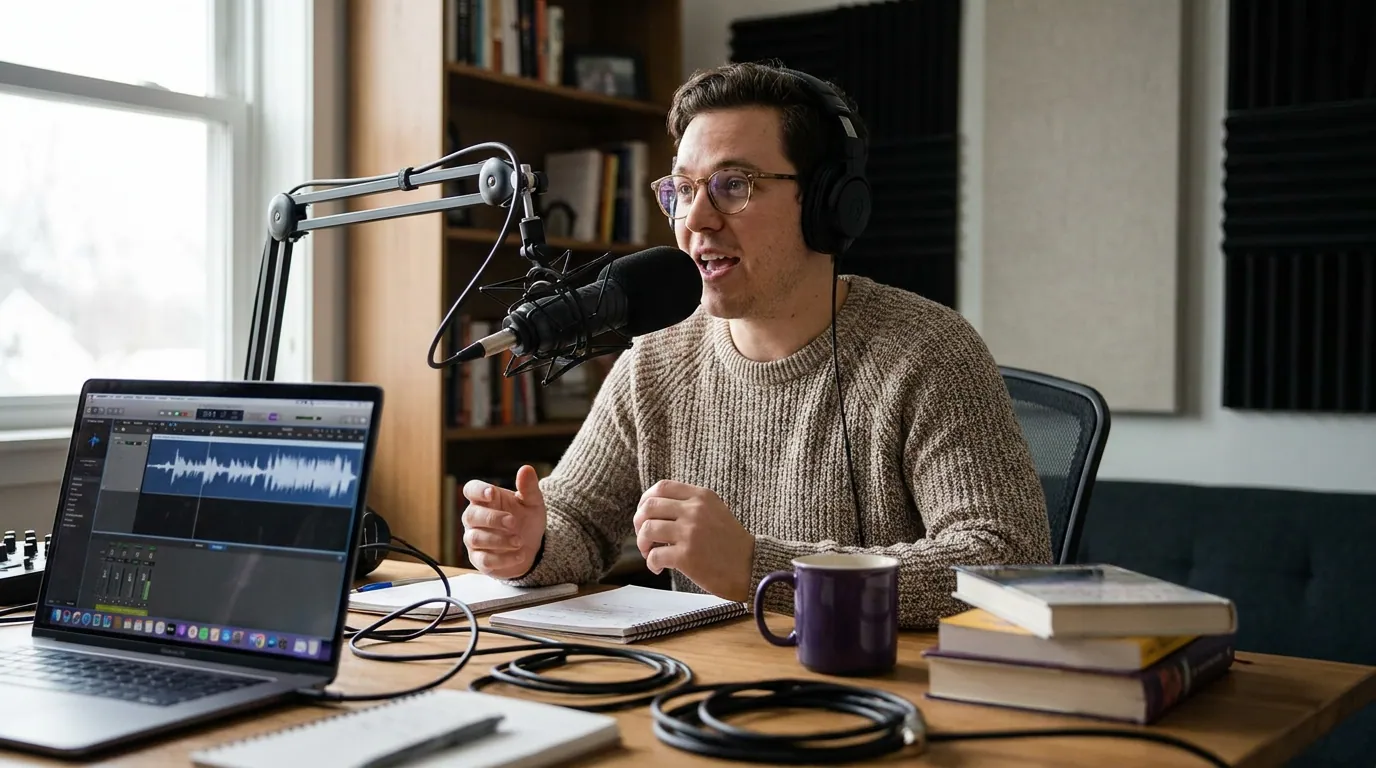
The three places chapters can live (plus a fallback)
There are three real chapter formats and one fallback, and the difference between them is purely where the data is stored. Get this model straight and the rest of the setup is mechanical.
1. Embedded MP3 (ID3) chapters. The chapter data is written directly into the audio file using ID3v2 chapter frames (the spec is the ID3v2 Chapter Frame Addendum). Because the chapters live in the file, they travel with it wherever the episode is distributed, download the MP3 and the chapters come too. This is the oldest method and the most app-agnostic, but it requires editing the file before upload with a tool like Apple's free Forecast (macOS), an ID3 editor, or a host that bakes them in.
2. Podlove Simple Chapters (PSC). An XML format that extends the RSS feed, defined by the open Podlove Simple Chapters specification. Each chapter is a
3. Podcasting 2.0 JSON chapters. The newer open standard. Chapters live in a separate JSON file referenced from the feed via the Podcasting 2.0
4. Show-notes timestamps (the fallback). Plain timecodes in your episode description, 00:00 Intro, 04:12 The interview begins. Apple Podcasts (since iOS 18) and Spotify detect these and convert them into tappable markers. No tooling, works almost everywhere, and it is the one method you should always include alongside whichever real format you pick.
Which apps render which format?
No format covers every app, which is why the layered approach below exists. Here is the practical support picture as of mid-2026, verify against your own host and target apps before you commit, since this corner of podcasting changes faster than most.
| Chapter format | Where it lives | Apps that render it (mid-2026) |
|---|---|---|
| Embedded MP3 (ID3) | Inside the audio file | Broad, app-agnostic (Overcast, Pocket Casts, many players); the legacy default |
| Podlove Simple Chapters (PSC) | XML in the RSS feed | Spotify (native), several feed-aware apps |
| Podcasting 2.0 JSON | Separate file linked in feed | Podverse, Fountain, Castamatic, web players; Apple Podcasts via iOS 17.4 |
| Show-notes timestamps | Episode description | Apple Podcasts (iOS 18+), Spotify, as tappable markers |
Source: RSS.com chapter support across apps. A caveat worth stating plainly: "supports chapters" can mean two different things. Some apps let you tap a chapter to jump; others only display the list. Spotify, for example, shows chapter titles but its jump-to-chapter behavior has lagged the apps built around Podcasting 2.0. Test on a real device before you assume a chapter is tappable.
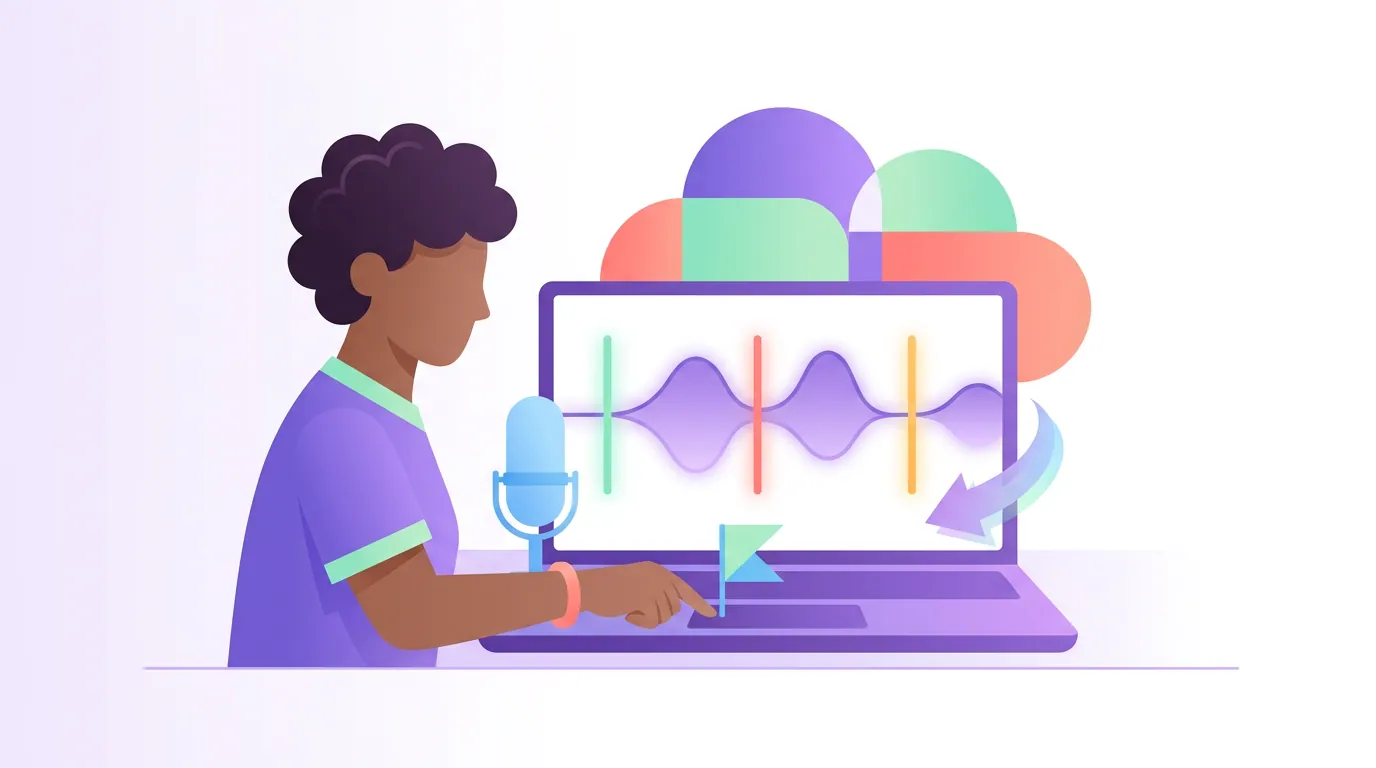
How to add chapters: the step-by-step setup
The fastest reliable path uses your hosting platform, which handles the format conversion for you. Here is the layered method that gets the widest coverage.
- Mark your chapter points while you edit. In your editor, note the start time of each new segment, intro, first topic, ad, interview, listener questions, outro. Round to the second. Keep the list to the real structural breaks; a 35-minute episode usually has four to eight chapters, not twenty.
- Write the titles using the convention below. Title each chapter before you touch any tool. Good titles are the part most people rush and the part listeners actually use.
- Add chapters in your host's dashboard. Most modern hosts (Buzzsprout, RSS.com, Captivate, Transistor and others) have a chapters field per episode. Enter the timestamp and title for each one. The host then publishes them as Podcasting 2.0 JSON and/or PSC in your feed automatically, no file editing on your end. This is the route to take if your host supports it.
- If your host has no chapters field, embed ID3 chapters before upload. Use Apple's free Forecast (macOS) or an ID3 chapter editor to write chapters into the MP3, then upload that file. The chapters travel inside the audio.
- Always add the timestamps to your show notes too. Paste the same timecodes and titles into the episode description so Apple (iOS 18+) and Spotify generate tappable markers. This is your universal fallback and it costs nothing. Your show notes already do real work for discovery and navigation, the timestamps slot right in.
- Publish, then check on a real device. Pull up the live episode in Apple Podcasts and Spotify and confirm the chapters appear and behave the way you expect. A change in your host's feed can take a little time to propagate. If something looks wrong, the problem is almost always in how your RSS feed is structured, not in the audio.
The reason to prefer the host route is simple: it keeps a single source of truth. Embedded chapters mean re-exporting the whole MP3 to fix one typo. Feed-based chapters you can edit in the dashboard and republish in seconds.
The copy-paste chapter-titling convention
Listeners scan a chapter list the way they scan a menu, so your titles should read like menu items: short, concrete, parallel. Use this convention on every episode and your chapters stop being an afterthought.
- Lead with the topic, not the format. "The $40k pricing mistake" beats "Segment 2." A title that names the payoff gets the tap.
- Keep it under ~40 characters. Small screens truncate long titles. Front-load the meaningful word.
- Stay parallel across the list. Either all noun phrases or all questions, don't mix "Intro," "How we hired," and "Pricing." Pick one shape.
- Name the ad chapter honestly. "Sponsor" or "Ad break" is fine and builds trust; a disguised ad chapter erodes it.
- First chapter starts at 0:00. Always. Several systems (and YouTube specifically) require the first timestamp to be
00:00or the whole set is ignored.
A clean chapter block, formatted for both your host's field and your show notes, looks like this:
`` 00:00 Cold open 00:48 Welcome and what's in this episode 03:15 Why we changed our pricing 11:30 The guest's biggest mistake 24:05 Listener questions 31:40 One thing to try this week ``
Timestamp formatting rules that prevent silent failures
Timestamps break quietly, the chapters just don't appear, with no error. The rules that actually matter:
- Use colons, never commas or periods.
04:12, not04,12or4.2. A comma or decimal breaks the parse. - Use
MM:SSunder an hour,H:MM:SSover it. Be consistent within one episode. - Put the timestamp first on the line.
03:15 Why we changed our pricingworks;Chapter 3 - 03:15 Pricingdoes not. Text before the timecode breaks detection in show-notes parsing. - List them in ascending order. Out-of-order timecodes are ignored.
- Leave at least 10 seconds between chapters. Anything shorter is dropped by several systems, YouTube included.
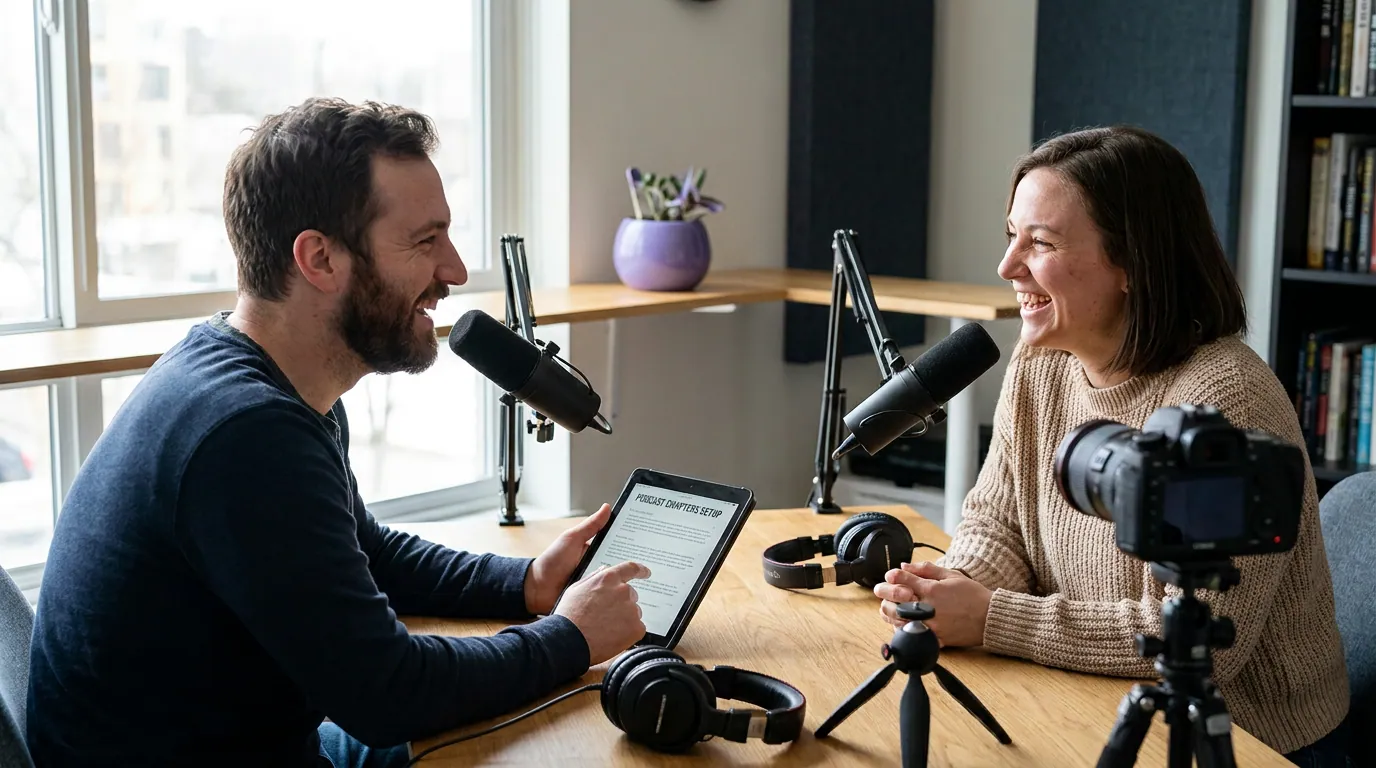
YouTube chapters follow their own rules
If you publish a video version on YouTube, its chapters come from timestamps in the description and follow stricter rules than podcast apps, and a single mistake means none of them appear (YouTube Help). Get these three right or YouTube ignores the whole set:
- The first timestamp must be
0:00. If your first listed time is0:15, chapters won't activate at all. - You need at least three chapters. Two timestamps will not trigger chapter markers.
- Each chapter must be at least 10 seconds long, listed in ascending order, with the timecode first on its line.
The same description block you wrote for your podcast show notes works on YouTube as long as it obeys those rules. Manual chapters override YouTube's auto-generated ones, so a clean list always wins. Distributing the video version is a separate decision, map it out in your platform distribution plan so the same episode reaches both audio apps and YouTube.
Common mistakes (and the fix)
- Only embedding ID3 chapters. They miss Spotify's PSC reader and the newer app ecosystem. Fix: publish feed-based chapters via your host and keep show-notes timestamps as the catch-all.
- First chapter not at 0:00. The single most common silent failure. Fix: always start the list at
00:00. - Commas, decimals, or text before the timecode. Each one breaks parsing with no warning. Fix: timecode first, colons only.
- Twenty micro-chapters. A chapter every 30 seconds is noise and trips the 10-second minimum. Fix: chapter the real structural breaks, four to eight on a typical episode.
- Chaptering short solo episodes. Effort with no payoff on an 18-minute show. Fix: reserve chapters for long, multi-segment episodes where listeners actually skip around.
- Never checking on a device. "Supports chapters" can mean display-only. Fix: confirm tap-to-jump in Apple and Spotify on a real phone after publishing.
Setting chapters up well is part of the same publishing hygiene as reading your analytics from day one, both are small habits that compound into a show that is easy to follow and easy to grow.
FAQ
Do podcast chapters help with SEO or discovery? Not directly. Chapters are a navigation feature for existing listeners, not a ranking signal in podcast apps. They make long episodes easier to use, which can help retention, but they will not bring new people in. Discovery comes from clips, show notes, and being on every platform, not from chapter markers.
What is the difference between embedded and enhanced chapters? "Embedded" chapters are written into the MP3 itself (ID3 frames) and travel with the file. "Enhanced" usually refers to feed-based Podcasting 2.0 chapters that can carry per-chapter artwork, links, and a table-of-contents flag. Enhanced chapters are richer and editable after publishing; embedded chapters are older but more universally readable.
Will chapters work in Spotify and Apple Podcasts? Yes, but through different routes. Spotify natively reads Podlove Simple Chapters and detects show-notes timestamps. Apple Podcasts reads Podcasting 2.0 JSON chapters from the feed as of iOS 17.4 and detects show-notes timestamps from iOS 18 onward. Publishing feed chapters plus timestamps covers both.
How many chapters should an episode have? Match the real structure. A 35-minute interview typically has four to eight chapters, intro, the main segments, the ad, and the outro. More than that becomes clutter, and chapters under 10 seconds are dropped by several systems. Chapter the breaks a listener would actually want to jump to.
Can I add chapters after an episode is already published? With feed-based chapters, yes, edit them in your host's dashboard and republish; the change flows through your RSS feed. With embedded ID3 chapters you have to re-export and re-upload the MP3. This editability is the main reason to prefer the host or feed route over embedding.